
Key takeaways:
- Choose the right MP4 editor by balancing ease of use, cost, and essential features.
- Beginner‑friendly editors include Riverside, Filmora, iMovie, Clipchamp, and VivaVideo.
- Professional editors worth exploring are Adobe Premiere Pro, DaVinci Resolve, and PowerDirector.
- AI‑powered editors like Riverside and PowerDirector offer standout automation features.
The MP4 format is renowned for delivering high‑compression video without noticeable quality loss, making it one of the most widely used container formats worldwide.
When selecting a video editor, ensure it supports MP4 natively. Below we’ve ranked the best options for both desktop and mobile, covering every skill level.
What to Consider When Choosing an MP4 Editor
Deciding on a video editor involves more than just the price tag. Here are the core criteria to keep in mind.
System Compatibility
Confirm that the software runs on your operating system—whether you’re on Windows, macOS, iOS, or Android. Cross‑platform editors can streamline your workflow across devices.
Experience & Ease of Use
A user‑friendly interface is essential, especially for beginners. However, tools that are too simplistic may lack advanced functions needed by seasoned editors. Find a balance that matches your current skill level.
Budget
Determine how much you’re willing to spend. Free plans are great for casual use, while subscriptions or one‑time purchases offer expanded features for regular creators.
Creative Vision
Define your project goals. Social‑media clips require quick effects and captions, whereas professional presentations demand precise color grading and multi‑track audio. Select a tool whose feature set aligns with your creative needs.
10 Best MP4 Video Editors for Mac & Windows
Riverside
Price: Free plan, $15/month (Standard), $24 (Pro), Business on request.
Compatibility: Windows, macOS, iOS, Android.
Best for: All‑in‑one recording and editing.
Ease of use: Beginners to intermediate.
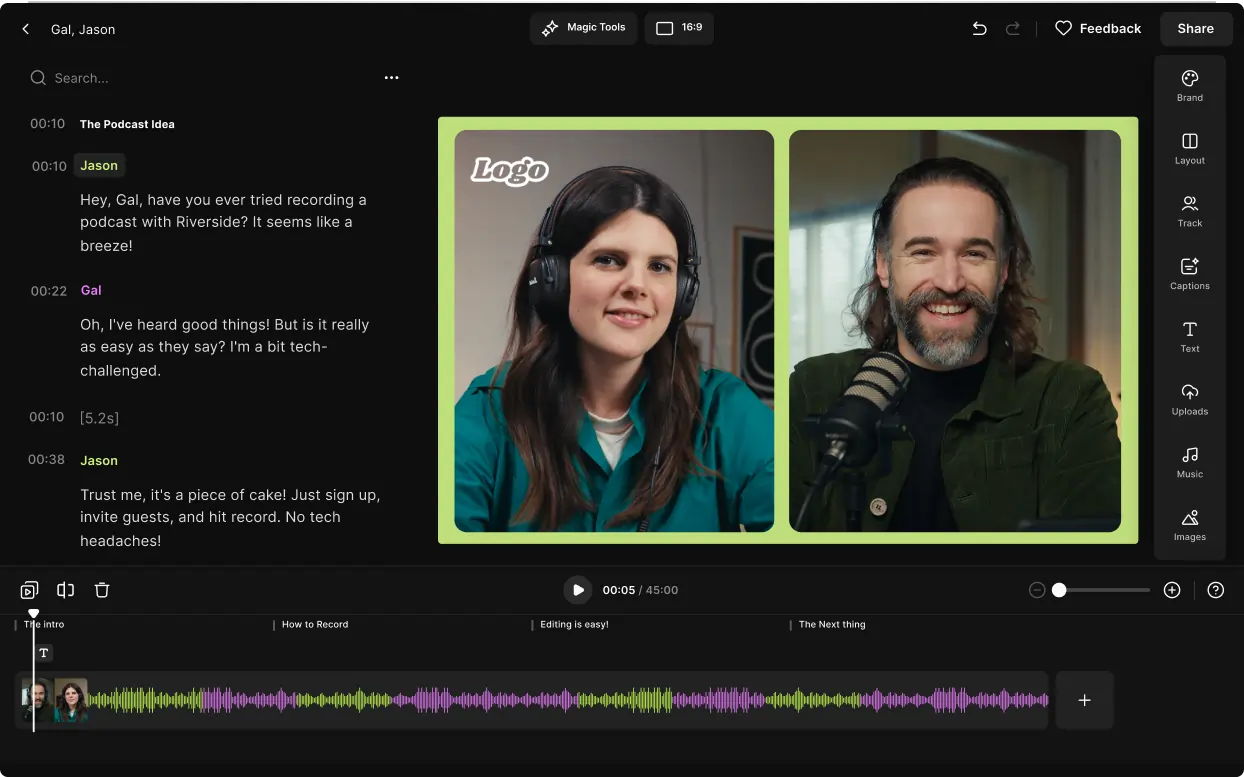
Riverside blends high‑quality 4K recording with a text‑based editor that feels like drafting a document. Delete, trim, and rearrange clips with simple text edits. Add overlays, music, and AI‑generated captions effortlessly. The AI Magic Audio tool cleans audio and removes background noise, while the Magic Clips feature auto‑creates shareable highlights.
Key features:
- 4K video and 48kHz audio support
- Text‑based editing for intuitive workflow
- Multi‑track audio adjustment
- Color‑coded timeline by speaker and chapter
- One‑click clip generation with Magic Clips
- Automatic audio equalization and pause removal
- AI captions in 100+ languages
- Royalty‑free music and image overlays
- Live media board for real‑time content insertion
Adobe Premiere Pro
Price: $22.99/month (annual) or $59.99/month (All‑Apps bundle).
Compatibility: Windows, macOS.
Best for: Professional video production.
Ease of use: Advanced.
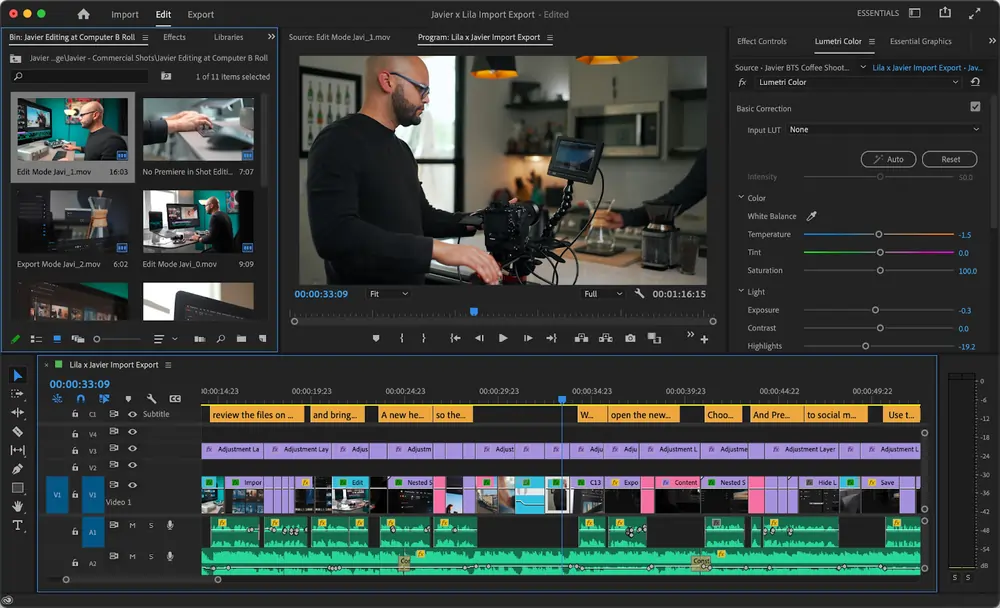
Industry‑standard Premiere Pro delivers unparalleled flexibility for VFX artists, animators, and cinematographers. Support for 4K, 8K, and 360° VR editing, along with multicam and intelligent audio waveforms, makes it the go‑to for complex projects. Its steep learning curve and cost justify its use for serious creators.
Key features:
- Multicam editing and synchronization
- AI auto‑tagging for sound, dialogue, and music
- Built‑in effects: background removal, sky replacement, stabilization, color grading, blur
- Extensive third‑party plugin ecosystem
PowerDirector
Price: Free Essential plan; $54.99/year (365) or $99.99/year (Director Suite).
Compatibility: Windows, macOS.
Best for: AI‑enhanced editing.
Ease of use: Intermediate to advanced.
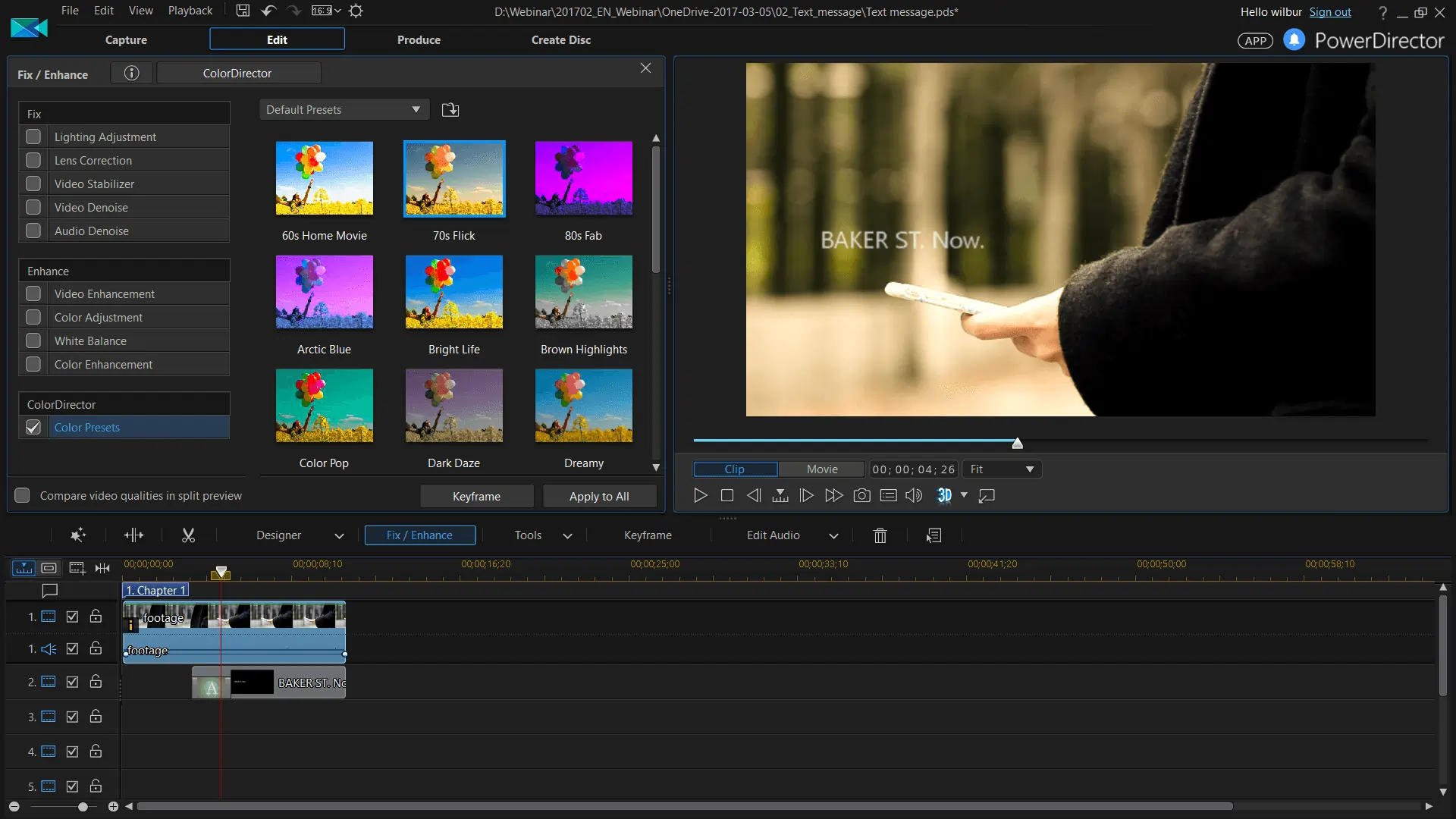
CyberLink PowerDirector blends speed with a comprehensive feature set. Its new AI tools—Background Music Smart Fit, wind noise removal, sky replacement, voice enhancement, and AI image generation—add powerful automation. The free plan offers many features, but the Director Suite unlocks unlimited generative AI credits.
Key features:
- Particle and animated overlays
- AI voice enhancement and replacement
- Automatic music and transition insertion
- 4K and 360° video support
DaVinci Resolve
Price: Free; $295 for Studio edition.
Compatibility: Windows, macOS.
Best for: Advanced color grading and free professional tool.
Ease of use: Advanced.
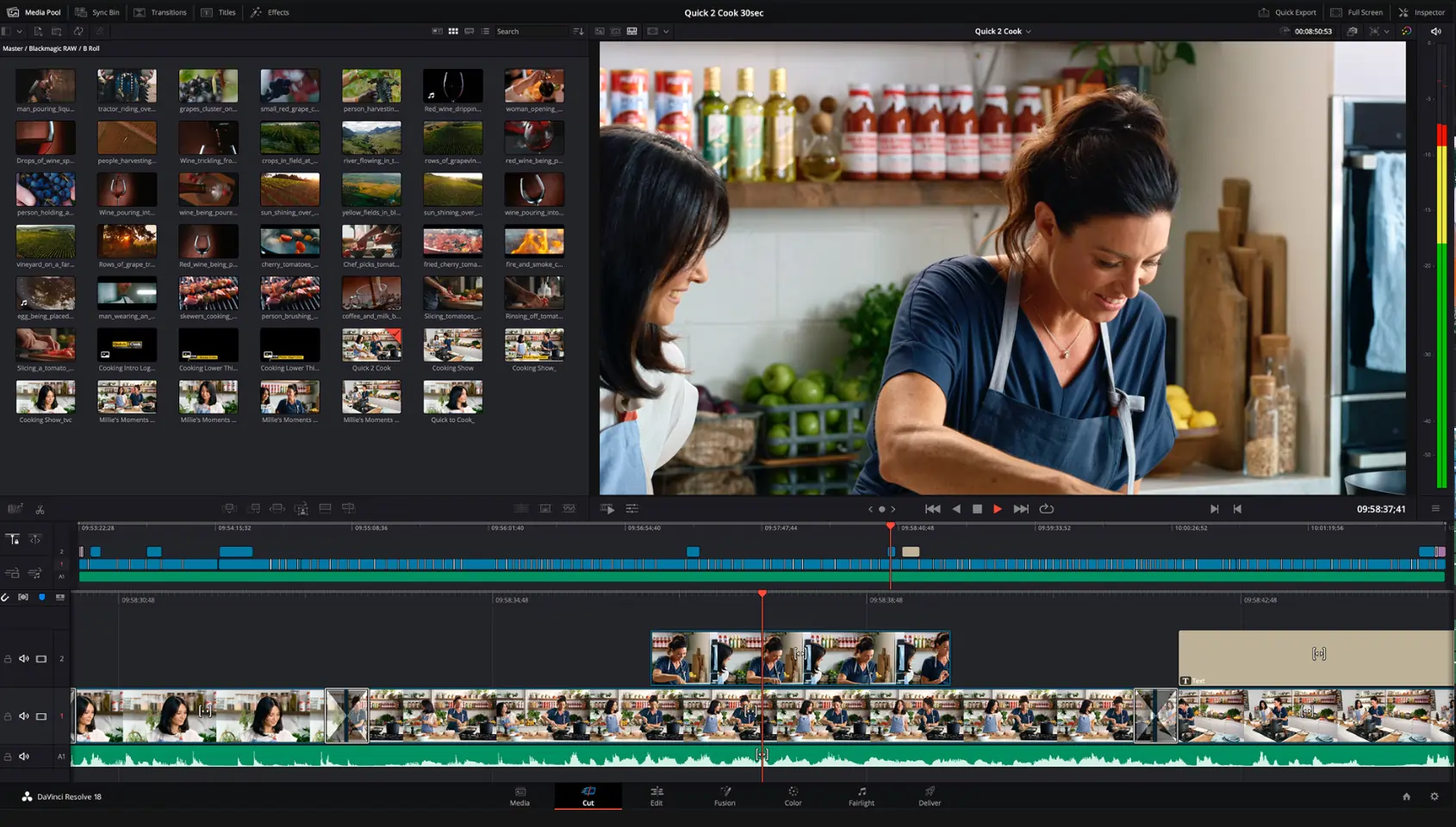
DaVinci Resolve stands out for its industry‑leading color correction, with a dedicated “Cut” tab for fast edits and an “Edit” tab for detailed work. While the free version is already robust for YouTubers and gamers, the Studio edition adds HDR grading, 3D stereoscopic, and collaboration features.
Key features:
- Precision color correction and grading
- Team collaboration workflow
- 60fps and 4K editing support
- Asymmetric video and audio transitions
iMovie
Price: Free.
Compatibility: macOS, iOS.
Best for: Apple ecosystem users.
Ease of use: Beginner.
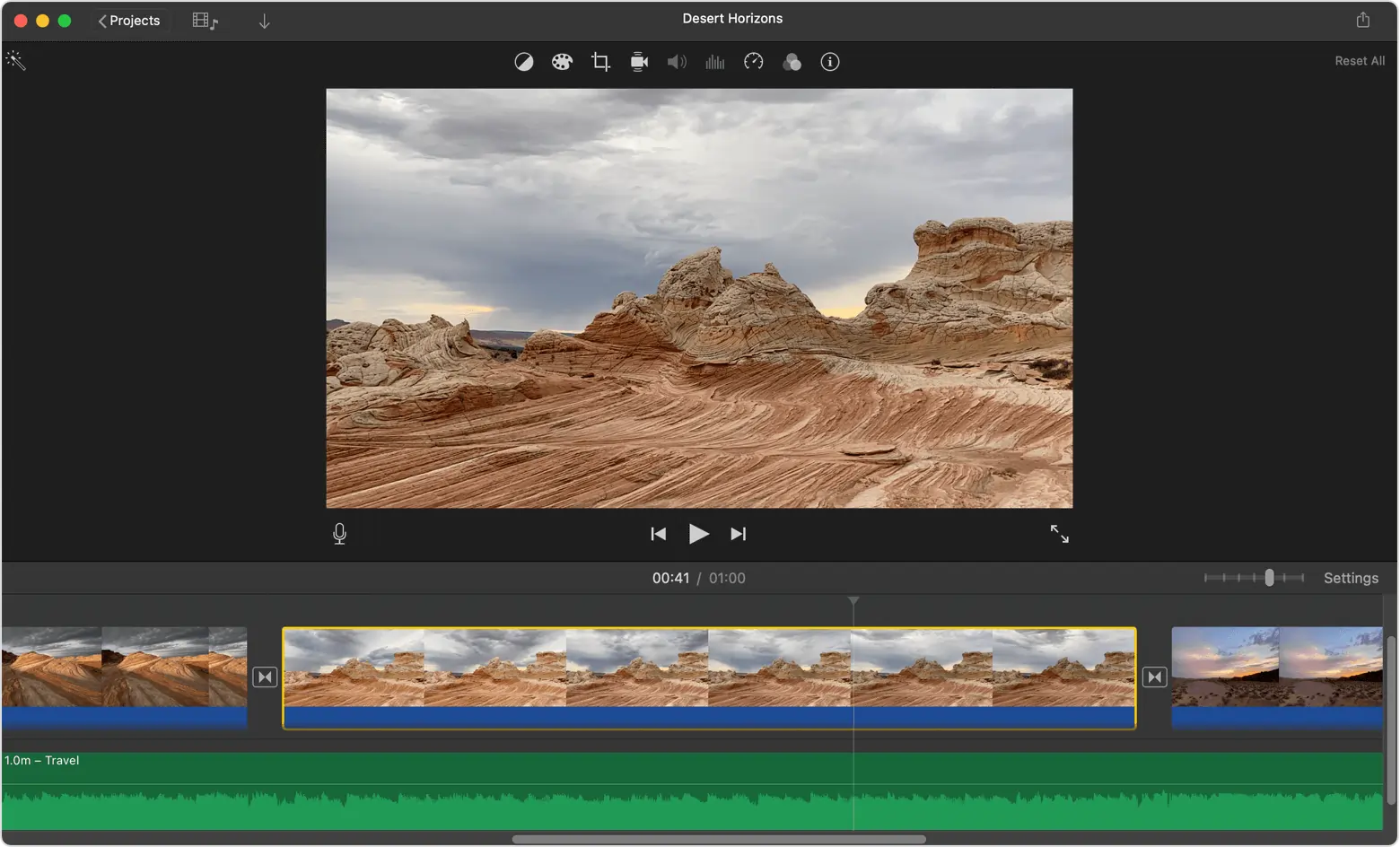
iMovie offers a polished drag‑and‑drop experience with 4K support and Magic Movies mode, which automates most editing tasks. Seamless syncing across iPhone, iPad, and Mac allows creators to work on the same project on any Apple device.
Key features:
- Genre‑based storyboards (Gaming, Cooking, DIY)
- Automatic cross‑dissolve between clips
- Magic Movies for instant edits
- 4K export capability
Movavi
Price: Free trial; $54.95/year or $74.95 lifetime.
Compatibility: Windows, macOS.
Best for: Affordable all‑round editor.
Ease of use: Beginner to intermediate.
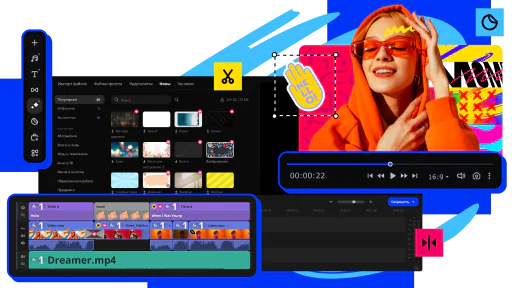
Movavi balances affordability with a wide array of tools: slow motion, chroma key, color adjustment, and more. It supports direct recording from devices and offers a range of effects and transitions. The lifetime license is a one‑time investment that keeps you out of subscription fees.
Key features:
- Preset intro sequences and animated titles
- Chroma key background removal
- Direct recording from smartphone, webcam, or screen
Clipchamp
Price: Free plan; $11.99/month premium.
Compatibility: Windows, macOS (web‑based).
Best for: Social‑media quick content.
Ease of use: Beginner.
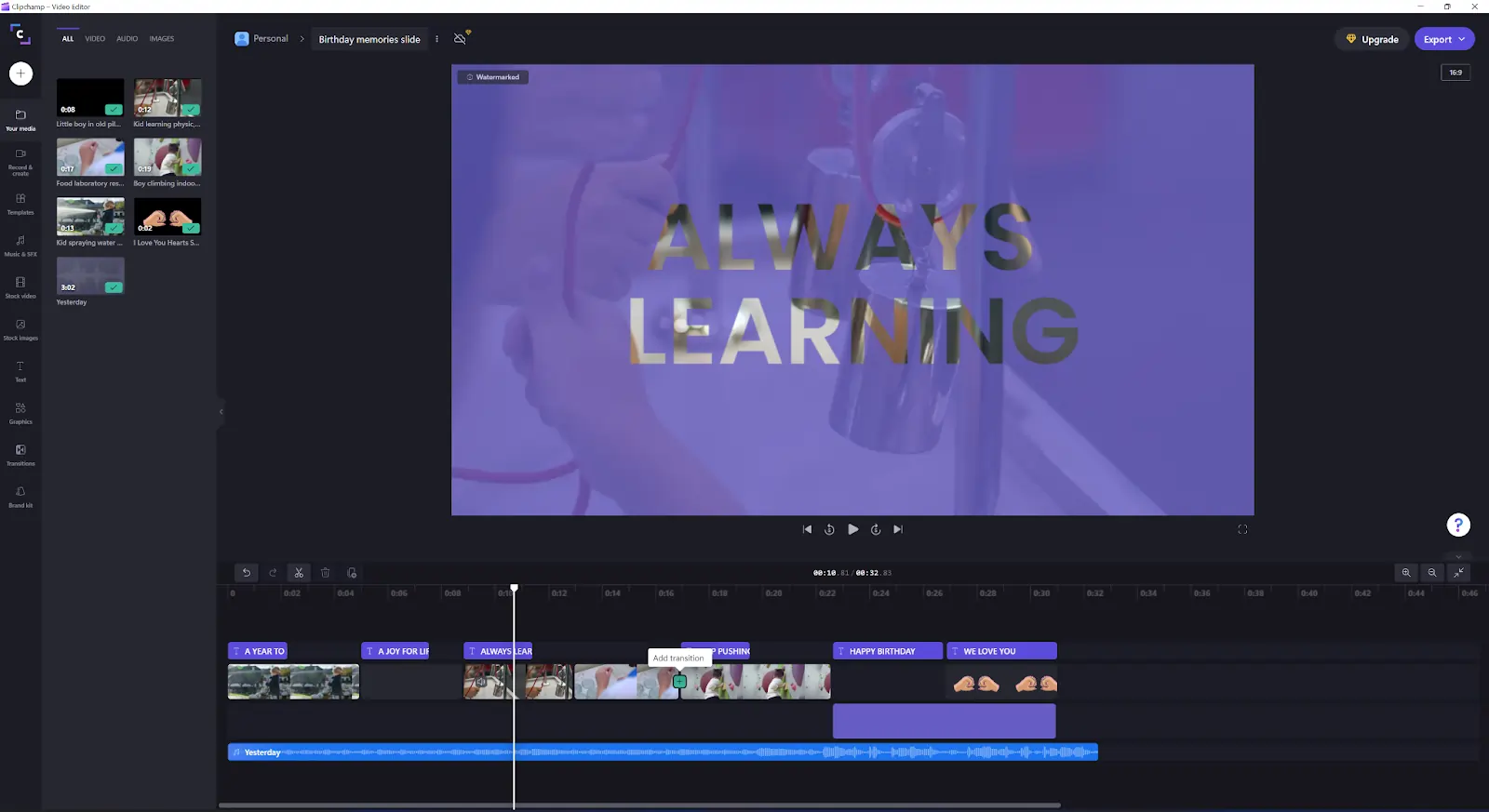
Clipchamp excels at producing template‑driven social media assets. Its browser‑based interface means you can edit from any computer without installing software. The free tier is generous, and the premium plan unlocks more effects and higher resolution exports.
Key features:
- AI text‑to‑speech in multiple languages
- Automatic captions downloadable as SRT files
- Large library of pre‑made templates
- Browser editing without installation
10 Best MP4 Video Editors for iOS & Android
InShot
Price: Free with in‑app purchases; $3.99/month or $17.99/year Pro; $3.99 ad‑free.
Compatibility: iOS, Android.
Best for: Mobile editing with music integration.
Ease of use: Intermediate.
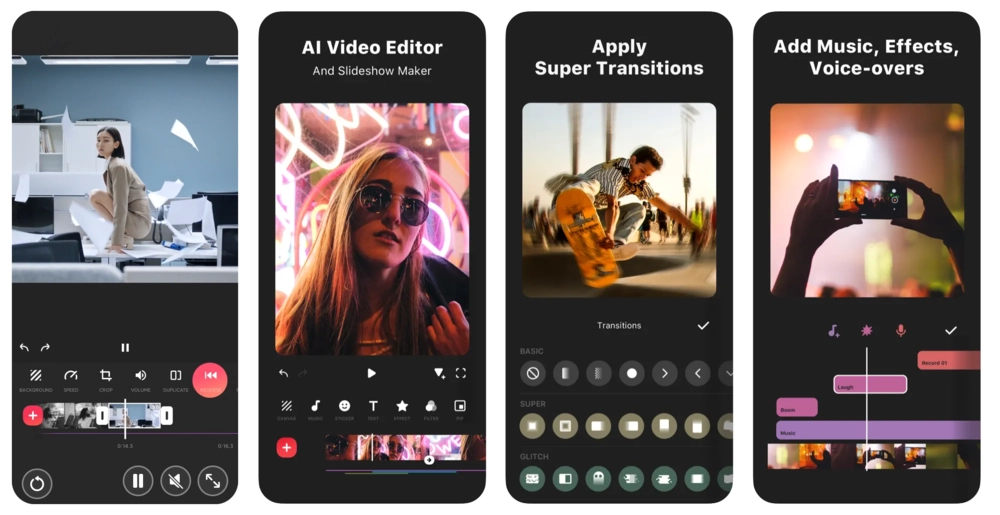
InShot started as a photo editor and evolved into a popular mobile video editor. It offers music extraction, speed curves, and a library of transitions and stickers. The interface is intuitive, making it easy to share finished videos on social platforms.
Key features:
- Audio extraction for reuse
- Background blur to focus on subjects
- Speed control for specific segments
- Extensive royalty‑free music library
VivaVideo
Price: Free; $6.99/month or $35.99/year VIP.
Compatibility: iOS, Android.
Best for: On‑the‑go editing.
Ease of use: Beginner.
VivaVideo’s clean interface lets users create short videos quickly. It supports filters, effects, overlays, and speed adjustments. VIP features such as AI voice changer and color correction are behind a paywall.
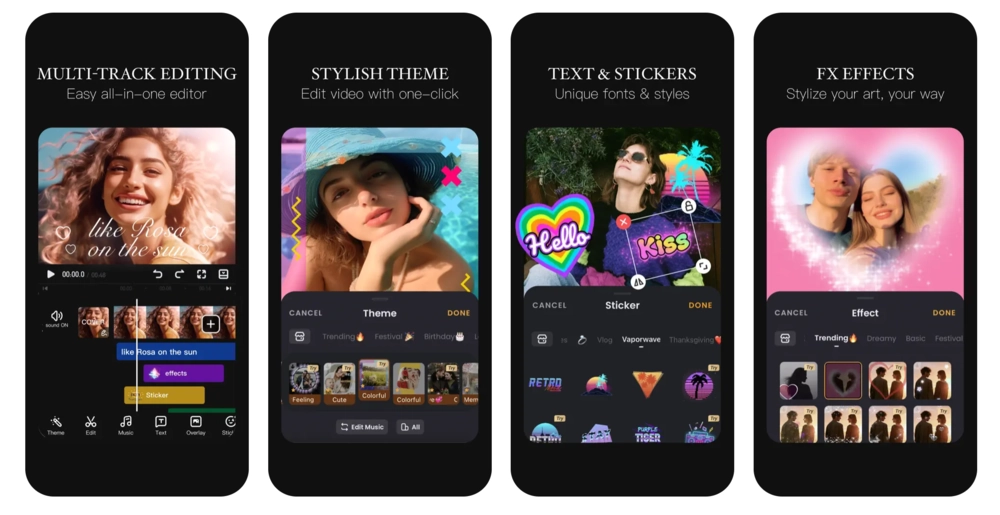
Key features:
- AI auto‑captioning
- Video slideshow creation
- Collage maker for multi‑clip projects
- One‑tap filters and effects
Final Thoughts
Whether you’re a hobbyist or a seasoned filmmaker, the right MP4 editor will streamline your workflow. Align your choice with your budget, skill level, and creative goals. For an all‑round experience that combines recording, editing, and AI tools, Riverside remains an excellent starting point.
FAQs on MP4 Editors
Can you edit an MP4 video?
Absolutely. MP4 files are the most common video format and can be trimmed, split, merged, and enhanced in virtually any modern editor.
Does Windows have an MP4 editor?
Windows 10’s Photos app offers basic trimming and slow‑motion, but for complex projects a dedicated editor like Premiere Pro or DaVinci Resolve is recommended.
Are MP4 formats free to use?
MP4 is a free container format for end users, though commercial use may require licensing fees from MPEG‑LA.
What software can play MP4 files?
Popular players include VLC, Windows Media Player, and QuickTime. Most editors also convert MP4 to other formats like MOV or WEBM.