
Video content is on the rise, with up to 92% of marketers agreeing that videos provide a great return on investment.
The right video editing tools can help you quickly and easily enhance your content for better results. Video mergers can help you intuitively combine footage to produce comprehensive and cohesive clips for online distribution.
Wondering where to get started when it comes to selecting an effective video merger software program? Here are some of our top tips and recommendations!
What is a video merger?
A video merger is a software solution designed to help you combine two or more video files into one. You can use video merging tools to stitch together multiple clips, creating a single cohesive video project.
Effective video merging allows for smooth transitions between clips while combining files and presenting full, comprehensive information all in one place. A good merger can even help with content repurposing!
10 best free & paid video merger software for all devices
Fortunately, there are many great free and paid video merger software programs available with compatibility across a range of devices. Here are our top 10 picks!
1. Movavi
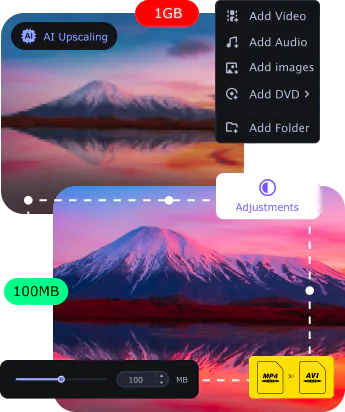
Price: From free to $109.95
Compatibility: Windows and Mac
Movavi is a comprehensive video editing tool with great video merging functionality. The system includes easy-to-use controls for combining multiple video files and integrating effective transition sequences. With Movavi, you can access a variety of features, from beginner-friendly tools to more advanced options.
Key features:
- Streamlined editing tools with both simple and advanced features
- AI-powered upscaling to improve poor video quality as needed
- High-speed file merging and conversion without compromising quality
Best for: Confident video editors with multiple files to merge.
2. Filmora Video Editor
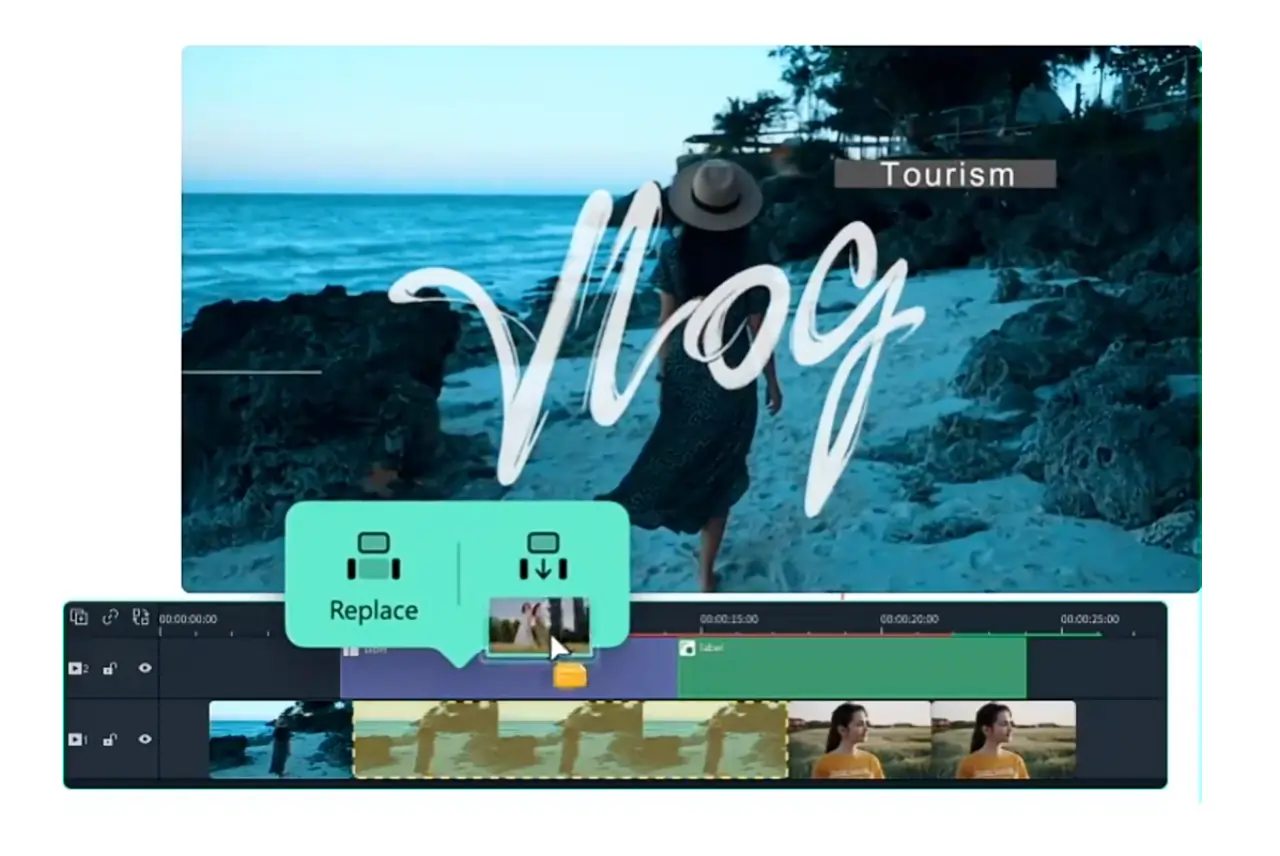
Price: From $72.99 / year to $116.99 lifetime
Compatibility: Windows and Mac
Filmora is a user-friendly editing system with great video and audio merging features. With Filmora, you can easily import video files and combine tracks with just a few clicks. The system also allows for trimming and editing, as well as animated transitions between merged video clips.
Key features:
- User-friendly merging, trimming, and editing capabilities
- Over 500 animated transition templates to choose from
- Support for more than 35 export file formats
Best for: Editors who want to rely on diverse features and template options.
3. Adobe Premiere Pro
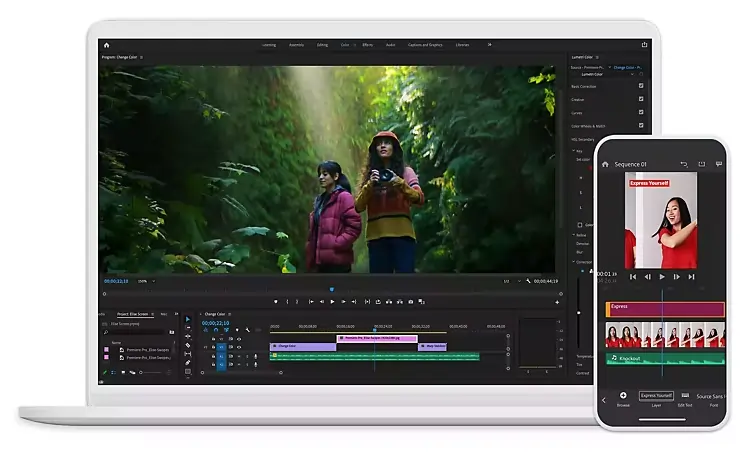
Price: From $29.99 to $79.99 / month
Compatibility: Windows and Mac
Adobe Premiere Pro is an industry standard for video editing. The software allows you to easily upload and merge multiple video files while smoothly integrating quality transitions and special effects. Adobe supports most popular file formats and maintains excellent video quality throughout the editing and export process.
Key features:
- Advanced video editing controls and functionalities
- Fast, effective video merging while preserving content quality
- Excellent after effects and special effects editing options
Best for: Experienced video editors looking for a professional software program.
4. KineMaster
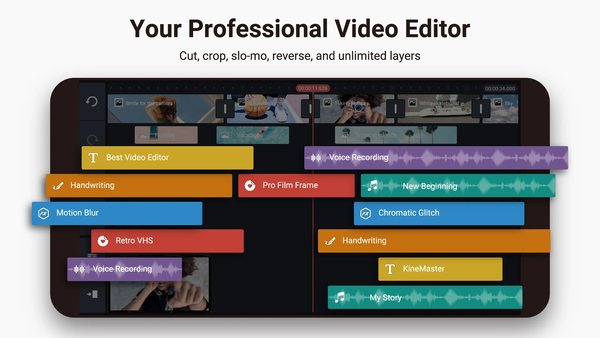
Price: From free to $119.99 / year
Compatibility: Android and iOS
KineMaster is an app-based video editor with great merging capabilities. The software allows you to precisely trim and combine existing video clips, as well as supporting animations, transitions, and other special effects. The interface also includes access to a variety of video templates that make editing and merging easy.
Key features:
- Thousands of easy video templates to choose from
- Seamless trim, crop, split, and merge functions integrated
- Option to publish videos directly to social media
Best for: Video editors who need to rely on a mobile device.
5. Aiseesoft Video Joiner
Price: From $60.17
Compatibility: Windows and Mac
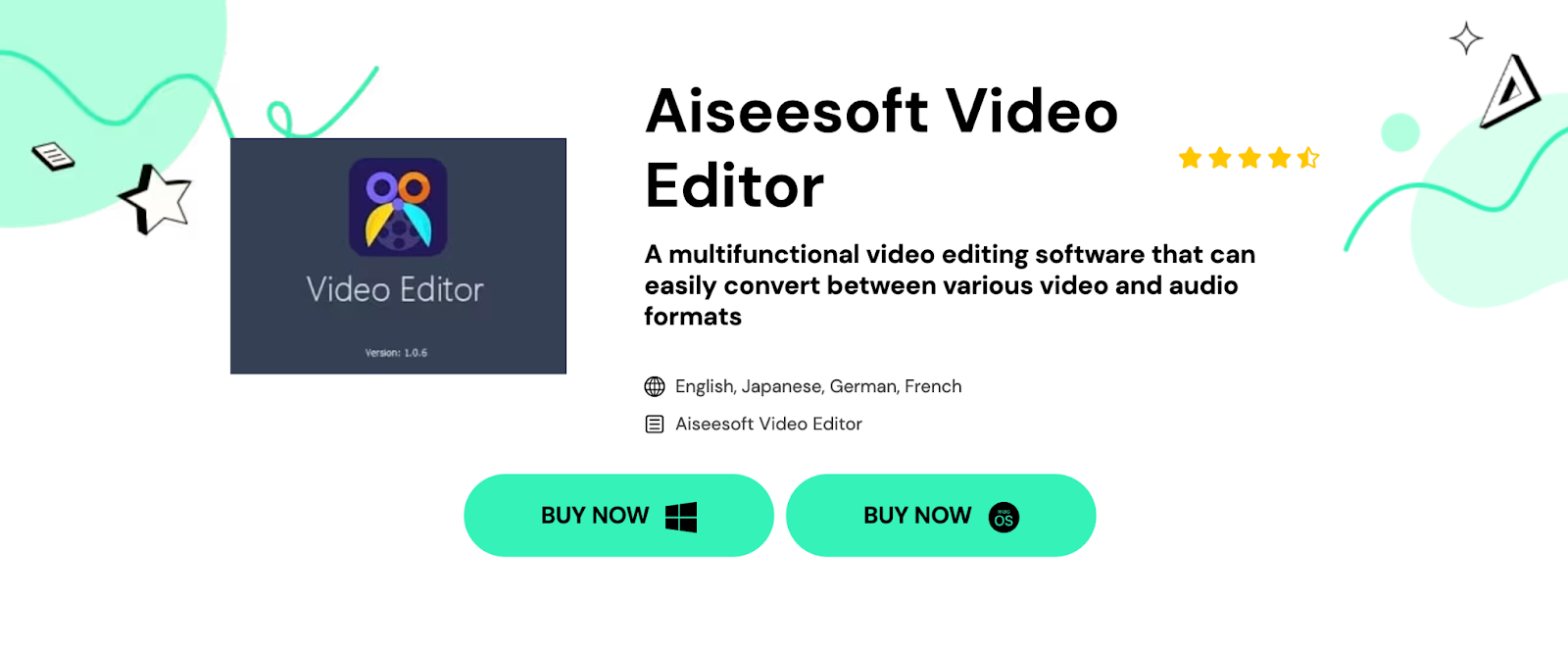
Aiseesoft Video Editor is a simple, intuitive software solution with great capabilities for novice producers. The program includes easy-to-use cutting and joining tools to support merging for multiple video tracks and files. You can access basic cropping and effects tools, along with video enhancements and watermark adding.
Key features:
- Beginner-friendly editing and merging tools
- Basic cropping, trimming, and other special effects options
- Intuitive design with reliable multifunction controls
Best for: Novice video editors searching for a simple software option.
6. Clideo
Price: From free to $9 / month
Compatibility: Online
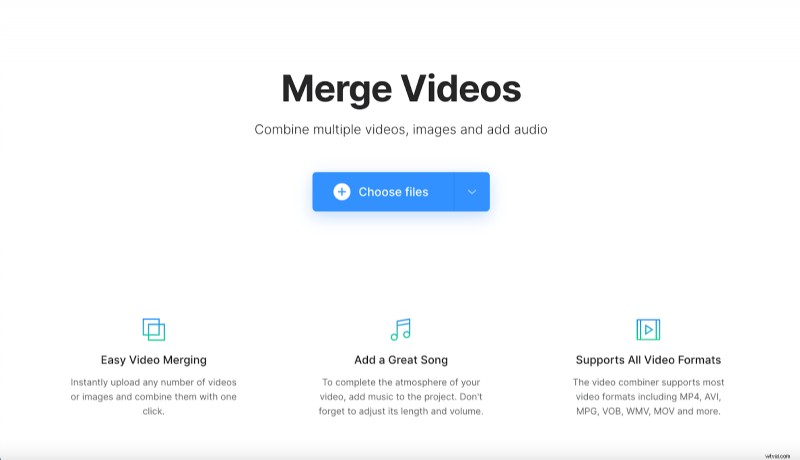
Clideo is a web-based video merger tool with an intuitive design and beginner-friendly controls. The platform supports all video formats and allows you to instantly upload and combine multiple video files. In addition you can add sound and visual effects as required.
Key features:
- Efficient file loading while preserving video quality
- 100% online interface with excellent file security
- Variety of crop and format options for combining video files
Best for: Users who need a simple, straightforward online tool.
7. Riverside
Price: From free to $24 / month
Compatibility: Online
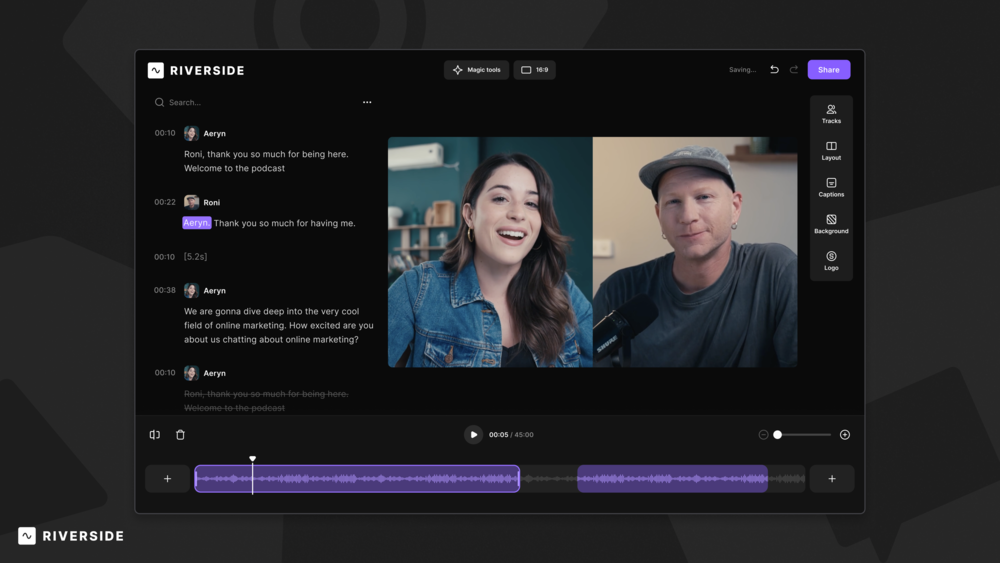
Riverside is a studio-quality recording and editing tool for creating professional video and audio content. The web-based software program allows you to easily capture separate video and audio tracks for up to 10 participants. While Riverside isn’t a full blown video merger, it’s perfect for podcasters who want to merge an intro or outro to their episode recordings.
In our text-based Editor you can simply upload your intro and outro. Then you can polish off your recording with captions, customizable layouts and automated audio fine-tuning.
Key features:
- Excellent native editing controls, including text-based editing for easy control
- Magic Clips feature, uses AI to automatically create short-form videos of your recordings’ key moments
- High video resolution (up to 4K) and up to 48kHz audio quality
- Media board, where you can add videos live to your recordings
- Intro/outro feature to easily merge your pre-recorded content into your podcast episodes
- Customizable background and logos, making branding simple
- Automatic AI transcriptions and captions in over 100 languages
- Intuitive interface with premium recording and editing capabilities
Best for: Video editors who want to achieve professional-quality results.
8. iMovie
Price: Free
Compatibility: Mac and iOS
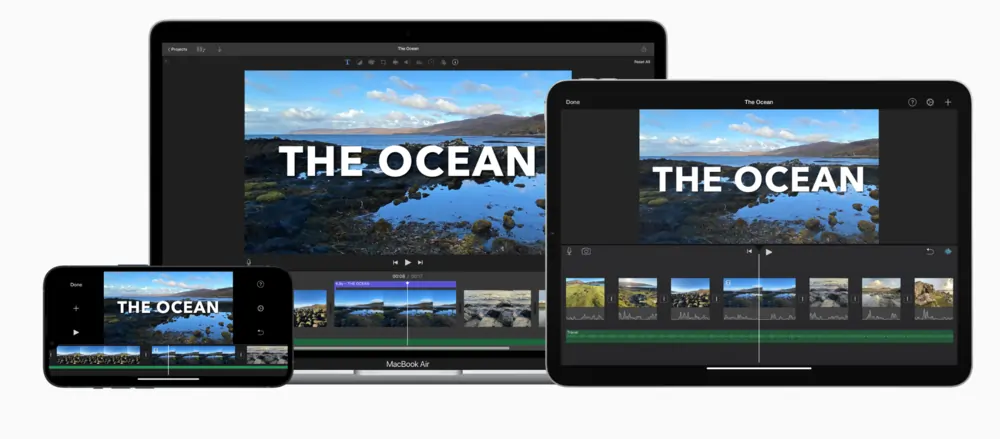
iMovie is a simple video editor designed for Apple users. The system is easy to use, with great non-linear editing tools. You can upload and combine multiple video files, integrating smooth transitions and effects as needed. The program also includes great export options for easy sharing to social media and other platforms.
Key features:
- Flexible video editing controls with a user-friendly interface
- Large collection of editing and merging tools and functionalities
- Great tutorials and learning resources available
Best for: Apple users looking for a simple cost-effective solution.
9. InShot
Price: From free to $17.99 / year or $39.99 lifetime
Compatibility: Android and iOS
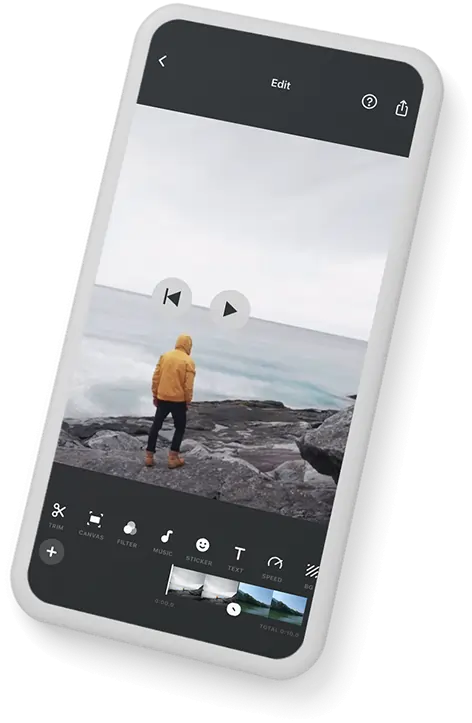
InShot is a popular mobile app with great video merging control. This app allows you to simply and easily combine multiple video clips with animated transitions and innovative aspect ratio merging. You can also add music and sound effects, along with additional visual elements.
Key features:
- Automatic merging for videos with different aspect ratios
- Easy-to-use visual effects and transition controls
- Mobile-friendly interface with simple export options
Best for: Mobile users with only basic editing skills.
10. Avidemux
Price: Free
Compatibility: Windows, Mac, and Linux
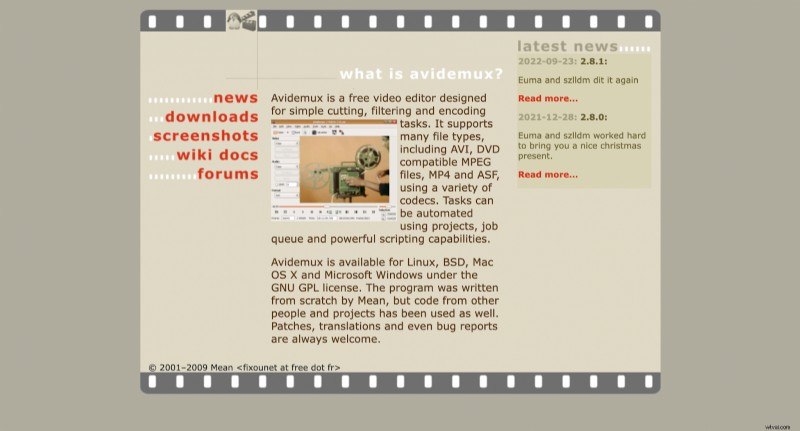
Avidemux is a simple video merger tool available across a range of operating systems. The program makes it easy to filter, trim, and merge video clips quickly, plus it supports a wide range of popular file types. Avidemux’s uncluttered approach makes it a good choice for beginners with only basic video merging requirements.
Key features:
- Simple, uncluttered interface with beginner-friendly controls
- Easy filtering, trimming, and merging tools for video content
- Supports OGM, FLV, MP44, AVI, MKV, MPG, and more file types
Best for: Complete beginners looking for a simple, streamlined system.
Factors to consider when choosing a video merger
When choosing a video merger, there are a few things you should consider. By keeping these things in mind, you can ensure you make the right decision for the best possible video production results.
Your goals
The first thing you need to think about is what you want to achieve! It’s important to select a video merging program that helps you merge clips in the way you need to achieve the end result you’re hoping for.
For example, one great way to merge videos is by combining separate tracks and applying transition effects where the videos come together.
Ease of use
Next, it’s time to consider ease of use. Different video mergers will offer different editing functionalities with unique interface setups that allow you to take control of your content.
By assessing your editing skills carefully, you can select a software solution that aligns with your abilities. This can help you choose a program that is easy to navigate while providing you with access to all the features you need.
Software cost
Finally, it’s a good idea to think about the ongoing costs associated with your video merger tool. This way, you can budget effectively and plan to treat your software as a long-term investment.
Some video merger tools might offer free options, while others may incur a purchase or subscription fee. Where possible, it can be helpful to choose a paid option with other recording editing tools you can use for other parts of your video production approach.
What is the best video merger?
There are so many great video mergers to choose from! The right choice for you will depend on your unique goals and needs.
Fastest video merger
If efficiency is a priority for you, Movavi is a great choice! This easy-to-navigate editing tool offers fast file loading and editing applications you can rely on.
Best video merger without losing quality
For quality, Riverside is the perfect solution! The system allows you to combine multiple tracks with ease, all while maintaining great video quality of up to 4K resolution and 48kHz sound quality.
Best free video merger
If you own an Apple device, iMovie is a great free video merging option. The app offers easy-to-use features designed for effective beginner-friendly editing control.
Best video merger software for PC
Working with a PC device? Any of the above options could work well! Riverside or Clideo are great choices if you’d prefer to rely on a web-based, no-download software solution.
Best video merger app for mobile devices
There are many video merger applications available for mobile use. InShot is a good option for both Android and iOS, offering user-friendly controls and intuitive merging features.
FAQs on best video mergers
Still unsure about how to select the best video merger? Here are our answers to a few of the most frequently asked questions!
How do I combine multiple videos into one?
Merging video files is easy when you have access to the right software! All you need to do is upload your video files and trim content to where you need it before applying transitions to move seamlessly between separate clips.
Which type of merger is best?
There are a variety of different merger types to choose from. Ultimately, the best option for you will be based on your specific requirements. You’ll achieve the best outcomes when you choose a user-friendly software tool with clear, cohesive merging functions.
Can VLC merge video files?
If desired, you can use VLC to merge video files! You’ll need to install the VLC program on your device before opening the multiple files you want to combine and following relevant instructions to merge the clips.
Interested in getting started with video editing and merging? Give Riverside a try today!