
Easy Techniques to Produce Engaging 3D GIFs
A user-friendly yet powerful editor
A wide array of effects to choose from
Comprehensive tutorials from the official channel
Animating GIFs that literally pop off the screen can bring a burst of energy to anyone’s day.
3D animated GIFs are gaining traction, and surprisingly, you can create them with a simple trick that anyone can try.
What sets 3D text GIFs or 3D animation GIFs apart from ordinary GIFs is that they are slightly more complex but far more fun to craft.
3D GIFs give the illusion that the image is emerging from the screen—an effect you can achieve with any video GIF that meets specific parameters.
In this article
Part 1: Inspiration for Fun 3D GIFs
Remember the simple trick we mentioned earlier? It allows you to produce convincing 3D GIFs with minimal effort.
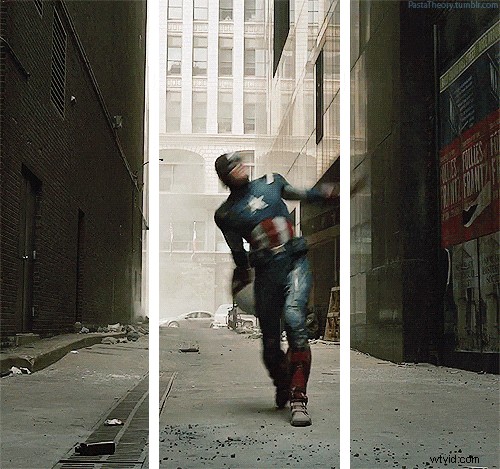
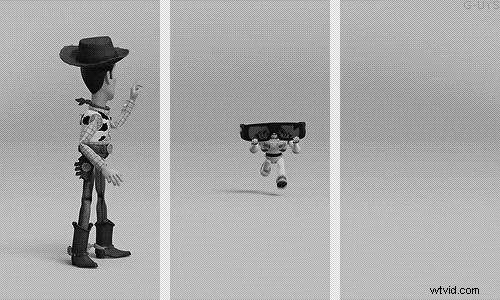
The trick relies on white reference lines that segment the image into three panels.
Animated elements that cross these white lines appear to pop forward toward the viewer.
These lines serve as visual guides, tricking the eye into perceiving depth in a flat image.
You can replicate this effect using several popular GIF makers.
Below are a few trending 3D GIFs that capture popular culture:
● The Marvel hero’s shield throw is a fan‑favorite 3D GIF.
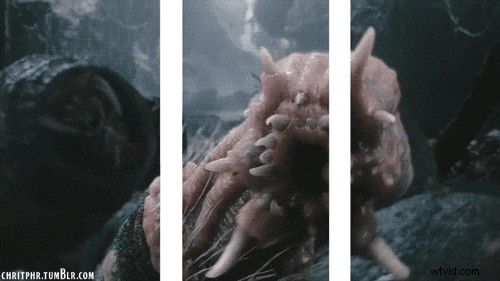
● From the world of Skull Island, a playful “Skull Pest Control” GIF.
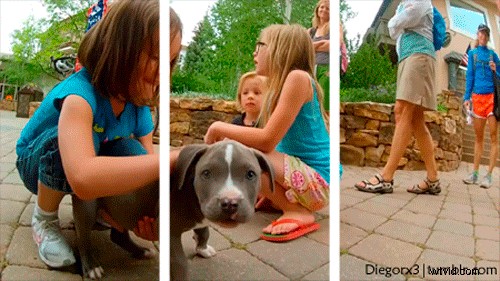
● Puppies are always a hit—here are two adorable examples.

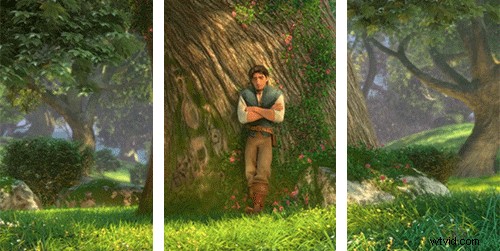
● When things get confusing, this GIF captures the feeling.
● Don’t let this mischievous squirrel roam your backyard.

● Grab a caffeine‑powered shot while commuting through Elm Street.

● Ray Advertising pushes creative boundaries every year.
Part 2: Top 5 Ways to Create 3D GIFs
For quick starters, online GIF makers like GIPHY and Imgflip let you upload photos or videos, then apply filters, text, emojis, and background effects.
You can craft GIFs in seconds and share them directly to social media. If you run a business, hiring a professional GIF animator can elevate your branding.
Even beginners can experiment with these tools to produce simple animation GIFs, or generate GIFs from existing videos.
Let’s dive into the best options.
01 Wave.Video
Wave.Video stands out for its intuitive interface. In minutes you’ll master its tools and create impressive 3D GIFs. Sharing is effortless, and the platform offers a rich library of stock footage for intros and more.
02 Make a GIF

If you have an image or a video URL, Make a GIF turns it into an animated GIF instantly. It also supports webcam capture and drag‑and‑drop uploads, plus a curated library of stock samples.
03 Imgflip
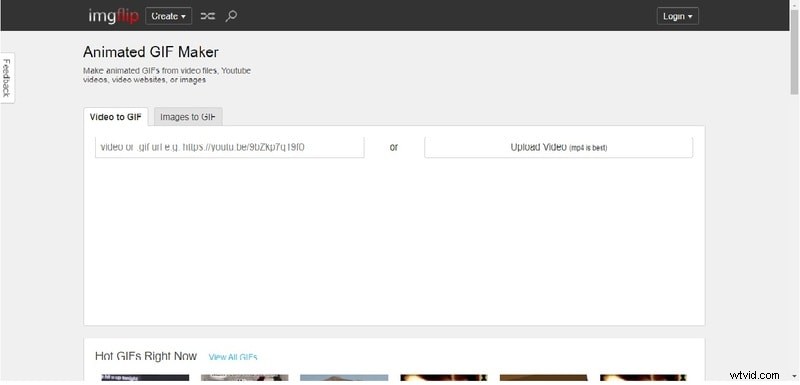
Imgflip combines creation and editing in one place. Adjust quality, dimensions, animation speed, and image placement—all without leaving the browser.
04 GIFMaker.me
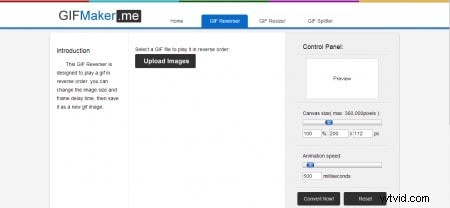
GIFMaker.me works across Windows, macOS, and Linux. Its basic suite allows resizing, reversing, and simple edits—ideal for quick GIFs.
05 GIPHY
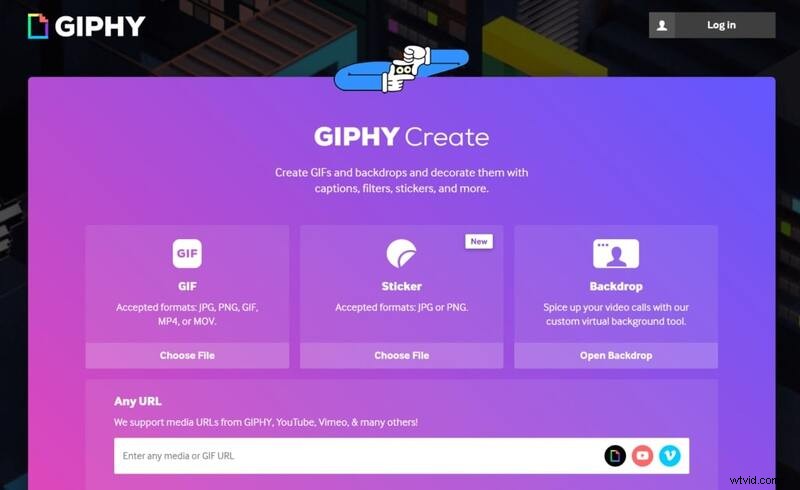
GIPHY remains the most popular choice. Upload images, videos, or URLs from YouTube, Vimeo, or GIPHY itself, then apply filters, text, stickers, and drawings with a clean interface.
Part 3: Enhancing 3D GIFs with Texture
While GIF makers can loop videos, the key to a standout 3D GIF lies in the creation process.
Step 1: Choose the Right Moment
Select a video frame where an element already moves forward, creating a natural depth cue.
Step 2: Ensure Smart Composition
Good composition is vital. Use a “frame” that adds two breakpoints, creating three horizontal panels—or three breakpoints for four panels in rare cases.
Step 3: Become a Creator
Feel comfortable experimenting. Capture your own footage, edit in Photoshop or similar software, or use an instant GIF app to convert your clips.
Step 4: Split the Frame
In Photoshop, add guides at 33% and 66% to define the panels.
Step 5: Overlay White Lines
Use the rectangle tool, set the fill to white and stroke to 5 px, then draw lines over the guides.
Step 6: Mask the 3D Element
Merge the line layers, add a mask, and hide the panel where the main element extends beyond the guides. Duplicate frames where the animation crosses the guidelines and apply the mask accordingly.
Step 7: Review and Enjoy
After masking every frame, play the GIF to confirm the effect.
Bonus Tip: Use Wondershare Filmora Video Editor for easy video editing with powerful tools, filters, and effects before converting to 3D GIFs.
Wondershare Filmora – Best Video Editor for Mac/Windows
5,481,435 downloads and counting.
Create custom animations effortlessly.
Focus on storytelling and let Filmora’s auto features handle the details.
Start a creative journey with drag‑and‑drop effects and endless possibilities.
Filmora simplifies advanced features, saving you time and effort.
Cut out repetition and move on to your next breakthrough.
Key Takeaways
Animated GIFs are engaging and versatile. They’re great for sharing, advertising, and conceptual promotion.
Online GIF creators offer quick, user‑friendly solutions. Choose from a range of tools to build eye‑catching 3D GIFs.
The core trick: use horizontal guidelines and a forward‑moving element. Keep this in mind to craft memorable GIF moments.