
In the early days of graphics and video editing, creating custom text effects was a labor‑intensive task that could consume hours of a designer’s time. Today, creative professionals can save valuable time while still delivering polished results thanks to ready‑made text effect templates and presets.
These professionally designed resources give you instant access to the latest and most popular styles—ranging from 3D and neon to glitch and metallic—so you can focus on storytelling rather than painstaking manual work.
In this article
- Freepik
- GraphicsFamily
- Dribbble
- Envato Elements
- Behance
- How to Edit Text Effects in Video
Part 1. Best Sites to Download Text Effects
While there are countless websites offering downloadable text effects, we’ve curated a shortlist of the most reliable and feature‑rich platforms for Adobe Photoshop, Illustrator, and video editors.
1. Freepik
https://www.freepik.com/psd/text-effect
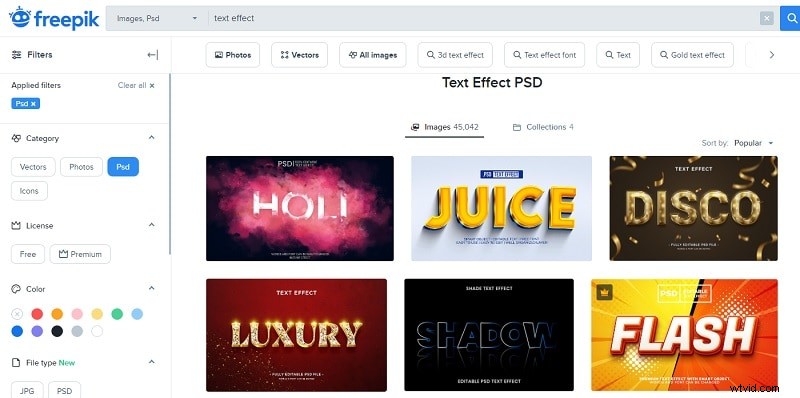
Freepik is one of the most popular destinations for Photoshop PPSD files. Whether you’re designing a poster, flyer, or digital illustration, Freepik’s extensive library of free and premium text effects lets you add stunning titles with a single download.
You can explore categories such as 3D, neon, gold, and more, and filter by color or orientation to match your project’s palette. Each mock‑up comes with an editable PSD file, so you can tweak fonts, gradients, and effects to fit your creative vision.
2. GraphicsFamily
https://graphicsfamily.com/downloads/category/text-effects/
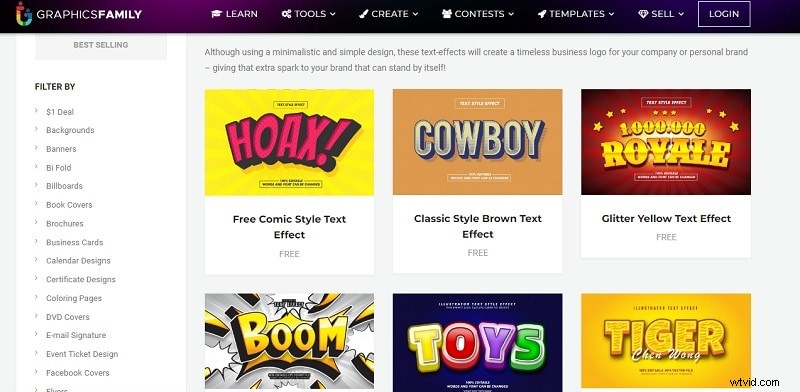
For Illustrator users, GraphicsFamily offers a specialized collection of EPS text effects designed to elevate brand visuals. From comic‑style lettering to retro gradients, each template is crafted to help brands stand out in a crowded market.
Both free and premium options are available, and you can sort by newest releases, most popular, or budget. Popular choices include glowing blue, modern purple gradient, and retro layer effects.
3. Dribbble
https://dribbble.com/tags/psd_text_effect
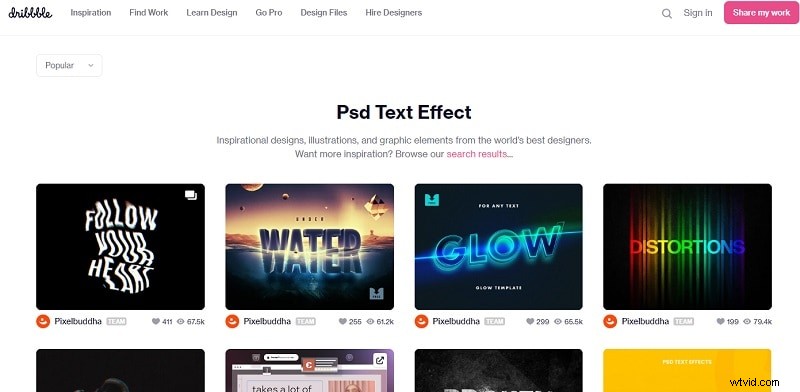
Dribbble hosts a curated selection of PSD and vector text effects from top designers worldwide. The platform features everything from underwater and glitch styles to broken and glitchy lettering, all available in free and premium formats.
With over 10,000 templates, you can filter by tags, color, or release date to find the perfect effect for any project.
4. Envato Elements
https://elements.envato.com/all-items/text+effect
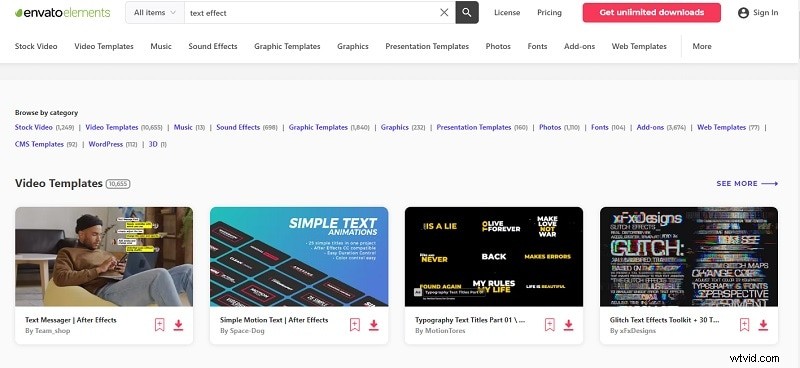
Envato Elements offers a comprehensive library of both static and motion text effect templates for Photoshop, Illustrator, After Effects, and Premiere Pro. With more than 10,000 video templates alone, you can add dynamic titles to your footage in minutes.
Browse by category or explore a single template’s variations to find the exact look you need.
5. Behance
https://www.behance.net/?tracking_source=typeahead_search_direct&search=text%20effect
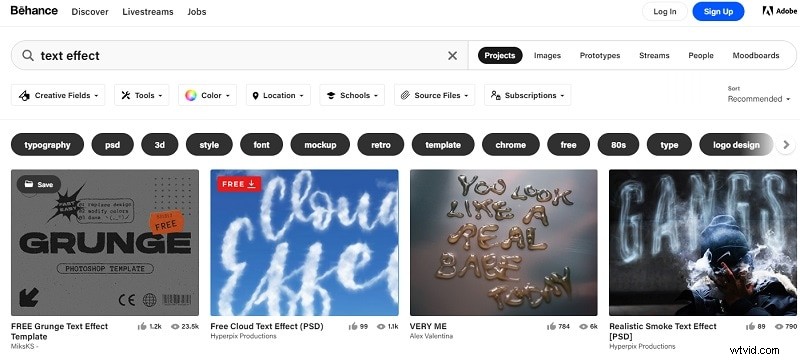
Behance is a hub for creative projects, including free Photoshop text effect PSDs. Whether you’re looking for smoke, cloud, gel, or metal effects, Behance’s filtering options let you search by color or category to quickly locate the style that complements your work.
Templates are available for Photoshop, Illustrator, InDesign, After Effects, and Lightroom.
Part 2. How to Edit Text Effects in Video
Adding text effects to video can transform a simple clip into a polished production. While After Effects is a powerful option, Wondershare Filmora offers an intuitive interface with a vast library of ready‑made effects that can be downloaded directly within the app.
Below are the steps to import and customize text effects in Filmora:
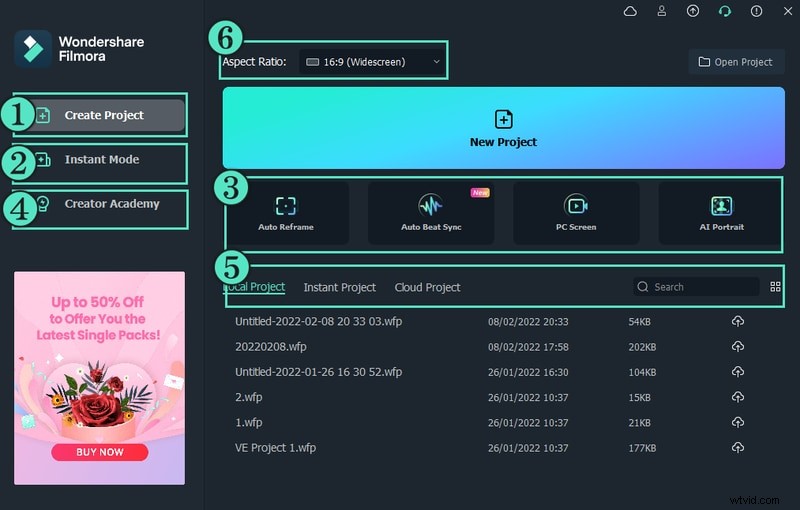
Step 1: Download and install Wondershare Filmora. Open the program and choose New Project to begin.
Step 2: Import your video clip into the Project Media folder. Drag the clip onto the timeline, then navigate to Titles at the top of the interface. The left panel displays categories of text effects.
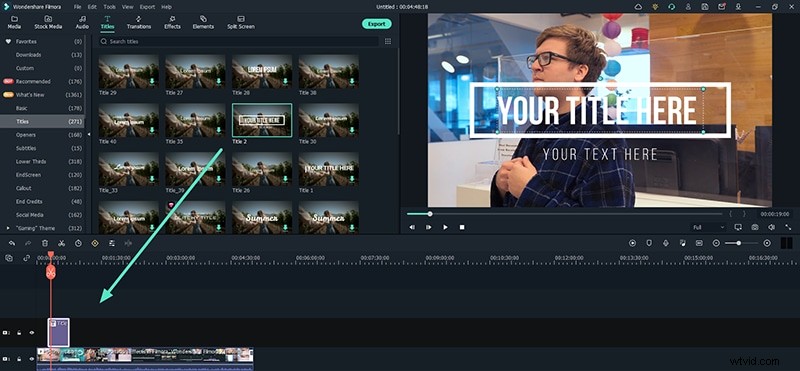
Step 3: Select a text effect template and drop it onto the timeline. Position the text layer where you want it to appear, then double‑click the layer in the viewer to edit the placeholder text. Adjust the style, color, and other settings as desired. For finer control, explore the Advanced tab.

Conclusion
High‑quality text effect templates are essential for designers and video editors who want to create eye‑catching visuals quickly and consistently. The platforms highlighted above—Freepik, GraphicsFamily, Dribbble, Envato Elements, and Behance—offer the best collections of Photoshop, Illustrator, and video effects.
For video projects, Wondershare Filmora provides an accessible workflow to import, customize, and animate text effects with minimal effort. With these resources at your fingertips, you can elevate your content and keep production timelines on track.