
Adobe After Effects remains the industry’s go‑to creative toolbox for motion graphics, visual effects, and compositing. Whether you’re crafting a film trailer, an explainer video, or a social media clip, After Effects gives you the power to animate every element—especially text.
Text transitions are more than just decorative flourishes; they help tell a story, evoke emotion, and keep viewers engaged. By pairing well‑timed text animation with a polished video, you can guide your audience’s attention and reinforce your message.
What you’ll learn
Three key factors that make a text transition popular, a curated list of 16 of the most used After Effects text transition presets, and where to find high‑quality downloadable kits.
Part 1: Why Some Text Transitions Win
After Effects text transitions don’t become popular by chance. Designers gravitate toward animations that look good, feel familiar, and can be tailored to match brand identity.
- Aesthetics – Clean fades, smooth slides, and tasteful rotations captivate viewers without overwhelming them.
- Familiarity/User Preference – Time‑tested animations such as a simple fade‑in remain favorites because they’re quick to apply and deliver professional results.
- Customization and Branding – Transitions that adapt easily to a brand’s style guidelines tend to dominate the workflow of editors and designers alike.
Part 2: Top 15+ Text Transitions in After Effects
Below is a list of the most sought‑after text transition presets, each paired with a short description and, where available, a visual example.
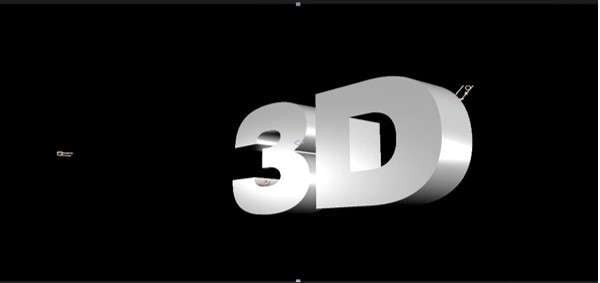
3D Text
Elevate titles by animating them in three‑dimensional space. Words pop off the screen or rotate, adding depth to any scene.
Animate In
Focus on how text enters the frame—smooth fade‑ins, bouncy slides, or directional wipes keep the motion lively.
Animate Out
Control how text exits, preventing abrupt disappearances. Common styles include fades, swipes, and shrink effects.
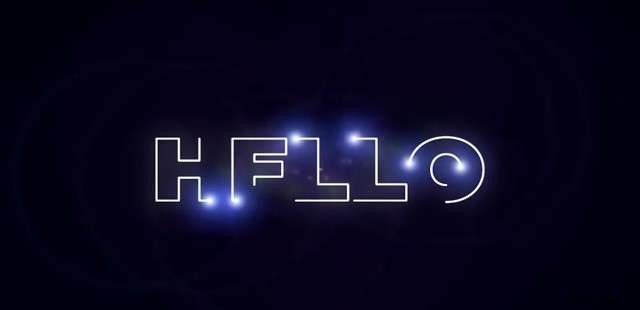
Light and Optical
Use glows, flares, and lens distortions to give text a dynamic, light‑interacting look.
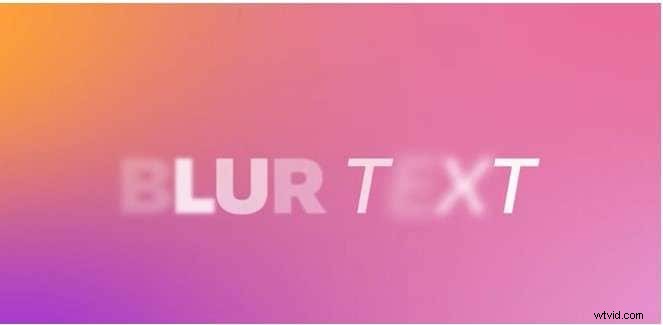
Blurs
Subtle blur‑in or blur‑out transitions create a dreamy feel, smoothing fast cuts or adding elegance to slower scenes.
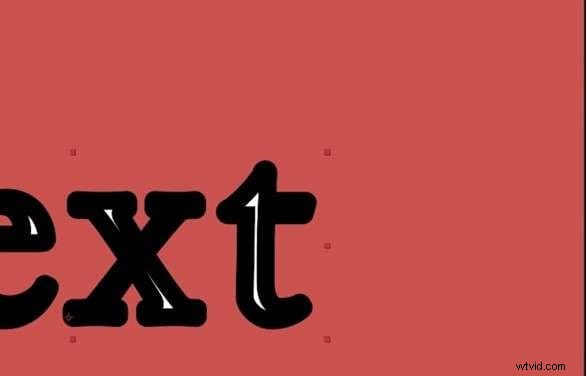
Fill and Strokes
Animate text filling or outlining, such as letters traced before filling with color, to convey creativity and precision.
Miscellaneous
Encompasses niche or highly specific effects—splatter, warping, or other unique transitions.

Curves and Spins
Move text along circular or curved paths; spins can range from a subtle tilt to a full 360‑degree rotation.
Multi‑Line
Animate blocks of text across multiple lines, ideal for lists, subtitles, or rolling credits.
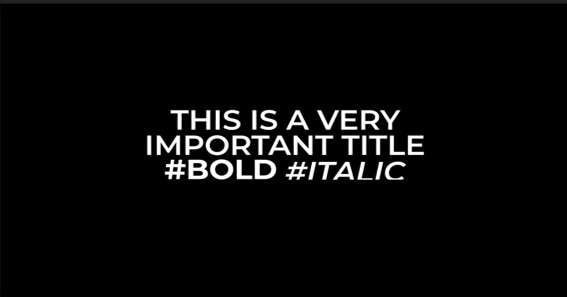
Graphical
Blend shapes, patterns, and designs with text animation to create complex, layered visuals.
Organic
Simulate natural forces—liquid swirls, wind, or fire—to give text a living, environmental feel.
Tracking
Adjust character spacing during entry or exit to produce stretching or compressing effects.
Expressions
Leverage custom scripts for precise control over timing, motion, and behavior—ideal for advanced users.
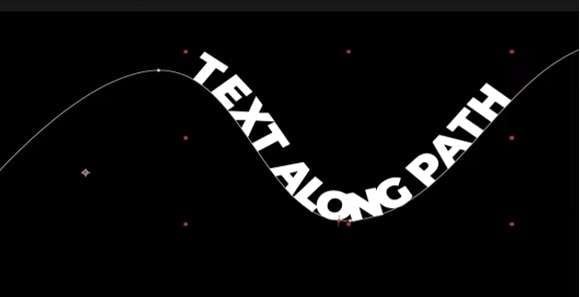
Paths
Animate text along predefined paths—curves, zigzags, or custom shapes—for kinetic typography.
Mechanical
Give text an industrial or robotic vibe with gear‑like or cog‑driven movements, perfect for tech projects.
Rotation
Add a spin to entrance or exit animations, making text pop with dynamic motion.
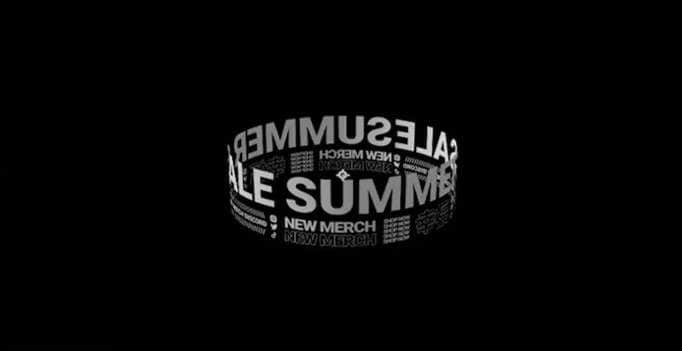
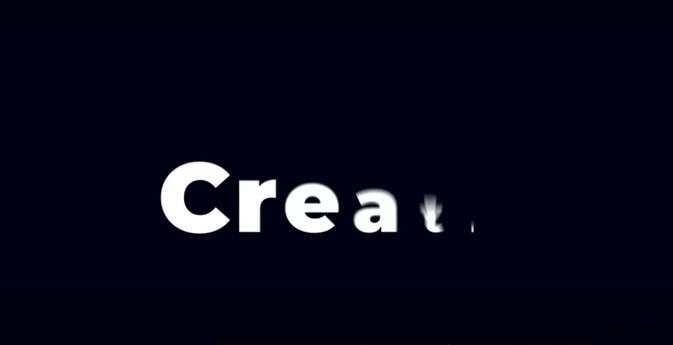
Scale
Adjust text size during animation—subtle zooms or dramatic growth—to create emphasis.
Part 3: Where to Download After Effects Text Transition Presets
While After Effects ships with many built‑in transitions, designers often need specialized presets to save time and add a unique touch.
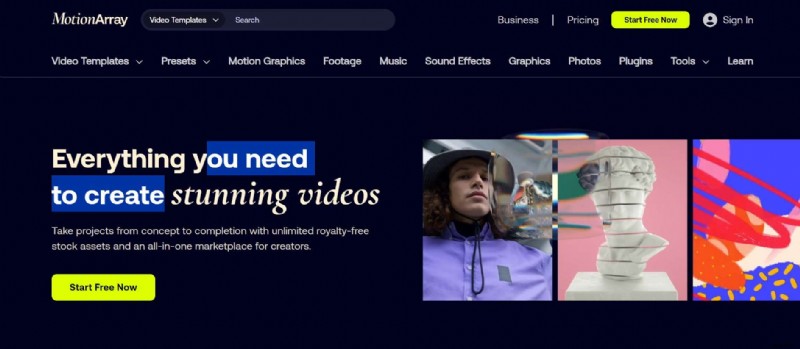
Motion Array
Motion Array offers thousands of templates, including simple fades, blurs, and intricate 3D text transitions. A paid subscription grants instant access, with a free trial available.
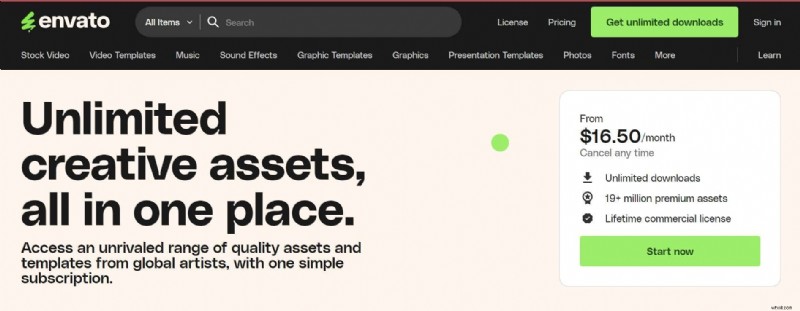
Envato Elements
Envato Elements hosts a vast marketplace of high‑quality text transition packs—modern slides, glitch effects, hand‑drawn styles—all fully customizable.
Motion Bro
Motion Bro’s plugin brings kinetic typography, glitch text, and classic fades directly into After Effects. Some packs are free; premium bundles can cost up to $40.

Mister Horse
Mister Horse’s Animation Composer plugin integrates seamlessly, offering clean modern designs, elaborate 3D transitions, and expressive text animations. The core plugin is free, with paid packs available.

Bonus: Create Text Animations Using Filmora
For editors seeking a simpler, yet professional alternative to After Effects, Wondershare Filmora delivers a user‑friendly interface and a robust set of text animation tools.


How to Animate Text in Filmora
Step 1: In the toolbar, choose Titles and drag a template to the timeline.
Step 2: Select the text clip, then open Titles > Basic in the Property Panel to edit content.
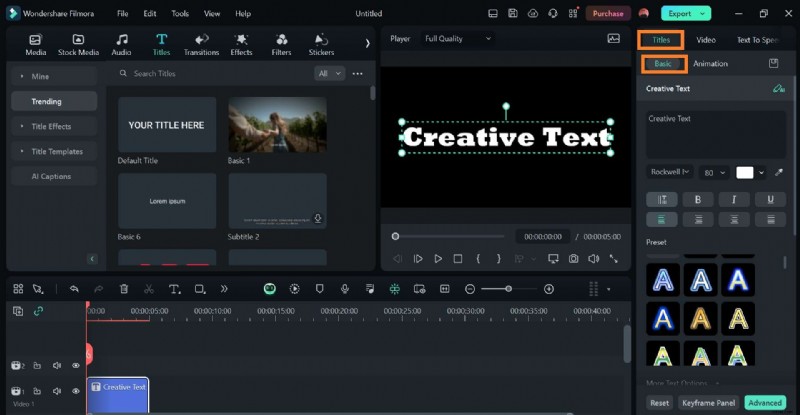
Step 3: Navigate to Titles > Animation to pick an animation, adjust duration, and set in/out transitions.

Conclusion
Whether you’re a novice or a seasoned editor, mastering After Effects text transitions can elevate your projects and engage viewers. And if you prefer a streamlined workflow, Filmora offers a compelling, cost‑effective alternative for quick, polished text animations.
Explore the sites above for high‑quality presets, and start experimenting today.