
Mirroring your video can be an effective method to improve the visuals and get better results. Whether you shot the videos in the wrong direction or want to create a mirror effect for your videos, you can try to mirror the videos.
If you're searching for a solid online video mirroring solution, you've come to the right place. We've researched the market to help you discover your ideal tool and start the video mirroring experience. Stay tuned for a bonus alternative to help you make your visions come to life.
In this article
-
- 123apps
- Videobolt
- VideoCandy
- Clideo
- EchoWave
5 Tools to Mirror a Video Online for Free
Here are some of the best free online video mirroring solutions on the market today.
123Apps
123Apps provides an easy-to-use and beginner-friendly video mirroring solution suitable for your personal needs. You only need to complete four steps to get the desired results and continue with your video editing experience.
The tool is fast, completely free, and doesn't require you to create an account to start. Moreover, you can choose the export file format for a more efficient journey.
How to Use It?
You can check out this guide to navigate your 123Apps to flip videos online:
- Head to the official online platform.
- Next, click on the Open File option and select your video from the library.
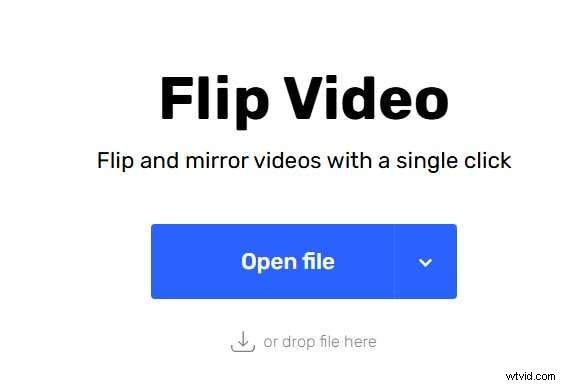
- Now, you can select the type of flip you want to perform (horizontal or vertical).

- Click the Save button to finish the process.

- It is free to use.
- You can flip any video file format.
- The platform may affect the video's quality.
- Not too many export file formats are available (MP4, MOV, MKV).
Videobolt
Videobolt is an easy-to-use tool to mirror videos online for free. It also provides you with all the simple video editing tools, including video flipping. One of the things that makes this solution stand out is the fact that you won't get a watermark when using the available features.
How to Use It?
Using Videobolt to flip your videos is simple, as you can see from the following guide:
- Open the official Videobolt video mirroring page:
- Import media by clicking the Upload button.
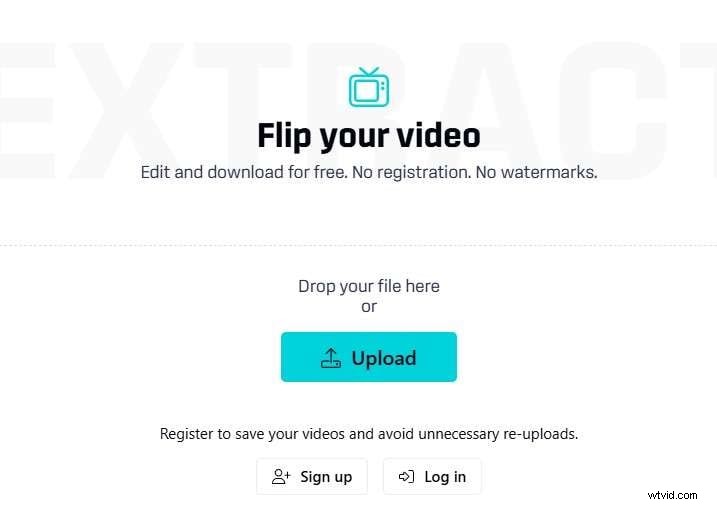
- Now, choose how you want to flip your video.
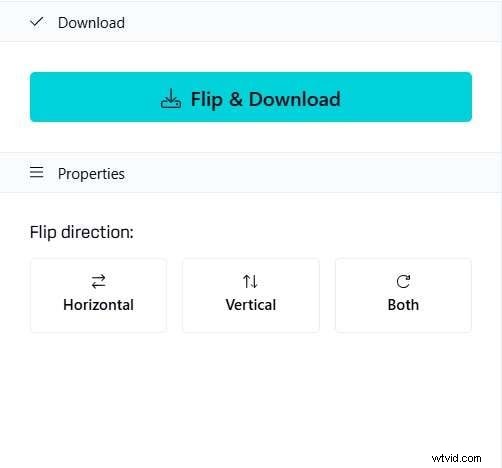
- Click the Flip and Download button to complete the process and save your video file.
- No watermark.
- Quick video processing.
- Video length limitations (up to 10 minutes).
- The program compresses your video, leading to poorer video quality.
VideoCandy
Video Candy is one of the most loved simple online video editors among the crowd. Its simple user interface and wide range of supported video formats are what make the tool stand out and provide you with everything you need for a smooth experience. The free version allows you to process videos for up to 20 minutes, which is rare for such solutions.
How to Use It?
Here's a guide you can follow to learn how to flip your videos using Video Candy:
- Open the Video Candy video flipping page:
- Click the Add File button and choose the desired video from the library.

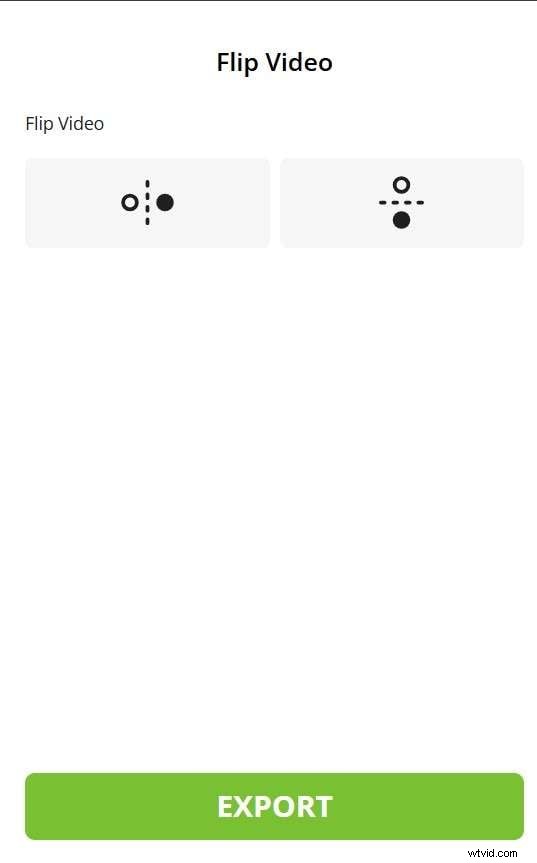
- Select the flip method.
- Click the Export button and choose where to save your file.
- The platform supports numerous video import and export formats.
- You can process videos up to 20 minutes in length.
- The free version has a watermark.
- The upload speeds are low.
Clideo
Clideo is a simple, fast, and efficient online video editor that comes with everything you need to meet your video goals. The flipping feature is simple to access and navigate, and you can process your videos in just a few minutes.
Moreover, the user interface is clean, and your recordings will be protected if you opt for this solution.
How to Use It?
Check out the step-by-step guide below to flip your videos online using Clideo:
- Open the Clideo online video flipper by following this link.
- Click the Choose File button and select the desired video from your library.
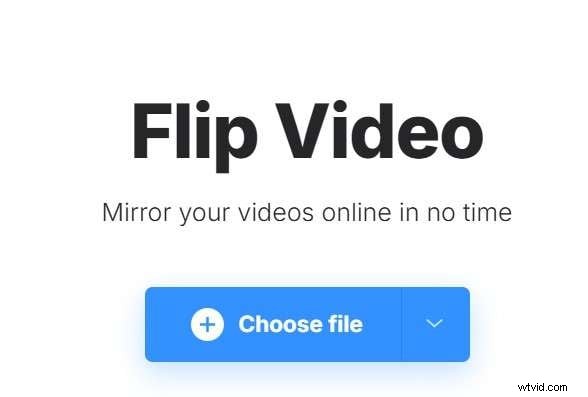
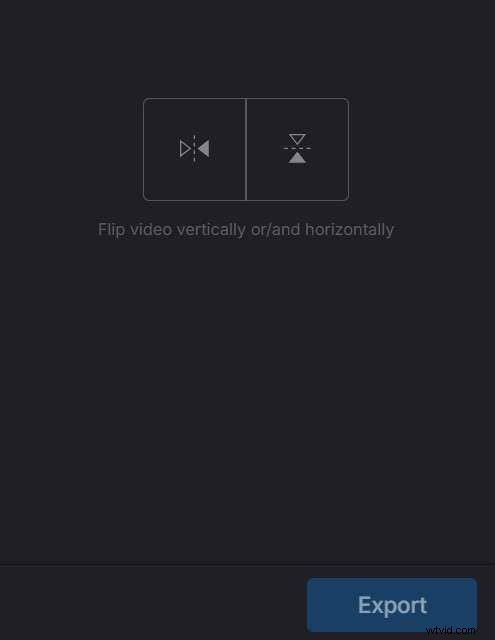
- Choose how to flip the video and click the Export button to save the changes.
- The platform supports numerous export formats.
- No file size limitations.
- The user interface is simple and clean.
- Noticeable quality changes when flipping the video.
- The free version has a watermark.
EchoWave
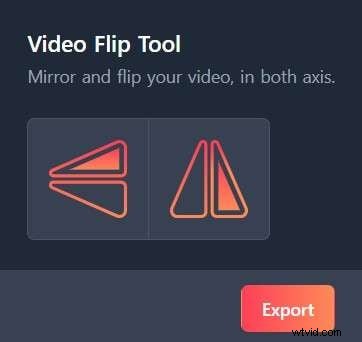
Echowave's modern interface will guide you through the flipping process quickly and efficiently. You don't need an account to use this simple flipping tool. The best part is that the platform supports dozens of video file formats, meaning it's suitable for both personal and professional video mirroring needs.
How to Use It?
As previously mentioned, Echowave is easy to use, and you can follow these steps to get the desired mirroring results:
- Navigate to its official website.
- Click the Choose File button and select your desired file.
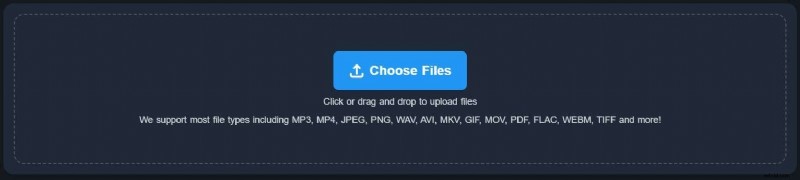
- Choose how to flip your video and press the Export button to save your file.
- Clean user interface.
- No registration is needed.
- Fast processing times.
- The free version leaves a watermark.
- The platform significantly decreases the video quality.
Best Offline Method to Mirror / Flip a Video
One of the most common similarities you'll notice with free online mirroring tools is that they will inevitably affect the quality of your video, meaning these solutions aren't suitable for professional needs. You may want to switch to an offline solution to prevent quality loss and get the best results.
The most universal non-destructive editing tool on the market today is Wondershare Filmora. It provides numerous basic and advanced editing solutions, including mirroring and flipping your videos. Aside from this, you can use Filmora to combine a mirror and flip to achieve cool video effects, and it supports a bunch of video effects to enhance your video quality.


Moreover, Filmora's flipping tool is much more customizable since you can choose the angle instead of mirroring your video 180 degrees each time.
All you have to do is download the tool to your desktop device and follow the steps provided below to flip your video and get the ultimate experience:
- Open the Filmora platform and select the New Project option from the main menu.
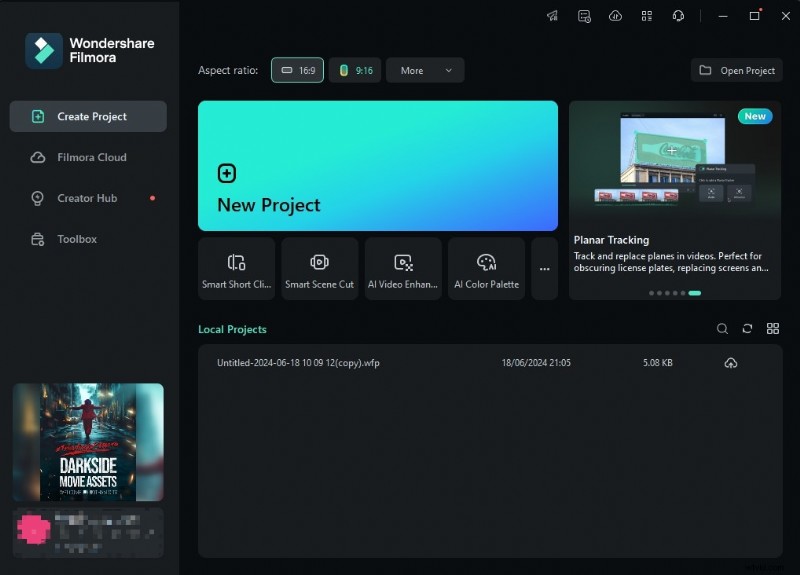
- Next, import your file and drag it to the timeline to start the editing process.
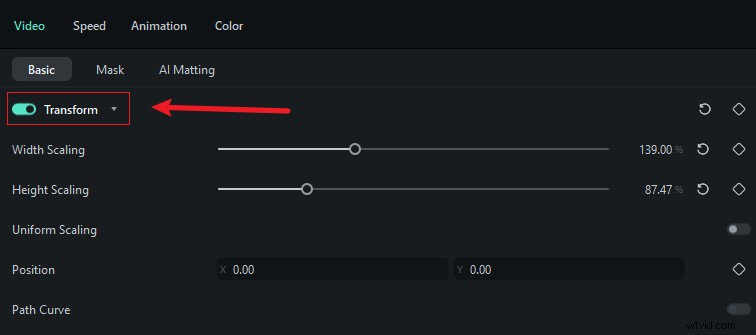
- Click on the video from the timeline, head to Video > Basic, and toggle the Transform option.
- Under the Flip tab, select your preferences.

- You can also adjust the video angle by using the rotation feature.
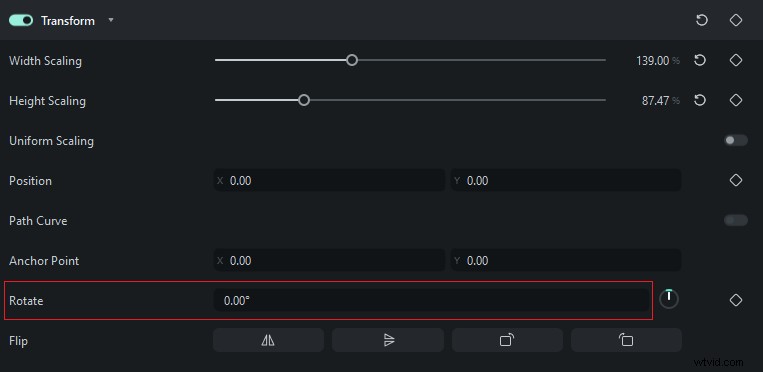
And just like that, you'll mirror your video without affecting the original quality. You can also use the Filmora app on your mobile device for the ultimate experience. Here's a simple guide to mirroring your video on a phone/tablet:
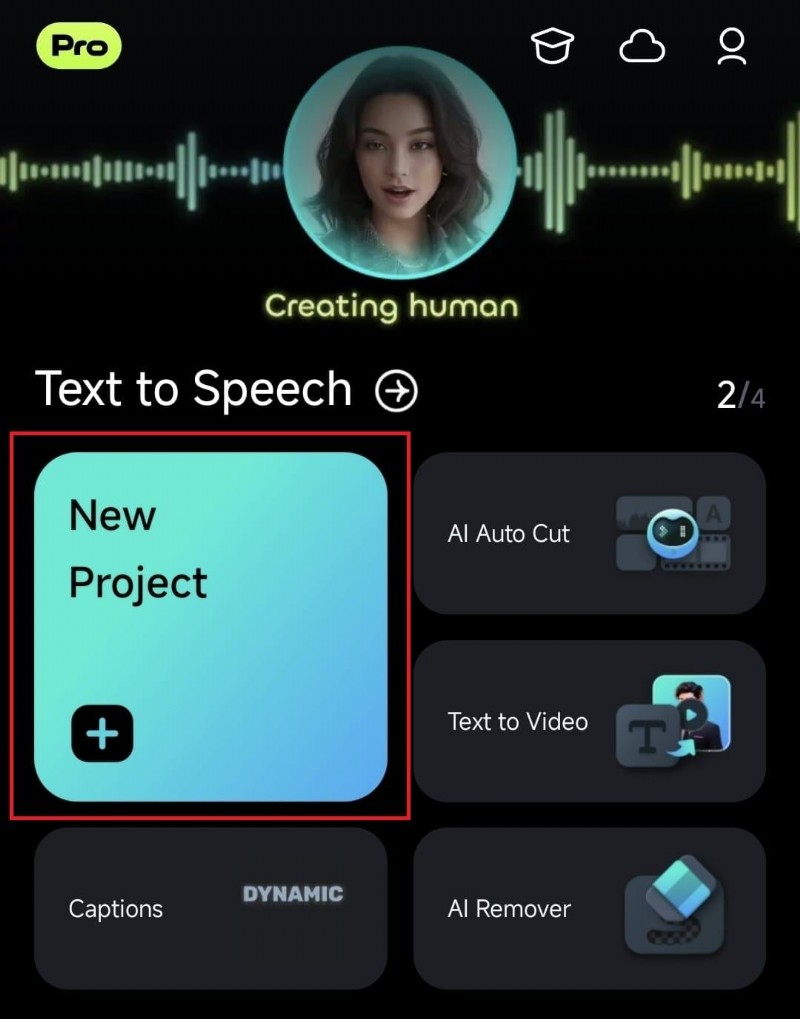
- Open the Filmora app and tap the New Project option.
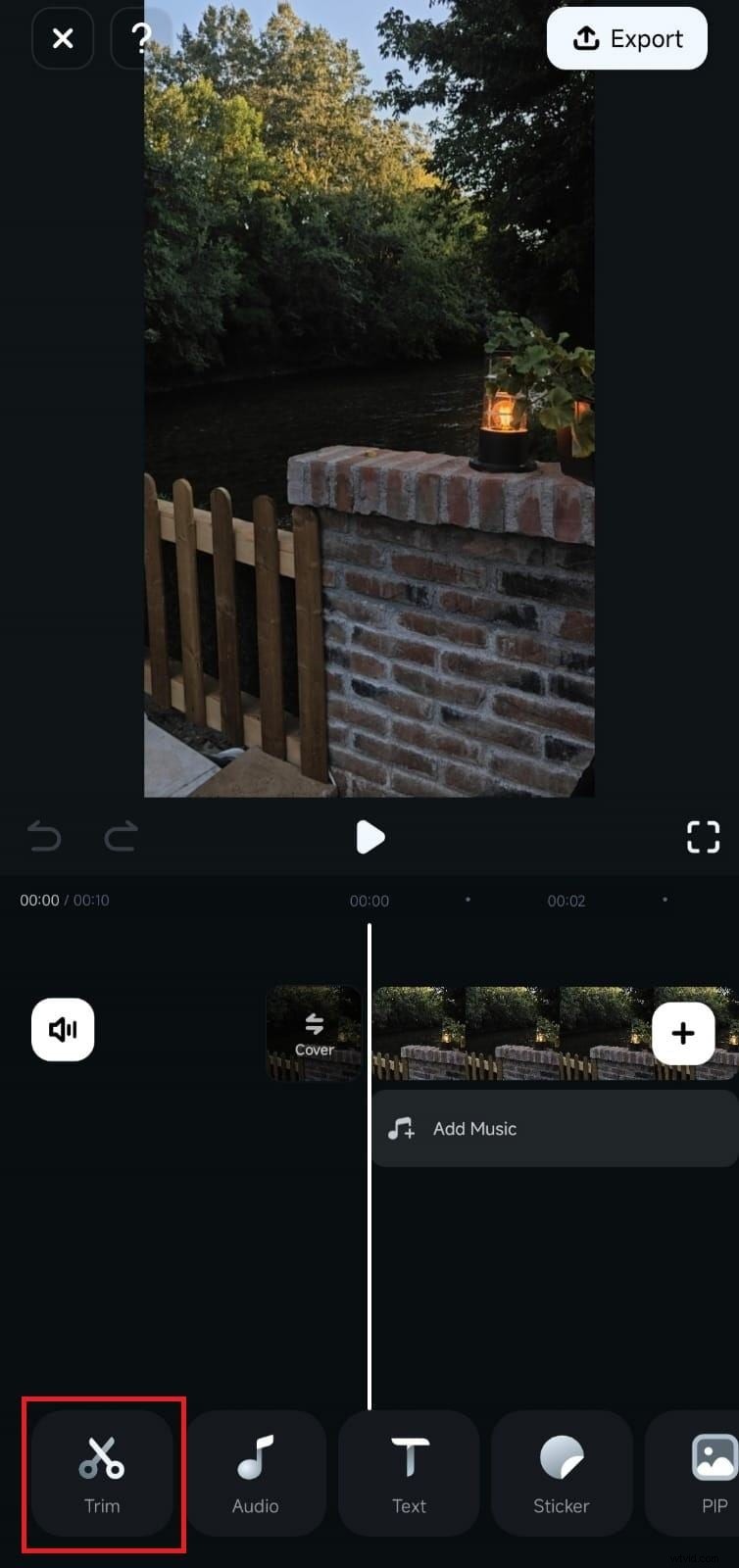
- Import your file to the app.

- Head to the Trim tab from the bottom bar.
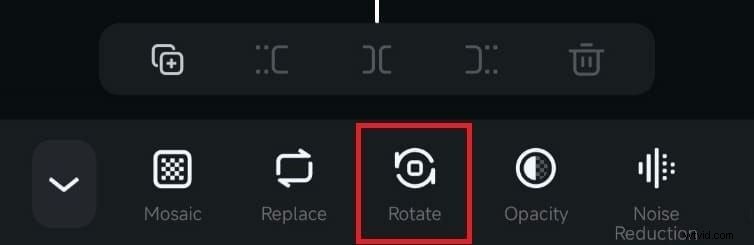
- Select Rotate.
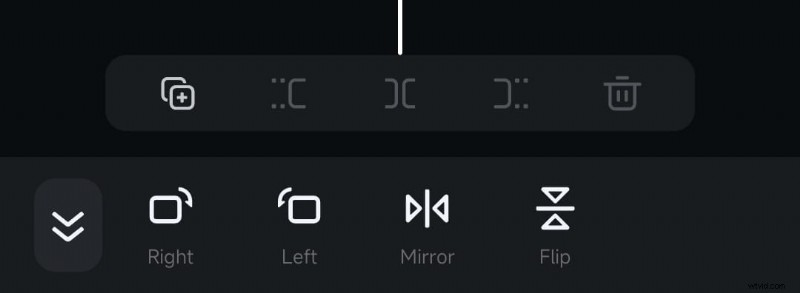
- Choose how to flip or mirror your video.
How to Create Cool Video Effect With Mirror and Flip?
Aside from the flipping/mirroring feature, Wondershare Filmora provides dozens of effects that will add an entertainment factor to your videos and boost the watching experience.
If you want to add the mirroring effect to specific parts of your videos, you can follow the steps below to reach the desired results and master your video editing skills:
- Once you've imported your video, head to the Effects tab > search mirror or flip in the box.
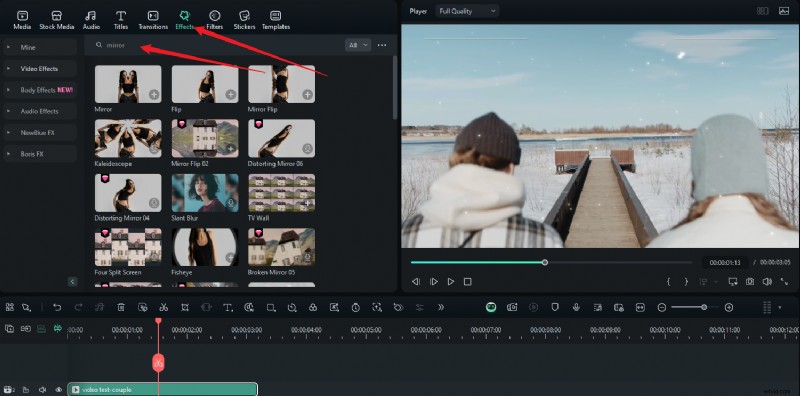
- Drag the effect above the video track on the timeline and adjust the duration to match the video length.
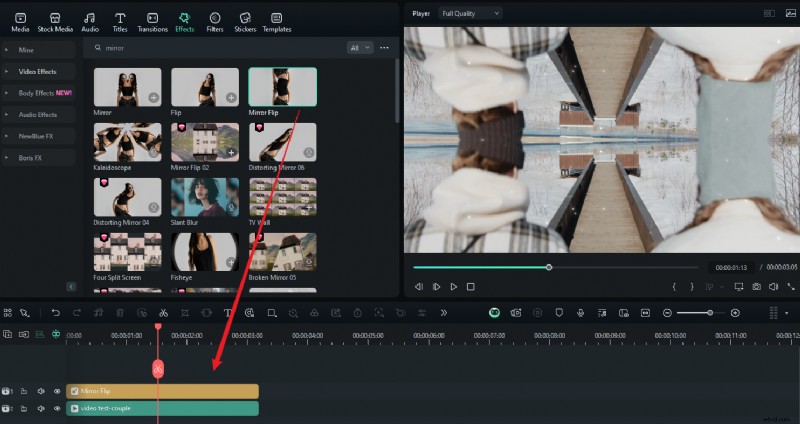
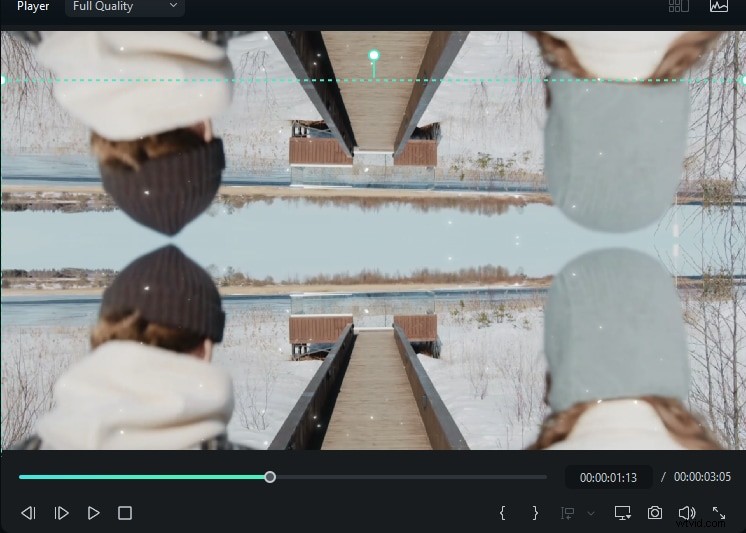
- Click on the green box to adjust the position.
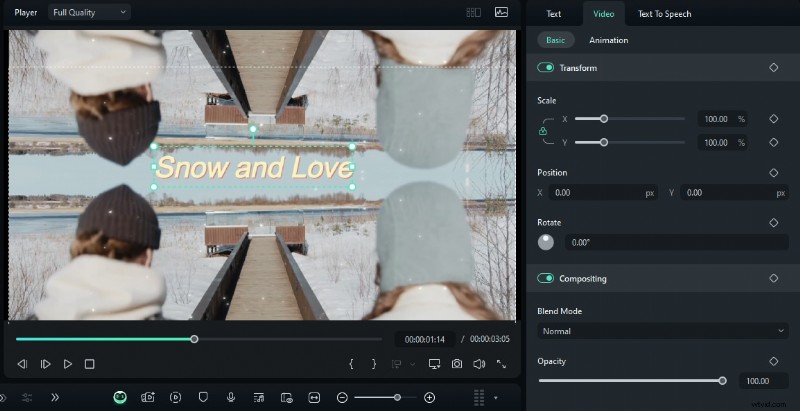
- Add texts or make other edits to the videos.
- Play the video, and click Export if you are satisfied.
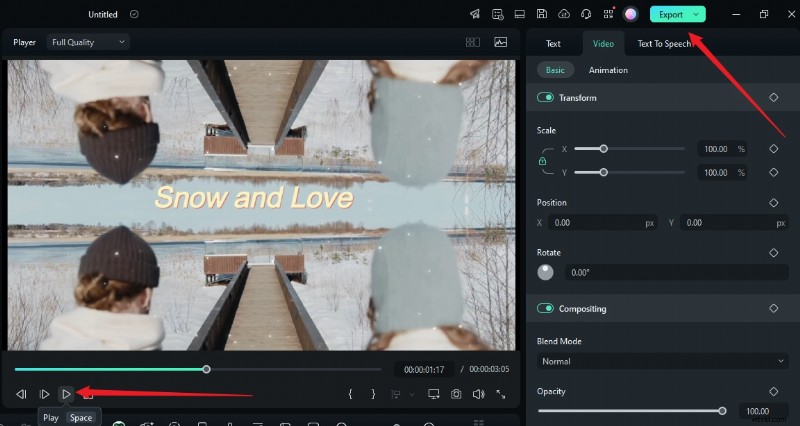
And just like that, you'll double the entertainment factor of your videos and become a video editing professional overnight.
Conclusion
Flipping your videos can contribute to the overall watching experience and help you edit your recordings according to your preferences. Online methods offer quick results, but most of them cannot keep the original video quality. In that case, if you want a more comprehensive way to mirror and flip videos, try Wondershare Filmora and explore the various video effects with ease.