
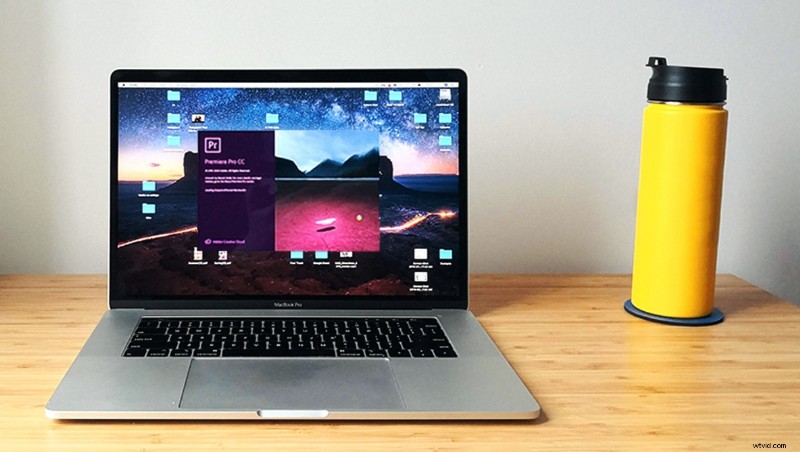
I ran some tests over the weekend with different versions of Premiere Pro, and realized that the latest version is able to scrub through footage far faster. It’s definitely worth the upgrade.
Usually I don’t upgrade my Adobe apps until a few weeks, or months, after their release. I still haven’t updated to the latest Photoshop, After Effects or InDesign. In fact, I still have love for After Effects 2014.
However Adobe have been periodically updating Premiere Pro so it would chew through H.264 footage a bit faster. They’ve been promising better performance for both Windows and Mac OS, especially for users on laptops. This has been incrementally going on for about a year now. There’s been some serious improvement but I’ve always opted to create low resolution proxy files in most instances. The updates were decent and saved me a lot of time, but never quite good enough to ditch a proxy workflow.
Recently I opened up a project in the 2019 version, to edit footage from a GH5. The 8-Bit 4K footage can be a little taxing, but I was able to scrub through it just fine. It’s not quite as smooth as a ProRes proxy, but it’s about eighty percent there. This is huge news!

The machine I used for testing was a mid-2018 MacBook Pro, with 16GB of RAM, a 2.6 GHz Intel i7 processor, a Radeon Pro 560X GPU, and a 512GB SSD. It’s been pretty annoying that other NLEs like Blackmagic’s DaVinci Resolve, and Apple’s Final Cut Pro X, have been able to smoothly playback these files. Premiere Pro still lags behind in my opinion, but the recent performance boost is worth talking about. Last week I was able to hand my laptop to an editor on set, who was able to immediately start editing while I was shooting. Updating Premiere Pro was a massive help here, and will hopefully be in the future.