
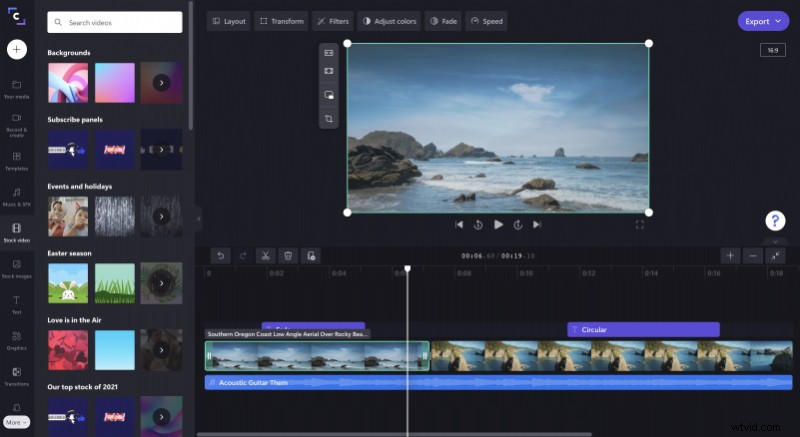
Sidekicks — where would our heroes (or villains) be without them? Over the years, the big and small screens have delivered some iconic supporting characters from Batman’s Robin to the Joker’s Harley Quinn.
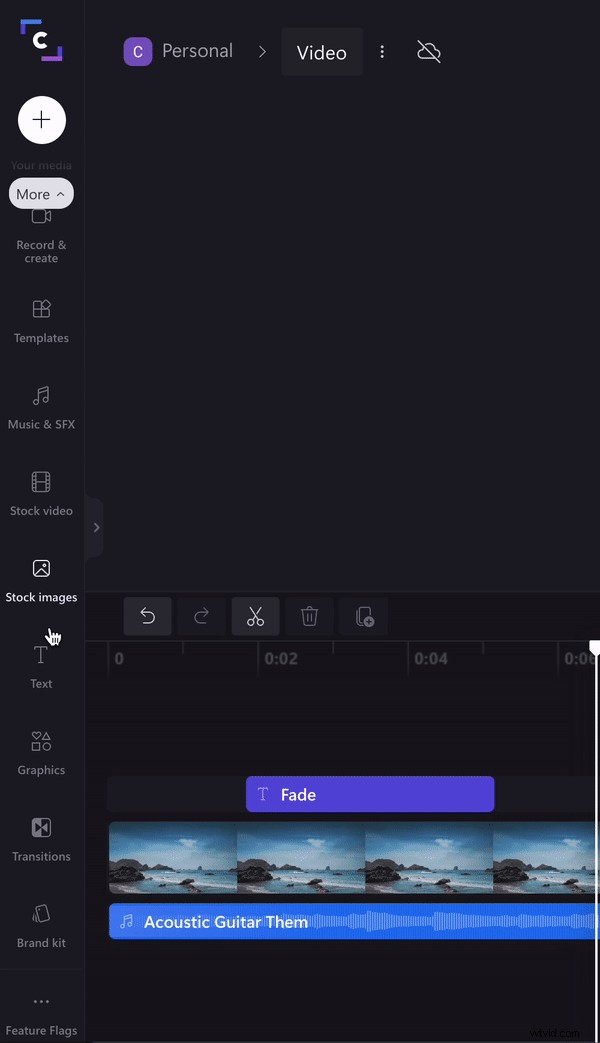
Now, we’re bringing you a sidekick of your own: our new sidebar. Yes, our original design has had an update and it’s ready to be by your side for all of your video editing adventures.

So, what’s new?
Let’s take a look at what’s in the new sidebar.
A flexible new design
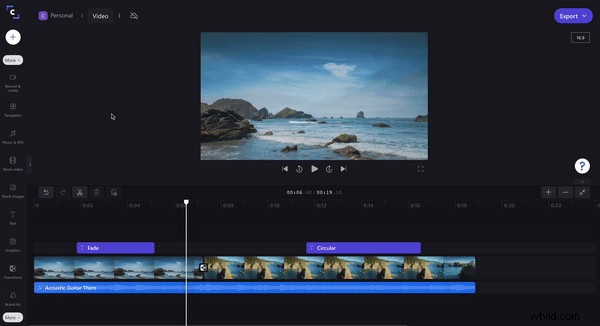
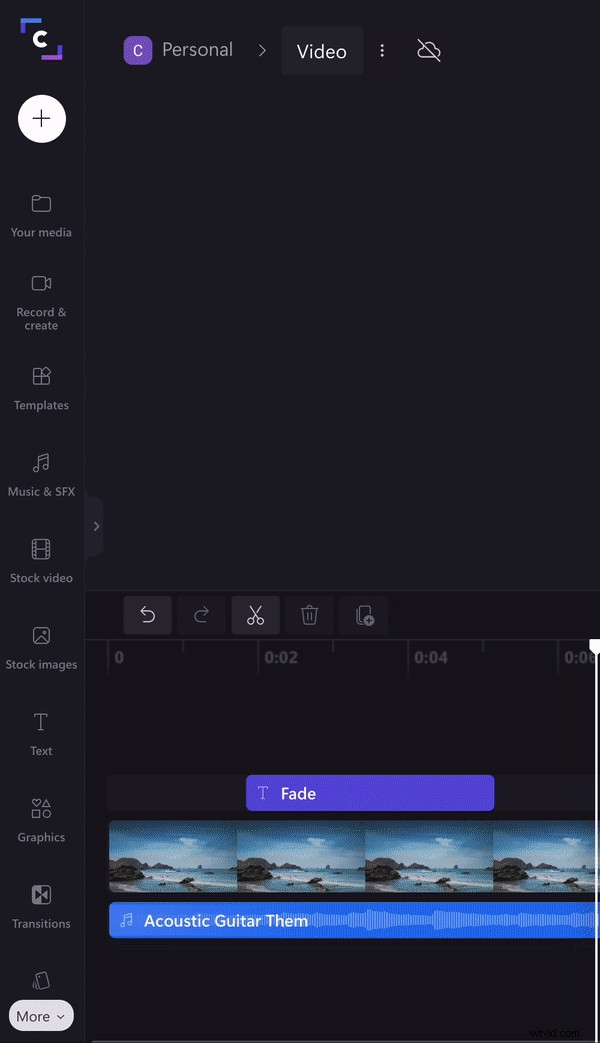
Screen space is important for video editing. So, our new sidebar has a collapse option you can select to tuck it away when it’s not in use. With the sidebar collapsed, your video and timeline expand. To re-open the sidebar just click one of the sidebar tabs.
The media library is now called your media
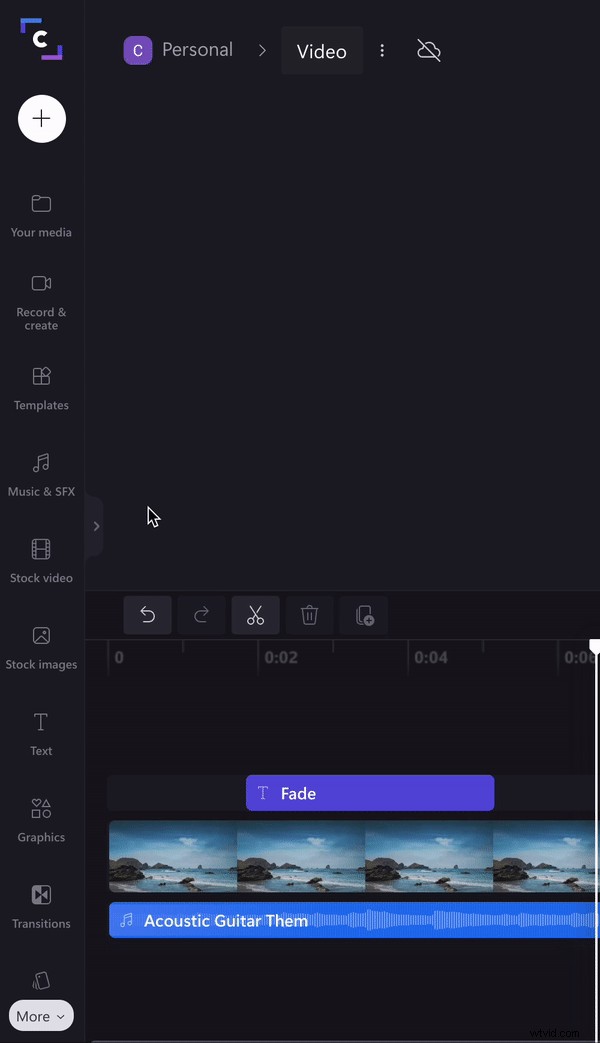
A small change, but a change nonetheless. Your media is now where you’ll find any media you’ve uploaded — it also splits your media into video, audio, and images for easy sorting.
We’ve split up stock
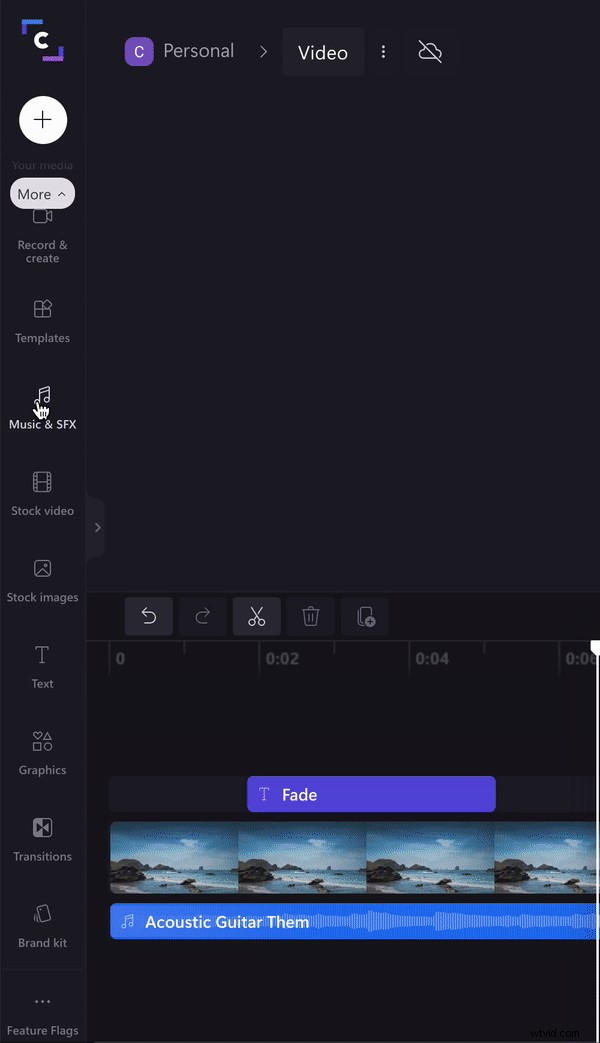
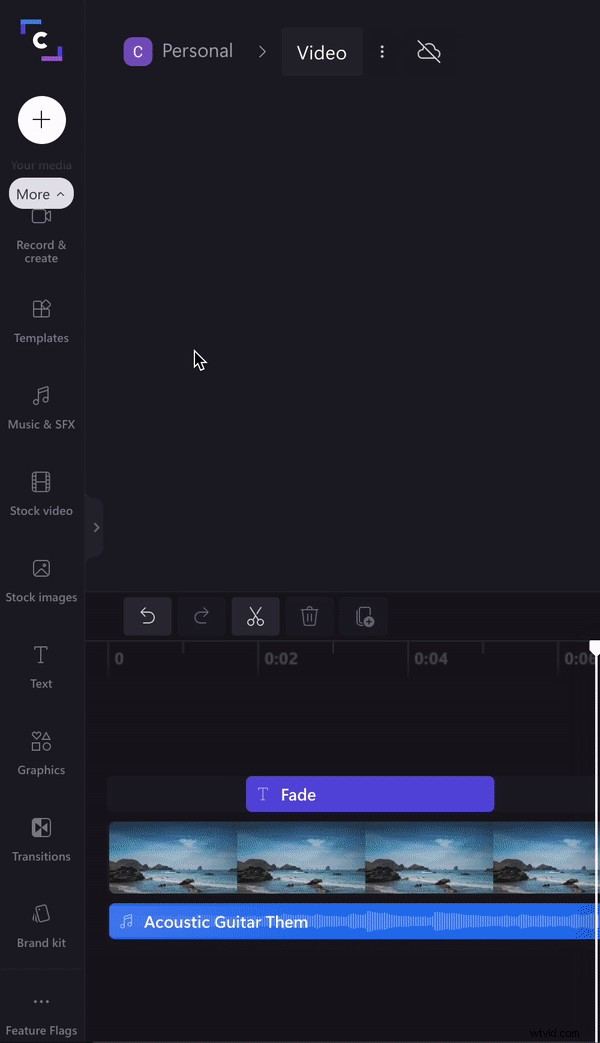
We have thousands of stock assets for you to choose from. We’ve made it easier to find what you’re looking for by splitting up our stock video, stock images, and music & SFX search.
The record & create tab
You’re loving our creation tools, so we’ve promoted them to their own tab. In record & create you’ll find the webcam, screen recorder, and text to speech tools.
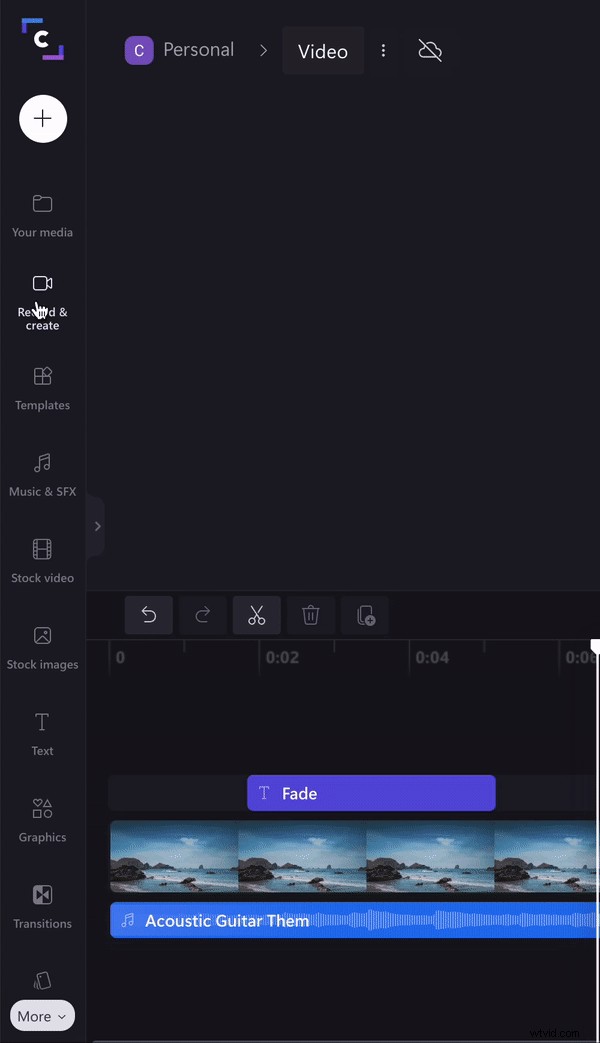
The templates tab
If you didn’t select a template when first creating a video, you can add a template to your existing video through the templates tab. Find thousands of templates to suit any video like text overlays, quotes, YouTube, and much more.
The graphics tab
Discover ways to add creative visuals to your video using the new graphics tab. In here, you’ll find our GIPHY and GIPHY Sticker searches, overlays, and backgrounds.
The transitions tab
The secret key to professional-looking videos? Transitions. We’re so sure of it, that we’ve given these features their own tab for you to explore.
The brand kit tab
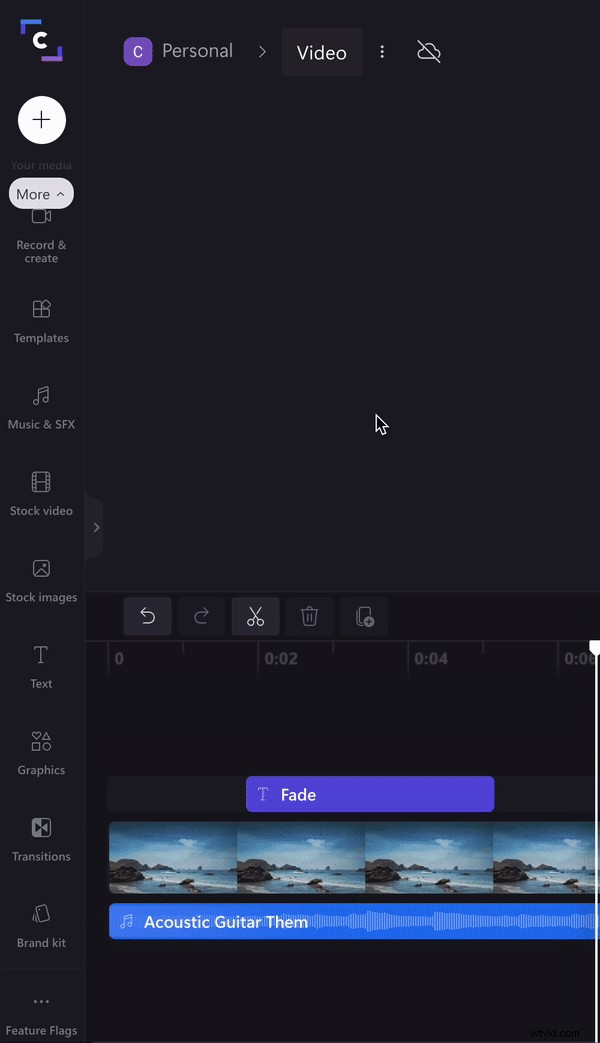
Fear not branding fans, we haven’t forgotten about you. The brand tab is where you’ll find our logo tool (and more exciting tools in the near future).
Start exploring our new sidebar
Now you’ve had the run-down of what the new sidebar has to offer, it’s time to take it for a spin. Start creating videos, knowing you’ll have this supportive sidekick with you the whole time.