
Two is better than one. Two monitors that is.
Sure, you can edit using only one monitor and, let’s face it, sometimes you have to. But cramming your timeline, bins, audio meters, and video windows all on the same screen can be pretty limiting.
That’s why we recommend that, when possible, use two monitors while you’re editing.
Want to find out why? Check out the video or keep scrolling for the transcription!
Reason #1: Increased Screen Real Estate
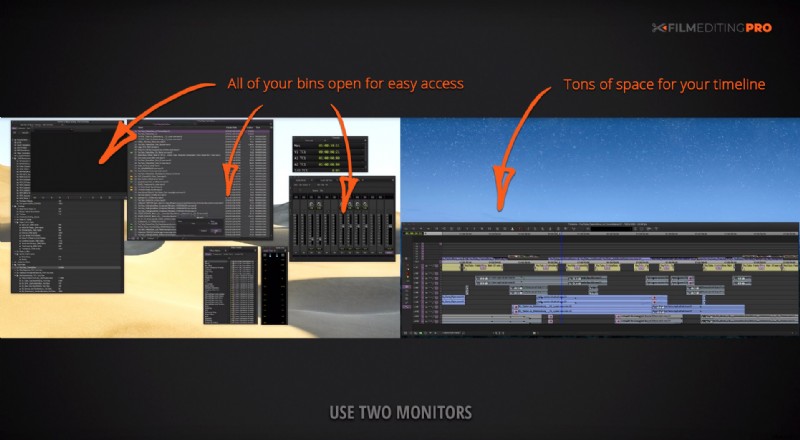
First, the increased screen real estate will help you space things out and allow you constant access to panels, windows and bins, instead of having to open and close them constantly.
You’ll also get the most horizontal space for your timeline. And if you prefer having your fonts bigger than your editing system’s default, you’ll have much more latitude for that.
Reason #2: Improved Organization
Next, a dual monitor setup can improve your organization.
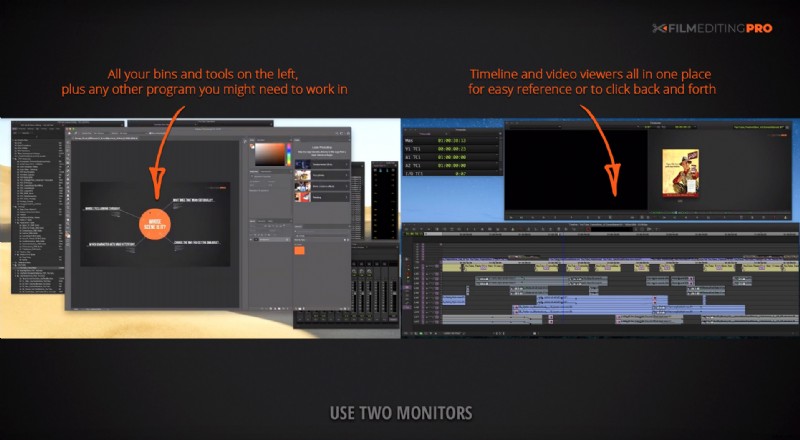
A good two-monitor setup involves placing all of your bins, audio meters, and other tools on the left monitor. On the right monitor, put your timeline and your video viewers. You’ll always know which monitor to direct your cursor to for any given task.
Reason #3: It’s Better for Multitasking
Also, having two monitors is better for multitasking.
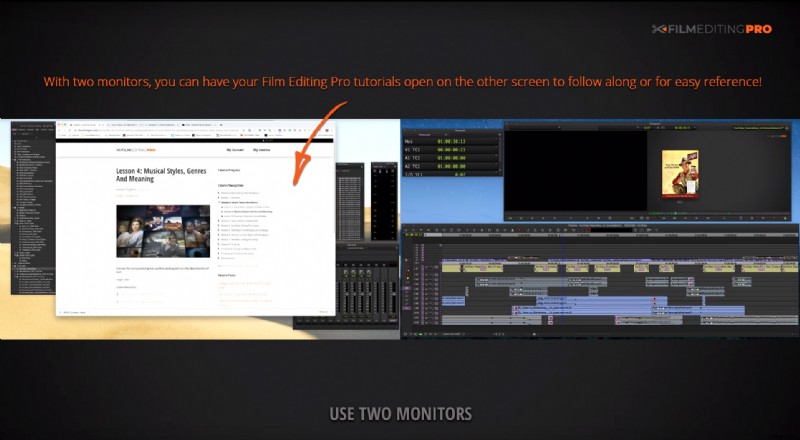
There’s no need to minimize your project window while watching , or anything else for that matter, on your internet browser. And if you need to make color comparisons to an element you’re preparing in a graphics program, it’s an essential benefit.
Reason #4: You Can Monitor Programs Full Screen
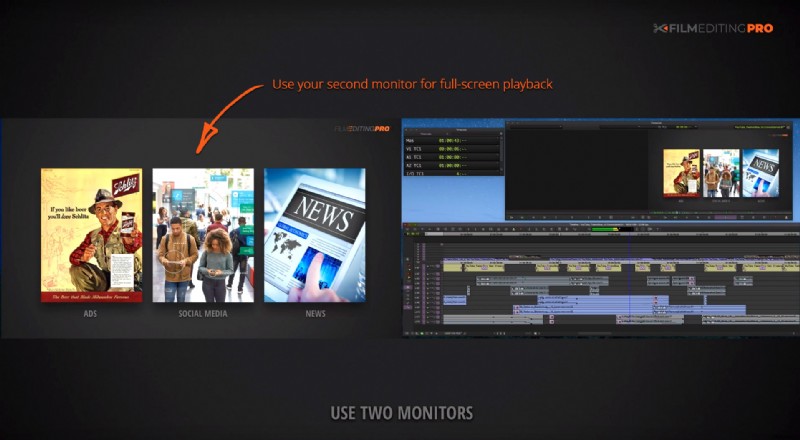
Finally, with that second monitor comes the ability to monitor programs full screen, while still keeping your timeline visible.
If you’re watching your cut and see a section that needs revisions, you don’t need to stop playback to know the part of the timeline that needs work.
Now, in the real world, we know there can be financial and physical limitations to getting a second monitor. Maybe the budget is tight, perhaps your office space is tight, or maybe it’s both. But if there’s any way you can make it work, we recommend it.
Like this post? Let us know! Leave a comment below and be sure to mention anything else editing related you’d like to learn about.