
In this mini-tutorial, we cover trailer editing breakdown techniques for both editors AND non-editors (this is how clients, producers, etc. can help too!). Learn the most important steps to help find the best structure for your trailer and save you tons of time later on if changes need to be made.
There’s also a BONUS dialogue editing tip at the end so make sure you watch the video for the best experience!
Let’s take a look at the trailer organization process for two different types of people – editors and non-editors.
If you’re a non-editor, such as a producer, director or filmmaker, you’ll be helping to plan or oversee the trailer but won’t be doing the actual cutting. As such, you won’t need to worry about organizing the visuals and audio in the editing program, but there are still some things you can do.
- Watch the feature or short film, and as you do so…
- Take notes of:
- Key dialogue lines
- Key visuals
- Key moments
- Key moments that are exciting, funny, scary, emotionally-powerful or help to clearly tell the story.
These will all be key ingredients in developing a structure for the trailer and determining the best way to position the film for your audience.
If you’re the editor on the trailer, you’ve got a bit more work ahead of you.
- First of course, watch the film. Try to view it fresh, as an audience member might be seeing it.
- Next, you’re going to need to create an extremely thorough and granular breakdown of:
- All the dialogue
- And key visuals, to fully prepare for cutting a trailer.
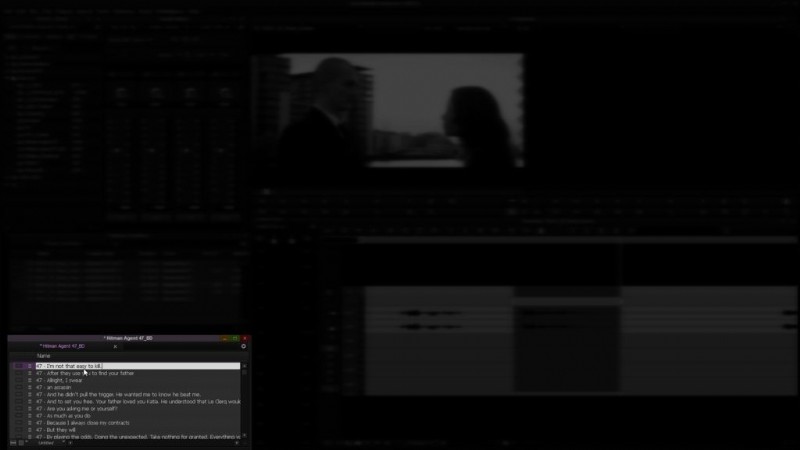
In this example, we’re breaking down the movie Hitman: Agent 47 (20th Century Fox, 2015). Starting with the dialogue, you’ll need to sub-clip or otherwise mark each line from the feature. Label the line starting with the character’s name, followed by the line that they deliver, like this example in the image below.
The goal is to have every single line in the film typed out and searchable using a text find function. You’ll use this breakdown for a number of things…
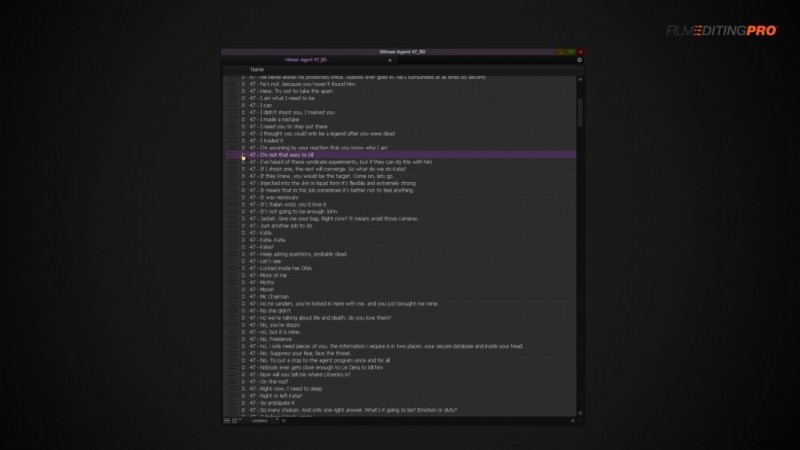
First you’ll use it to find lines in the film that tell the story clearly. This will sometimes require taking two lines that exist in very different areas of the feature, like these two:
- “You’re the same as me, only better.”
- “Untie yourself.”
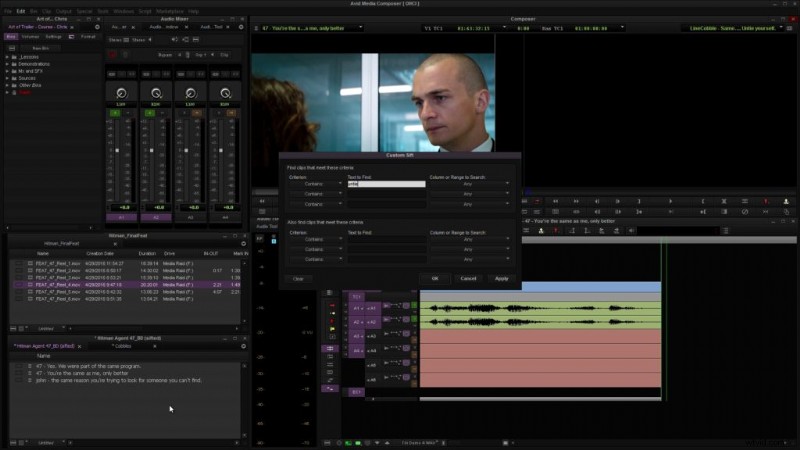
And combining them into a new line, or cobble.
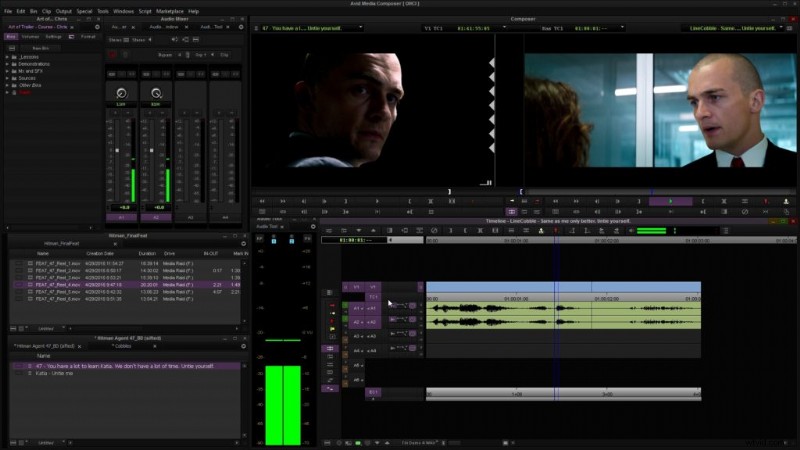
What method(s) have you been using to prepare your footage for the edit process? Have you ever used the Cobble technique in any other type of project? Leave a comment for us!