
If you’re contemplating a new audio‑centric venture, you may wonder whether a video podcast—or vodcast—might better serve your audience. Both formats deliver engaging content, but they differ in format, audience expectations, and production needs. This guide explains those differences and walks you through launching a successful vodcast, from planning to publishing and repurposing clips.
Whether you’re a seasoned podcaster, a YouTuber, or a business looking to connect visually, understanding the nuances of podcasting versus vodcasting will help you pick the right platform and production workflow.
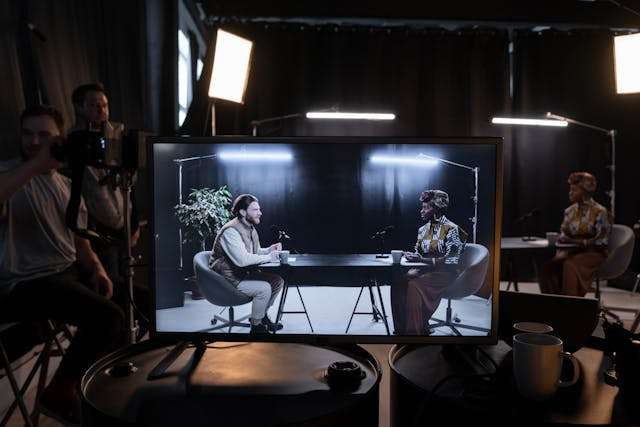
1. Podcasting vs. Vodcasting – What’s the Difference?
Both podcasting and vodcasting aim to deliver on‑demand content, yet they target different consumption habits and creative strengths.
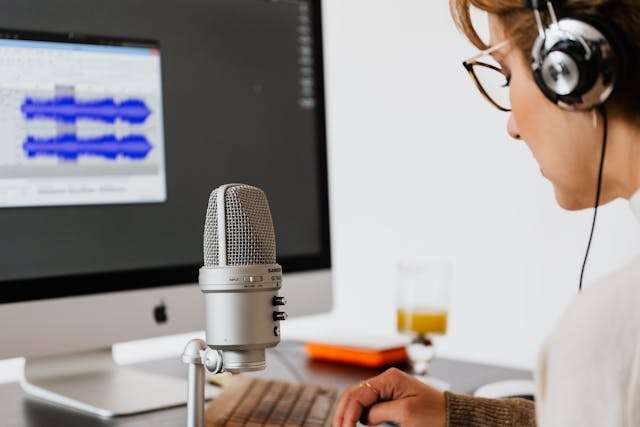
What Is a Podcast?
A podcast is an audio‑only series that listeners can play at their convenience—while commuting, exercising, or multitasking. Minimal gear (a good microphone and editing software) makes it an accessible entry point for storytellers, educators, and industry experts.
What Is a Vodcast?
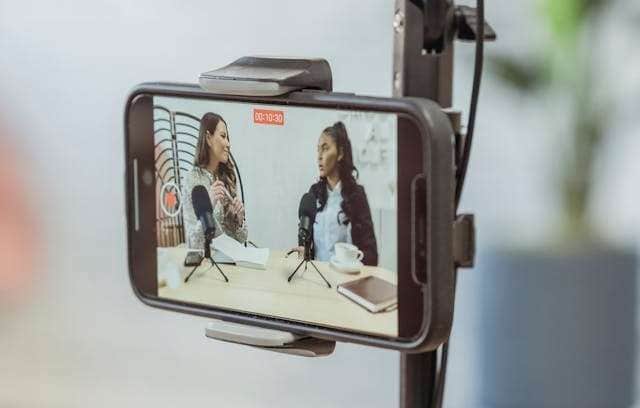
A vodcast blends audio with video, creating a richer visual experience. By leveraging facial expressions, graphics, and on‑screen demonstrations, vodcasts can deepen engagement and clarify complex concepts.
Key Differences in a Snapshot
| Feature | Podcasting | Vodcasting |
|---|---|---|
| Format | Audio‑only | Video + audio |
| Equipment | Microphone, audio editor | Camera, mic, lighting, video editor |
| Audience Interaction | Passive listening, multitasking friendly | Visual cues boost engagement |
| Monetization | Sponsorships, ads, memberships | Ads, sponsorships, platform monetization, brand deals |
Who Should Choose What?
- Podcasting suits bloggers, educators, news outlets, and anyone whose content thrives on storytelling without visuals (e.g., interviews, analysis, fiction).
- Vodcasting is ideal for YouTubers, businesses, and brands that benefit from on‑screen demonstrations, live demonstrations, or visual storytelling.
2. Step‑by‑Step Guide to Launching a Vodcast
Step 1: Plan Your Concept
- Define your niche and audience. Identify topics you’re passionate about and the viewers you want to attract—common vodcast themes include business insights, tech reviews, entertainment, and personal growth.
- Choose a format. Solo talks, interviews, panel discussions, or narrative storytelling. Pick a structure that fits your style and keeps viewers hooked.
- Outline each episode. A simple script or bullet points maintains flow and ensures you hit key points.

Step 2: Gather Equipment & Software
- Camera. Start with a smartphone; upgrade to a DSLR or mirrorless camera for higher definition.
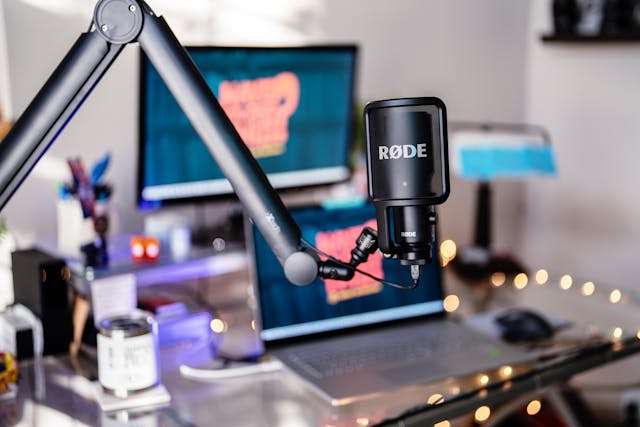
- Microphone. An external mic (lapel, shotgun, or USB) outperforms built‑in camera audio.
- Lighting. Natural light works, but a ring light or softbox can dramatically improve video quality.
- Editing. Wondershare Filmora offers intuitive audio‑and‑video editing, AI tools for syncing, and easy subtitle generation.
Step 3: Record & Edit
- Choose a quiet, well‑lit space.
- Use your script to stay on track.
- Test audio levels before recording.
- Keep your camera steady for a professional look.
After recording, use Filmora’s advanced tools:
- Audio to Video. Turn audio alone into engaging video with AI‑generated visuals.
- Audio Denoise. Remove wind, traffic, or static for crystal‑clear sound.
- Audio Synchronization. Align separate audio and video tracks automatically.
- AI Speech‑to‑Text. Generate captions instantly, boosting accessibility and SEO.
Step 4: Publish & Promote
Choose a platform that aligns with your goals—maximum reach, quality hosting, or cross‑distribution.
Promotional tips:
- Create short clips from episodes for social media.
- Invite guests to diversify content.
- Optimize titles, descriptions, and tags for search.
Let’s explore the top vodcast hosting options next.
3. Best Vodcast Hosting Platforms
3.1 YouTube – The Ultimate Reach
- Free hosting with built‑in monetization (ads, memberships, sponsorships).
- SEO tools and live‑streaming capabilities.
- Massive global audience.
3.2 Riverside.fm – Premium Recording & Hosting
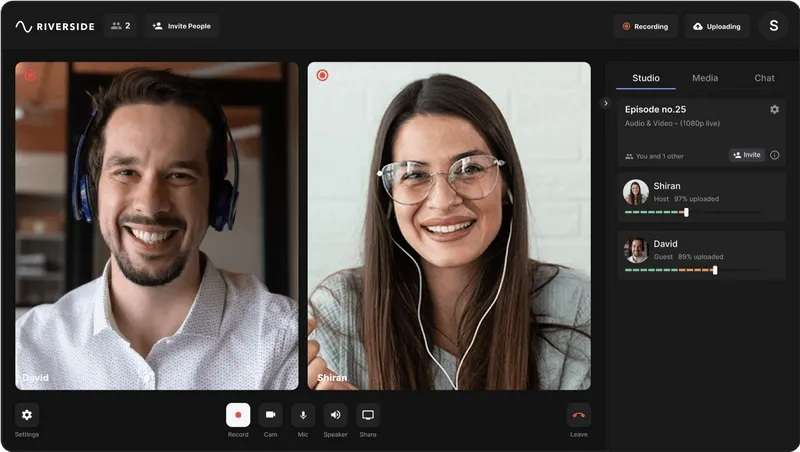
- 4K video and separate audio tracks recorded locally.
- Cloud collaboration and AI transcription.
- Live streaming for real‑time engagement.
3.3 Spotify Video Podcasts – For Existing Podcasters
- Single‑platform distribution for audio and video.
- Audience analytics and seamless Anchor.fm integration.
- Leverages existing podcast listener base.
3.4 Vimeo – Professional, Ad‑Free Hosting
- Ad‑free viewing experience.
- Customizable players and advanced privacy controls.
- Live streaming for webinars or exclusive content.
Choose YouTube for reach, Riverside or Vimeo for quality, and Spotify for podcasters expanding into video.
4. Repurpose Your Vodcast into Short‑Form Content
Maximize reach by slicing long episodes into short, shareable clips. Filmora’s Smart Short Clips feature automates this process with AI‑powered editing.
Follow this streamlined workflow:
- Launch Filmora and open Smart Short Clips.
- Import your full‑length video or paste a YouTube link.
- Set language, duration, theme, and 9:16 aspect ratio; enable Smart BGM for background music.
- Review generated clips, adjust AI speech enhancement if needed, and edit further.
- Export to local MP4/MOV with desired resolution and frame rate.
For a visual walkthrough, watch our YouTube tutorial on Smart Short Clips.
Conclusion
Podcasting and vodcasting both offer powerful storytelling, but they cater to distinct consumption habits. By understanding the differences, planning meticulously, and leveraging the right tools—especially Filmora’s editing suite—you can launch a professional vodcast that captivates and grows your audience.
Ready to start? Pick your platform, assemble your gear, and let your visual storytelling shine.