
Embedding video in your email campaigns can dramatically boost engagement. By delivering visual content directly in the inbox, you capture attention and foster deeper connections with your audience.
Step 1: Edit Your Video for Email Marketing
Before sending, optimize your video so it loads quickly and looks professional. Wondershare Filmora offers a suite of tools that streamline the process.
- AI Thumbnail Creator – automatically generates eye‑catching preview images.
- GIF Export – convert clips to lightweight GIFs for instant playback.
- Video Compressor – reduce file size without sacrificing quality.
- Preset Templates – start from a ready‑made design and finish in minutes.
- AI Music Generator – add royalty‑free soundtrack that matches your tone.
Watch the Filmora tutorial here.
Step 2: Is Sending Video Through Email Feasible?
Yes – but you’ll need to navigate several common challenges:
- Compatibility Issues – Not all clients (e.g., Outlook, Gmail) support embedded video.
- File‑Size Limits – Gmail and Outlook cap attachments at 25 MB.
- Deliverability Risks – Large media can trigger spam filters or slow load times.
Choosing the right type of video is also crucial. The following table highlights the most effective formats for email marketing.
| Video Type | Description |
|---|---|
| Product Demos & Tutorials | Showcase features and walk users through usage. |
| Personalized Welcome Videos | Introduce new customers to your brand. |
| Event Invitations & Announcements | Drive attendance with engaging visuals. |
| Promotional & Sales Videos | Highlight offers and new releases to spur conversions. |
Step 3: Three Reliable Methods to Embed Video
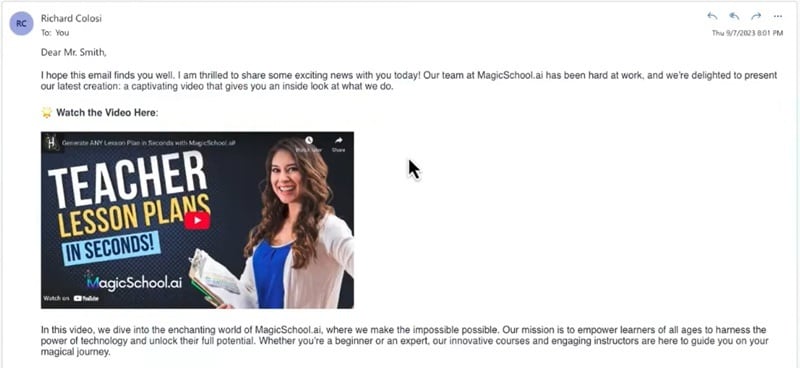
Method 1: Clickable Thumbnail with a Link (Recommended)
Take a screenshot of the video, overlay a play button, and host the full clip on YouTube, Vimeo, or your own server. Insert the image into the email and link it to the hosted video.
- Fast loading and no deliverability impact.
- Universal compatibility across all email clients.
- Track click‑throughs to gauge engagement.
- Bypasses file‑size restrictions.
Method 2: Animated GIF Preview
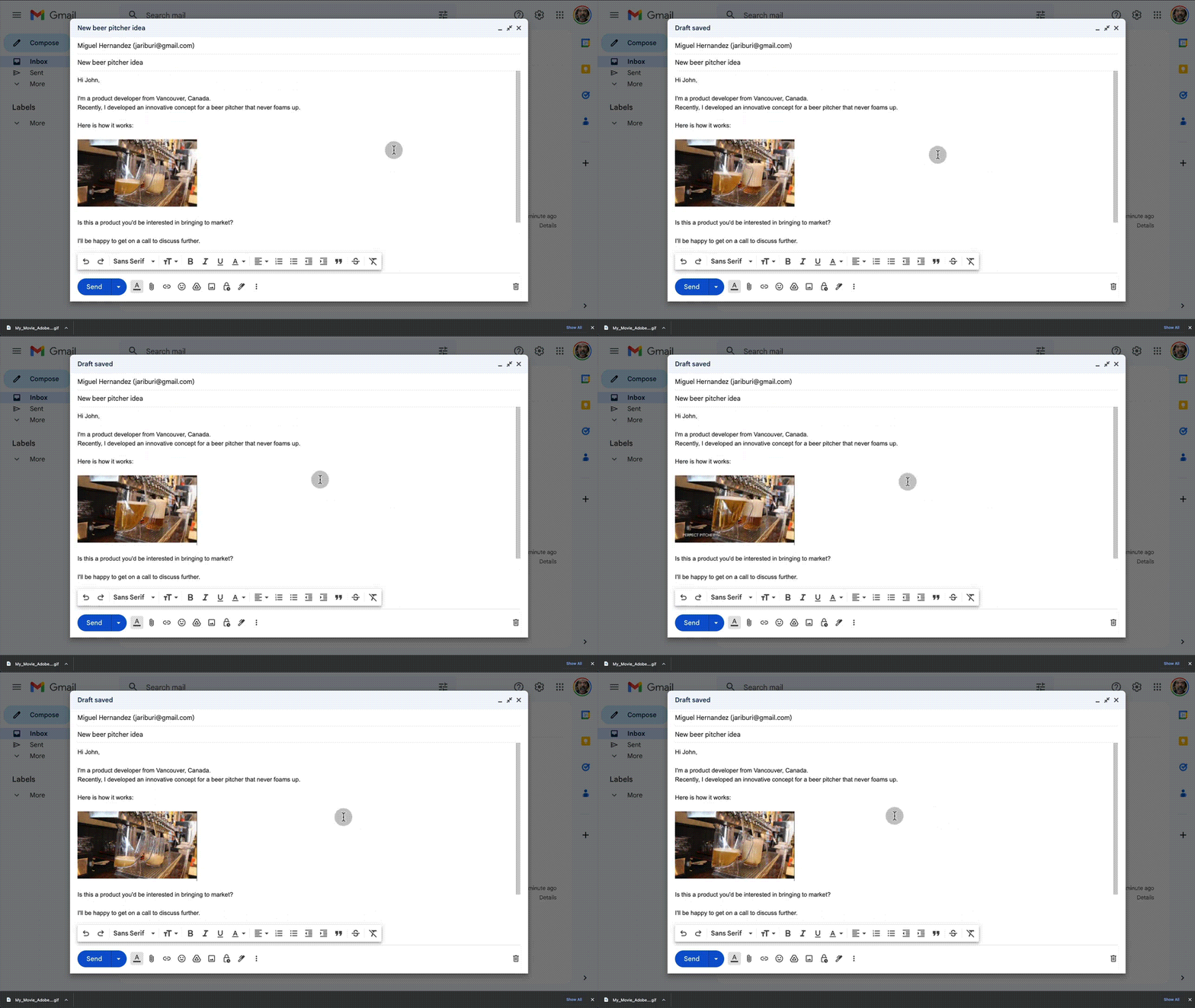
Convert a short segment (3‑5 seconds) into a GIF. GIFs autoplay in most clients, offering a motion preview without the need for user interaction.
- Captures attention immediately.
- Lightweight compared to full videos.
- Widely supported; no plugins required.
- Include subtitles or text overlay to convey key messages.
Method 3: HTML5 Video Embedding (Limited Support)
Embed the video directly using HTML5. Only a handful of clients (Apple Mail, Outlook for Mac, Thunderbird) support inline playback, so this method is best for targeted audiences.
- Fallback image for unsupported clients.
- Higher risk of triggering spam filters.
Choosing the Right Approach
Use a clickable thumbnail for maximum reach, GIF previews for a quick visual hook, and HTML5 embedding when targeting a niche group that supports it.
Conclusion
Videos can elevate your email marketing, but success hinges on selecting the correct embedding method and preparing the content for optimal delivery. With tools like Wondershare Filmora and the techniques above, you can create engaging, deliverable videos that resonate with your audience.

