
Instructional videos are a cornerstone of many training programs, onboarding processes, and team communication. But if you have never produced your own videos, it can be a bit of a daunting project.
There’s producing, editing, camera equipment, audio equipment, and then distributing the content to think about. But in this post, we’re focusing more on the steps you need to take before you start rolling. How do you plan your content for maximum impact?
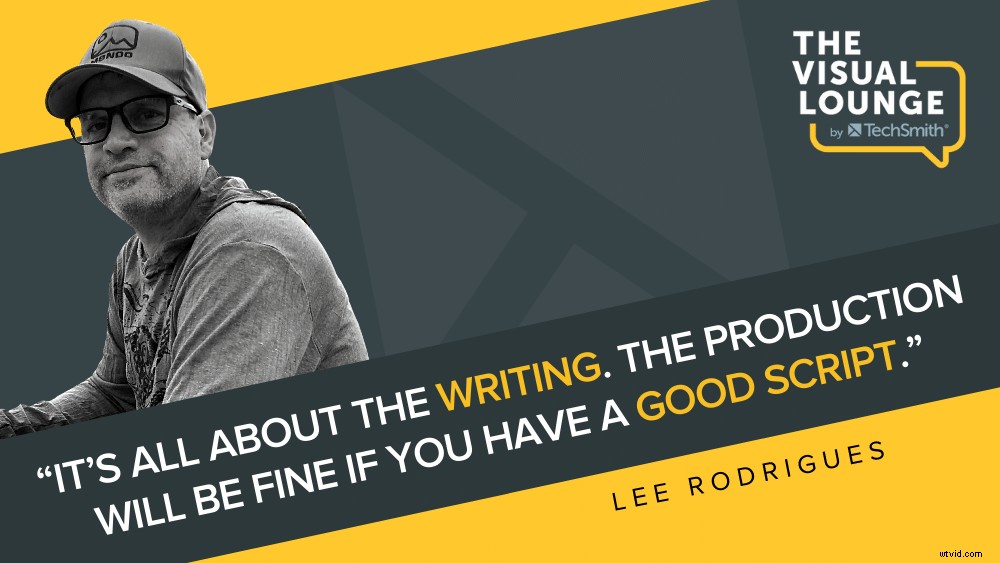
Lee Rodrigues, the Senior Instructional Designer at Sunrun, joined this episode of The Visual Lounge to talk about how to master the planning stage.
Lee has 15 years of experience in the technology, training, and multimedia production fields. He uses a number of tools and tactics to develop and evaluate blended learning solutions for measurable and improvable behaviors. He saw great success with his automated e-learning assignments, which Sunrun used as part of their onboarding process.
Why you should always use a prototype
Any big project should start with a prototype, says Lee. As an example, he explained a time when he created 85 videos for an organization’s certification program. These videos started as room recordings of a presentation with someone recording a whiteboard or a big screen.
However, this isn’t the most engaging way to get a message across. Lee helped them to prototype a more engaging video. He introduced good planning, scripting, and storytelling to drive engagement.
The result? Everyone loved it, and he was soon asked to produce lots more videos.
What started as one project soon became a production team with 15 animators, six editors, and a bunch of writers.
Lee says this was a great example of why you should always use a prototype for a big project. Rather than trying to create 80 videos from the start, the prototype video was a great way to test the waters before committing to a big project.
Gather the ingredients together first
Another tip that Lee stands by is to gather all the “ingredients” before you start making a video.
He likens it to cooking in a wok. The best thing you can do is have all your ingredients prepared in front of you before you start throwing them together. That way, you’re not scrambling around and rushing because everything is ready and where it needs to be.
The same goes for creating a video. You want to have all your tools at the ready before you sit down to create.
Lee refers to this practice as mise-en-place, which means everything in its place. Haphazardly creating a video without having all your tools and equipment in place means that things are bound to get left out.
Workflow vs. knowledge transfer
Lee’s first step in producing an instructional video for someone is to do a simple needs analysis to determine the direction of the video. Lee starts by asking two questions:
- Is this a workflow-based instruction?
- Or is it knowledge transfer?
Knowledge transfer, Lee describes, is providing someone with instructions, whether it’s a video, a text, or an email. They may read or watch it, or they may not. You can get more elaborate and add some animation, some music, and it’s more likely to be absorbed. However, there’s no observable or measurable behavior that you’re attempting to change with knowledge transfer type videos.
The other type is for workflow-based instructions. If this applies, Lee uses the Five Moments of Need design approach. With this type, Lee tries to determine the performance objectives that he wants to meet.
The Five Moments of Need
Having the right processes behind you is an important part of creating successful instructional videos. This is something that Lee has got down to a science.
One tactic he uses is the Successive Approximation Model or SAM model, which is an agile approach to learning and development.
If Lee determines that a need is a workflow-based instruction, he starts to map out the workflow, refine it, and identify the decision points.
What this does is focus on the performance of the audience. It all becomes more focused and deliberate. What could have been an hour and a half e-learning model could become a 10- or 15-minute module instead because it’s much more targeted.
Scripting videos
Whether you should script your videos is a big debate in the world of instructional design.
What Lee likes to do is script the introduction and then think about the “WIFM or what’s in it for me?” principle. People need to know, “why does this matter? Why do I care about this?”
This provides context behind the video, which Lee says a lot of corporate content is missing.
Lee often scripts the conclusion as well because people tend to remember the beginning and the end of a video much more. He then outlines most of the content in between, which becomes almost a production checklist to make sure everything that needs to be in the video is.
The zero draft
Lee explains the term “zero draft” as this idea that when you’re writing, you just throw everything down and see what you get. You then look at it and say, “Wow, these two paragraphs need a lot of work. But at least I’ve got a beginning, a middle, and an end. And you can find where you need to polish, and typically, one or two sections need a lot of work. And the rest of them may stay as they were in the initial zero draft.”
When Lee works with a trainer or a subject matter expert, he gets them set up with Camtasia and has them record a zero draft. Lee then transcribes it, and that’s what turns into a script after a bit of polishing.
However, scripting can come with its own challenges.
Reading a script on camera
While a script can definitely help drive the content of a video, the common problem that people have is looking like you’re reading from a script.
A lot of Lee’s videos are screen recordings, but he has a neat trick for using a script when on camera.
Lee’s other tip is to record in chunks. Take it paragraph by paragraph.
Creating powerful instructional videos can be a difficult thing to get right and often requires a lot of practice and planning. If you’re just getting started or are trying to improve your own instructional videos, be sure to check out some of our other episodes in this series or head over to TechSmith Academy for plenty of handy resources.
For more expert advice and tips visit TechSmith Academy on YouTube or listen to the Podcast.