
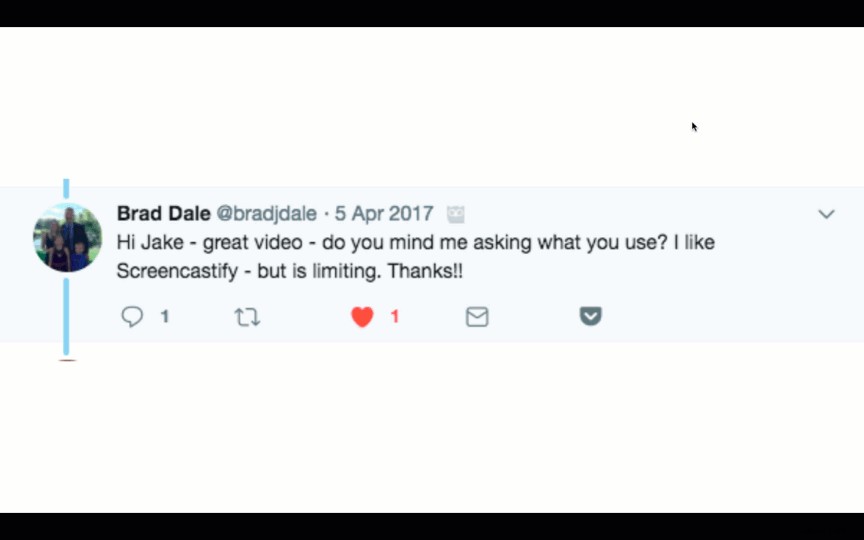
 “I love your animated GIFs!”
I get some version of this tweeted to me daily, if not multiple times a day. A few years ago, I regularly shared video screencasts. I definitely did not receive “I love your screencasts!” tweets daily. In fact, I don’t think I received a single one. So, why do animated GIFs seem to resonate better with some people? Let’s start by discussing how this all began.
First, animated GIFs are essentially the halfway point between image and video. They’re image files, but animated. Unlike videos, though, they’re silent. They’re also much shorter than your typical video. Pronounce them how you want (I prefer hard G like gift, not soft G like giraffe), but GIFs are everywhere now. GIFs have actually been around for years. It’s just that today’s devices and internet are fast enough for us send and post files that are a few megabytes without hesitation.
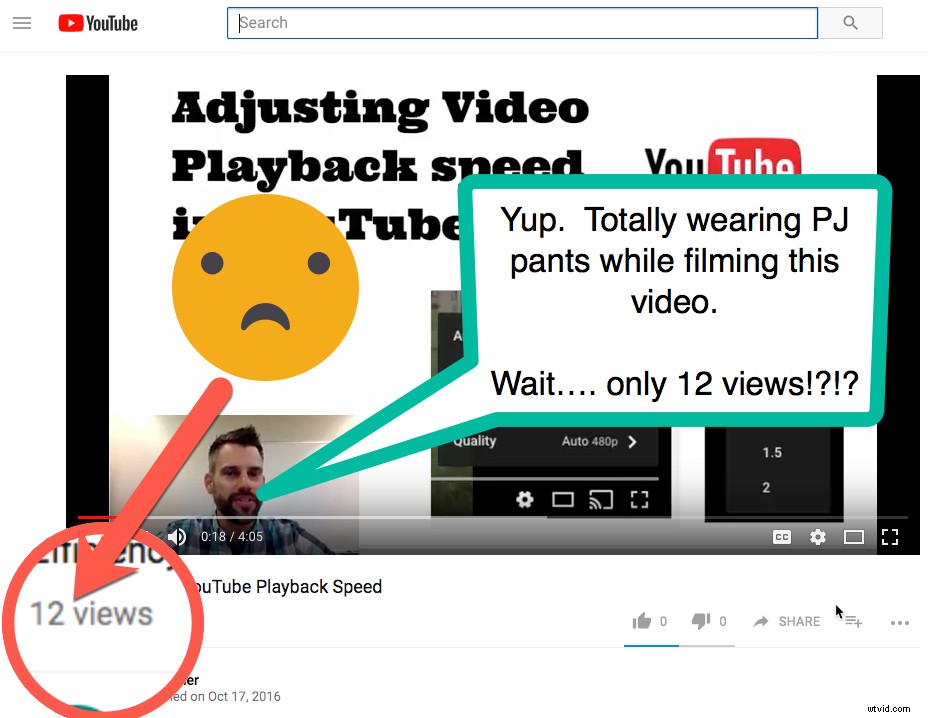 Why did I start making GIFs? In January of 2017, I decided to really commit to producing content on my website that would benefit my primary audience — educators. So, I started making videos with that in mind. I committed to making three or four a week. These weren’t animated GIFs, though. They were 5-10 minute screencasts with audio and webcam video of myself (looking professional in a dress shirt, despite the fact that I was wearing PJ pants).
So, how did I go from making screencast videos to making 20-40 second animated GIFs? Data and reflection, of course! I was disappointed when I checked back in on those YouTube videos a week later to see single-digit views. The worst part: one or two of those views were me checking to make sure the upload and link worked and at least one was my mom. I was spending at least an hour recording, editing, posting and tweeting each of these videos to net a handful of views. This just wasn’t the effect that I had hoped for. My content was good, but I couldn’t get it in front of an audience. What was I to do?

After thinking about this, I got my inspiration from tater tot casserole. If you’ve ever had tater tot casserole, you know that it’s pretty tasty, but you’re likely surprised to hear that inspired me. The inspiration actually came from a video on Facebook about making tater tot casserole. You’ve seen these recipe videos before – they’re silent, they autoplay, they move quickly, they’re easy to follow and they’re nearly impossible to ignore. I sat there learning how to cook tater tot casserole – Why was I watching!? I don’t even do much of the cooking in our house! – and realized something important. I needed to avoid the hardest step in preparing online video – getting viewers to press play. If the video automatically plays while they scroll past it on Twitter, I only need to create content good enough to get them to stick around —and to keep coming back for more.
That’s when I discovered the option to export screencasts as animated GIFs. The rest is history. My tweets average nearly 900 impressions*. And if the content is good enough, those impressions lead to followers who keep coming back and retweets that lead to even more impressions. TechSmith even has a blog about ways you can use GIFs in the workplace, should you need some inspiration other than social media uses.
Want to see some of these GIFs? Check out bit.ly/MillerGIFs or just visit my site (jakemiller.net) or my Twitter Feed (@JakeMillerTech).
Want to learn about how I create these GIFs? Check out jakemiller.net/edugifacademy/.
*28-day period ending June 19, 2018 – 550K impressions, 613 tweets.