

As many of us transition from an office setting and into working from home in the midst of the coronavirus (COVID-19) pandemic, we’re not alone. Entire companies, organizations, and individual workers are adjusting their home office setup to make working remotely more efficient and productive.
Here, we’ve put together a checklist of all of the gear you need to upgrade your work from home setup:
A workhorse computer:
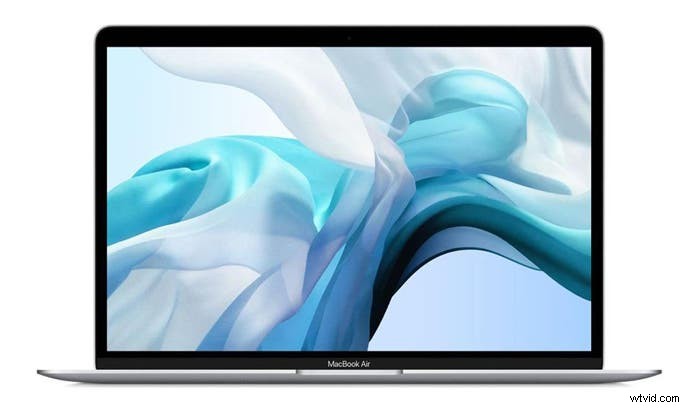 Apple MacBook Air 13″ with Retina Display ()
Shop Now
A trusted laptop is crucial in getting your work done and working remotely while staying connected to your organization and coworkers. The Apple MacBook Air 13″ with Retina Display comes with high-performance capabilities, including eighth-generation Intel Core i5 processor and up to 16GB of memory, which makes it powerful enough for your most significant work tasks.
A trusted router:
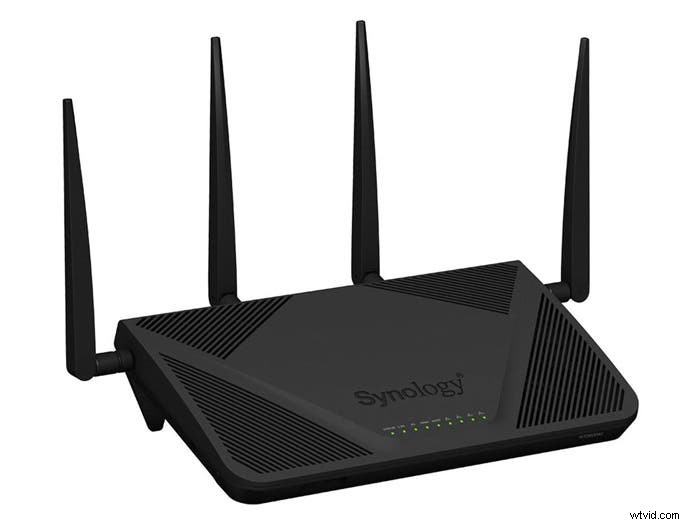
Synology Wireless Dual-Band Gigabit Router ()
Shop Now
As more members of your household are working from home or distance learning, make sure your wireless connection can handle the added usage. A Synology Wireless Dual-Band Gigabit Router helps keep your network secure, and your Wi-Fi speeds up to 2.53Gbps, keeping everyone connected and working online.
A helpful external hard drive:
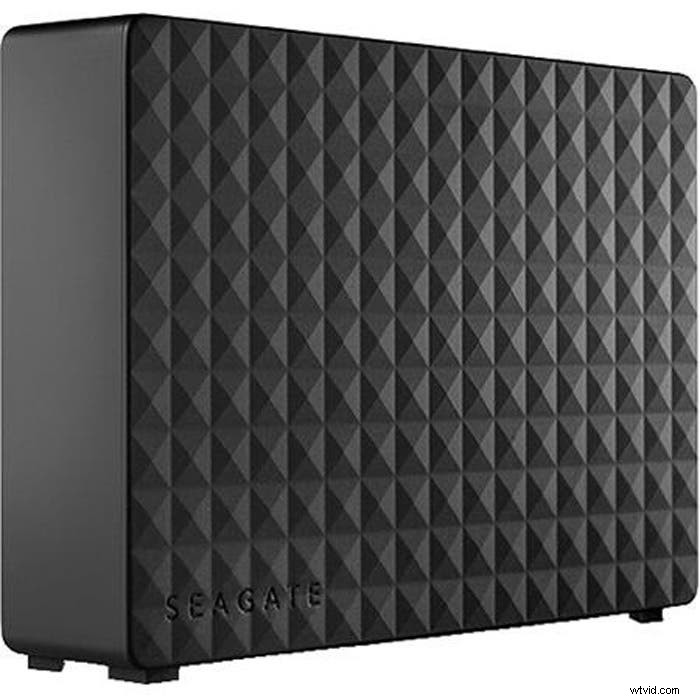
Seagate 10TB 3.5″ Expansion Desktop External Hard Drive ()
Shop Now
With more work being done on your home computer, make sure to keep your work backed up and secure. The Seagate 10TB Desktop External Hard Drive holds up to 10 terabytes of memory, and will hold files, games, and all of your content stored safely.
A comfortable wireless mouse:
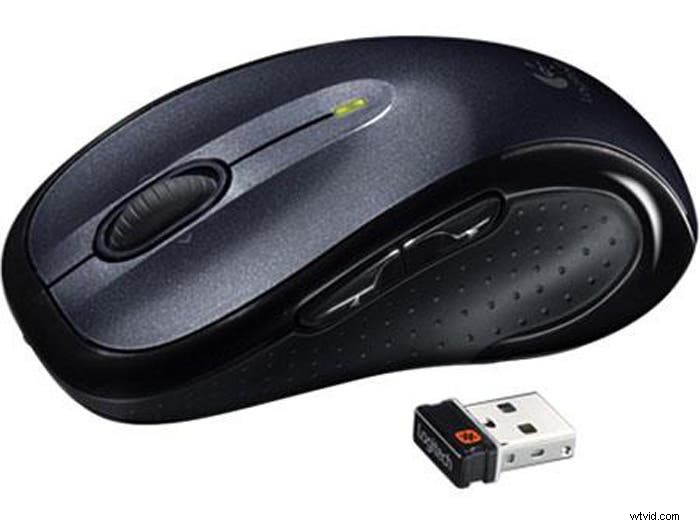
Logitech M510 Wireless USB Comfort Mouse ()
Shop Now
If you’ve been working from a laptop and using a trackpad, you know the discomfort that comes from an all-day work session. Investing in a comfortable Logitech M510 Wireless Comfort Mouse makes working from a computer even more comfortable and ergonomic, meaning you can have increased productivity thanks to the intuitive controls.
Essential software:
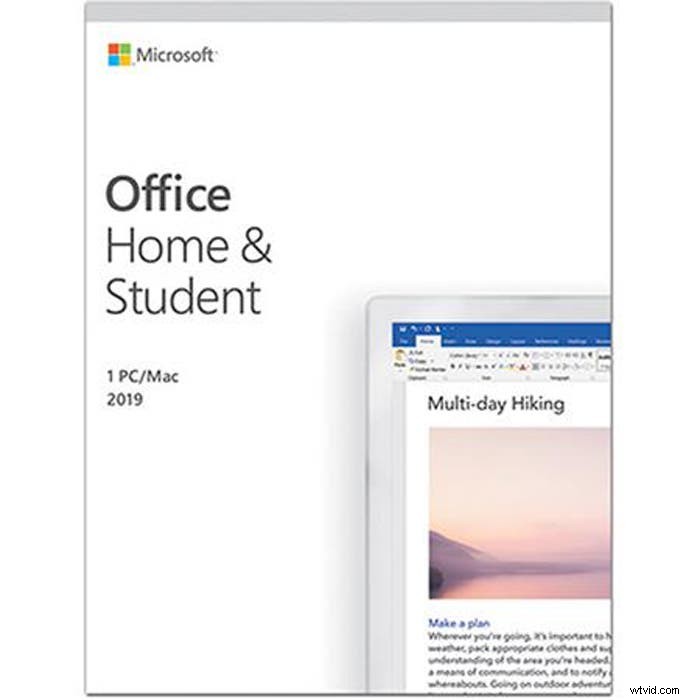
Microsoft Office Home and Student 2019 Software ()
Shop Now
You need the essentials to get it done. Everything you need for content production and workflow — including classic Office apps Word, Excel, and PowerPoint — are crucial to getting your work completed. This Microsoft Office Home and Student 2019 Software bundle has it all.
A reliable printer:
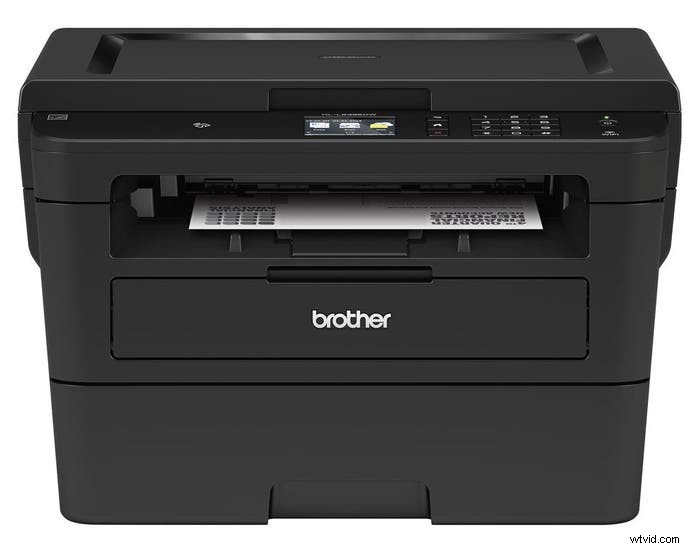
Brother Multifunction Wireless Laser Printer ()
Shop Now
Keep your paperwork and office work organized, with business continuity kept. A reliable printer, like this Brother Multifunction Wireless Laser Printer, is easy to set up and brings efficient performance to your small home office.
A ready-to-chat headset:
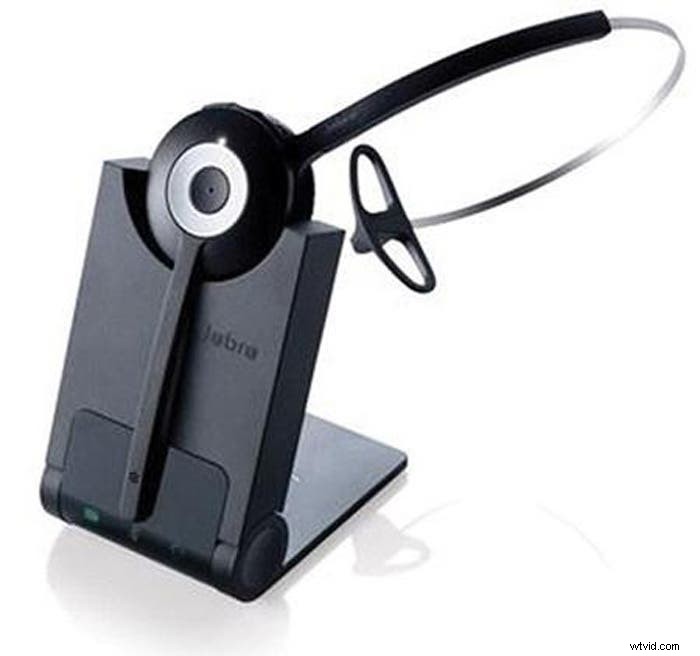
Jabra Pro 930 Mono Wireless Headset ()
Shop Now
Head to your video conference call with the headset you need to keep communication lines open with your team. As many of us see in-person meetings replaced with multi-person video conferences, having a headset, like this Jabra Pro 930 Mono Wireless Headset, means you can keep your communication seamless, thanks to this plug-and-play solution.
Feature photo by Radek Grzybowski on Unsplash

Adorama
Adorama's 42West is the content destination for photographers, filmmakers, audio creatives and all things electronic. Check out our up-to-date editorial features on all the latest gear, how-to's and interviews with today's most relevant industry insiders.