
With social distancing becoming the new normal, the way we work has evolved dramatically. Recent footage of Times Square—once a bustling hub—now shows streets almost empty, a clear sign that many people are transitioning to remote work to safeguard health and maintain productivity.
Working from home can be highly effective, but it requires intentional planning. Below are the key elements that help you build a professional, distraction‑free environment.
1. Dedicated Home Office Space
Comfort and focus are your first priorities. Invest in an ergonomic chair and a desk that allows you to maintain good posture. Position the workstation away from household noise and visual distractions. Treat the area as a formal office: keep it separate from dining and leisure zones, and use it for work, meals, and breaks only when necessary.
2. Robust Workstation
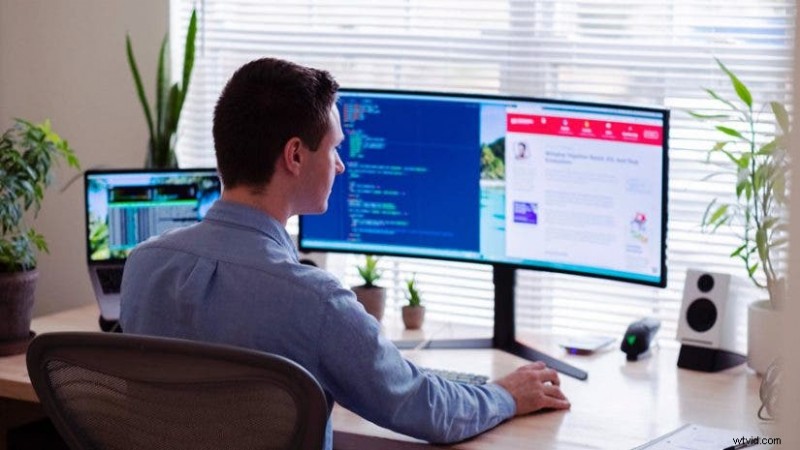
Your computer must match the demands of your role. For most professionals, a high‑performance desktop or a laptop with ample RAM (at least 16 GB) and a dedicated graphics card is essential. A monitor with a 1080 p or higher resolution and a screen size of 24 in or larger will reduce eye strain and improve multitasking. If your job requires multiple documents or applications open simultaneously, consider dual monitors for increased productivity.
3. Audio/Video Support
Clear communication is vital. While a built‑in microphone and speaker may suffice for casual calls, a dedicated headset or earbuds with a noise‑cancelling mic will provide professional sound quality and reduce background noise. For video, evaluate the camera’s resolution and field of view. Options include:
- GoPro HERO8 – portable and versatile.
- 3Pod Small Portable Tabletop Tripod – ideal for stable positioning.
- Logitech C270 3MP USB 2.0 Webcam – affordable and reliable.
Use a neutral backdrop—such as a light‑colored wall or a simple white sheet—to keep the focus on you. Avoid cluttering the frame with pets, laundry, or other distractions.
4. Reliable Connectivity
Speed and stability are non‑negotiable. A wired Ethernet connection offers the most consistent performance, especially if other household members are streaming video or gaming. If cable is not feasible, upgrade your Wi‑Fi router to the latest standard (Wi‑Fi 6) and position it centrally to maximize coverage.
5. Balancing Work and Recreation
While a dedicated office promotes focus, it’s equally important to support your household’s well‑being. Arrange engaging activities for children and housemates—such as hobbies, video games, or music lessons—to keep the environment harmonious and productive.
Conclusion
The shift to remote work is here to stay for the foreseeable future. Equipping your home with the right gear—ergonomic furniture, a powerful workstation, quality audio/video tools, and reliable internet—ensures you remain efficient and professional. Adorama Business Solutions offers comprehensive hardware, software, and consulting services to tailor a solution that meets your specific needs.
For gear packages or equipment quotes, call Adorama Business Solutions at 888‑216‑6700.
Feature photo by Luke Peters on Unsplash
Ed DeLauter
Ed DeLauter is the Director of Technical Services at Adorama Business Solutions.