
These days it’s almost unheard of for a phone to be toting just a single lens, while triple and even quadruple cameras are becoming increasingly more common as time goes on, especially for flagship models.
Both the Samsung S10, and its larger sibling, the S10+, feature a triple-lens camera setup on the rear of the phone, giving you a good degree of flexibility to shoot a variety of different types of scene.
In this piece, we’ll take a look at each of the lenses, how and when to use them, and some tips for getting the most from your Samsung S10 or S10+. Note that the Samsung S10 5G also has a triple-lens setup on the back, with a fourth “camera” which is used to measure depth (but can’t actually be shot within the traditional sense).
- Read our guide to the best phones for photos
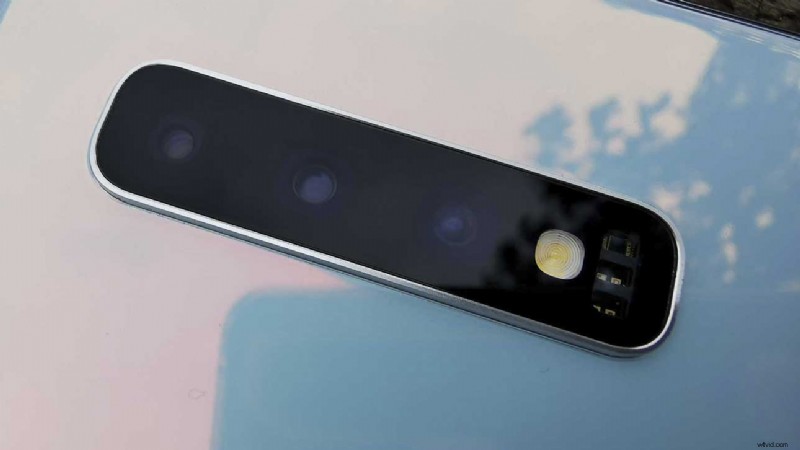
What are the Samsung S10’s triple lenses?
On the rear of the Samsung S10, you’ll notice that there are three lenses arranged in a horizontal line near the top of the rear of the phone. Working from right to left you have the ultra-wide-angle lens, the standard lens and the telephoto lens.
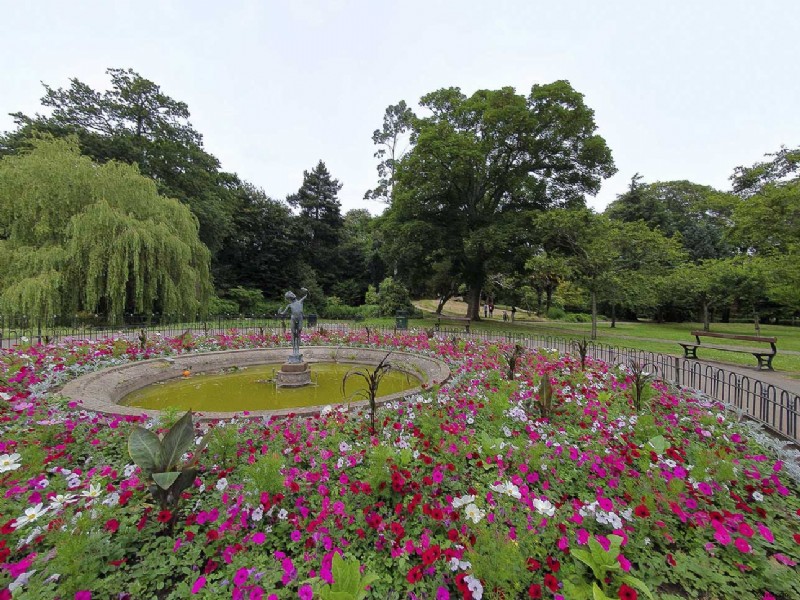
0.5x lens
The ultra-wide-angle lens is sometimes called the 0.5x lens, and gives you a 35mm equivalent focal length of 13mm. It also has a maximum aperture of f/2.2 and it sits in front of a 16 megapixel sensor. When shooting with this lens, focus is fixed, meaning you can’t change focus by tapping around the screen.
- When to use APS-C lenses instead of full-frame
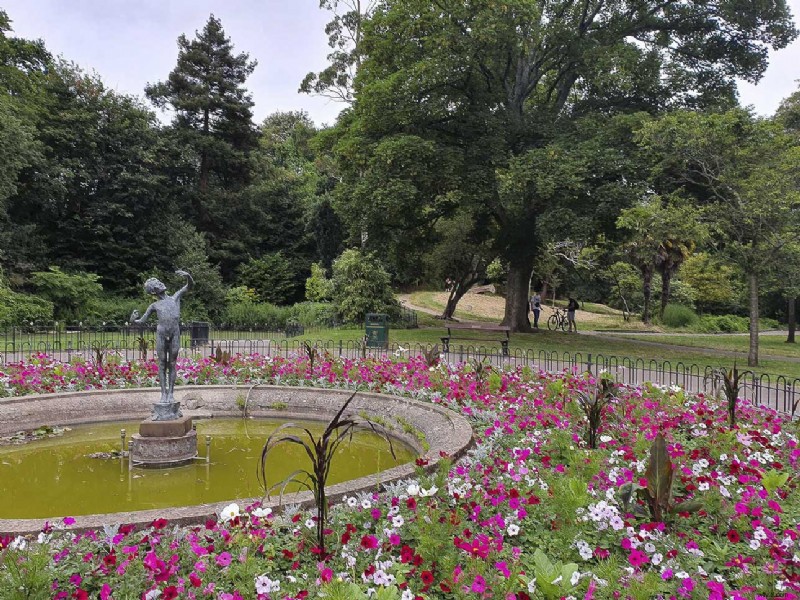
1x lens
The standard lens, also known as the 1x lens, is what the camera will open to by default. It has a focal length equivalent of 26mm and, interestingly for a smartphone, gives you two different choices of aperture, which you can control manually to let in more, or less, light (f/1.5 or f/2.4). This lens also benefits from optical image stabilisation. This lens uses dual-pixel autofocus, which makes it the quickest to acquire focus.
Alternatively, you can also pinch to zoom in and out – as well as pinching out to go beyond the 2x optical zoom and start using digital zoom.
There are some caveats to using the different lenses. Sadly, it’s not possible to use either ultra-wide angle lens or the telephoto lens when shooting in the advanced Pro mode. This is something which has been asked for on several occasions, so perhaps we’ll see it with an update at some point.
You can also only use the standard lens when using Night mode. When shooting video, you can sue the different lenses, but you’ll only be able to use the standard lens if you want to record 4K at 60fps.
When to use the Samsung S10’s triple lenses
If you’re still fairly new to photography, it might not be immediately obvious when to use the different lenses. That’s especially true if you’ve come from another device that only has one or two lenses.
There are no hard and fast rules when it comes to what you do and don’t shoot with each of the lenses – you can be creative and bend the conventions, but here’s some typical ideas to help you get started.
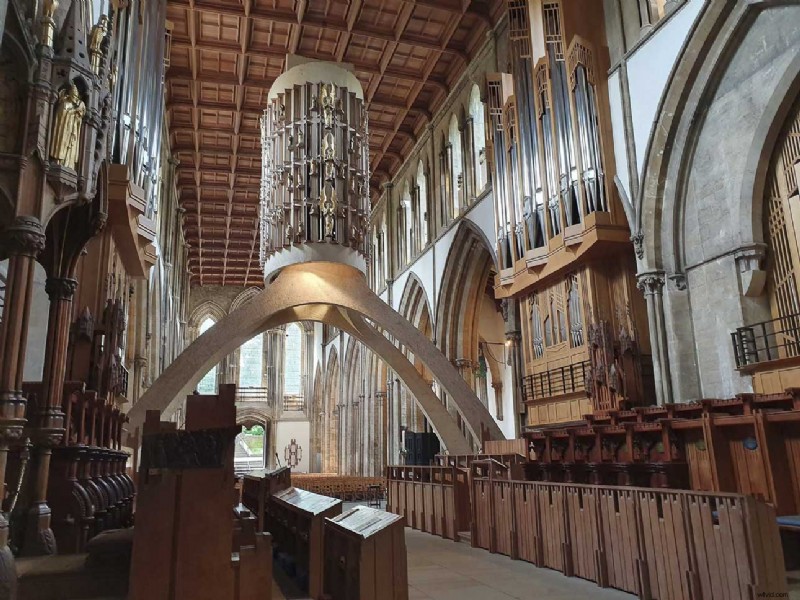

1x lens
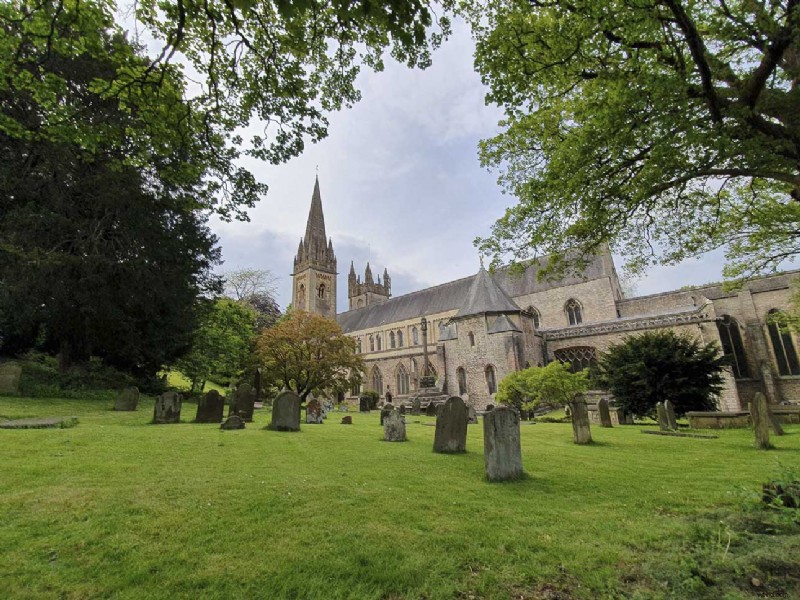
This is your “everyday” lens that you’ll probably find you use for the vast majority of your shots. It’s useful for a huge number of different shooting scenarios, and you could use it for landscapes, portraits, pet shots, still life, flowers, architecture and more. At 28mm it’s fairly wide, without introducing too much obvious distortion in most situations.
0.5x lens
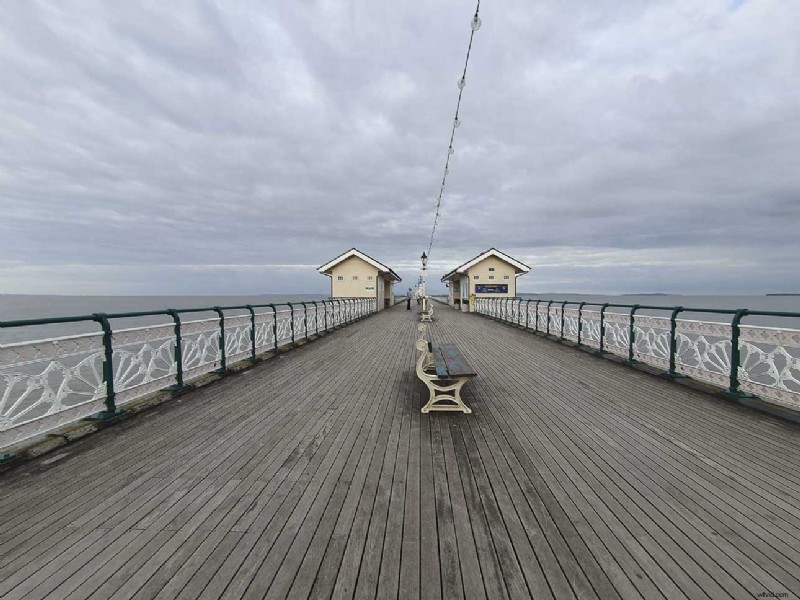
An ultra-wide-angle lens is starting to become more popular on several phones, with lots of models including it. Shooting at 13mm is particularly handy when you want to get lots of the scene in but there’s no way for you to physically step backwards. Shots such as architecture and landscape typically work well at this focal length – but it’s important to watch out for distortion creeping into your shots. Sometimes you can use distortion to your advantage for a creative look, though. Typically you probably wouldn’t shoot portraits with an ultra-wide-angle lens, but for some environmental shots – where you show the subject in the context of their surroundings – it can work well, but again, watch out for unflattering distortion.
2x lens
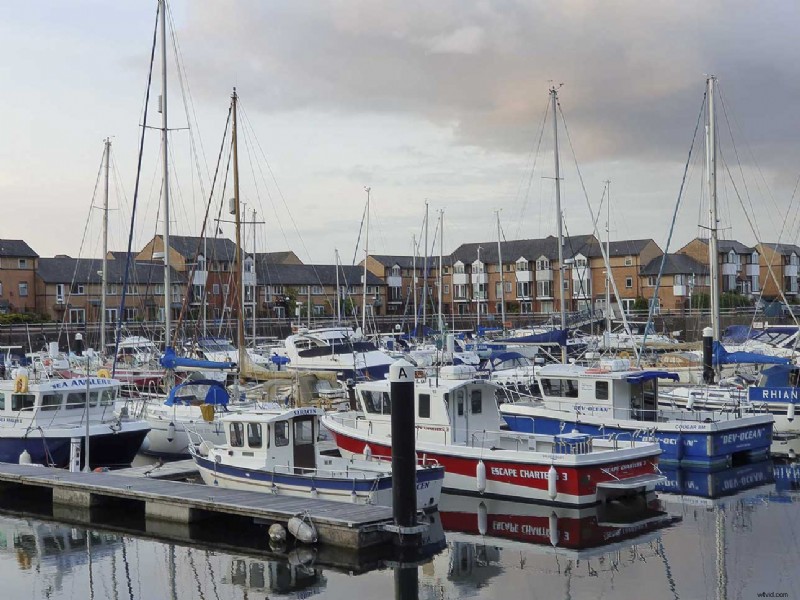
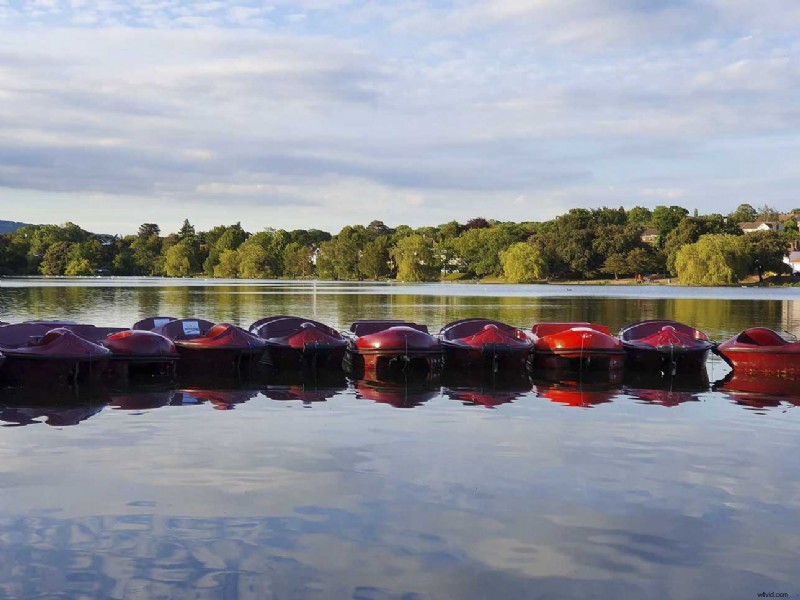
The telephoto lens is what allows you to get closer to the subject you’re photographing. That’s useful if you can’t use your feet to get closer and comes in handy for shooting a closer up view of a landscape, or something like an animal in the distance. Portraits are also good to shoot with the 2x optical zoom as the 52mm focal length creates a more flattering effect than a wide-angle or super-wide-angle lens.