
Are you a photographer or videographer in the market for a Canon 5D Mark IV? Here’s everything you need to know in order to maximize your investment.
The Canon 5D has historically been one of the most successful DSLRs. Its reputation rests on years of quality and strong digital performance. Built for photographers and videographers alike, the Canon 5D has stayed at the forefront of modern technology for both, and the Canon 5D Mark IV is no exception.
Even while other cameras have risen to challenge the 5D, the Mark IV is still a powerful video option. Once you fully maximize it, it can run with the best of them and be a great tool for all your film and video needs. Let’s look at what to consider when renting or buying the Canon 5D Mark IV, and how to get the most out of your camera investment.
Canon Brand Familiarity
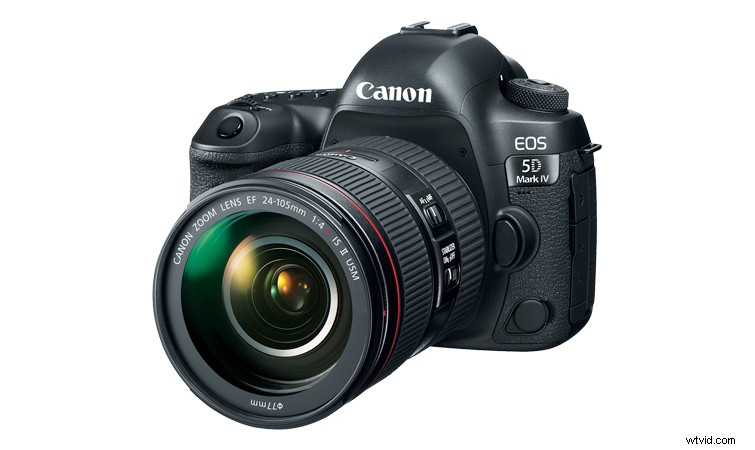
For me, I upgraded from a Canon 7D, which I had used for the better part of a decade. It was the camera I learned on — the camera I took into shoots big and small. It was an absolutely reliable workhorse from the very first moment I turned it on. So, it came down to brand familiarity and loyalty to upgrade to the Canon 5D Mark IV. But just because it was right for me doesn’t mean it’s right for you. There’s a lot to consider, but if you’re a fan of Canon’s DSLR line, it’s currently one of the best.
Here’s a more in-depth write-up on why I upgraded from the 7D to the 5D Mark IV — and what you should consider.
Consider the LOG Upgrade
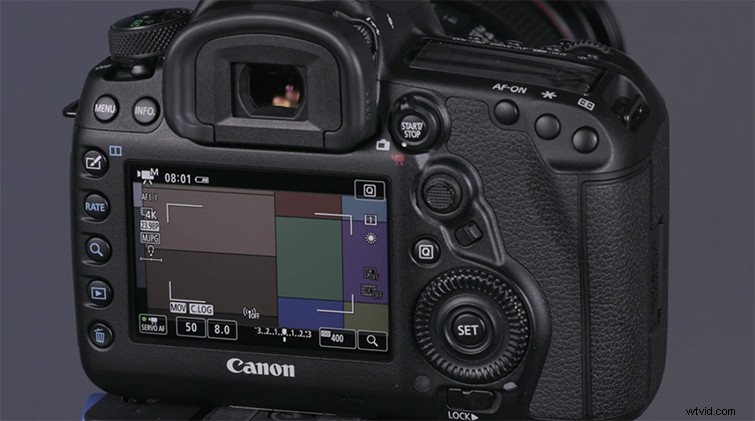
When considering investing in the Mark IV, it’s important to note that if you’d like to record LOG video footage, it requires an upgrade. You can either buy the camera with the upgrade, or you can send your camera in to have Canon to install it for you. Either way, it’ll cost you another $99, so be sure to keep that in mind when crunching your budget numbers.
However, I do highly recommend the upgrade. Canon’s LOG recording is a huge help for shooting cinematic footage that allows greater dynamic and color ranges in your edits. The upgrade gives you two LUTs and helps you maximize your camera’s capabilities.
Here’s more info on the LOG upgrade, what it does, and how to send your 5D Mark IV in to the Canon store.
Auto-Focus for Shooting Video
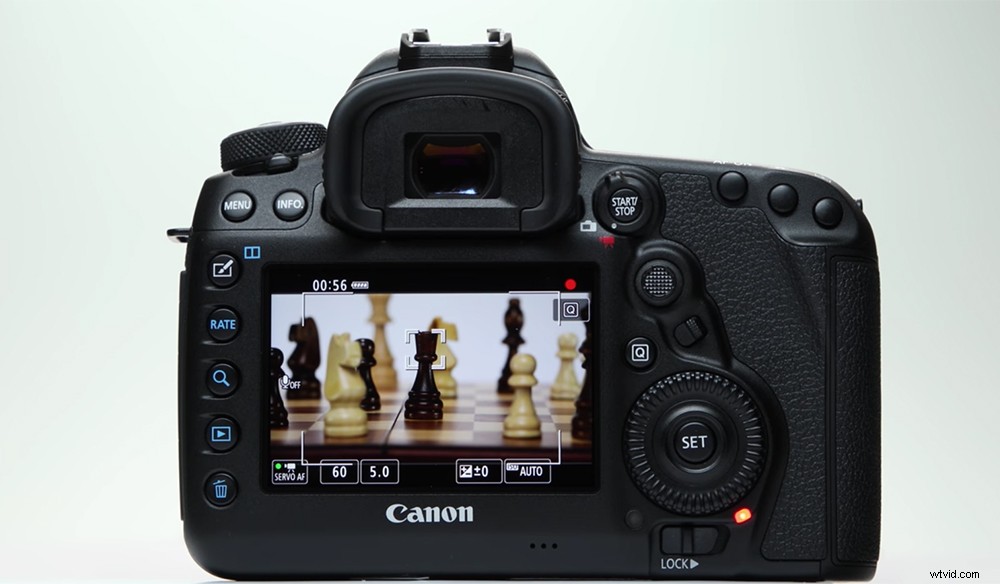
Auto-focus technology has advanced at a pretty incredible rate, especially for video. While I’ve always used auto-focus for photography, it really wasn’t part of my video recording workflow with the Canon 7D. Auto-focus for video was something you did when just learning in film school. However, the technology has become so advanced it is more than just a gimmick. It’s now a highly functional tool for all types of video projects.
The Mark IV’s auto-focus is some of Canon’s greatest tech yet. And, if you’re looking for some tightly controlled focus elements in your shoots, or need extra help in keeping an interviewee focused on a solo shoot, it really is handy. Here’s more info on how to fully utilize auto-focus when shooting video with the Mark IV.
Fully Sync Your 5D Mark IV
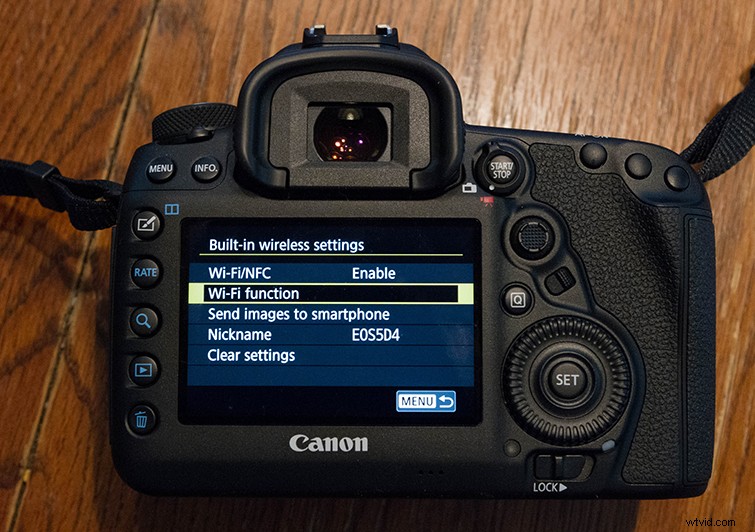
Another technology that seemed crazy to me when first starting out is the rise of Wi-Fi syncing and the possibility of controlling your camera remotely — through your smartphone! Being able to sync your camera with your smartphone opens a lot of doors. If you’re shooting solo (like recording a vlog), having remote access to start, stop, and review/monitor your shot is huge. It can also help you set shots that are hard to reach or in tight quarters.
Whatever your needs, syncing your Mark IV with your phone can be very helpful. Here’s a complete breakdown of how to do it.
Set up the Built-in Intervalometer
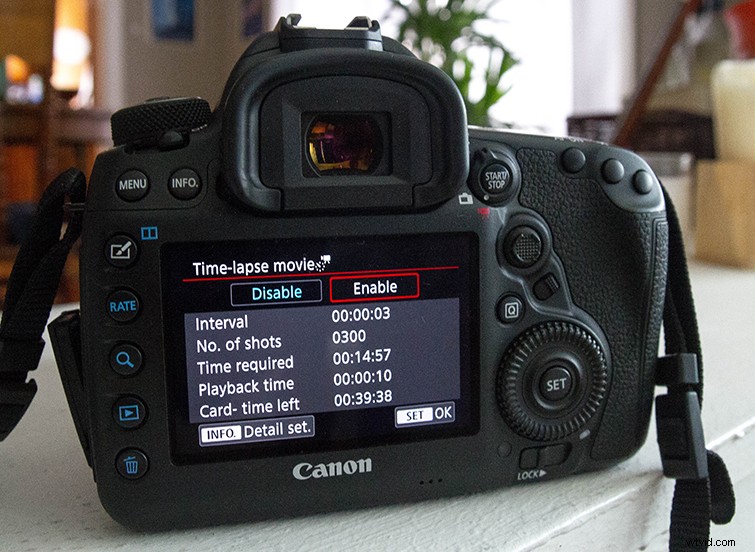
The time-lapse shot is a powerful too for both photographers and video professionals. Many cameras require you buy a third-party intervalometer to take controlled time lapses; the 5D Mark IV comes with one built-in!
Here’s a step-by-step guide to get your intervalometer set up. It’s pretty straightforward, but there are many customizable variables to help capture some spectacular and diverse time-lapses in all types of settings.
All images via Canon.