
Discover ten simple drone transition shots that you can use today to transform your aerial footage.
Whether you’re new to drone editing or an experienced professional, we’ve rounded up our top ten transition tips that will help you produce cinematic content with ease. The following techniques can be easily replicated on standard video editors.
1. Direct Cut
Direct cut refers to an instantaneous transition between two scenes. This shot is the simplest and most common transition shot, which you can improve by matching movements with the rhythm of the background music.

2. Change the Distance
Combine close-up shots with wide-angle panoramic views to create an exciting transition. This type of drone transition shot introduces a new perspective for your storytelling and is especially effective when connecting scenes taken from the ground and the sky.
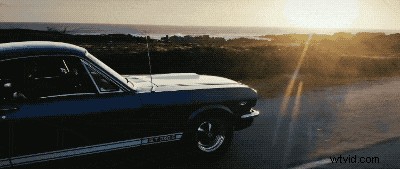
3. Invisible Cut
Invisible cut is a very cool transition shot that joins two shots with similar frames together. The camera lens approaches an object that blocks out the scene, and then the frame transitions to another scene. The beauty of this shot is that it adds creative fluidity to your storytelling, which is particularly useful for fast-paced action shots.
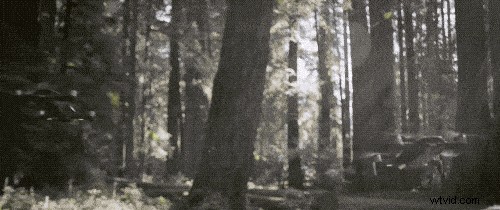
4. Tracking Shot
A tracking shot simply keeps your subject in the center of the frame at all times. This is a simple drone transition that you can use to showcase the passage of time or the journey of your subject.
5. Connect Objects
Combine shots of similar objects in different scenes to create an interesting transition shot. This is another popular drone transition shot that helps shape your storytelling narrative.
6. Contrast Movement
Contrast the movement of the scene and adjust the lateral and medial directions of the shot to add dynamic motion to your footage.
7. Cutting on Action
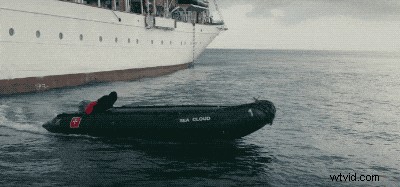
This type of transition shot links scenes together that involve similar actions. Whether you are filming a runner or your pet running across the grass, use this transition technique to immerse your audience in to the scene.
8. Fade In and Fade Out
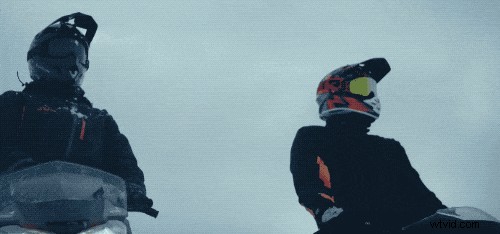
Gradually fade the connecting scenes and alter the brightness to showcase different emotions in your footage. Fade transitions are used to create a feeling of mystery, emotion, or represent the passage of time.
9. Multiple Angles
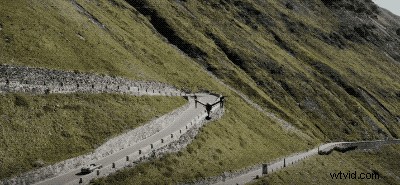
Present your subject from different angles to highlight the importance of this scene in your narrative. Try to shoot from as many angles as possible to achieve a cinematic effect.
10. Dolly Zoom
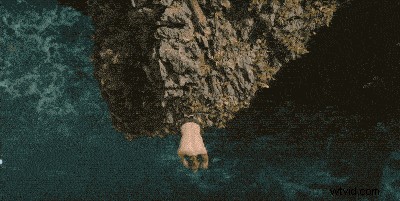
Dolly Zoom is a Hollywood favorite, which is used to create an intense warping effect in a scene. The camera zooms in to the subject while zooming out of the background, creating a stunning transition shot. The Mavic 2 Zoom has this function built-in, but you can also zoom out with your post-production software while the drone is flying forward to achieve this transition shot with other drones.
Summary
Shooting creative aerial content is more than pressing the record button. Remember to plan what type of shot you need before you start flying, and we recommended you shoot the same scene multiple times to give you more freedom during post-production. If you wish to add a slice of creativity to your drone footage, give these transition tips a shot!
Recommended articles:
– Film Like a Pro: How to Create Cinematic Orbit Shots
– How to Create Mesmerizing Mirror Effects with Your Aerial Footage
– DJI Mavic Adventures: Film the Action Like a Pro