
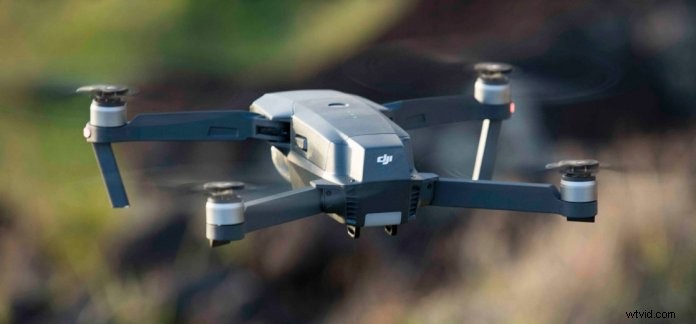
Everyone fears their drone may unexpectedly fly away and never be seen again. Fortunately, DJI drones are designed to automatically Return to Home (RTH) if you lose RC signal, but some users have experienced what is often called a “flyway.” According to users’ flight data, the vast majority of flyaways are caused by several common pilot errors. Here are five simple steps you can take to prevent your drone from flying away.
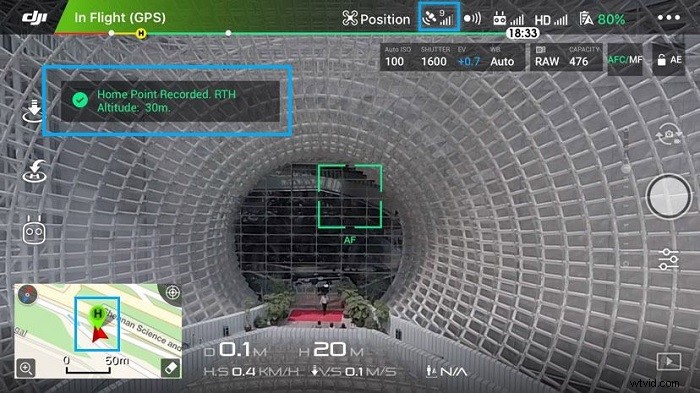
1. Make Sure a Home Point Has Been Set
If you want your aircraft to automatically return home, make sure a home point is set before you take off! You’ll need at least 4 GPS signal bars. Once a Home Point is set, you’ll see a prompt in the app, and a green Home Point icon will appear on your map.
2. Watch Out for Compass Interference
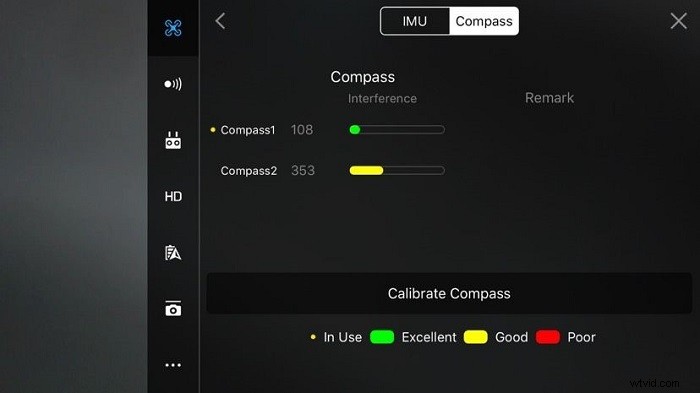
GPS signal is necessary but not sufficient for your drone to return to home safely. Your drone’s compass also needs to be relatively free from interference. GPS only determines the drone’s location; the compass determines its orientation. If you initiate RTH, your aircraft will turn its head and fly back to the Home Point. But if it doesn’t know which way to turn, it may end up flying somewhere else.
The DJI GO app will warn you if compass interference is too great. You can also see the amount of interference in your area in MC Settings – General – Compass. The Mavic Pro and newer DJI drones have redundant compasses, but if one or both of them are in the red, it’s a good idea to recalibrate or move to an area with less interference.
3. Keep Your Drone Within Line of Sight
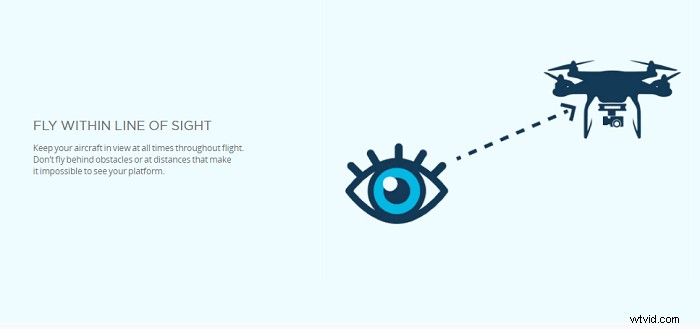
Your drone is much less likely to crash or get lost if you can see it with your own eyes. There are good reasons why flying within line of sight is included in the FAA’s UAV operation rules. Monitoring your drone solely through your live video feed is never a good idea. If you do this, you won’t be able to see what’s behind or to either side of your drone. Sometimes “flyways” are just accidents resulting from the drone not being visible. Fly within line of sight and stay safe!
4. Reset Your Home Point if You’re Moving
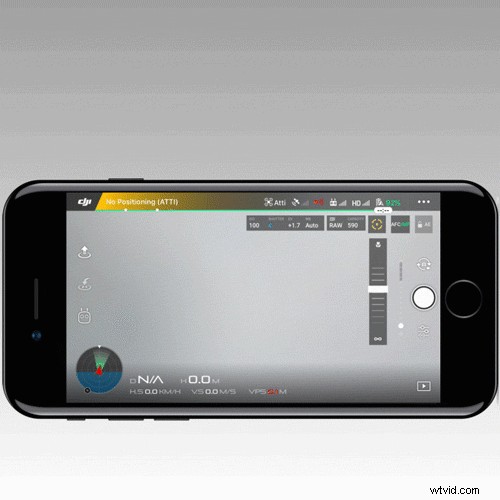
As long as you have sufficient GPS signal, your Home Point will set automatically when you take off. However, it won’t reset automatically if you move around. If you’re driving in a car or moving in a boat, you’ll need to reset your Home Point periodically. This gif shows you one way to reset your Home Point:
5. Set an Appropriate RTH Altitude
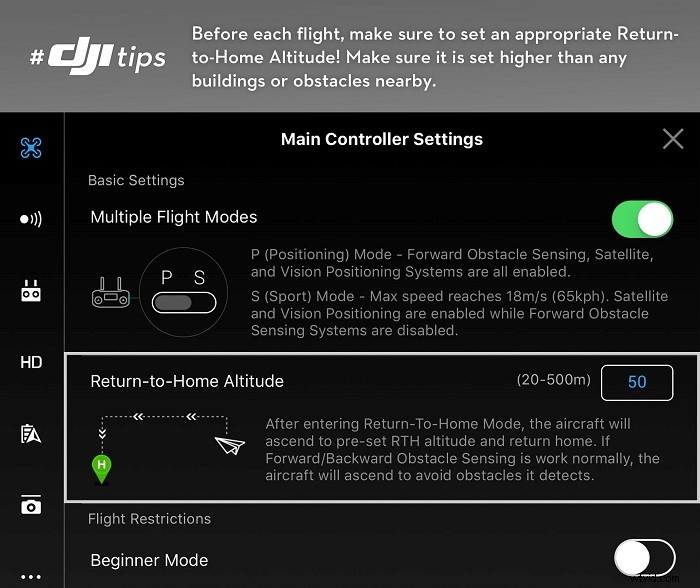
Even though DJI’s newer drones have vision systems that allow the drones to fly around obstacles during RTH, it’s still a good idea to set an RTH Altitude. For one, the obstacle sensors won’t work in low-light situations, and pure glass surfaces and water may not be detected. Also, the obstacle avoidance sensors may not detect thin objects like tree branches or power lines.
Thanks for Reading!
You also might be interested in:
10 Common Mistakes Mavic Pro Pilots Make
Time-Lapse Photography – Turn Photos into Hyper-Fast Video
Creative! How to Light Paint with Your Drone
Find the deals for Mavic Pro!
Find the deals for Phantom 4 Pro
For more DJI tips and tricks…
Like DJI Support on Facebook!
Follow DJI Support on Twitter!
Subscribe to DJI Support on YouTube!