
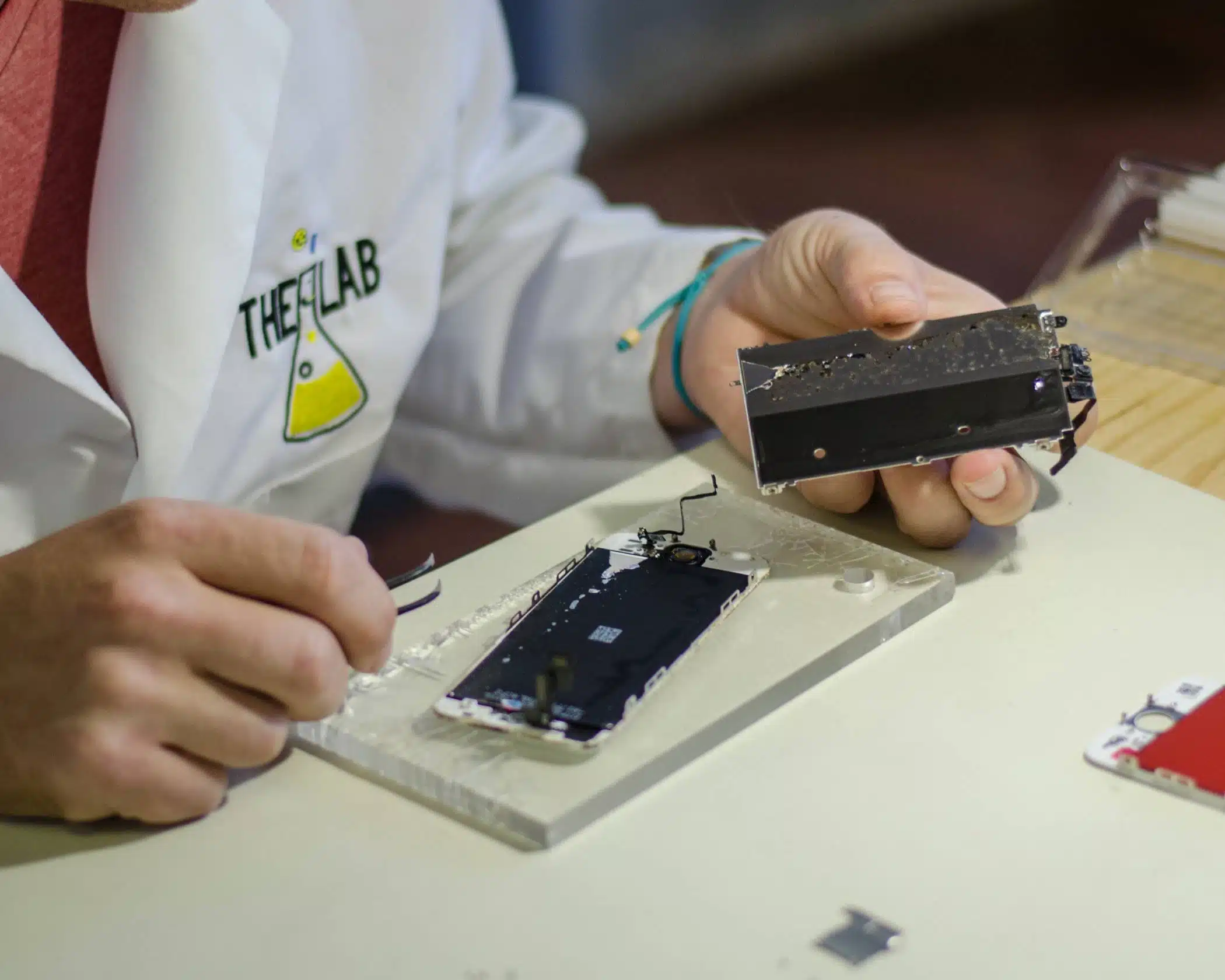
The iPhone remains a popular choice for millions of users worldwide, well-known for its sleek design and cutting-edge features. However, even the most advanced smartphones are not without their issues.
Whether it’s a rapidly draining battery, unresponsive touchscreen, or connectivity woes, iPhone users often encounter common problems that can disrupt their daily routines.
In this blog post, we’re exploring the most common iPhone problems and provide practical solutions to help you troubleshoot and resolve these issues, ensuring your device runs smoothly and efficiently.
If troubleshooting doesn’t work and your iPhone is still giving you problems, we can help! Give us a call or schedule your repair today.
Problem: Stolen Device Protection
This has emerged as a problem just in recent weeks as iPhone users have found themselves locked out of their phones, unable to access their data. On the surface, it sounds like a positive thing, but in reality, it can cause huge problems.
An iPhone’s stolen device protection requires a face ID to turn it off and if it’s not on the home WIFI network it recognizes, it requires another hour to wait and then requires a face ID again to access the phone.
It prevents people from being able to unlock their iCloud account or transferring data effectively, making it much harder to access what they need.
Possible Solutions:
We highly recommend iPhone users either turn off or decline to activate this feature as it isn’t necessary to protect their phone and causes more problems than it solves.
If you’ve found yourself already locked out of your iPhone due to the stolen device protection feature, we can help, but it may take longer than usual due to the access issues this feature causes.
Problem: Battery Drain
Rapidly depleting battery life is a common problem, often due to background apps, system processes, or aging batteries.
Possible Solutions:
- Reduce screen brightness or enable auto-brightness.
- Turn off background app refresh and location services for apps that don’t need them.
- Enable Low Power Mode in Settings.
- Check battery health in Settings > Battery > Battery Health & Charging to see if the battery needs to be replaced
Problem: Overheating
iPhones can overheat during intensive tasks, prolonged use, or exposure to high temperatures, which in turn negatively affect your phone’s performance.
Possible Solutions:
- Don’t use your iPhone while it’s charging.
- Keep the phone out of direct sunlight and hot environments (especially in the summer!).
- Close unnecessary apps running in the background.
- Update to the latest iOS version, as it may include performance improvements.
Problem: Unresponsive Screen
Touchscreens can become unresponsive or laggy, typically caused by software glitches or hardware issues.
Possible Solutions:
- Force restart your iPhone: Quickly press and release the Volume Up button, then the Volume Down button, then press and hold the Side button until the Apple logo appears.
- Clean the screen with a soft, lint-free cloth.
- If the issue persists, check for iOS updates.
Problem: Wi-Fi Connectivity Issues
Problems connecting to Wi-Fi networks, slow speeds, or frequent disconnections are common complaints for iPhone users.
Possible Solutions:
- If you’re using your home or personal WIFI connection, restart the router and then restart your iPhone.
- “Forget” the Wi-Fi network and reconnect by entering the password again.
- Reset network settings in Settings > General > Reset > Reset Network Settings.
- Update the router’s firmware if you have access to it and it’s needed.
Problem: App Crashes
Apps that crash frequently or fail to open can disrupt your user experience, often due to software bugs or compatibility issues.
Possible Solutions:
- Close and reopen the app.
- Update the app to the latest version.
- Restart your iPhone.
- Delete and reinstall the app from the App Store.
Problem: iPhone Freezing or Lagging
Your iPhone may freeze or experience significant lag, usually due to insufficient storage, overloaded memory, or software issues.
Possible Solutions:
- Restart your iPhone.
- Free up storage space by deleting unused apps, photos, and videos.
- Update to the latest iOS version.
- Reset all settings in Settings > General > Reset > Reset All Settings.
Charging Problems
Slow charging, the device not charging at all, or your iPhone not recognizing the charger can happen because of faulty cables, ports, or adapters.
Possible Solutions:
- Use an Apple-certified cable.
- Clean the charging port with a dry, soft brush or compressed air.
- Check for debris or damage in the charging cable and port.
- Try a different power outlet or USB port.
Sound Issues
Problems with sound, such as no sound during calls or distorted audio are common with both iPhones and Android phones.
Possible Solutions
- Check the volume settings and ensure the silent switch is off.
- Clean the speakers and microphone openings with a soft brush.
- Restart your iPhone.
Get iPhone Repair Help At The Lab
If your electronic devices are acting up, we can help! The Lab in Warsaw, IN provides comprehensive repair solutions for a wide range of electronic devices, not just iPhones.
Schedule a repair appointment online using the button below, or stop in and see us at our storefront in downtown Warsaw during regular business hours.
Our Hours
Monday: 10am – 5pm
Tuesday: 10am – 5pm
Wednesday: 12pm – 7pm
Thursday: 10am – 5pm
Friday: 10am – 7pm
Saturday: 10am-2pm
Sunday: Closed