

If you’ve updated your iPhone or iPad to the latest version of iOS (iOS 8.4.1 or iOS 9, with Apple Music), you’ll find that Siri now has the ability to play various sound effects. Whether it’s the sound of fireworks, running water, a camp fire, dogs barking, or, uh, some more lewd sound effects too, Siri will play them all.
As usual with Siri, the commands are simple, so summon Siri and try it out yourself with the following type of requests:
- Play the sounds of a running river
- Play the sounds of a crackling fire
- Play the sound of crickets
- Play frog sounds
- Play horn sounds
- Play the sound of dogs barking
- Play the sound of cat meowing
You get the idea.
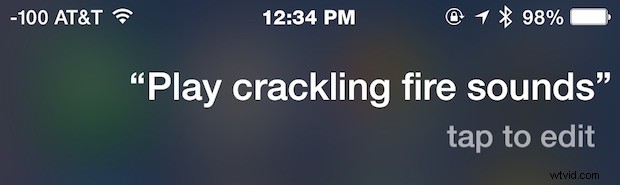
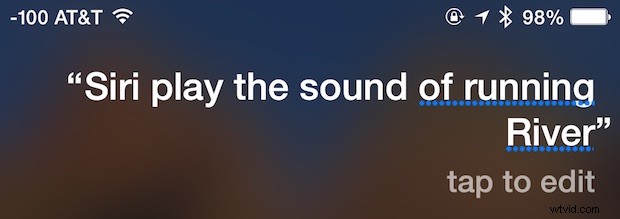
Get creative, Siri now has a large repertoire of sound effects available to the virtual assistant through a huge sound effect library that you can now access from your iPhone, iPad, or iPod touch. Just ask and see if the virtual assistant can find a sound to match.
(Note: apparently the Siri sound effect library is accessed from Apple Music, so if you hid or disabled the service you may not have access to the sound effects, perhaps that will change in the future…)
You can even request some more lewd sound effects if that’s your thing, which could be entertaining for a prank, or if you’re 12 year sold, or just an inner 12 year old sometimes (hey, me too!).
And a warning in advance since this is totally juvenile and somewhat ridiculous, but if you want to hear something really quite strange and rather amusing, ask Siri to “play loud farts” … no you won’t get what you think, and this is where things get really weird, as CultOfMac discovered rather than sounds of trumpeting flatulence, Siri will play a pop song called “What’s my Name” from artist “Rihanna” – LOL! (Update: the ‘play loud farts’ thing seems to have changed from playing a pop song to, well, the actual sound of flatulence, so enjoy that or don’t, oh Siri).
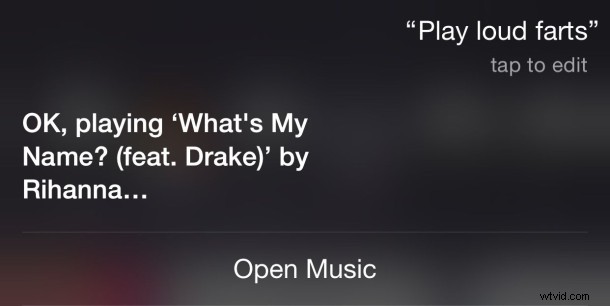
So yea, Siri still has a sense of humor… though if you’re looking for something a bit more serious (Siri-ous? OK I’ll go home now), you’ll probably find these other commands to be much more useful.