Following up the original seven movies, Apple has picked four new gorgeous videos for their “Shot on iPhone” video campaign, each of which shows off the cameras rather impressive video capture abilities.
A global batch, the videos are shot in Norway, Australia, Netherlands, and the USA, and demonstrate to great effect the fancier effects possible on iPhone camera, ranging from slow-motion to time-lapse, while some are just simply shot in the standard video capture mode. Each is beautiful as usual, with a few being particularly artsy, all dedicating half the screen time to the impressive video and ending with the “Shot on iPhone 6” text and an Apple logo.
Each video is embedded below for easy viewing, though viewing some at 1080p in full screen will offer the most impressive look.
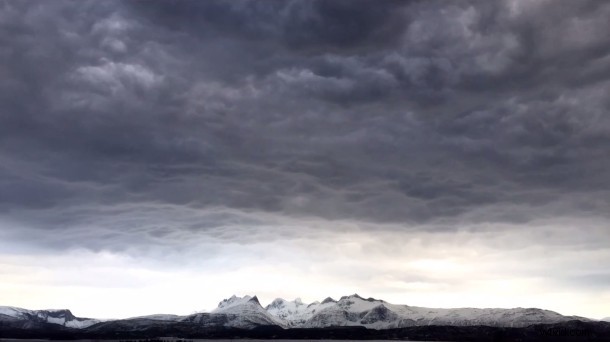
Time-lapse of storm clouds rolling over mountains in Bodø, Norway, with the song “Murakami” by Made In Heights playing as the soundtrack:
Video of a swirling mass of birds swarming together shot in Utrecht, Netherlands, soundtracked with the song “Gene Takes a Drink” by Bang on a Can All-Stars:
A caterpillar walking on a mowed grass field in Hillsboro, Oregon, soundtracked to the song “Walk Walk” by Yael Naim
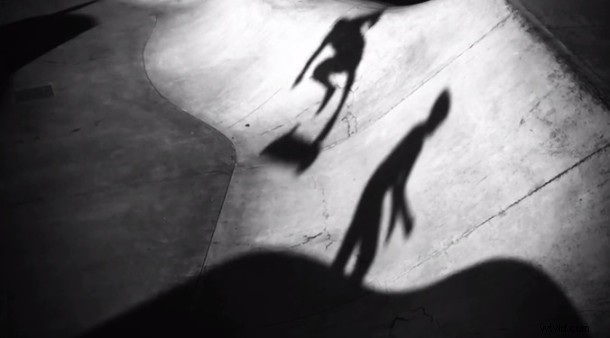
A slow motion video of skateboarders in St Kilda, Australia, with the song “Animal” by The Acid playing in the background:
The videos are appearing on the Apple YouTube channel and the World Gallery at Apple.com, and will likely air as television advertisements as well.