
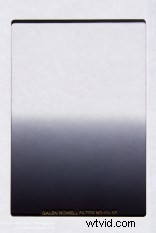
 Gradient filters are not familiar to most beginning photographers even though they have been around a long time. The neutral density version of these filters strives to impart no color or tinting to the image, thus keeping color rendition true while darkening part of the image. Further, the gradient is variable and can start at one, two, three or more stops and transition either smoothly or with a hard line.
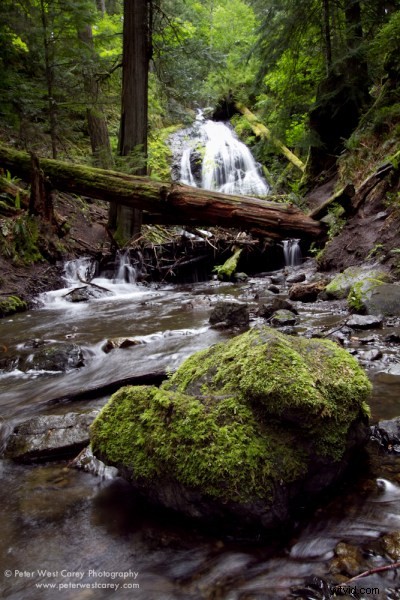
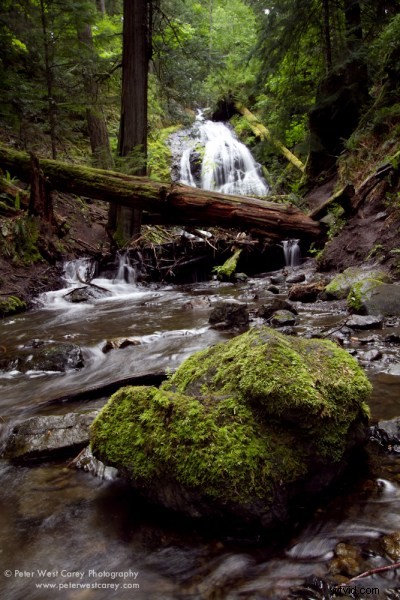
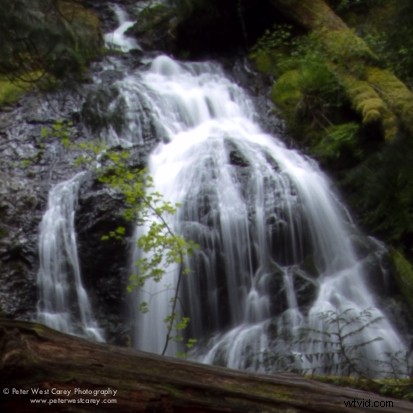
In this demonstration of the filter’s use, I want to show the difference a filter can make compared to obtaining the same results with the gradient tool in Adobe Photoshop Lightroom. Let’s start off with the shots right out of the camera. Both of these images were exposed slightly dark for the foreground to give the waterfall a fighting chance. 17mm, ISO 100, f/13, .6 seconds. The filter used is a Singh-Ray Galen Rowell 2-stop Soft Gradient Neutral Density which I purchased myself.
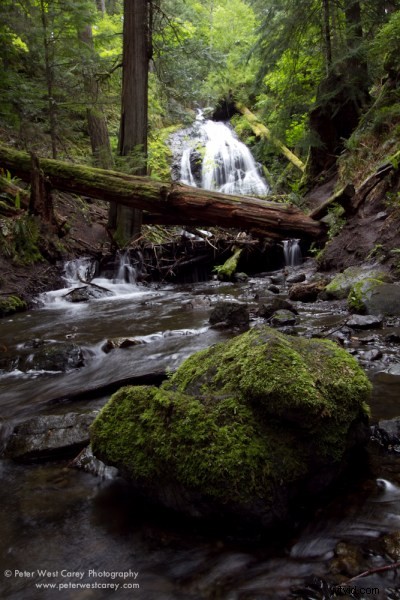
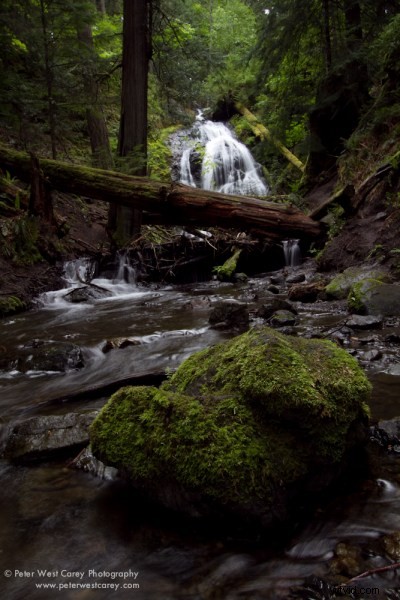
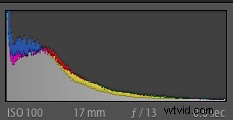
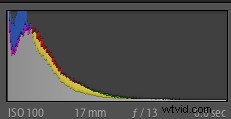
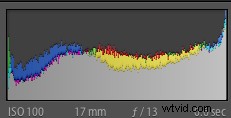
At first glance the upper picture, without the 2-stop soft filter looks better exposed. It’s brighter and has more life. The histograms from the photos bear this out, as the top image (shown first here) is more evenly spread while the second photo, with the filter, is pushed more to the left.
Lightening things up in Lightroom by 1.25 stops, to bring some life to the foreground, and then applying a gradient tool to the top 2/3rds and lowering the gradient by .6 stops to bring back the water brings about these results.
The devil is in the details. In this case, the waterfall. Taking a closer look reveals a loss of detail in the non-filtered image. Here are 100% crops of just the waterfall along with their corresponding histograms.
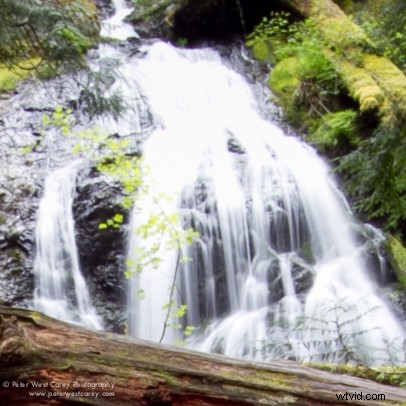
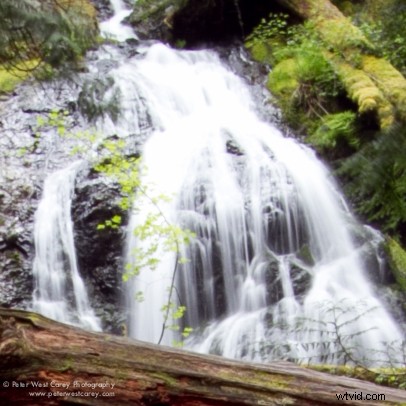
The filtered image has more information and visually is less overexposed. They both have a problem with clipping so let’s go back to the original images to see how much data we can gather.
Here are both shots, unedited, and cropped down to the waterfall. I then brought down the exposure to help grab more detail from the waterfall. The top image, still the unfiltered image, is brought down 2.45 stop in exposure while the filter image is only decreased 1.4 stops.
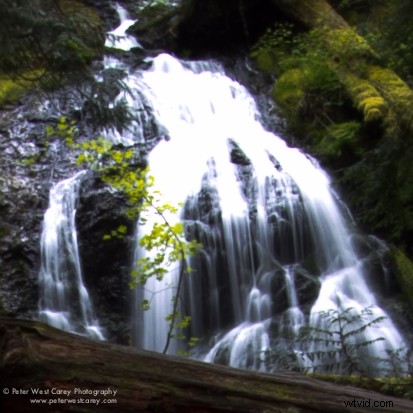
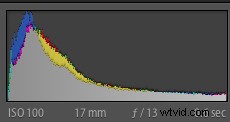
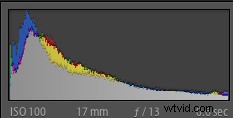
The histograms are nearly identical yet the information is not the same.
What am I trying to prove in this demonstration? That using tools in the computer after the fact is not a replacement for making sure data is captured correctly to begin with. In this case HDR would be a great candidate for making a proper exposure using many exposures and combining them. And in this case I had the luxury of time to be able to do so. Yet HDR is not the answer in each case, especially when moving objects are involved, such as if a Yeti were to suddenly walk down to the stream for a drink.
What’s the tradeoff? First, there’s cost and having to pack the filter with you. This isn’t the largest problem in the world, but it does add one more thing to the list of, “What should I not forget?”. That can be a big item for some people (while I should also note that seeking simplicity in packing may mean more time editing at home, which is not simple in some cases). Also this filter will not work with every lens. Guess what happens when you put it in front of a nice wide Sigma 8mm-14mm lens?
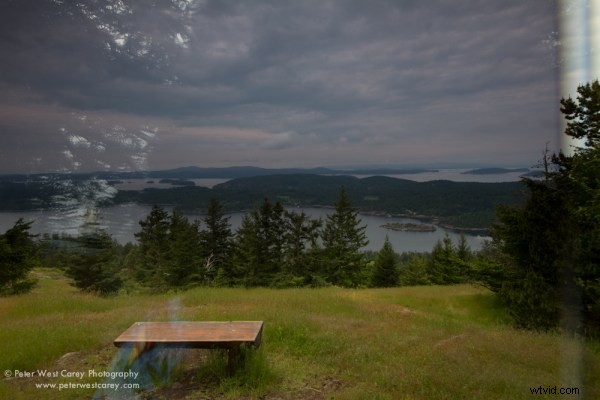
See the horrid reflection of my horrid shirt and the sky behind me? Not to mention the fact that the filter reached the limits of the wide angle at 8mm and was hard to position.
Lastly, there is the matter of filter holders. They add weight and complexity to a setup but can be beneficial in place of hand-holding filters like this, which is what I prefer.
The bottom line for me is a quality gradient neutral density filter will yield better results right out of the camera. And if you have tremendous Photoshop skills? Then you have even more latitude to make your vision a reality.