
Vheer AI’s browser‑based platform is reshaping visual storytelling in 2026. It allows creators to generate high‑quality AI video clips without a professional crew, complex editing skills, or even a sign‑up. Importantly, the tool remains a rare free AI video generator that delivers watermark‑free exports, making it a top choice for social media professionals.
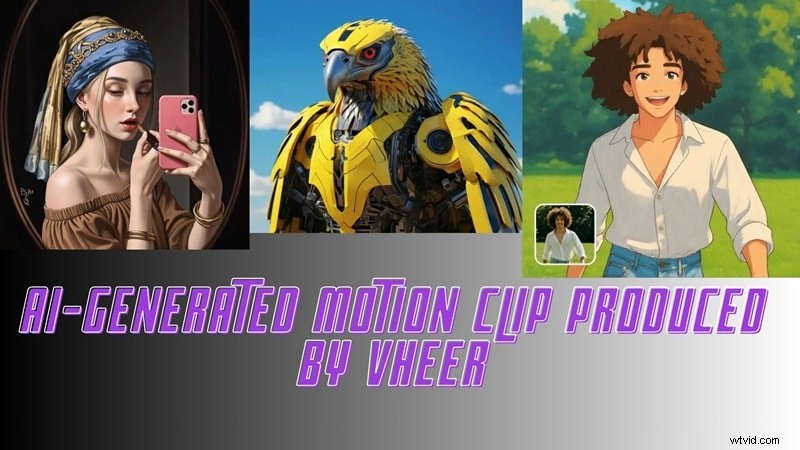
What Is Vheer AI Video Generator?
Vheer AI is a fully browser‑based creative hub that removes technical friction from AI image and video creation. It bundles a range of tools in one place:
- All‑in‑one workflow – text‑to‑image, image‑to‑video animation, basic photo editing, and background removal.
- No downloads or heavy hardware – everything runs online.
- Free core features – exports are watermark‑free even on the free tier.
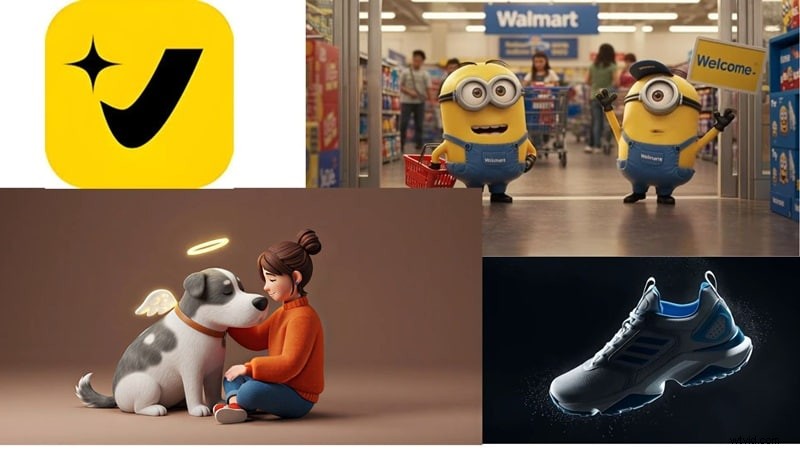
Core Features That Set Vheer Apart
Image‑to‑Video Stability
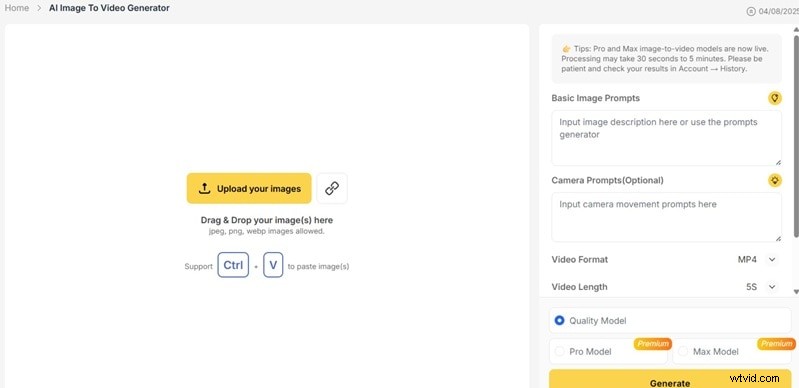
Unlike full text‑to‑video tools, Vheer’s strongest capability is animating an existing image. Users describe camera movement, mood, or subtle scene changes, and the AI applies smooth motion that feels cinematic rather than scripted.
Multi‑Model Visual Support

Several built‑in AI models tailor the visual tone and motion style—ranging from stylized art to clean cinematic visuals. Switching models is seamless, allowing rapid experimentation without workflow disruption.
No Watermark & High‑Speed Output
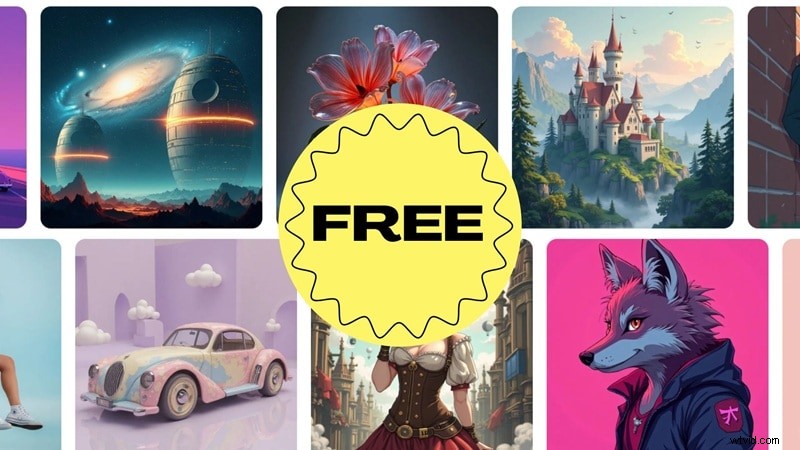
All exported videos are watermark‑free, even on the free plan. Rendering times are impressive—clips of 5–10 seconds typically complete in seconds to a minute. HD export up to 1080p is available for real publishing.
Additional AI Tools
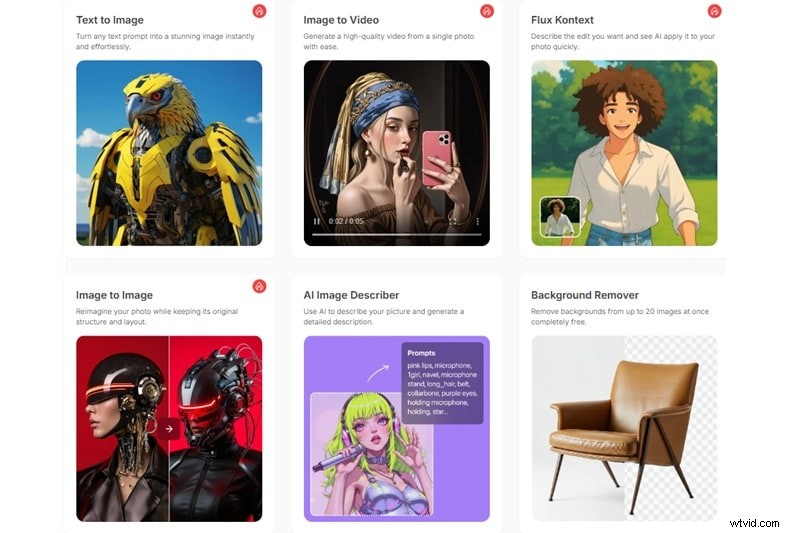
Beyond animation, Vheer functions as an AI creative hub:
- Text‑to‑Image Generator – create detailed visuals from written prompts.
- Image‑to‑Image Generator – rework photos with new styles.
- Kontext Editor – natural‑language image editing.
- Batch Background Remover – clean edges for multiple images.
- Style Transfer – one‑click artistic filters.
- Prompt Generator from Images – derive prompts directly from visuals.
- Portrait Tools – studio‑style headshots for branding.
Hands‑On Test: Video Quality & Performance
We evaluated Vheer under realistic conditions: default settings, 5–10‑second clips, 768p–1080p resolution, and stylized or semi‑cinematic scenes.
| Category | Setup Details |
| Clip Length | 5–10 seconds |
| Resolution Tested | 768p to 1080p |
| Visual Style | Stylized and semi‑cinematic scenes |
| Workflow | Upload image + add prompt |
Test Results
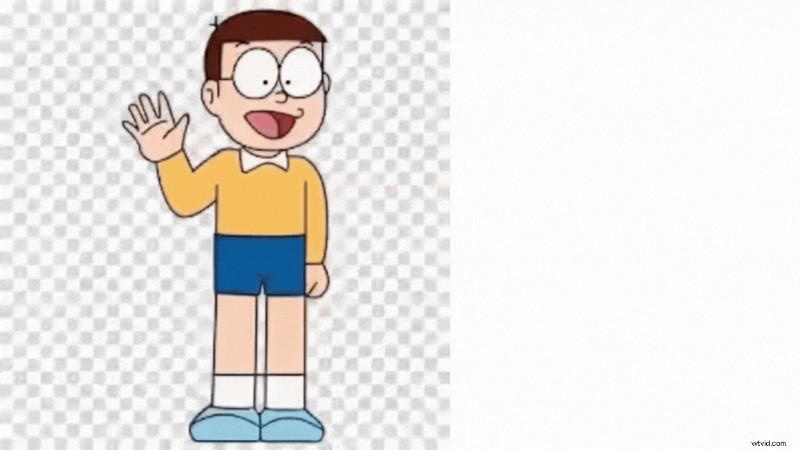
- Character Animation: Illustrated character moved with a "walking" prompt. Motion was stable but simplistic—primarily sway and bounce.
- Prompt Accuracy: A detailed robotic eye scene matched tone and subject, though the clip remained short.
- Physical Motion: Liquid motion appeared thick and unrealistic, indicating a current limitation.
- Generation Speed: Ten‑second clips typically finished in under a minute, supporting rapid iteration.
Video Quality Overview
| Strengths | Limitations |
| Fast rendering | Short clip length |
| No watermark | No 4K export |
| Best for stylized visuals | Struggles with complex motion |
Vheer excels as a short‑form visual generator but is not a full cinematic production tool.
Motion Control Overview
Camera movements are preset: basic zoom and pan, limited depth layering, and occasional subject warping during motion. These constraints make Vheer suitable for stylized, low‑detail scenes.
Pros & Cons
Our test identified clear strengths and areas for improvement.
- Pros:
- Completely free with watermark‑free exports.
- Instant access—no account required.
- Prompt suggestions based on uploaded images.
- Rapid idea testing and visual drafts.
- Cons:
- Very short video length (4–5 seconds).
- Output quality can be inconsistent.
- Generation slows during peak usage.
- No built‑in editing—audio and trimming require external tools.
Competitive Landscape
Vheer’s focus on speed, ease, and zero cost differentiates it from premium tools like Runway and Kling AI, which target longer, cinematic productions. Compared to other free or freemium alternatives, Vheer’s watermark‑free policy and rapid rendering stand out.
Quick Comparison Snapshot
| Aspect | Vheer AI | Runway | Kling AI | Pika | Luma Dream Machine |
| Best Use | Fast social clips | Pro‑grade control | Realistic motion | Stylized creativity | High‑quality speed |
| Pricing | Free, unlimited | Paid subscription | Freemium | Freemium | Freemium |
| Watermark | No | Yes (free tier) | Yes (free tier) | Yes (free tier) | Yes (free tier) |
| Output Quality | Good for short form | Excellent (paid) | Excellent (realism) | Good (stylized) | Very high |
| Ease of Use | Very easy | Complex | Moderate | Easy | Moderate |
| Core Strength | Zero‑cost access | Advanced editing | Motion realism | Creative styles | Consistency |
Enhancing Vheer Videos with Wondershare Filmora
While Vheer produces clean, visually engaging clips, they are silent and short. Adding audio, transitions, and higher resolution can transform a raw clip into publish‑ready content. Wondershare Filmora’s AI Music Generator and robust editing suite make this process quick and professional.
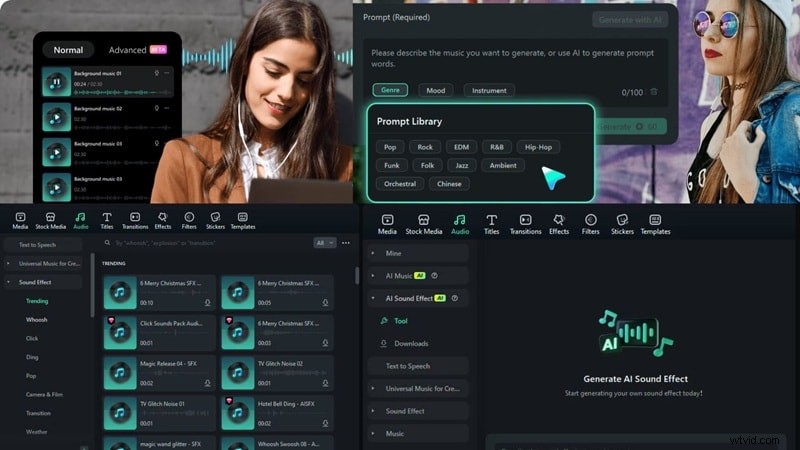
Step 1: Add AI Music & Sound Effects
Import the Vheer clip into Filmora, then use the Audio panel to:
- Add background music or sound effects.
- Adjust timing, volume, fade‑ins, and fade‑outs.
- Leverage the AI Music Generator for custom tracks that match mood and pacing.
Step 2: Upscale Resolution with AI Video Upscaling
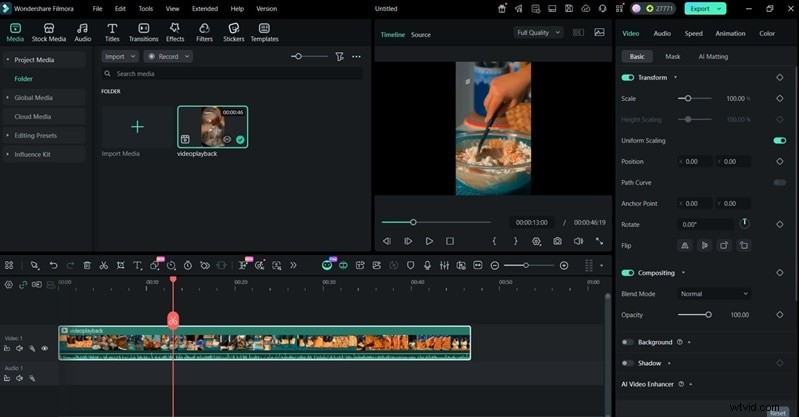
Filmora allows simple scaling and framing adjustments, ensuring your Vheer clip meets platform requirements.
- Import clip and use the Scale controls.
- Fine‑tune positioning and framing.
Step 3: Extend Length & Flow
Combine multiple short clips, insert smooth transitions, and maintain consistent style to create a full narrative flow.
- Drag and drop clips onto the timeline.
- Apply transitions and matching color grading.
- Export the final video in the desired format.
Conclusion
Vheer AI’s free, watermark‑free, and fast image‑to‑video capability makes it an excellent starting point for social media creators, rapid concept testing, and early‑stage storyboarding. Its limitations—short clip length, basic motion control, and silent output—mean that complementary editing tools like Wondershare Filmora are essential for polished, publish‑ready videos.
By combining Vheer’s quick visual generation with Filmora’s audio and editing features, creators can produce high‑impact videos that resonate across TikTok, Instagram Reels, and other platforms.
Filmora – AI Video Editing App & Software. Best tool for creating videos anywhere for all creators!
Simplify all your steps in video editing, from pre‑processing to finalizing. Filmora AI stays tuned.