
Looking to add striking RGB splits, VHS noise, or digital distortion to your videos? Filmora’s AI‑powered glitch editor delivers one‑click presets and precise keyframe controls, perfect for intros, music videos, gaming highlights, and TikTok edits. Below, we review the leading glitch effect generators and include a brief tutorial on creating a glitch look in Filmora for free.
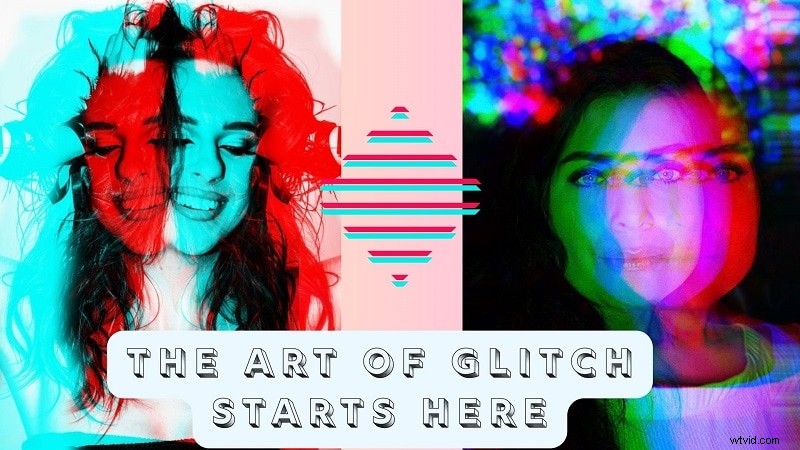
Our Top 3 Picks (Preview Box)
Filmora (Best Overall, AI + Keyframes)
One‑click presets + pro controls; free to start.
PhotoMosh (Fast Web Tool)
Quick browser glitches; limited export quality.
View detail
Glitchatron Randomized image glitch distortion tool
Deep control via plugins; steep learning curve.
View detail
Part 1: What Sets These Glitch Tools Apart: Glitch Effect Tools Compared
Now that we’ve spotlighted our top choices, here’s a broader comparison to help you evaluate each glitch effect generator based on real‑world strengths, editing flexibility, and supported platforms.
| Software | Platforms | Ease of Use | Price | Best For | Supported Formats |
| Wondershare Filmora | Windows, macOS | 5/5 | Free plan, One‑time or Subscription | Creators needing pro‑level control | MP4, MOV, MKV, AVI, more |
| PhotoMosh | Web browser | 4.8/5 | Free / $29 Pro | Social creators, glitch artists | MP4, JPG, PNG, GIF |
| Glitchatron | Web (Desktop / Mobile) | 3.5/5 | Free | Experimental designers | JPG |
| Colorcinch | Web (Desktop) | 4.4/5 | Free / $8.99/mo | Graphic editors, stylized visuals | JPG, PNG |
| Mara | Web | 4.5/5 | Free | Basic users, light customization | JPEG, GIF, PNG |
| PhotoOxy | Web (Desktop / Mobile) | 5/5 | Free | Fast visual effects, social posts | JPG (static only) |
| HTML5 Image Glitcher | Web | 2/5 | Free | Lo‑fi aesthetic lovers | JPEG, PNG, GIF, WebP |
| GlitchImage | Web (Mobile‑first) | 4.6/5 | Free | Mobile creators, casual use | JPG, PNG |
|
Show more Show less |
Part 2: Best Glitch Effect Generators in 2025
With the key differences now clear, let’s explore the top glitch effect generator in depth, what they offer, how they perform, and why they stand out in creative workflows for 2025.
1. Wondershare Filmora – Best Glitch Video Editor
Wondershare Filmora equips creators with a library of built‑in glitch effects, from classic RGB splits to modern digital chaos. The platform combines one‑click presets with keyframe control, letting you animate intensity, direction, and timing with precision.
Whether you’re crafting a music video, gaming montage, or TikTok intro, Filmora’s glitch library integrates seamlessly into the editing timeline, ensuring audio‑visual sync and professional polish.
 Secure Download
Key Glitch Effects
Filmora offers a variety of trending glitch styles that inject energy and visual intrigue into modern video edits.
Video Effects
– Glitch Dispersion
This effect applies a rapid neon‑colored vibration, simulating a sharp digital breakdown or signal disruption.
Use case: gaming content, tech reviews, or VFX edits.
Ideal for: digital transitions, action sequences.
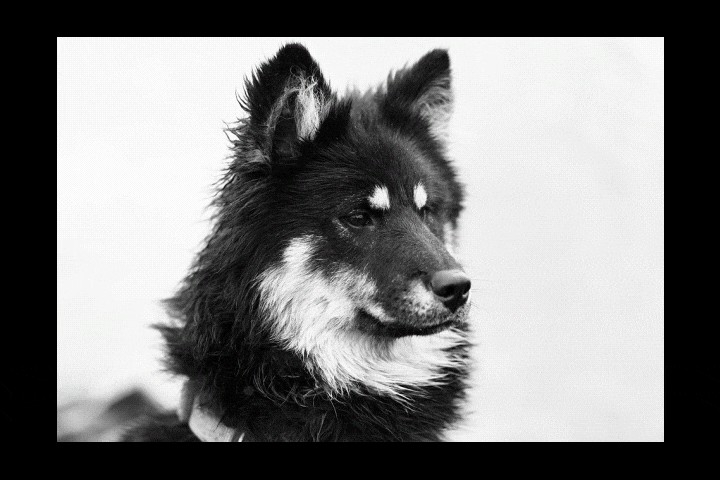
– Chromatic Aberration
Simulates lens distortion by channel‑separating RGB edges, creating subtle color fringes.
Use case: dreamlike sequences, intros, sci‑fi visuals.
Ideal for: filmmakers, vloggers.

– Strong Glitch
Boldly applies rapid frame shifts, shakes, and distortions.
Use case: music videos, fast‑cut montages.
Ideal for: editors seeking to enhance high‑energy content.
Glitch Body Effects
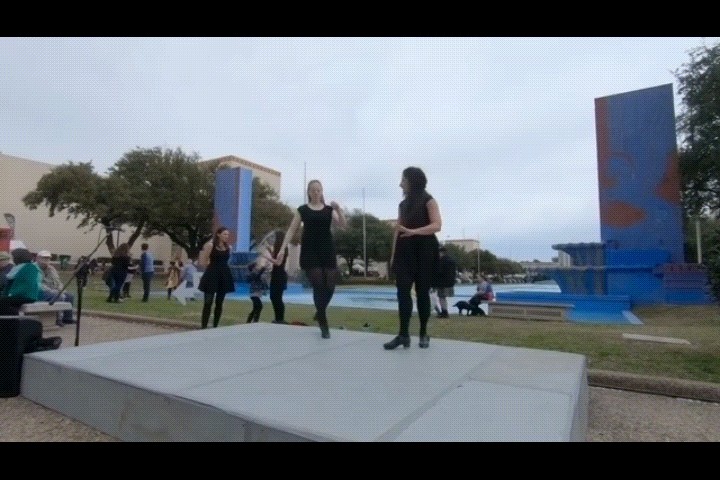
– Clone Glitch
Duplicates moving subjects with a digital echo, adding rhythmic visual layers.
Use case: dance videos, cinematic stunts, scenes needing visual rhythm.
Ideal for: content creators, choreographers.
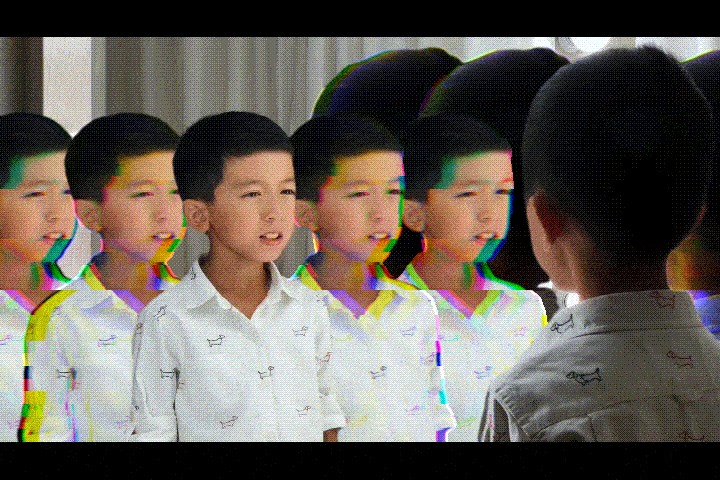
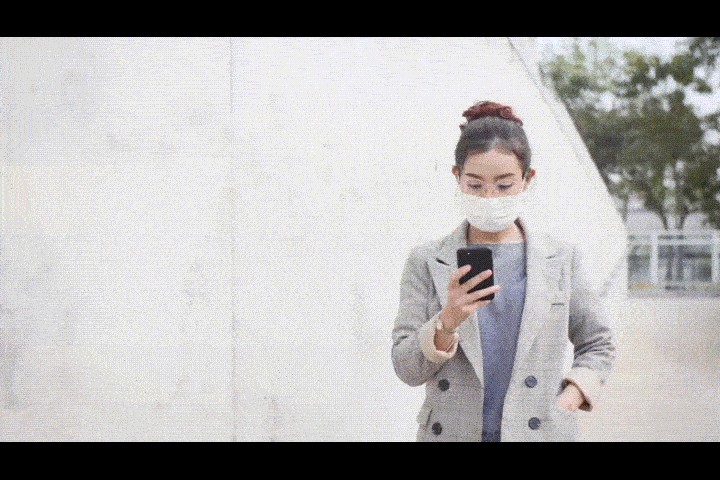
– Golden Light Filled
Wraps subjects in glowing glitch light trails, blending shimmer with distortion.
Use case: beauty edits, cinematic mood shots, promo visuals.
Ideal for: fashion editors, vloggers.
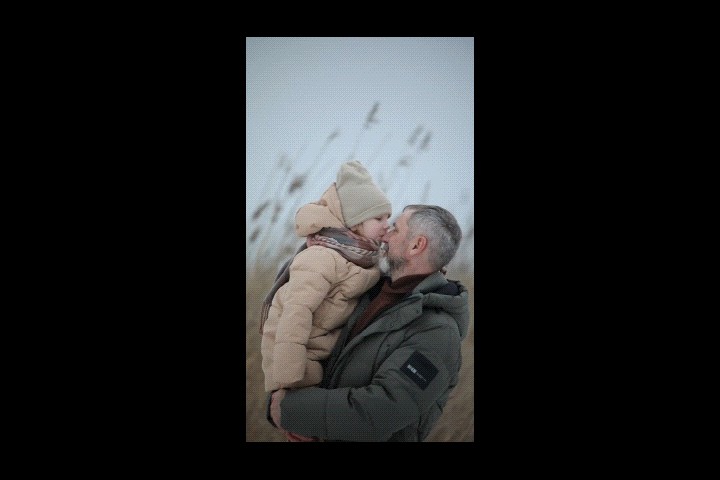
– Neon Flow
Envelops subjects in flowing neon lines that pulse and move.
Use case: music videos, club‑themed edits, intros.
Ideal for: creators focused on nightlife or festival vibes.
Pros & Cons
- Wide range of built‑in glitch effects, from RGB split to static distortion.
- Drag‑and‑drop interface for fast, intuitive editing.
- Excellent for beginners who need a clear, guided workflow.
- Flexible pricing with both subscription and one‑time purchase options.
- Effect application requires no additional plugins.
- Free version adds a watermark to exported videos.
Key Features
- AI Glitch Presets: RGB Split, Strong Glitch, VHS, Chromatic Aberration, Clone Glitch.
- Keyframe Control: Animate intensity, direction, and timing with precision.
- Audio‑Visual Sync: Align glitch hits with sound effects on a unified timeline.
- One‑Click Looks: Apply ready‑made packs for intros, gaming, and music videos.
- Free to Start: Try Filmora for free; unlock more effects via subscription.
Rating and Reviews
- Capterra: Avg. 4.5 stars; praised for ease of use and value.
- G2: Noted for balancing simplicity with advanced AI features.
2. PhotoMosh – Real‑Time Browser‑Based Glitch Lab
PhotoMosh is a browser‑only tool dedicated to creating glitch video effects and digital distortion art. It offers instant, high‑impact visuals without the need for software installation.

Pros & Cons
- Includes 27 built‑in glitch effects.
- Exports only to WEBM, JPEG, or GIF.
- Output resolution is limited.
- Interface design could be more intuitive.
Key Features
- Supports classic glitch styles like RGB split and VHS distortion.
- Combines multiple effects for unique visual signatures.
- Offers animated glitch filters in real time.
- Designed for quick, high‑impact glitch art.
Rating and Reviews
- Moshpro: 4.5/5 – users value the ease of use and creative options.
- Producthunt: 4.8/5 – praised for fun interface and broad effect library.
3. Glitchatron – Randomized Image Glitch Distortion Tool
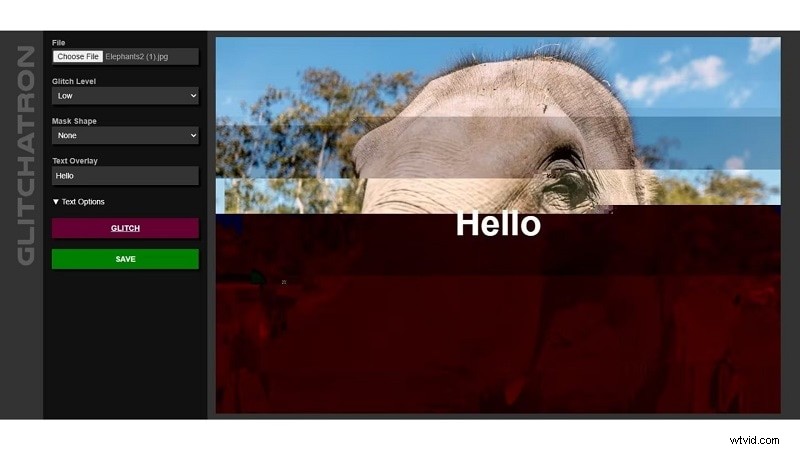
Glitchatron enables instant glitching of photos with adjustable intensity levels, from low to destroyed. Its straightforward interface suits quick, on‑the‑go edits.
Pros & Cons
- Free, no‑login required.
- Text overlays with adjustable size and alignment.
- Five intensity levels: Low, Medium, High, Extreme, Destroyed.
- No color customization.
- Even low settings can produce heavy distortion.
- Undoing or reapplying can be inconsistent.
Key Features
- Optional circular or triangular masks.
- Built‑in text overlay with black or white options.
- Exports to PNG; direct sharing to Facebook or Twitter.
Rating and Reviews
- alternativeto: 4.0/5 – praised for speed, but noted limited customization.
4. Colorcinch – AI‑Enhanced Editor with Glitch Effects
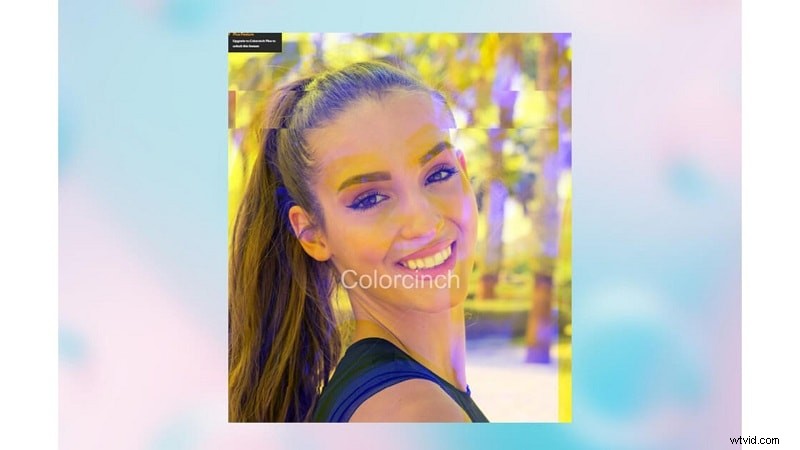
Colorcinch is a one‑click glitch generator that delivers trendy distortions instantly. While it lacks advanced editing controls, it’s ideal for users seeking quick, stylish results.
Pros & Cons
- Beginner‑friendly and fast.
- Produces balanced glitch effects.
- Includes free stock images for testing.
- No built‑in customization tools.
- Free version displays ads.
Key Features
- One‑click glitch application.
- No login required for basic use.
- Real‑time preview of results.
- Guided tutorials for newcomers.
Rating and Reviews
- Trustpilot: 4.7/5 – praised for simplicity and quality.
- G2: 4.4/5 – lauded for clean interface; some desire more options.
5. Mara – Slider‑Controlled Glitch Filter Playground
Mara is a free browser glitch editor that offers multiple upload options and granular slider controls for seed, amount, iterations, and quality.
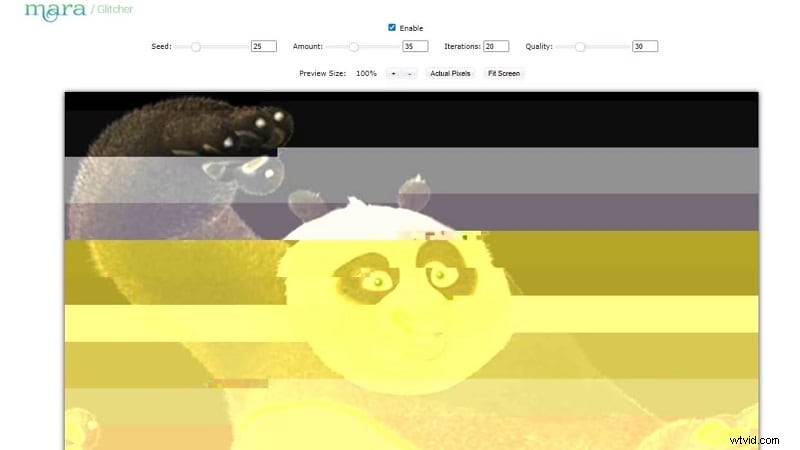
Pros & Cons
- Multiple sliders for precise effect control.
- Free, no downloads required.
- Seamless export to other editing tools.
- Slider outputs can be unpredictable.
- Switching between tools may feel slow.
Key Features
- Supports uploads from device, webcam, URL, clipboard, or Dropbox.
- Reset toggle for quick adjustments.
- Export to other Mara tools before final save.
Rating and Reviews
- Softwareadvice: 5/5 – praised for ease of use.
- Getapp: 5/5 – noted clean interface and value.
Part 4: How to Choose the Right Glitch Video Editor

The right video glitch editor depends on your goals and editing style. Here’s what to consider:
- Content type: For VFX‑heavy or high‑end music videos, choose a desktop solution like Filmora. For memes or casual posts, online tools suffice.
- Offline vs online: Desktop tools provide power and stability; online editors are great for quick Instagram or TikTok edits.
- Preset vs manual: New editors may prefer one‑click templates; advanced users might want keyframing, blend modes, and audio FX.
- Support and learning: Filmora offers a vast library of tutorials, forums, and guides, ideal for long‑term skill growth.
Conclusion
Glitch effects are a powerful creative tool for digital chaos, retro flair, and rhythmic distortion. In 2025, creators enjoy a wide array of choices—from one‑click online generators to comprehensive desktop software.
This guide unpacks tools for all needs, from fast social posts to layered edits. For those who want both flexibility and polish, a feature‑rich glitch video editor like Filmora delivers a balanced workflow with standout audio and visual control.
Test a few, blend their strengths, and let distortion tell your story.

Filmora
AI Video Editing App & Software
Best tool for making videos anywhere for all creators!
Simplify all your steps in video editing, from the pre‑processing to finalizing, Filmora AI stays tuned.
FAQ
-
How do I add a glitch effect to a video for free?
Install Filmora and try the free version. Add an RGB Split or Strong Glitch preset, then fine‑tune with keyframes. Export and upgrade anytime.
-
What is the best glitch effect generator for YouTube intros?
Filmora, because you can stack presets, animate intensity on beats, and sync glitch SFX on a single timeline.
-
Is there an online glitch video editor?
Yes, browser tools exist for quick edits, but they lack keyframes, audio sync, and pro‑level export. Filmora offers deeper control.