
Have you ever wished your videos felt a little more you? From quick TikTok stories to Reels, vlogs, or fun video messages, memoji-style avatars are a great way to add personality and charm. They're playful, relatable, and instantly make your content more eye-catching.
iPhone users get built-in Memoji by default, but Android users often have to search a bit harder to find quality alternatives, especially ones that work well in actual videos, not just as stickers.
Here's a quick guide to help you find the best ones. We've curated the best 5 memoji apps that let you create your avatar and use it creatively in your video content. From customizing animated emojis to editing full videos, these memoji apps will help you express yourself and make your content stand out.
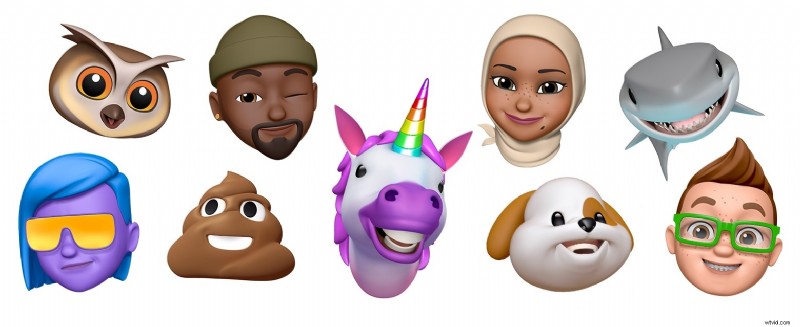
Part 1. Our Top 3 Memoji App Picks
Out of all the memoji apps we tested, these three stood out the most. Each one offers something unique, be it full 3D animations, easy emoji reactions, or creative tools to turn your stickers into polished video content.
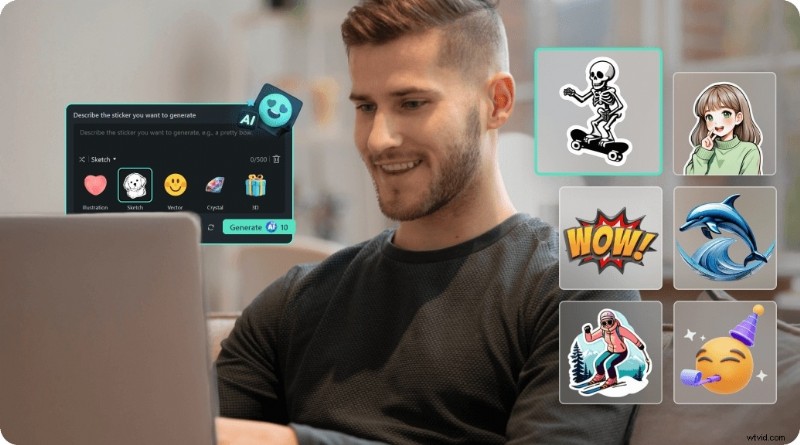
Filmora Mobile – Best for adding emojis/stickers to pro-style videos
A standout choice for adding emojis, stickers, and images into high-quality videos with full creative control.
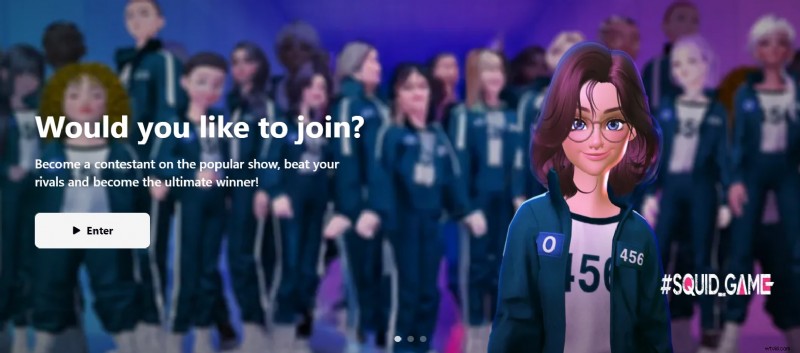
ZEPETO – Best for immersive 3D avatar videos
ZEPETO is perfect if you want to create engaging, animated 3D avatar videos that look like your own virtual world.
View detail
Bitmoji – Best for chat-friendly cartoon emojis
Suitable for anyone who loves expressive cartoon-style emojis that can be used across messaging and social apps.
View detail
Part 2. Memoji App Comparison Chart
Not sure which Memoji app fits your style best? Here's a quick side-by-side comparison to help you decide faster. We've segmented each app by platform, pricing, key strengths, how they handle memoji or emoji use, video integration, and our overall rating.
| Tools | Platform | Pricing | Best For | Memoji/Emoji Use | Video Integration | Rating |
| Filmora | Android, iOS | Free / Pro | Video editing with emojis | Stickers, emojis, GIFs | Direct-to-video editing | ⭐ 4.8 |
| ZEPETO | Android, iOS | Free / In-app purchases | 3D avatar creation & animation | Fully customizable avatars | Export short animated clips | ⭐ 4.5 |
| Bitmoji | Android, iOS | Free | Fun, cartoon-style emojis | Personalized emoji stickers | Usable as image overlays | ⭐ 4.3 |
| Mojipop | Android, iOS | Free / In-app purchases | Creating comic-style stickers | Auto-generated cartoon avatars | Export GIFs and short clips | ⭐ 4.2 |
| Face Cam | Android, iOS | Free / In-app purchases | Animated selfie-based avatars | Real-time animated memoji | Quick selfie video exports | ⭐ 4.1 |
|
Show more Show less |
Part 3. The Top 5 Memoji Apps to Try
Now that you've seen the quick comparison, let's take a closer look at what each Memoji app offers. These five picks were chosen based on their creativity, ease of use, and how well they work with video content, from building full avatars to adding fun stickers to your clips.
1. Filmora
 Secure Download
Pricing
Free with optional Pro upgrade
Best For
Editing videos with emojis, stickers, GIFs, and images
Pros & Cons
- Professional-level editing in a mobile app
- Easy to add creative elements like memoji-style graphics
- Great templates and AI-powered tools
- Watermark on the free version
- Some effects require the Pro plan
Key Features
- Drag-and-drop emoji and sticker overlays
- Rich library of GIFs, icons, and animated effects
- Full video timeline editor with transitions and sound
Why We Recommend It
If you want to add more personality to your videos, Filmora makes it easy to turn emojis and stickers into fun, eye-catching content that stands out.
2. ZEPETO
Pricing
Free with in-app purchases
Best For
Creating animated 3D avatars for short video clips
Pros & Cons
- Interactive and detailed
- Fun character styling and motion
- Perfectly suited for creating social content
- It can feel overwhelming at first
- Requires a stable internet connection
Key Features
- Highly customizable avatars
- AR camera and virtual world features
- Export videos of your avatar dancing or posing
Why We Recommend It
ZEPETO is more than just a memoji app. It lets you create a full virtual world where your avatar is the main character.
3. Bitmoji
Best For
Creating cartoon-style emoji reactions
Pros & Cons
- Super simple to use
- Ideal for quick reactions and overlays
- Free and widely supported
- Limited direct video creation
- More focused on chat and stickers
Key Features
- Personalized emoji based on your face
- Huge library of expressive stickers
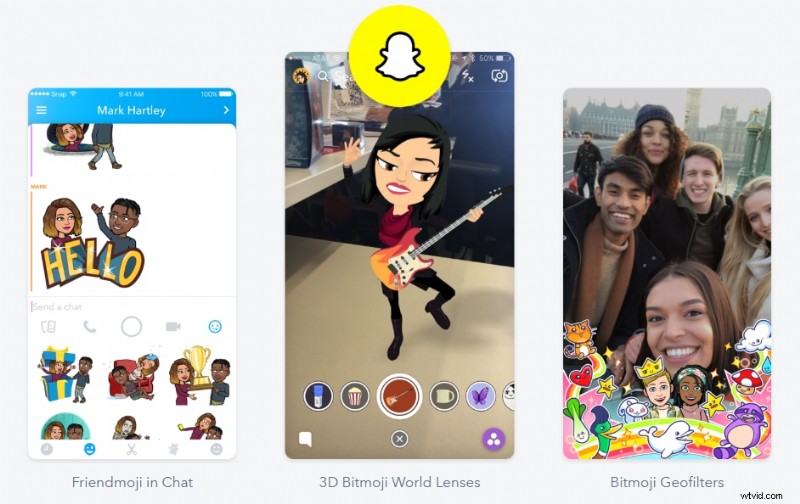
- Easy integration with Snapchat and keyboards
Why We Recommend It
Bitmoji is still one of the best ways to create fun, personalized emojis that can be added to your video edits or stories.
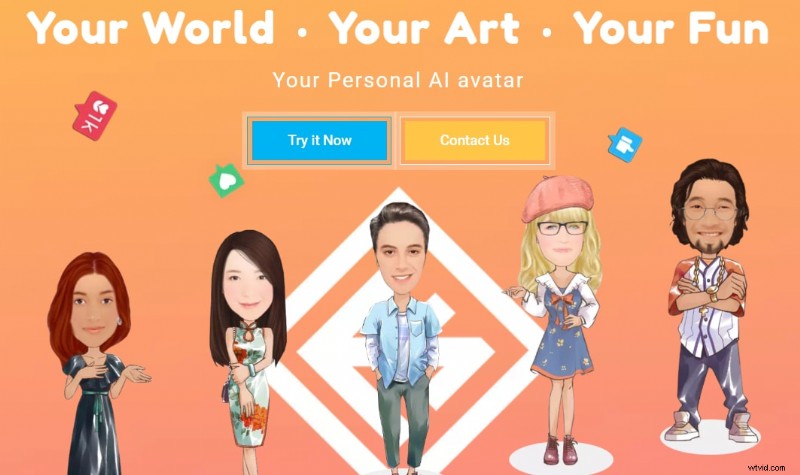
4. Mojipop
Pricing
Free with in-app purchases
Best For
Turning selfies into cartoon-style stickers and GIFs
Pros & Cons
- Quick and funny results
- Lots of expressive templates
- Easy to use with video sticker layers
- Some content is locked behind a subscription
- Not designed for full video editing
Key Features
- Auto-generated comic-style avatars
- Ready-to-use sticker packs and GIFs
- Option to add Memoji to scenes
Why We Recommend It
MojiPop is a fun way to cartoon yourself and quickly get meme-ready stickers to enhance your video stories or reactions.
5. Face Cam
Pricing
Free with in-app purchases
Best For
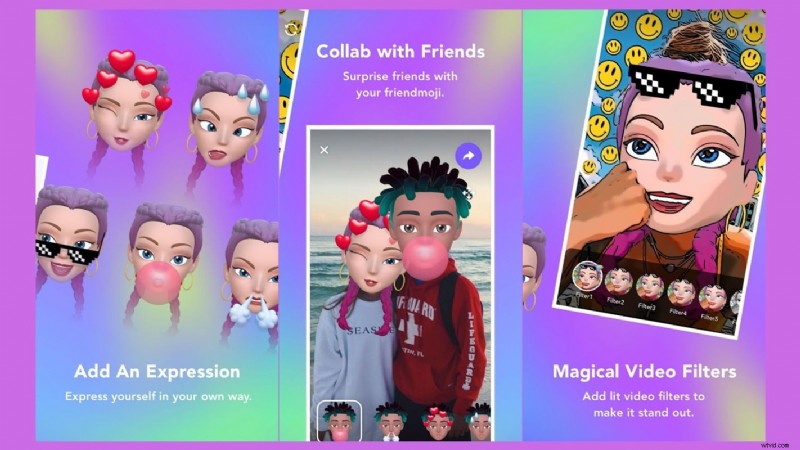
Real-time memoji-style avatars from your selfies
Pros & Cons
- Quick and fun to use
- Excellent for playful intros or clips
- Simple interface
- Limited editing tools
- Some filters aren't accurate
Key Features
- Live camera with animated filters
- Face tracking and motion sync
- Export as short selfie videos
Why We Recommend It
If you want a Memoji-style face filter, you can record instantly. Face Cam is a quick solution that delivers fast, shareable results.
Part 4. How to Choose the Right Memoji App for Your Video Needs
Not sure which Memoji app suits you best? Don't worry, here's a simple guide to help you decide based on what you want to create. From making short video edits, animated clips, to adding some personality to your chats, there's a perfect match for your needs.
Do you want to create complete videos with emojis, stickers, or images?
Choose Filmora Mobile. It's a powerful video editor that lets you combine all your creative elements into one polished project.
You want a customizable 3D avatar to star in mini-scenes?
Try ZEPETO for full animation and interaction. ZEPETO lets you create a custom avatar and turn it into short, interactive videos that feel playful and unique.
Do you want to add fun emoji-style stickers to videos or chats?
Try Bitmoji or MojiPop. Both are great for creating fun, personalized stickers in just a few taps.
Do you want a selfie-based memoji with auto-animation?
Use Face Cam. It quickly turns your selfie into a lively, animated avatar you can record and share.
Conclusion
Memoji apps are a fun way to make your videos feel more personal. You can create expressive avatars, add stickers that match your mood, or put everything together in a fully edited clip using an app like Filmora Mobile. Each option on this list offers something unique. Some are perfect for quick reactions, while others let you build entire scenes with your avatar. The best part is you don't need advanced skills to get started. Find the Memoji app that suits you best, explore what it can do, and start creating videos that show your personality.

Filmora
AI Video Editing App & Software
Best tool for making videos anywhere for all creators!
Simplify all your steps in video editing, from the pre-processing to finalizing, Filmora AI stays tuned.