
As a video editor, musician, or karaoke enthusiast, finding a reliable vocal remover is essential for creating clean instrumentals or acapella tracks. This guide presents a comprehensive comparison of the best vocal removal tools—desktop applications, online services, and mobile apps—so you can choose the solution that best fits your workflow.
Test Methodology & Quality Metrics
Each tool was evaluated on a diverse 10‑track bundle spanning pop, rock, EDM, jazz, and orchestral styles. We assessed:
- Residual vocal bleed and artifacts (e.g., high‑frequency smearing, phase issues)
- Ease of post‑processing—EQ, noise reduction, level adjustments—within the same interface
- Processing speed on a mid‑range laptop
Top 3 Desktop Vocal Removers for Windows & Mac
These applications combine robust vocal isolation with professional audio‑video editing capabilities.
1. Filmora AI Vocal Remover – All‑in‑One Editor
Filmora’s AI Vocal Remover uses advanced neural networks to isolate vocals in a single click while preserving the source quality. Unlike standalone tools, it integrates seamlessly into Filmora’s video editing suite, allowing you to tweak the output with noise reduction, EQ, and volume controls directly on the timeline.

Key strengths:
- One‑click vocal extraction with instant preview
- Full post‑processing workflow inside the editor
- Video and audio editing in a single platform—no round‑trips needed
- Beginner‑friendly interface with templates and presets
Quick tip: For the cleanest results, use the desktop version to isolate vocals, then polish with Filmora’s built‑in tools before exporting a karaoke or acapella track.
2. Adobe Audition – Professional DAW
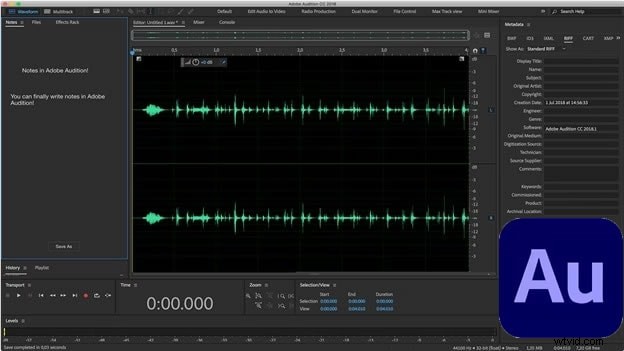
Adobe Audition offers a comprehensive multitrack environment with powerful spectral editing and restoration tools. It supports advanced vocal removal techniques, including spectral frequency display and manual masking.
Pros:
- Industry‑grade audio processing
- Extensive format support
- Rich plugin ecosystem for refinement
- Regular updates and robust documentation
Cons:
- Subscription‑based pricing
- Steep learning curve for newcomers
- Limited built‑in video timeline functionality
3. WavePad – Lightweight Editor
WavePad is a user‑friendly desktop editor that supports batch processing and offers basic vocal isolation tools. It’s ideal for quick clean‑ups and projects that don’t require deep DAW capabilities.

Pros:
- Easy to learn
- Batch editing across multiple files
- Free download; commercial use requires a license
- Supports 50+ audio formats
Cons:
- Limited AI stem separation
- No video editing features
- Performance can lag with large files
Top 4 Free Online Vocal Removers
These browser‑based tools let you remove vocals without installing software. While they’re convenient, desktop editors typically offer superior control.
1. Vocalremover.org
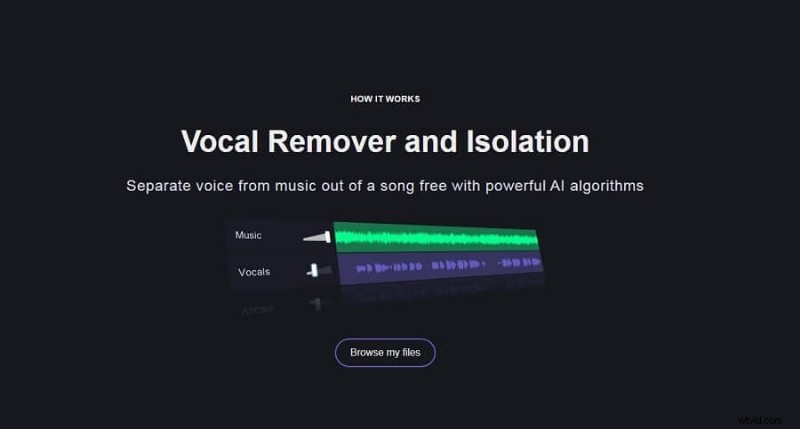
Vocalremover.org uses AI to split tracks into karaoke (no vocals) or acapella (isolated vocals). It also includes tools for pitch shifting, tempo changes, and audio cutting.
Pros:
- Fast processing—usually around 1 minute
- Additional utilities like BPM finder and audio converter
Cons:
- Processing speed drops with larger files
- Commercial use requires a paid plan
- Video files are not supported
2. PhonicMind
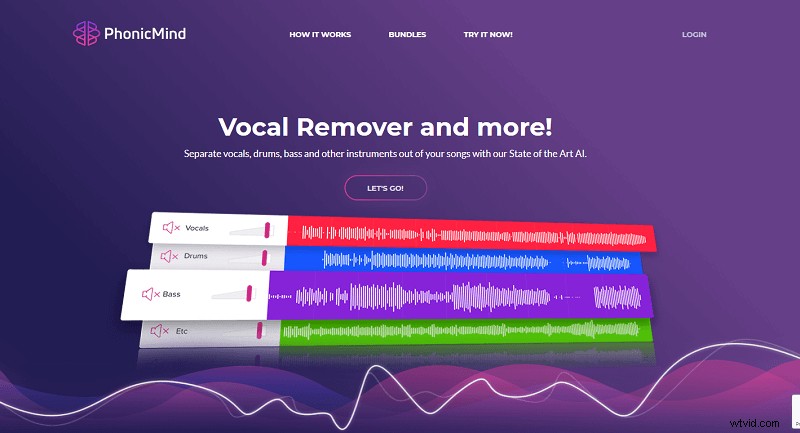
PhonicMind offers AI‑driven stem separation, allowing users to isolate vocals, drums, bass, and other instruments. It’s a powerful tool for remixing and creating karaoke.
Pros:
- Instant sample downloads in under a minute
- Versatile use cases: karaoke, acapella, instrumental, beatless tracks
Cons:
- Not all vocals are perfectly removed; high‑frequency instruments can bleed into the vocal track
3. Audioalter
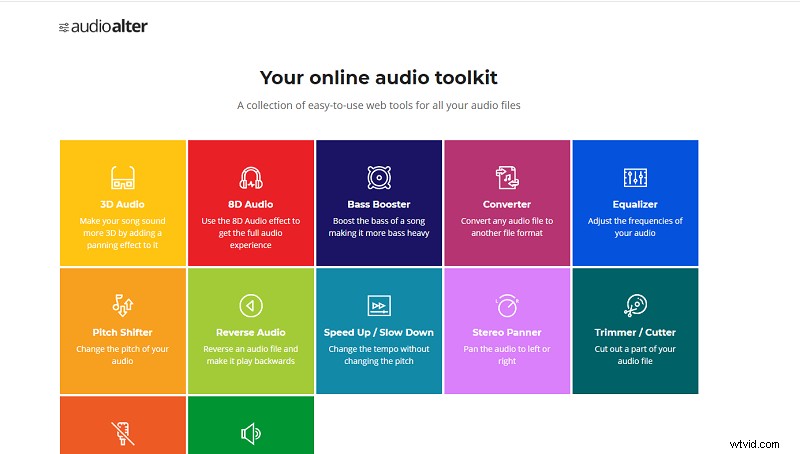
Audioalter is an online toolkit featuring 3D/8D audio, pitch shifting, equalizers, and more. While it offers various effects, its vocal isolation isn’t as precise as dedicated stem tools.
Pros:
- Android compatibility for on‑the‑go editing
- Comprehensive suite of audio effects
Cons:
- Android APK may pose security risks
- Limited vocal isolation quality
- Video editing not supported
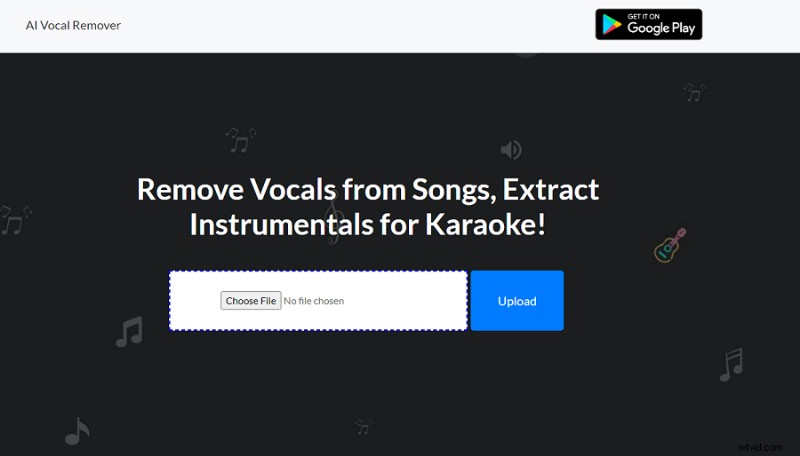
4. AI Vocal Remover
AI Vocal Remover offers quick, AI‑based separation suitable for casual users. Processing typically takes about 15 seconds for small files.
Pros:
- Rapid, free, browser‑based
- Provides both karaoke and acapella outputs
Cons:
- Results can be inconsistent on complex mixes
- Processing may slow with larger audio files
Best Mobile Vocal Remover Apps
For on‑the‑go editing, these apps let you quickly generate karaoke tracks directly from your smartphone.
1. Vocal Extractor – Karaoke Maker (iOS)
Vocal Extractor uses deep‑learning algorithms to isolate vocals on iPhone. The app supports cloud export to iCloud, Dropbox, and Google Drive.
Pros:
- Optimized UI for smooth operation
- Supports multiple languages (Spanish, French)
- Fast extraction with low memory usage
Cons:
- Cloud export requires the paid version
2. Vocal Remover – AI Karaoke Maker (Android)
Designed for Android, this app converts MP3s into karaoke tracks and offers features such as pitch detection, equalizer, and 8D audio effects.
Pros:
- Extensive audio manipulation tools
- Direct sharing to platforms like TikTok and Instagram
Cons:
- Ads can be intrusive
- Output quality may drop on complex tracks
Comparison Chart
| Tool | Type | Best For | Quality Notes | Free / Price* | Pros | Cons |
|---|---|---|---|---|---|---|
| Filmora AI Vocal Remover | Desktop (Editor + AI) | High‑quality karaoke & video workflows | One‑click AI split with on‑timeline polish (EQ/NR/levels); consistent exports | Free trial; subscription plans available | Fast, beginner‑friendly; full video+audio workflow; templates & presets | Full feature set requires subscription; not a multi‑track DAW |
| Adobe Audition | Desktop DAW | Pro audio engineers & detailed manual control | Precision editing via effects rack; excellent restoration—but no one‑click stems | Subscription | Industry‑grade toolset; multitrack; wide format support | Expensive; steep learning curve; no built‑in video timeline |
| WavePad | Desktop Editor | Entry‑level batch edits & quick cleanup | Basic vocal removal and batch processing; suitable for simple mixes | Free (paid for commercial use) | Lightweight; 50+ formats; easy to use | No AI stems; limited controls; no video workflow |
| Vocalremover.org | Online (Web) | Quick free web splits (karaoke/acapella) | Fast browser processing; less control vs. desktop editors | Free (paid for commercial use) | No install; simple UI; extra tools (BPM, converter) | Quality varies by song; large files slower; no video support |
| PhonicMind | Online (AI) | Stem remixers & creators | AI stems with previews; quality depends on arrangement/mix | Paid (free samples) | Convenient web flow; separates vocals/drums/bass | Not perfect on complex mixes; possible high‑frequency bleed |
| Audioalter | Online Toolkit / Android | Browser‑based audio tweaks & utilities | Rich effects (EQ, 3D/8D, pitch); not stem‑grade separation | Free | Many tools in one; Android option; no install | APK security risk; limited separation quality; no video support |
| AI Vocal Remover | Online (AI) | Fast AI splits for casual use | Very quick (~15s) on small files; quality/limits vary | Free | Easy and free; karaoke/acapella in browser | Inconsistent results on dense mixes; file size limits; no video support |
| Vocal Extractor – Karaoke Maker | iOS App | On‑device iPhone/iPad karaoke | AI/deep learning; consumer‑grade quality; convenient exports | Free (in‑app purchases) | One‑tap removal; iCloud/Drive export; optimized UI | Cloud/export features gated to paid; limited fine controls |
| Vocal Remover – AI Karaoke Maker (Sonic Melody) | Android App | On‑device Android karaoke & effects | AI split; may be choppy on complex material | Free (ad‑supported) | MP3‑to‑karaoke; EQ/autotune/8D; easy sharing | Ads; variable quality; fewer precision tools |
*Pricing and policies change—always check the official website for the latest information.
Conclusion
Choosing the right vocal remover depends on your workflow and quality expectations. For quick edits, free web tools like Vocalremover.org or AI Vocal Remover are handy. For studio‑grade results, a desktop solution such as Filmora AI Vocal Remover offers powerful AI separation combined with a full post‑processing pipeline. Mobile apps provide convenience for on‑the‑go editing but may lack the depth of desktop tools.
Frequently Asked Questions
-
What is the best free online vocal remover?
Vocalremover.org delivers fast, browser‑based splits. For higher quality and editing control, a desktop app like Filmora is recommended.
-
Which tool offers the highest audio quality?
Desktop editors allow you to refine the output with EQ, noise reduction, and level adjustments, typically yielding the best results.
-
Is Vocalremover.org safe?
It’s widely used for casual edits. Avoid uploading copyrighted material you do not own and review the terms of service before use.
-
Which AI voice remover is easiest for beginners?
Filmora’s one‑click split plus built‑in polish tools significantly lowers the learning curve.
-
Can I remove vocals on a mobile device for free?
Yes—apps like Vocal Extractor (iOS) and Vocal Remover – AI Karaoke Maker (Android) offer free tiers. For the cleanest output, consider a desktop workflow.

Filmora – AI Video Editing App & Software. Best tool for creating videos anywhere for all creators! Simplify every step in video editing with Filmora AI.