
Managing a YouTube channel takes more than just uploading videos. YouTube Studio acts as the main hub where creators organize content, track analytics, and manage monetization in one place. It’s built to simplify channel management and performance tracking.
If you’re new to content creation, this YouTube Studio review will help you understand how the platform works and what creators think about it. You’ll also see how a YouTube Studio alternative for video editing, like Wondershare Filmora, can support your editing process before you upload. Let’s get started!
Part 1. What Is YouTube Studio?
YouTube Studio is the main dashboard where creators control every part of their channel. Here, you can upload videos, do simple video editing, review analytics, check comments, and manage monetization in one place.
Replacing the old Creator Studio, YouTube Studio now features a modern design that focuses on easier navigation and faster performance.
Key Features
- Content Management: You can upload, schedule, and organize videos directly in YouTube Studio. The platform lets you edit titles, descriptions, and tags to optimize visibility and improve your channel’s presentation.
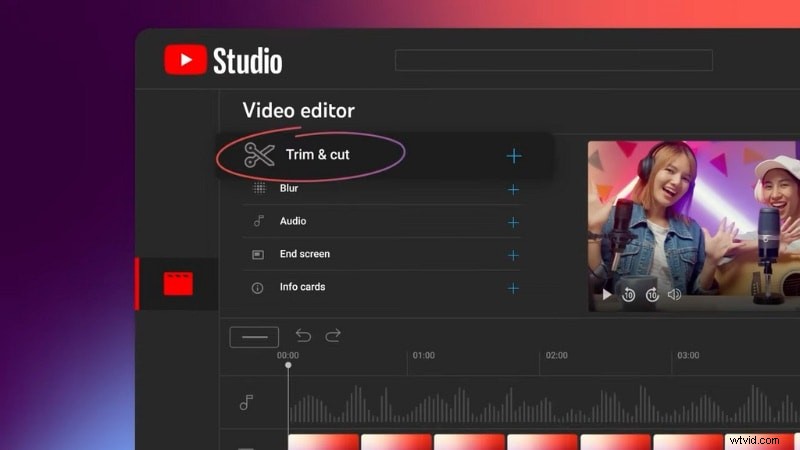
- Built-In Video Editor: YouTube Studio includes a basic video editor. It allows trimming, cutting, or blurring sections of uploaded videos. It’s useful for small changes or quick fixes after publishing. But, it doesn’t support multi-track editing, transitions, or color grading. For full creative control, many creators use a YouTube Studio alternative for video editing, like Filmora, to prepare videos before uploading.
- Brand Customization: You can personalize your channel by editing your banner, profile image, and watermark to keep everything consistent with your brand identity.
- Comment and Community Management: The Comments section allows creators to read, filter, reply to, or pin comments from viewers. It’s designed to maintain healthy communication with its audience.
- Analytics and Metrics: YouTube Studio tracks channel performance through metrics such as views, watch time, audience demographics, and retention rate. These insights help creators understand their videos’ performance and plan better videos more effectively.
- Monetization Tools: The Monetization tab lets you check ad eligibility, memberships, and review estimated revenue directly from the dashboard.
Mobile App vs Web Version Differences
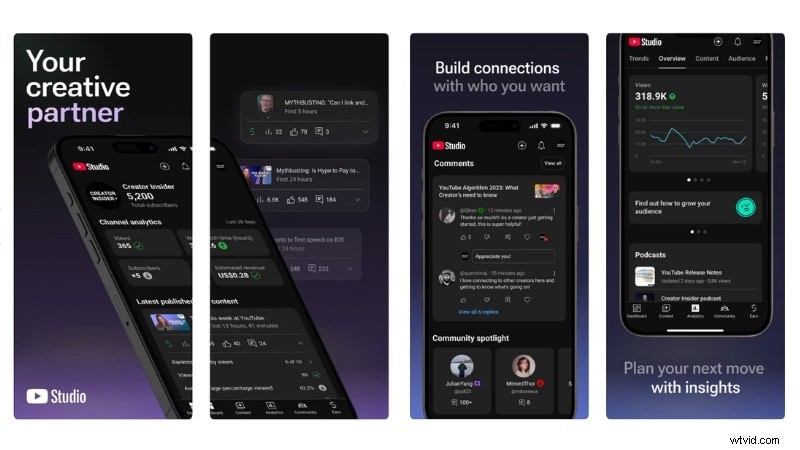
The YouTube Studio app supports fast uploads, quick replies, and real-time analytics, making it handy for creators on the move. The web version provides deeper control, with access to full analytics, editing tools, and detailed monetization data.
What’s New in YouTube Studio
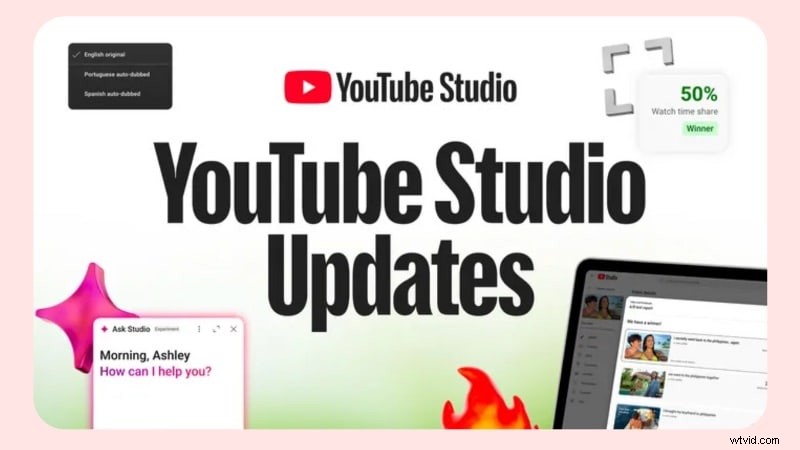
YouTube continues to expand YouTube Studio’s tools to help creators manage their channels with more clarity and control. This year’s updates focus on faster insights, improved testing options, better collaboration, and easier navigation inside the dashboard.
Part 2. User Experience of YouTube Studio
After spending time using YouTube Studio, we found the layout clear and easy to follow. The dashboard gives a quick overview of everything we need. recent uploads, real-time analytics, and monetization data, without feeling cluttered.

Hands-On Experience and Performance
In this YouTube Studio review, we can say it does a solid job of helping creators manage their day-to-day workflow. Each tab, Content, Analytics, Comments, and Monetization, is neatly organized, so moving between sections feels natural.
Here’s how our experience went:
- Uploading and Managing Videos: Uploading videos feels straightforward. We just drag and drop the file, add a title, description, and thumbnail, and set visibility before publishing. The system automatically checks for copyright or monetization issues, which saves us from dealing with surprises later.
- Basic Editing Tools: YouTube Studio includes a built-in video editor for quick adjustments, but its functions are quite limited. You can trim unwanted sections, blur parts of the video, or update details like titles and tags before or after publishing. But, it doesn’t support transitions, filters, or timeline editing. For more detailed work, you need to edit the videos first in a YouTube Studio alternative, such as Filmora, before uploading the final version to your channel.
- Analytics and Insights: The analytics page is one of our favorite parts. It loads fast and presents data through simple charts that make sense at a glance. We can track audience retention, top-performing videos, and traffic sources without digging too deep.
- Comment and Community Tools: Managing comments is also smooth. We can reply, pin, or heart comments right from the dashboard. The update feed makes it easy to see what’s new, so we can stay engaged with viewers.
- Web vs Mobile Performance: We used both versions and noticed that the web app gives more control. Features like A/B testing and advanced filters are available only there. The mobile app is handy when we need to check analytics or respond to comments quickly.
Overall, our YouTube Studio experience feels efficient and well-structured. It handles uploads, analytics, and audience interaction in one clean space. For creators who want more flexibility in editing before upload, a YouTube Studio alternative like Filmora fits nicely into the workflow.
Part 3. Pros and Cons of YouTube Studio
After testing the platform for this YouTube Studio review, we found that it delivers a balanced mix of control and convenience. Most tools work well together, but some areas still feel limited, especially for creators who want deeper editing options.
 Pros
Pros
- Centralized dashboard that keeps uploads, analytics, and monetization in one space.
- Real-time analytics with clear visuals for tracking audience growth and performance.
- Smooth monetization tools for managing ads, memberships, and revenue.
- Comment management helps maintain quick and consistent interaction with viewers.
- Stable performance, especially on the web version, when handling many uploads.
- Built-in video editing tools are limited to trimming and blurring small sections.
- Some advanced analytics and testing features take time to learn.
- The mobile app doesn’t include full analytics or monetization options.
- Uploaded videos can’t be replaced, so major fixes need re-uploading.
Part 4. Who This Product is for
From our experience in this YouTube Studio review, it provides an all-in-one space to manage videos, audience, and revenue. It’s designed to support both new and active YouTubers who need clear data and simple tools for growth. The structured workflow helps creators manage their content without depending on many third-party apps.

Here are the people who benefit the most when using YouTube Studio:
- Beginners and Small Creators
YouTube Studio is an excellent starting point for beginners and small creators learning how to manage their channels. They’ll get to know the basics of uploads, analytics, and monetization through a simple dashboard.
- Full-Time YouTubers and Teams
Great for managing many uploads, testing titles or thumbnails, and tracking detailed analytics. The collaboration tools and analytics make it easier to plan content strategies and coordinate across team roles.
- Educators, Vloggers, and Niche Channels
YouTube Studio is also useful for creators who post tutorials, lifestyle videos, or niche content. The platform helps them measure viewer retention, identify their top-performing topics, and plan future content. The Inspiration Tab also assists in generating relevant ideas that align with their niche.
- Businesses and Marketing Teams
Brands and marketing teams that use YouTube as a communication or promotional platform can benefit from Studio’s performance tracking. The analytics section helps check performance, audience growth, and ad results for brand or campaign-focused channels.
Bonus: Create Better YouTube Videos with Filmora
In this YouTube Studio review, we’ve seen how the platform helps creators manage uploads, analytics, and monetization. But to create high-quality, engaging videos, creators often need a tool with deeper creative control.
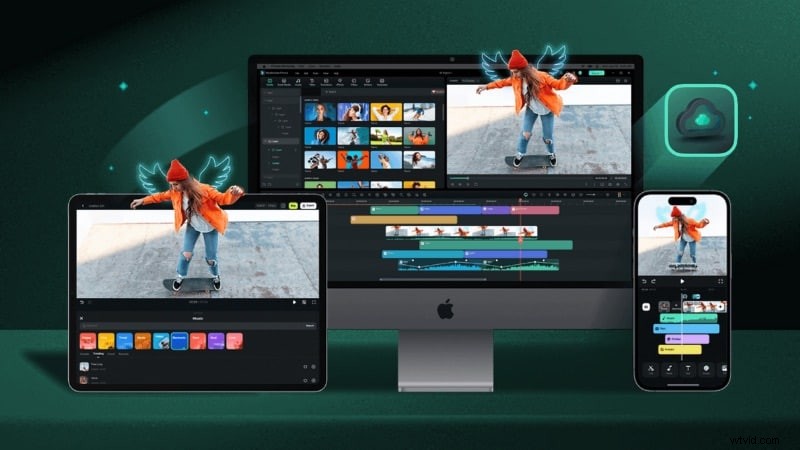
Filmora is one of the best YouTube Studio alternatives for video editing that you might need. It’s built for both beginners and experienced creators who want an easy way to enhance their videos without complicated workflows. It also offers AI-powered tools that improve visuals, audio, and storytelling quality.
 Secure Download
Filmora’s Key Features to Elevate Your YouTube Content
AI Video Enhancer: Auto-improves visual quality by adjusting lighting, color, and sharpness. It helps turn average footage into polished clips without manual color grading.

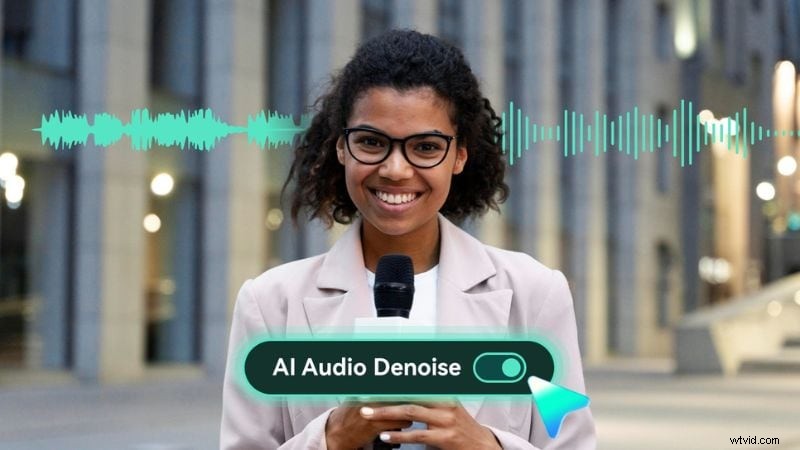
AI Audio Denoise: Removes unwanted background noise such as wind, hums, or echoes while keeping voices clear. This feature is ideal for vloggers or creators recording in dynamic environments.
AI Subtitles (Speech to Text): Generates subtitles from speech with one click, saving time on manual transcription. It supports many languages, helping videos reach broader audiences and boost video accessibility.
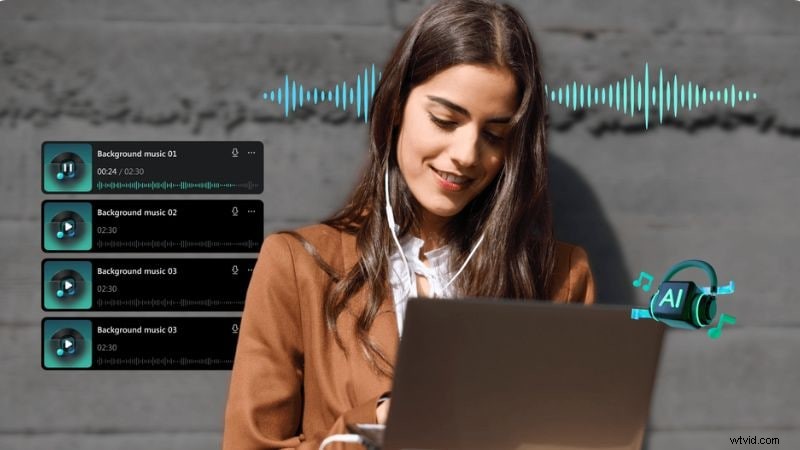
AI Music Generator: Creates royalty-free background music that matches your video’s mood or pacing. This feature can help you maintain consistency in tone without external audio sources.
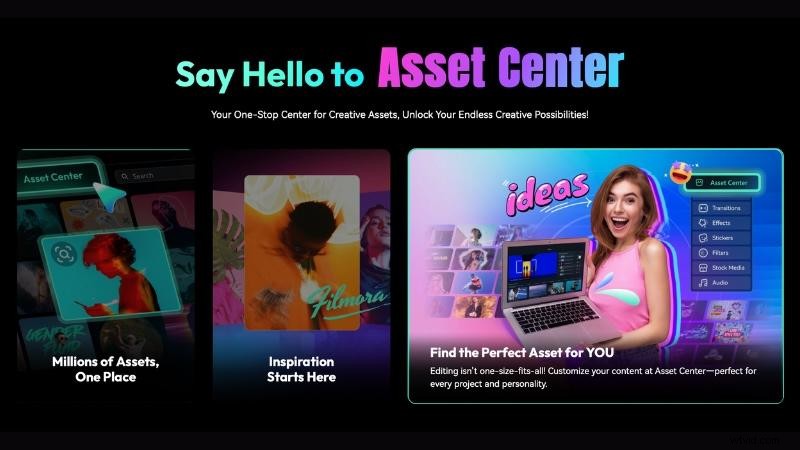
Creative Assets: Access thousands of stock videos, templates, sound effects, transitions, and overlays directly inside Filmora to match your style. These ready-to-use assets help you speed up the video production process.
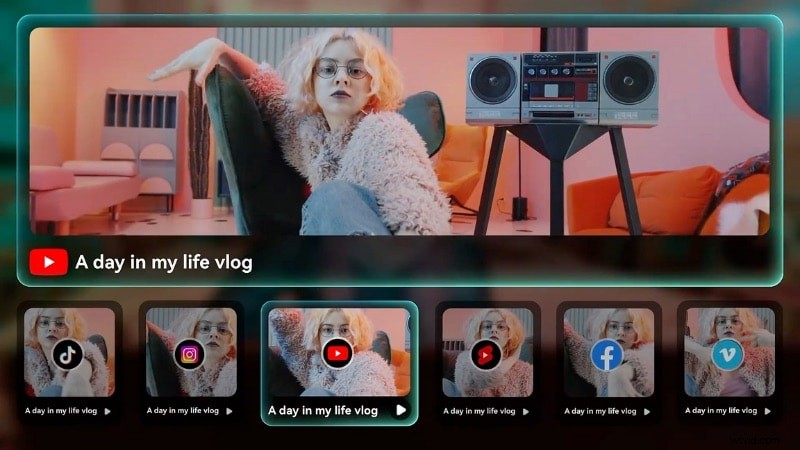
Direct YouTube Upload: Once you finish editing, Filmora lets you export and upload your final video straight to YouTube. This feature can save time and ensure a smoother workflow between editing and publishing.
If you want to see how Filmora’s AI tools work in real editing projects, check out this video tutorial:
Secure Download
Conclusion
After testing the platform for this YouTube Studio review, it’s clear that YouTube Studio remains an essential tool for creators. It helps manage uploads, track analytics, and handle monetization in one organized space. The workflow feels smooth and easy to navigate.
YouTube Studio works best for managing content and tracking growth. Creators who need more creative control before uploading should try a YouTube Studio alternative like Filmora. It offers stronger editing tools for sound, visuals, and storytelling.
Start improving your video creation process today. Edit your videos with Filmora, then manage and grow your channel using YouTube Studio.
FAQs
-
Is YouTube Studio free for all creators?
Yes, YouTube Studio is completely free to use. Every YouTube account includes access to it, so creators can manage uploads, analytics, and monetization without any extra cost.
-
Can I edit videos directly in YouTube Studio?
Yes, but only for small changes. You can trim clips, blur sections, or edit titles and descriptions. For creative editing such as transitions, effects, or color correction, use a YouTube Studio alternative like Filmora before uploading.
-
Is YouTube Studio available on mobile?
Yes. The YouTube Studio mobile app lets you track analytics, reply to comments, and manage uploads from your phone. But, some advanced features like A/B testing and full monetization tools are only available on the web version.
-
Why do some creators still prefer third-party analytics tools over YouTube Studio?
Some creators use third-party tools to get more detailed insights or compare performance across many platforms. Still, for most creators, YouTube Studio provides enough data to check growth, track engagement, and improve content performance.