
Most people listen to music, audiobooks, or podcasts daily, but rarely consider the audio formats they use. M4A and MP3 are two widely used audio file types. They can sound similar, but they are not always supported the same way. That is why many people need to convert M4A to MP3 or change an M4A file into MP3, so it works everywhere.
In this guide, we’ve curated the best online and offline tools to convert M4A files to MP3 format. We’ll start with a quick introduction to M4A and MP3, examine and compare each M4A format to MP3 converter.
Before You Convert: What Are M4A And MP3?
Before choosing a converter, it helps to understand what M4A and MP3 actually are, what sets them apart, and how we test the tools to convert M4A to MP3 format.
What is M4A?
M4A (MPEG-4 Audio) is an audio format developed by Apple and commonly used in iTunes or Apple devices. Most M4A files use AAC (Advanced Audio Coding) to keep file sizes small while maintaining high sound quality. Some M4A files use ALAC (Apple Lossless Audio Codec) instead, which preserves the original audio quality but results in a larger file size.
What is MP3?
MP3 (MPEG-1 Audio Layer III) is the most common audio format. It works on almost everything and is easy to share. The file size is smaller, but the quality can be a little lower.
Take a look at the key differences between M4A and MP3, so you know which one makes more sense for your situation.
| Category | M4A | MP3 |
| Compression | AAC: Lossy, ALAC: Lossless | Lossy with the MP3 codec |
| Audio Quality | AAC: Better than MP3 at the same bitrate, ALAC: Original and high-quality | Good at the same bitrate, but low quality at a lower bitrate |
| File Extension | .m4a | .mp3 |
| File Size | AAC: Similar or slightly larger than MP3 at the same bitrate, ALAC: Large | Smaller than M4A at the same bitrate |
| Compatibility | Works best on Apple devices, but is supported by many modern players and apps | Universally compatible across devices, apps, and platforms |
|
Show More Show Less |
Now that we understand the formats, we tried each converter the same way to see how well they perform. Here are the things we looked at:
- Ease of Use: A clear and simple process to add files, adjust settings, and finish conversion.
- Conversion Speed: How long it takes to transform M4A to MP3.
- Batch Conversion Availability: If the tool lets you convert multiple files at once or only one file at a time.
- Platform or Device Support: Works in a web browser, Windows, and macOS.
- Extra Features: If the tool is equipped with customization options or a built-in editor.
Our Three Picks Worth Trying
After testing a variety of tools, here are the top three audio file converter M4A to MP3 that stood out. We found them quick, safe, and flexible for different needs.

Wondershare Filmora - The Ultimate Audio Converter and Editor
Wondershare Filmora is a solid choice, especially for content creators. Easily convert audio file M4A to MP3. Then, polish your audio with Filmora’s huge collection of advanced editing features.
Download Download Download

iTunes - The Reliable M4A Audio Converter
To convert M4A to MP3 on Mac, iTunes is the perfect option. Since it’s built by Apple, the same ecosystem where the M4A format originated, makes the conversion process more stable.
View detail

online-convert.com - Best for Fast, Online Audio Converter
Online-convert.com is an online M4A to MP3 converter you can rely on. It has a simple interface, fast download, and some customization tools to give you more control.
View detail
Convert M4A To MP3: Tool Comparison
To help you decide more easily, we tested popular tools to convert audio files from M4A into MP3 that are available online and offline. We compared them side-by-side, so you can pick the right M4A to MP3 converter based on your preferences.
| Converter | Platform | Free / Paid | Batch Conversion | Two-Way Conversion |
| Wondershare Filmora | Windows, macOS, | Free & Paid | No | M4A to MP3 Only |
| VLC Media Player | Windows, macOS | Free | Yes | M4A to MP3 Only |
| iTunes | Windows, macOS | Free | Yes | Yes |
| Movavi | Online, Windows, macOS | Free & Paid | Yes | Yes |
| UniConverter | Online, Windows, macOS | Free & Paid | Paid Only | Yes |
| TheBestPDF | Online | Free & Paid | Yes | Yes |
| CloudConvert | Online | Free & Paid | Limited in Free Version | Yes |
| Convertio | Online | Free & Paid | Limited in Free Version | Yes |
| online-convert.com | Online | Free & Paid | Yes | Yes |
| FreeConvert | Online | Free & Paid | Yes | Yes |
|
Show More Show Less |
 Secure Download
Change M4A to MP3 Seamlessly on Windows and macOS
Sometimes, using desktop apps just feels easier. Here, we’ll break down each converter that can turn M4A into MP3, available on Windows and macOS. We’ll briefly go over what each tool can do, provide a quick tutorial, and discuss what to keep in mind when using it.
1. Wondershare Filmora
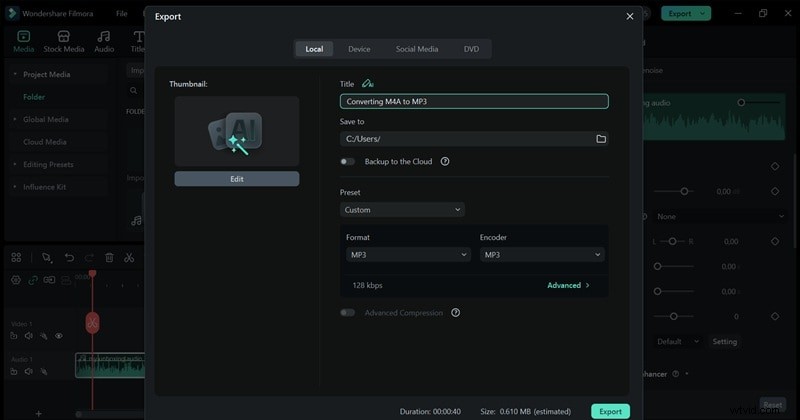
We are starting off strong with the best M4A to MP3 converter, Wondershare Filmora. Not only as a video editor, but Filmora also works to turn M4A to MP3 format quickly, without complicated settings.
For better results, Filmora has many advanced features to polish your audio after you convert M4A to MP3. Everything is easy to use, even if you are new to audio editing. Here is what you can do with Filmora:
- AI Audio Denoise helps remove background noise with one click.
- Smart Audio Adjustments automatically balance volume and clarity.
- AI Voice Enhancer makes voices sound clearer and more natural.
- AI Audio Ducking lowers the background music when someone is speaking.
- Basic edits like trimming, fade-ins, fade-outs, and adding background music.
Pros
- Equipped with advanced features and AI technology to enhance sound quality.
- Works as both an audio converter and a full audio and video editor.
- Quick conversion that automatically saves to your device.
Cons
- Unable to change MP3 to M4A.
Secure Download
2. VLC Media Player
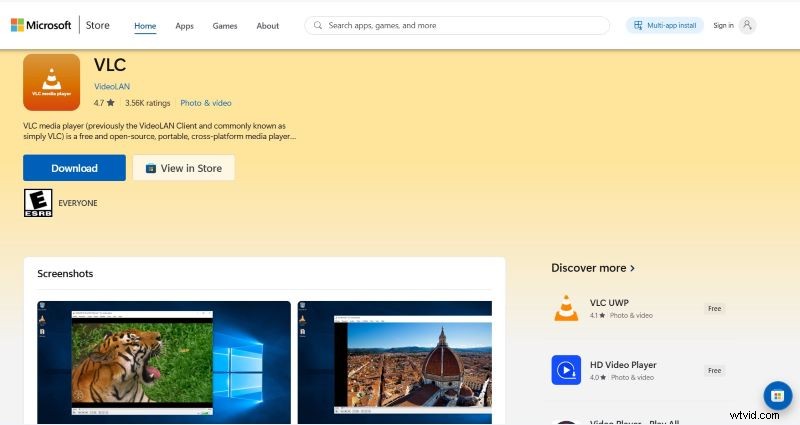
VLC Media Player is a free and open-source media player that works on Windows, macOS, and other platforms. Besides playing almost any audio or video format, it also includes a built-in conversion feature to transform audio files from M4A to MP3. Since VLC is widely used and trusted, it’s a practical option for users who want a simple, free converter using software they may already have.
Pros
- Most Windows desktops already have VLC Media Player pre-installed.
- Batch conversion is available.
Cons
- Unable to do MP3 to M4A conversion.
- No built-in audio editor.
3. iTunes
Known as one of the main platforms behind the M4A format, iTunes deserves a spot on the list. iTunes allows users to organize music libraries and convert audio formats, including format M4A to MP3, directly within the app. The conversion process is stable and consistent, especially for files originally purchased or imported into iTunes.
Pros
- Also works on non-Apple ecosystems, such as Windows.
- The conversion process is fast and stable.
Cons
- Some users may find the iTunes conversion steps a bit confusing.
4. Movavi
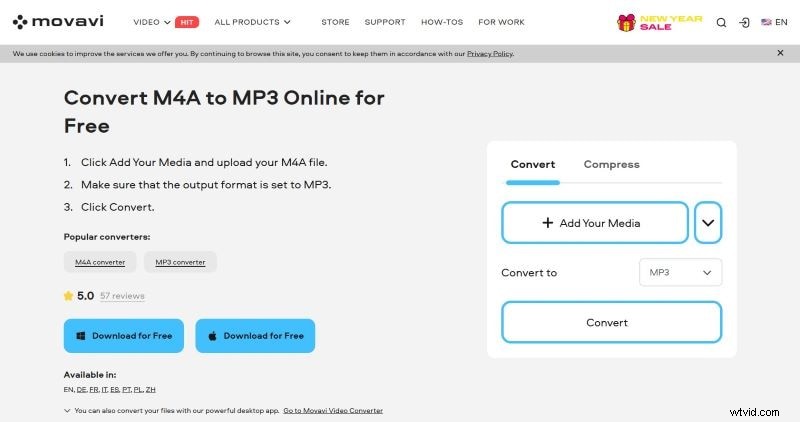
The last pick in our M4A to MP3 converter download for pc is Movavi. A reliable converter tool with a clean interface that’s easy to use, even for beginners. Movavi also provides a built-in editor that lets you make simple edits, such as trimming audio or reducing file size.
Pros
- Allow users to convert audio files in batches.
- Equipped with an editor for quick editing.
Cons
- Free users may have limitations on conversion or editing.
Quick Audio Conversions for M4A To MP3 Online
If you search online, there are many M4A to MP3 websites to choose from. But how do you know which one is reliable? For your convenience, we’ve collected the best online converter from M4A to MP3. They are simple to use and convert quickly. Plus, you can access them whenever you need.
1. UniConverter
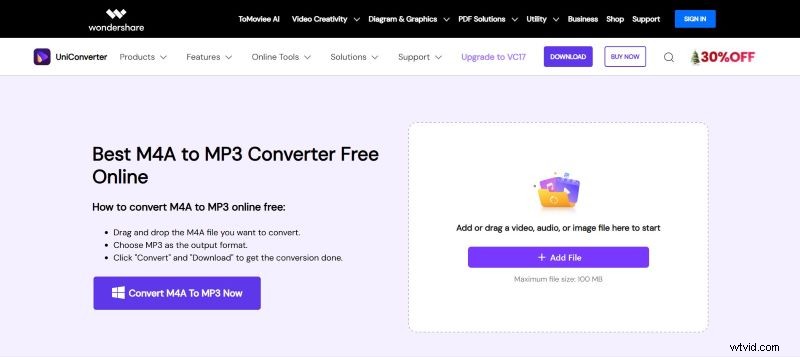
The first online audio converter M4A to MP3 is UniConverter. It’s designed for users who prefer simplicity, where you can change format M4A to MP3 with just a few clicks. Drag and drop your M4A file, choose MP3 as the output format, and UniConverter will convert it for you.
Pros
- Easy to use with clear guidelines.
- Quick conversion and download.
- Reduce file size up to 50% while still maintaining its sound quality.
Cons
- No option for customization, such as audio bitrate or volume.
- Batch conversion is limited to paid users.
2. TheBestPDF
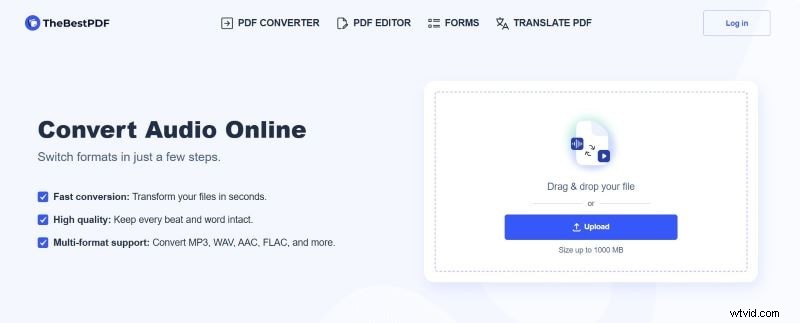
TheBestPDF is a well-known platform to manage files, including to transfer M4A to MP3. Upload, insert, or even paste the links to your audio files on the website, and they will be transformed. Also, feel free to convert to any format you need, as it supports WAV, AAC, FLAC, and more.
Pros
- Options to input the files: drag-and-drop, upload, or insert link.
- No ads on the website.
Cons
- A login is needed to download the files.
- No option to adjust audio settings like audio volume or audio bitrate.
3. CloudConvert
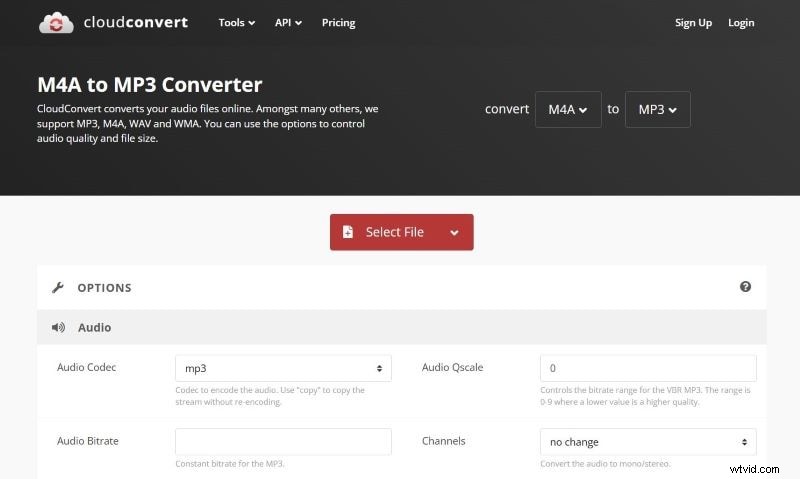
One of the most reliable websites to change M4A into MP3 is CloudConvert. Perfect option for users who want to do a quick conversion with more control. It also supports uploading m4a files from your computer, URL, Google Drive, Dropbox, or OneDrive. Besides, you can convert MP3 to M4A as well.
Pros
- You can customize the audio quality and audio length.
- Provide audio preview before downloading the converted version.
Cons
- Takes more time for batch conversion.
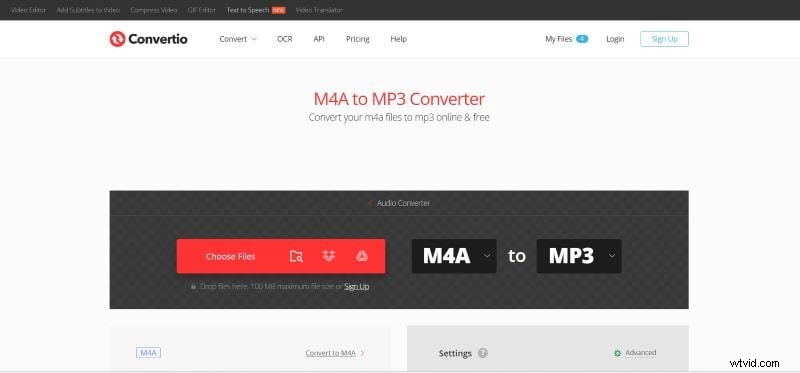
4. Convertio
Next on our free M4A to MP3 converter is Convertio. You can convert M4A audio files to MP3 with the ALAC codec for high-quality sound or MP3 for a smaller file size. It also allows you to convert and save audio files in Dropbox and Google Drive. Even with all the customization tools, the website remains simple and easy to use.
Pros
- Option to customize the Variable Bitrate (VBR), Bitrate, Frequency, Volume, and Audio Channels.
- Ad-free platform.
Cons
- The free version account is limited to 2 file conversions at the same time.
- It takes longer than most apps to convert the audio files.
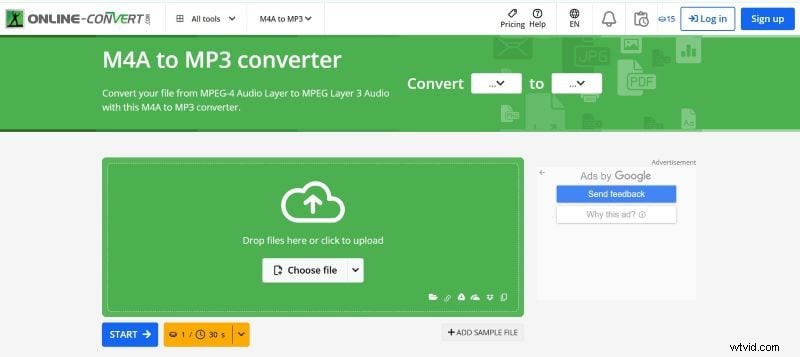
5. Online-convert
Online-convert is one of the best online M4A to MP3 tools, popular for its various conversion options. The interface is simple, making it easy for users to navigate. It also allows users to customize sound duration and quality with just a few clicks.
Pros
- Adjust the audio quality and audio duration to your preferences.
- Allow batch conversion even for free users.
Cons
- Faster conversion and download are available for paid users.
- Noticeable ads on the website.
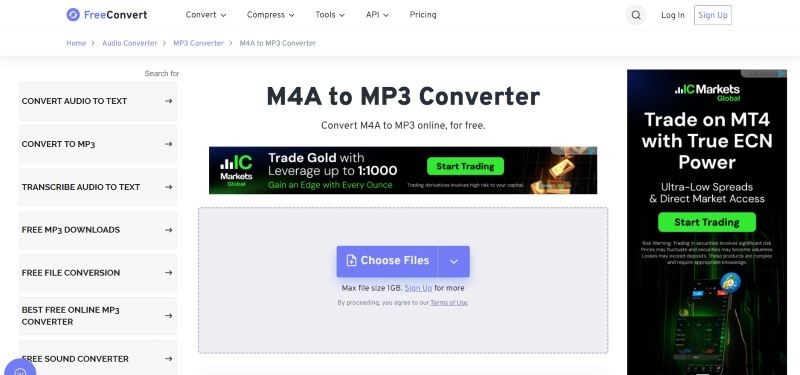
6. FreeConvert
Last but not least, FreeConvert is another top tool to convert from M4A to MP3 online. Although the ads on the website are quite heavy, they don’t interrupt the conversion process. Just pick the M4A files that you want to convert and let them do the job. Also, customize the audio settings to match your liking.
Pros
- Allows uploading files up to 1GB, higher than most tools.
- Modify the audio quality, fade in and out, and audio duration.
Cons
- It takes a while to convert files.
- Ads are available on the platform.
Conclusion
Overall, most M4A to MP3 converters work in similar ways. Upload the M4A files, change the output to MP3, and then they will process them for you. The main differences come down to control and extra features.
Convertio, CloudConvert, Online-convert, and FreeConvert let you adjust the audio quality and duration while keeping the process simple.
Some tools also include built-in editors to improve audio quality. With Movavi, you can trim audio and reduce the file size. Wondershare Filmora goes further by offering advanced tools for both basic and detailed audio editing. Clean up sounds, add effects, and use AI features in one workspace.
Secure Download