
Want to combine multiple videos into one layout? A collage video maker lets you display several clips in a single frame. It works well for side-by-side comparison videos or multi-angle tutorials.
Some tools don't even require a download. An online video collage editor can help you create video collages directly in your web browser. You just need to upload your files, drag and drop, and save your collage in minutes.
This guide will help you find the best collage video maker in 2025. Including an all-in-one software and online collage video maker for your next video project. Let's get started!

Our Top 3 Collage Video Maker Picks
Wondershare Filmora - Best for All-in-One Editing & Custom Collages
If you're looking for a collage video maker with built-in editing tools, Filmora is a great choice. Its
AI-powered featuresgive you a wide range of creative options over layout, effects, and audio.

Canva Video Collage - Best for Quick Drag-and-Drop Designs
Canva is an online video collage editor that is suitable for beginners and social media creators. It offers pre-made templates and a huge media library that you can access right from your browser.
View detail

InVideo - Best for Template-Driven Storytelling
InVideo is an online video collage maker with hundreds of themed templates. You can choose from hundreds of stylish templates to help you turn your clips into collage videos more easily.
View detail
How We Test It
How We Chose the Best Collage Video Makers:
To help you find the best collage video maker, we tested tools based on real user needs. We focused on how easy it is to use, how well it handles collage layouts, and the export quality.
Most of the tools featured here are online video collage editors that run directly in your browser. They're perfect for quick projects with no installations. For those who need more editing control, we've also included a desktop option with pro-level features.
Part 1. Collage Video Maker Comparison Chart
Before jumping into the full reviews, here's a quick side-by-side look at the top collage video makers. This table will help you compare features like ease of use, layout options, free plans, and export quality. Thus, you'll know which one fits your editing style and needs.
| Tool | Best For | Collage Style Options | Ease of Use | Export Quality on Free Plan |
| Filmora | All-in-one editing with control. | 30+ split screen templates and custom layouts. | Easy | Up to 4K (with a watermark) |
| Canva | Quick, beginner-friendly edits | Grid, split screen, and multi-panel templates. | Very Easy | Up to 1080p (some elements may include a watermark) |
| InVideo | Fast video collage creation with templates | Split screen and multi-frame. | Easy | Up to 720p with a watermark |
| Clipchamp | Timeline editing and Microsoft sync. | Split screen, grid, and custom multi-track. | Easy | Up to 1080p with a watermark |
| Adobe Express | Polished templates and brand kits. | Pre-built animated and static templates. | Very Easy | Up to 1080p, no watermark when using personal assets |
| VEED.IO | Collaborative, browser-based edits. | Split screen and adjustable layouts. | Easy | Up to 720p with a watermark |
| FlexClip | Template-based browser editor | Split screen and multi-layer templates. | Easy | Up to 720p with a watermark |
| Kapwing | Smart tools & team collaboration | Grid, split screen, picture-in-picture, and freeform layouts. | Easy | Up to 720p with a watermark |
|
Show more Show less |
 Secure Download
Part 2. Best Video Collage Maker for All-in-One Editing
Making a video collage online is perfect for quick edits. But, if you need more control when creating collage video, using a desktop tool comes in handy. It gives you detailed control over layout, effects, audio, and timeline edits.
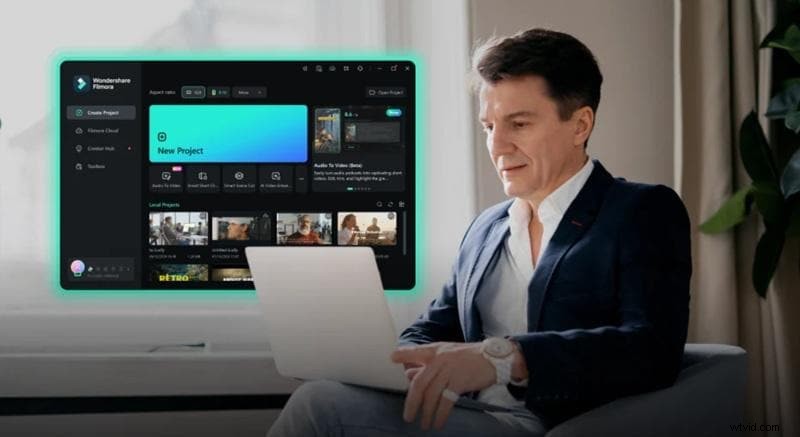
Wondershare Filmora
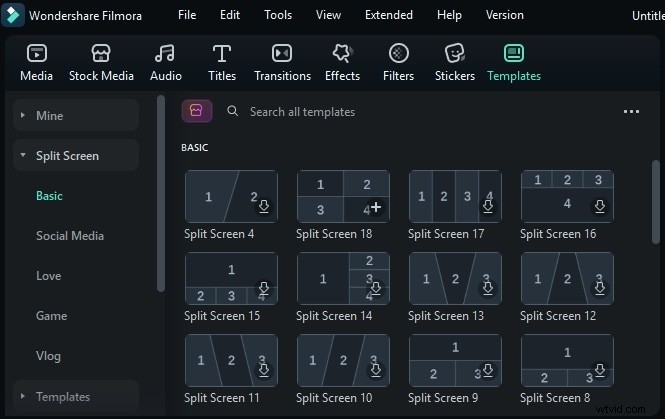
Wondershare Filmora is a strong option if you're looking for a feature-rich collage video maker. Its Split Screen feature lets you display multiple clips in a single frame with dozens of layout styles. You can easily drag clips into each frame, trim them, apply transitions, and even animate them.
Flexible Layout Options
Choose from 30+ split screen templates or customize layouts by adjusting video positions manually on the main timeline.
Creative Enhancements
Add transitions, stickers, filters, text, and overlays to individual clips within the collage.
High-Quality Export
Export your project in up to 4K resolution with multiple format options.
Filmora offers a wide range of stylish collage templates that make video editing fast and easy. Simply drag and drop your clips into a template to create polished, eye-catching collages—ideal for vlogs, social media, and special occasions.
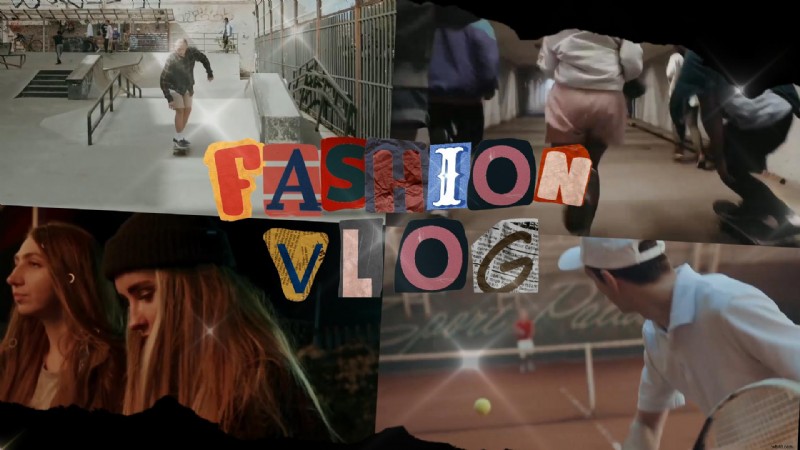

Friends Party Video Collage


Birthday Memorial Collage

Postcard Collage Split Screen 02

Compatibility
Windows and macOS
Pricing
Basic: $9.99/month; Advanced: $34.99/year; Perpetual: $49.99

Filmora
AI Video Editing App & Software
Best tool for making videos anywhere for all creators!
Best for All-in-One Editing & Custom Collages
Part 3. Top 7 Online Video Collage Makers in 2025
Do you prefer working in your web browser? These tools let you create a dynamic video collage online without downloading any software. You can use them on any device, take advantage of built-in collage templates, and edit on the go.
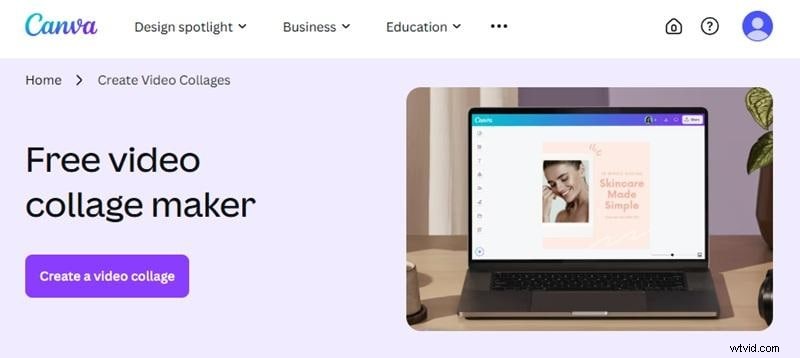
1. Canva Video Collage
Canva is a popular free online video collage tool made for speed and ease. It offers pre-made collage layouts and built-in stock assets right in your browser. It's easy to drop in clips, add effects, and export content in minutes.
Pros
- Works entirely in your browser.
- It has a wide collage template selection.
- No watermark on free exports (if using your assets or the free stock library).
Cons
- The free stock library assets are limited.
- It has limited timeline control compared to desktop tools.
Key Features
- Pre-Made Video Collage Templates: Choose from a variety of animated or static layouts for split screens, side-by-side videos, or multi-panel stories.
- Built-in Stock Library: Access free and paid stock videos, music tracks, images, and animated elements within the editor.
- Timeline Controls: It has basic timeline functions. It lets you trim video length, adjust timing, crop footage, and control background music.
- Real-Time Collaboration: Invite team members to co-edit your collage video in the same project.
Compatibility
Web-based (compatible with Chrome, Safari, Edge), Android, and iOS.
Pricing
- Free Plan: Available with a limited stock library.
- Canva Pro: $12.99/month or $119.99/year.
- Canva for Teams: Starts at $14.99/month for 5 users (annual pricing varies by team size)
Why We Recommend It
Canva works well for users who want to create a video collage online quickly, with minimal effort. Its template library and visual simplicity make it a strong go-to for quick projects.
2. InVideo
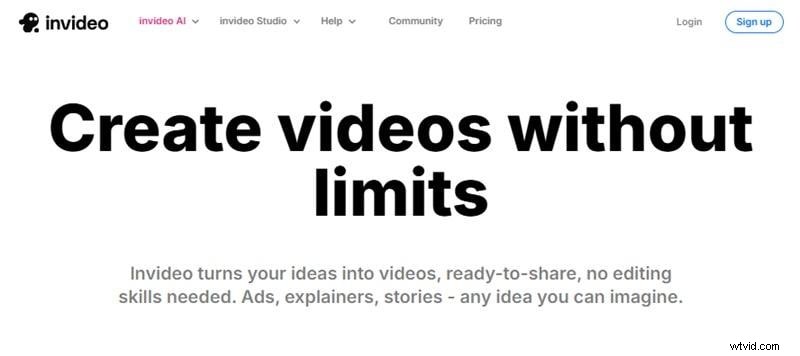
InVideo is an online video collage free platform designed for quick content creation. It gives you hundreds of ready-to-use video collage templates. You can use this tool to build video collages for promotions or vlogs in just a few steps.
Pros
- Huge template library for all use cases.
- It has AI tools to speed up video production.
- Includes access to premium stock content (availability depends on subscription tier).
Cons
- All exports on the free tier include a watermark.
- It lacks advanced timeline controls such as multi-layer sequencing, keyframe, or custom transition timing.
Key Features
- Collage Video Templates: Access hundreds of themed templates that support split screens, comparison layouts, and multiple video slots.
- Built-in Stock Library: Access over 8 million royalty-free assets from iStock and Storyblocks.
- Voiceover & Text-to-Speech: Add voice narration or use automated AI voices directly inside the platform.
- Branding Kit Tools: Upload your logo, apply brand colors, and customize fonts to stay consistent.
- Aspect Ratio Presets: Instantly resize videos for YouTube, Instagram, TikTok, or Facebook.
Compatibility
Web-based (best on Chrome) and Android app (limited features).
Pricing
- Free Plan: Available with a watermark.
- Business Plan: Starts at $30/month or $180/year.
- Unlimited Plan: $60/month or $360/year.
Why We Recommend It
InVideo helps simplify collage video creation with AI tools, pre-built templates, and integrated stock assets. It's a fast, efficient choice for social media and marketing content.
3. Clipchamp
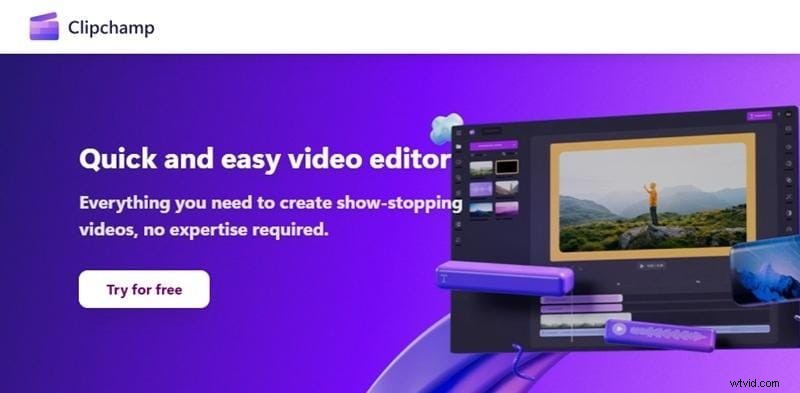
Clipchamp is a Microsoft-owned online video collage editor that runs smoothly in most browsers. It supports timeline editing control and collage layout. It's one of a solid choice for creating quick video collages.
Pros
- Full-feature timeline for detailed collage editing.
- It has a built-in screen and webcam recorder.
- Integrate with OneDrive and Microsoft 365 for easy access.
Cons
- Watermark in the free version.
- It has limited layout presets for complex collages.
Key Features
- Split Screen Presets: Use side-by-side or grid-style frames to arrange video clips visually.
- Multi-Track Timeline: Layer multiple videos, images, and audio tracks to build custom collage layouts.
- Auto Captions & AI Voiceover: Generate subtitles or add narration using built-in AI tools.
- Stock Library Access: Browse free and premium media assets, including videos, music, and graphics.
- Direct Cloud Export: Save projects to OneDrive or share straight to platforms like YouTube or TikTok.
Compatibility
Web-based (optimized for Edge and Chrome) and Windows 10/11 native app (via Microsoft Store).
Pricing
- Free Plan: Available (includes a watermark on premium assets).
- Premium Plan: $11.99/month or $119.99/year.
Why We Recommend It
Clipchamp combines browser-based convenience with timeline precision. If you want to create a video collage online, Clipchamp offers a good balance between usability and functionality.
4. Adobe Express
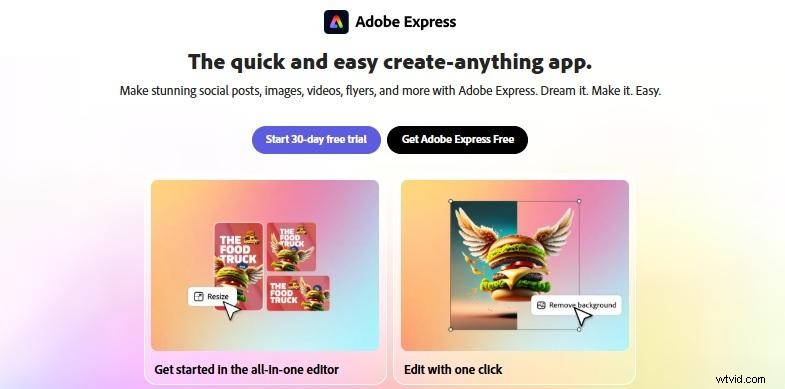
Adobe Express (formerly Adobe Spark) is an editor that you can use as a collage video maker. It's perfect for users who prefer to edit in a simple platform rather than in complex software. It brings Adobe's design quality into a simpler tool that works well for basic video collages.
Pros
- It offers a structured editing environment with collage video presets.
- It allows watermark-free exports on the free plan when using personal media assets.
- Provides access to Adobe Fonts and a curated collection of Adobe Stock assets.
Cons
- It lacks multi-track timelines, keyframe animation, and advanced layer controls.
- Users cannot fully adjust the frame positions or design custom collage layouts.
- The available stock video and premium assets are limited unless upgraded to the premium subscription.
Key Features
- Video Collage Templates: Start with built-in layouts designed for side-by-side videos, multi-tile formats, and split screen effects.
- Quick Actions: Resize, trim, merge, and convert videos within a few clicks. It has no complex timeline tools.
- Integrated Stock Library: Access Adobe Stock for free media, graphics, icons, and fonts.
- One-Tap Resize: Instantly switch between sizes for YouTube, Instagram, and other platforms.
- Brand Kit Support: Set custom logos, fonts, and colors to stay consistent across projects.
Compatibility
Web-based (compatible across all major browsers), Android, and iOS.
Pricing
- Free Plan: Available with limited templates and media.
- Premium Plan: $9.99/month or $99.99/year.
- Team Plan: $7.99/person monthly or $79.99/person annually.
Why We Recommend It
Adobe Express is suitable for users who need to create collage videos online fast. Its streamlined workflow and polished templates make it a solid choice for social media, marketing, and event recaps.
Part 4. What to Consider When Choosing a Video Collage Maker
Not all collage video maker tools offer the same editing power or flexibility. Before you choose one, consider your editing style, project needs, and device.

Here are five key factors to help you decide:
Your Editing Control Needs
Pick a collage video maker that matches your control needs. If you want to layer clips, adjust timing, or add effects precisely, choose one with multi-track timeline support.
Free vs. Paid Plans
Free plans are great for testing, but many tools lock premium features. Check what's included before you commit.

Template Options
The more collage templates a tool offers, the faster you can start. Look for pre-built layouts like grids, split screens, or animated frames that fit your video style.
Export Quality and Watermark Limits
Many free editors cap resolution at 720p and apply watermarks. If you want clean, high-res outputs, confirm the export specs before choosing a free plan.
Mobile vs. Desktop Experience
Browser-based and mobile editors are great for quick edits on the go. But if you need more control, desktop tools offer deeper editing features and better performance.

Conclusion
A collage video maker lets you combine clips into one frame with ease. Most tools offer preset templates and simple drag-and-drop controls for quick editing. The right choice depends on how much editing flexibility you're looking for.
This list includes both desktop and online video collage editors. From template-driven tools like Canva and InVideo, to full-featured editors like Filmora. They work well for social media content, side-by-side comparisons, and multi-angle tutorials.
Use an online video collage maker for fast edits, or go with Filmora if you need advanced editing features. Try out your favorite tool and start your collage video project right away!
Filmora
AI Video Editing App & Software
Best tool for making videos anywhere for all creators!
Best for All-in-One Editing & Custom Collages