
Converting a photo into a cartoon has become effortless, thanks to AI‑powered tools that deliver vibrant, stylized portraits in seconds. Whether you’re looking for a fun profile picture, a comic‑style illustration, or animated content for social media, the right converter can elevate your creative workflow without demanding design expertise.
How We Evaluated the Tools
Our assessment draws on hands‑on testing, user reviews, and industry benchmarks. Each tool was judged against five key criteria:
- Ease of Use – How quickly a beginner can turn a photo into a cartoon.
- Style Variety – The breadth and uniqueness of available cartoon filters.
- Output Quality – Resolution, detail, and visual appeal of the final image or video.
- AI Features – Advanced capabilities such as text‑to‑image generation or image‑to‑video conversion.
- Platform Compatibility – Availability on web, desktop, and mobile.
- Pricing & Watermarks – Free versus paid tiers and watermark policies.
1. Best Desktop Software: Wondershare Filmora
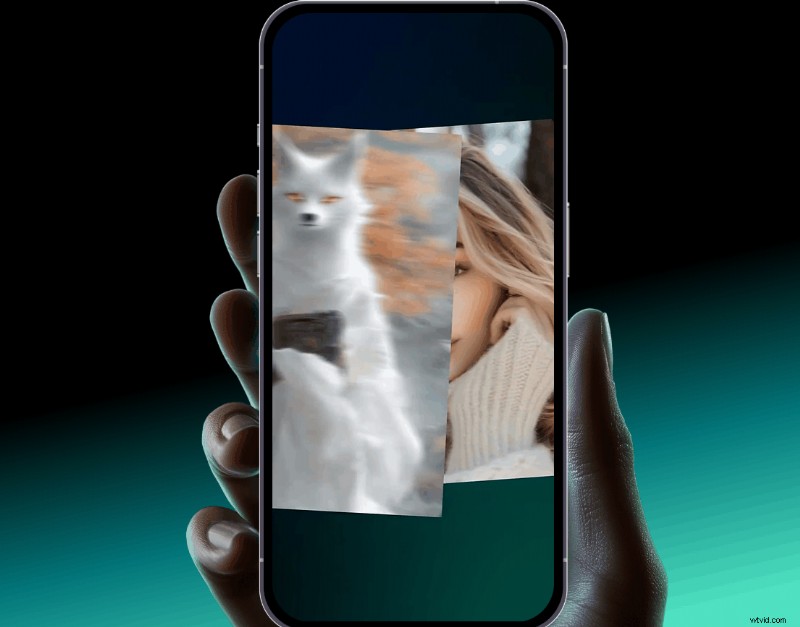
Filmora stands out as an all‑in‑one creative suite that combines photo cartoonization, video animation, and AI image generation. Ideal for creators who want more than a static image.
Pros
- Comprehensive AI filters: comic, sketch, watercolor, anime, and more.
- One‑click cartoon conversion with instant preview.
- Built‑in animation tools (pan, zoom, character motion) for short videos.
- Offline editing gives full control over export settings.
Cons
- Requires installation and a paid plan for full AI feature set.
- Learning curve for advanced video editing features.
Key Features
- AI Image Stylizer – multiple artistic styles in a single click.
- AI Prompt to Cartoon – generate original characters from text.
- Image‑to‑Video – animate still cartoons for reels or shorts.
- Integrated text, sound, and transition tools for polished videos.
Pricing
Filmora offers tiered plans starting at $39.99 per year for the Basic license. The Pro license, which unlocks all AI features, is $69.99 per year.
Supported Systems
- Windows, macOS, iOS, Android
2. Best Online Converter for Quick Use: Fotor
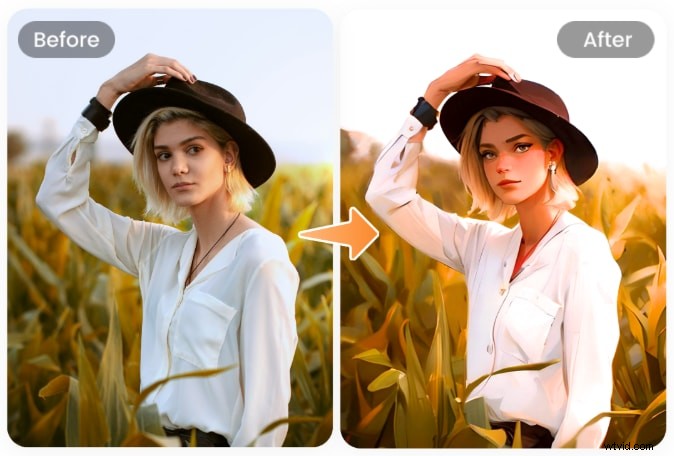
Fotor is a browser‑based photo‑to‑cartoon tool that excels at fast, one‑click transformations. Perfect for social media posts, thumbnails, and profile pictures.
Pros
- Wide range of styles: anime, sketch, digital painting, 3D.
- Drag‑and‑drop interface for instant results.
- Batch processing available in the Pro version.
Cons
- Free version adds a watermark.
- Limited advanced editing without upgrading.
Pricing
Fotor Pro starts at $3.33 per month (billed annually), removing watermarks and unlocking extra styles.
3. Best for Design Integration: Canva
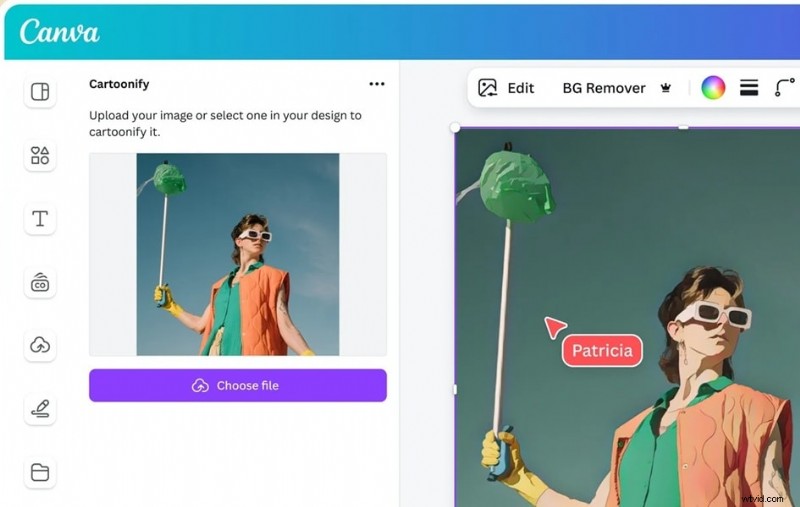
Canva’s photo‑to‑cartoon feature is embedded within its extensive design platform, making it ideal for users who want to incorporate cartoons into posters, thumbnails, or storyboards.
Pros
- Drag‑and‑drop editor with full creative control.
- Synchronization across devices.
- No watermark on basic use.
Cons
- Fewer dedicated cartoon filters compared to specialized tools.
- Pro plan required for advanced effects.
Pricing
Canva Pro starts at $12.99 per month, unlocking premium templates and filters.
4. Quick & Free: Cartoonize.net
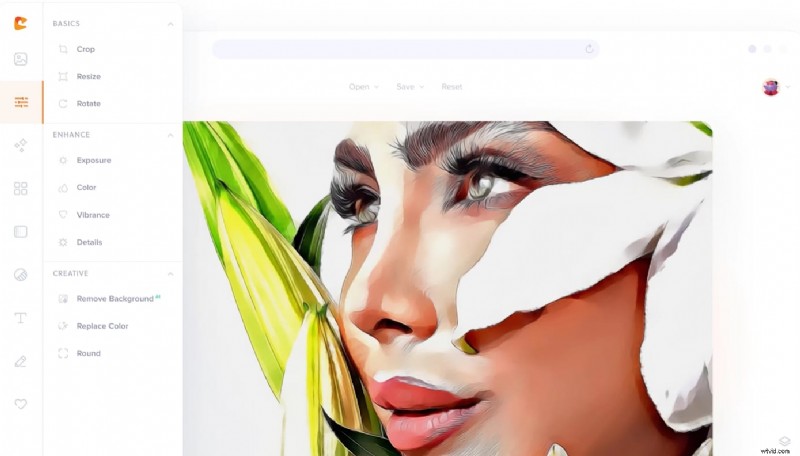
Cartoonize.net is a straightforward browser app that offers dozens of hand‑drawn and vector styles without any registration.
Pros
- No sign‑up required.
- Fast processing on low‑spec devices.
- Instant preview of all effects.
Cons
- Limited export formats.
- Ads may be distracting.
Pricing
Pro plan at $6.99 per month (billed annually) unlocks all features.
5. Classic Sketch & Comic Styles: PhotoCartoon
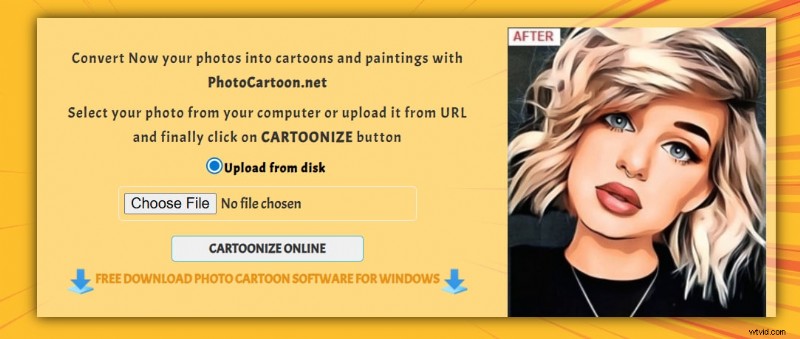
PhotoCartoon.net focuses on vibrant, hand‑drawn effects suitable for portraits and landscapes.
Pros
- No registration required.
- Bold, high‑contrast results ideal for print.
- Supports both people and objects.
Cons
- No batch processing.
- Only JPEG export.
Pricing
Premium one‑time payment of $24.95 removes the watermark and unlocks higher resolution.
6. Avatar‑Focused: Monica AI
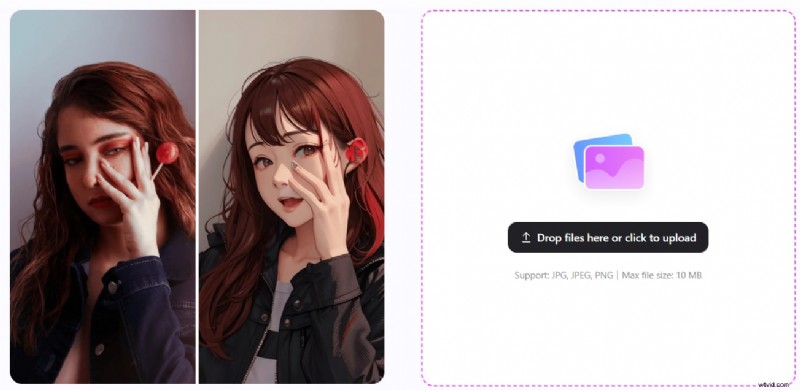
Monica AI delivers clean, studio‑style cartoon avatars in seconds, perfect for profile pictures and messaging icons.
Pros
- Ad‑free, instant rendering.
- Optimized for facial detail.
- Fast output under 10 seconds.
Cons
- Limited style options.
- No layering or multi‑image support.
Pricing
Free tier available; Pro starts at $8.30 per month for HD output and batch features.
7. Professional‑Grade Filters: BeFunky
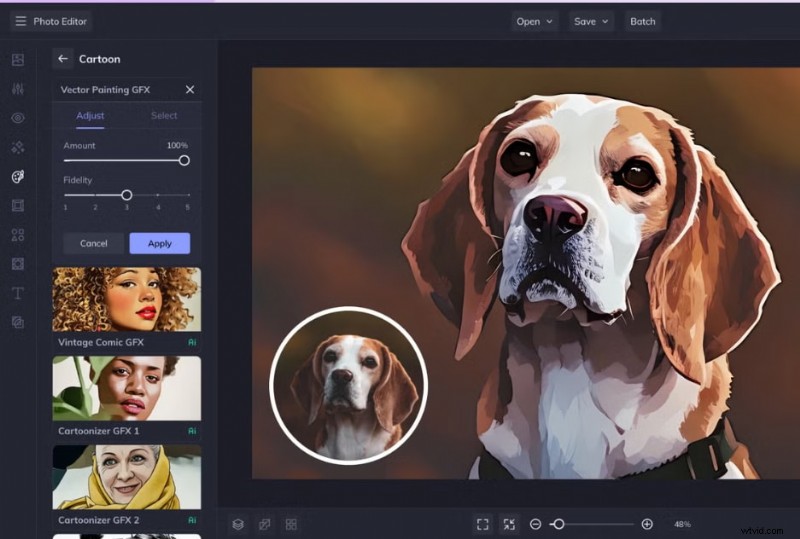
BeFunky offers a polished online editor with a range of cartoon styles and full creative control.
Pros
- Balance between artistic and realistic results.
- Full editing suite (text, crop, lighting).
- Web‑based with near‑desktop performance.
Cons
- Limited free filters.
- Login required for premium tools.
- Slower on older devices.
Pricing
BeFunky Plus starts at $14.99 per month or $83.88 per year.
8. Quick Avatar Maker: Image to Cartoon
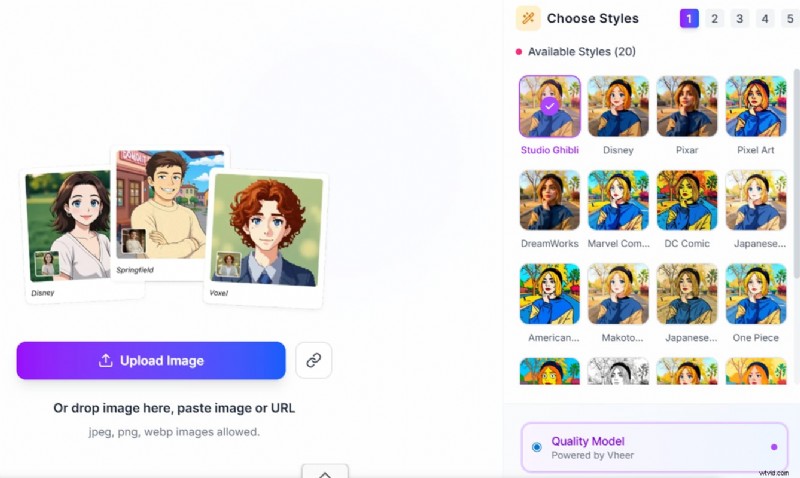
Specialized in face‑based cartoons, this tool creates expressive avatars and stickers in seconds.
Pros
- Instant results for profile pictures.
- Built‑in accessories and GIF creation.
- No design skills required.
Cons
- Limited to close‑up photos.
- Ads may appear.
Pricing
Free with monthly credit limits; subscription unlocks higher resolution and additional export options.
Choosing the Right Converter
- Style Intent – Do you need a hand‑drawn comic, a polished digital illustration, or a quick avatar? Match the tool’s specialty to your vision.
- Output Scope – For full‑body characters, choose tools that support full‑image conversion; for profile pics, face‑only converters may suffice.
- Frequency of Use – One‑off edits can use free or trial versions; ongoing content creation benefits from paid plans with batch processing.
- Customization Level – One‑click converters are great for speed; deeper editing requires tools with adjustable parameters and layering.
Conclusion
From quick online options to feature‑rich desktop suites, the 2026 landscape offers AI photo‑to‑cartoon converters that cater to every creative need. By assessing style variety, output quality, and pricing, you can select a tool that transforms your photos into engaging cartoons—whether for personal branding, marketing collateral, or fun social media content.
