
Last updated on 22nd November 2023
Have you ever started a new product only to feel lost or overwhelmed? Perhaps you spent minutes guessing how to use it, or you quit altogether. Either way, the first impression was negative, and that can hurt your revenue.
Effective onboarding flips that narrative. By guiding users through the key questions—what the product does, how to use it, and why it matters—you keep them engaged and increase retention. Below, you’ll find practical tactics, real‑world examples, and tools to help you create an onboarding journey that truly shines.
What Is a Customer Onboarding Process?
Customer onboarding is the series of steps that help a new user become comfortable with your product. It begins at the signup screen, extends through the initial product tour, and continues indefinitely as you introduce new features and updates.
Excellent onboarding answers three core questions quickly and clearly:
- What does this product or feature do?
- How do I use it?
- What value will it add to my life?
Most successful programs combine three main tactics: in‑product tours, emails, and video content.
1. In‑Product Tours
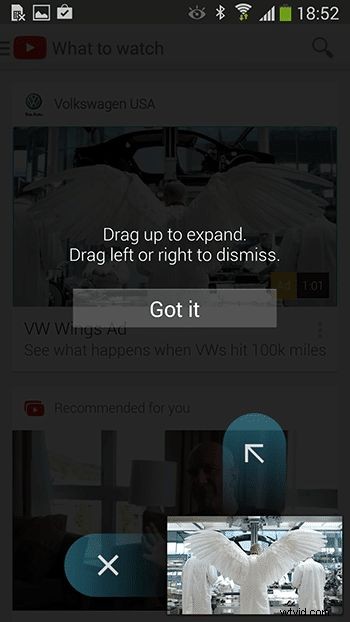
Embedding guidance directly into the UI—via tooltips, coach marks, and modal windows—helps users discover features as they navigate. For example, YouTube uses coach marks to explain its new picture‑in‑picture mode, making the learning curve feel effortless.
2. Emails
Welcome emails remain one of the most effective touchpoints. According to industry research, welcome emails have a 4× higher open rate than other email types, and videos can boost engagement even further. Pandora’s welcome email, which features looping video, is a textbook example of how to capture attention.
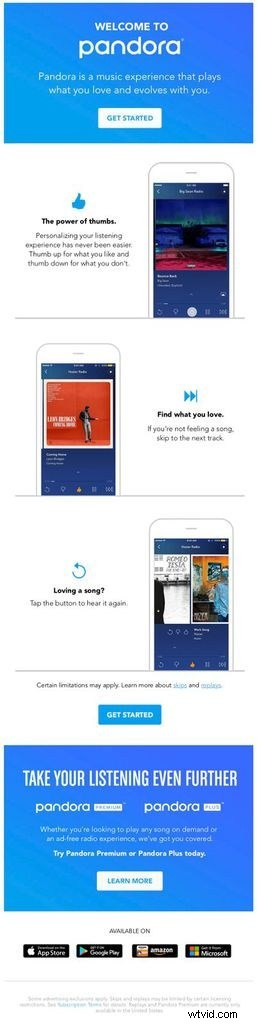
Beyond the initial welcome, emails can nudge users to activate features, extend free trials, or share social proof—each reinforcing the product’s value.
3. Video
Video turns dry copy into engaging visual storytelling. In 2023, 96% of people watched a product video to learn more about a service. Airbnb’s “Beyond” launch video, for instance, builds excitement far beyond what text could convey. QuickBooks embeds a brief walkthrough in the new‑user dashboard, helping users complete key actions immediately.
Benefits of a Strong Onboarding Program
Improved Retention
Retention is the ultimate metric of onboarding success. Statistics show that 77% of users abandon an app within 72 hours, and only 2.6% remain after a month. A well‑crafted onboarding that demonstrates value reduces churn and boosts revenue.
Enhanced Feature Adoption
Users often skip over useful features when they’re left to discover them on their own. Guided walkthroughs and video demos ensure that users see the full range of capabilities. Samsung’s security software video, for instance, highlights key features in a format that 73% of people prefer over text.
Reduced Support Load
By proactively teaching users, onboarding cuts the number of support tickets. 47% of companies report a decrease in queries when they provide FAQ videos directly within the product or website. QuickBooks’ library of short, on‑demand support videos is a prime example.
Four Exemplary Onboarding Processes
1. Slack
Slack’s onboarding starts with a brief welcome message that assures users the setup will take minutes. Through a series of modals and tooltips, new members learn to create a channel, send a message, and upload a file—each step highlighted with concise guidance.
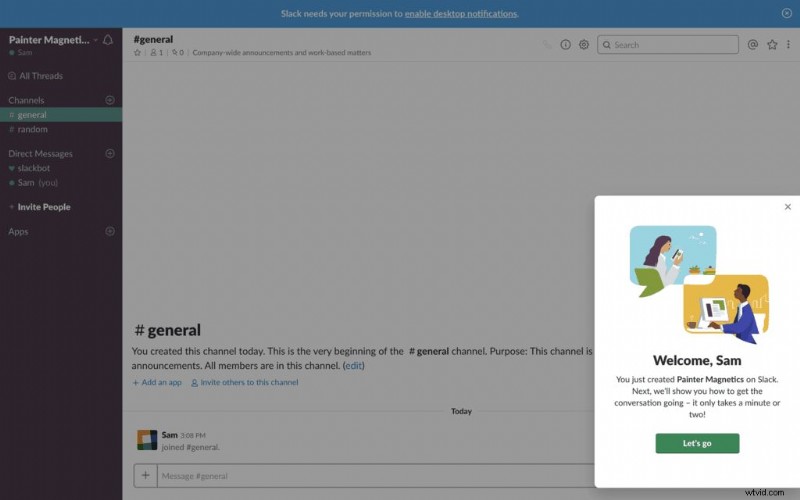
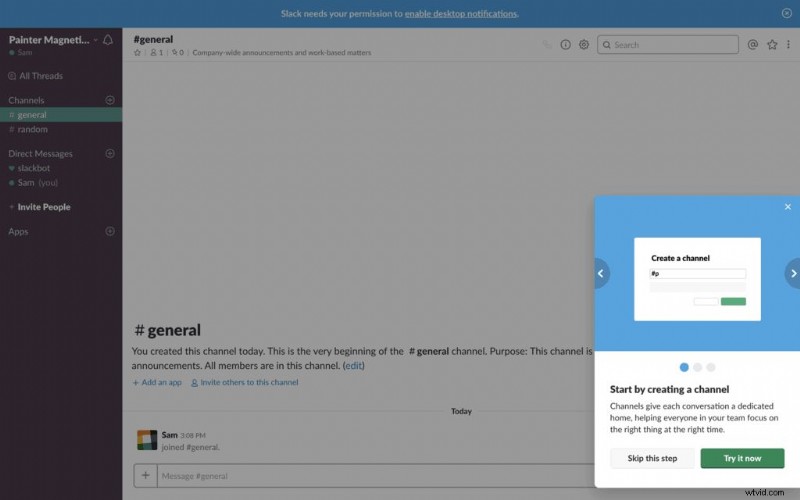
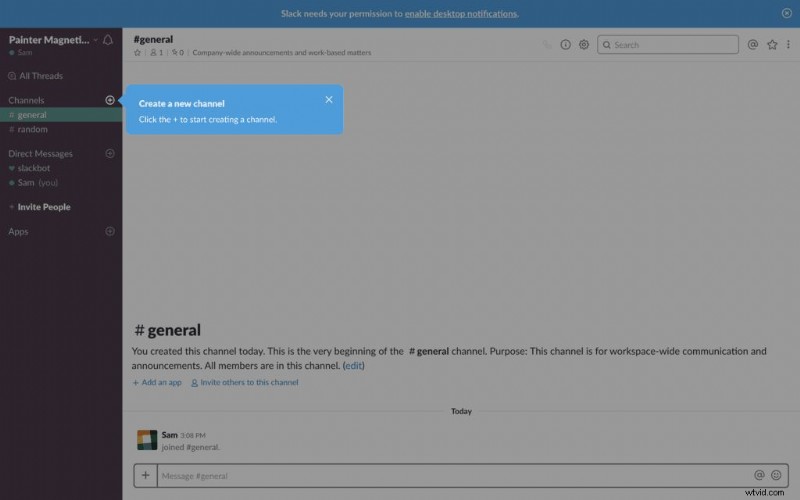
Slack’s streamlined process earns a solid two‑thumbs‑up for clarity and speed.
2. Headspace
Headspace focuses on calm, user‑friendly onboarding. A minimal sign‑up form removes friction, and friendly illustrations guide new users through their first meditation. A progress bar offers visual reassurance, while an embedded video quickly demonstrates core steps.
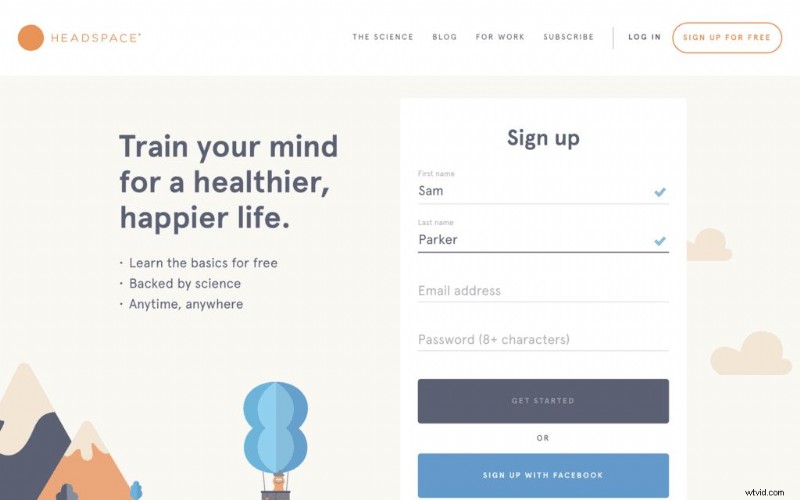
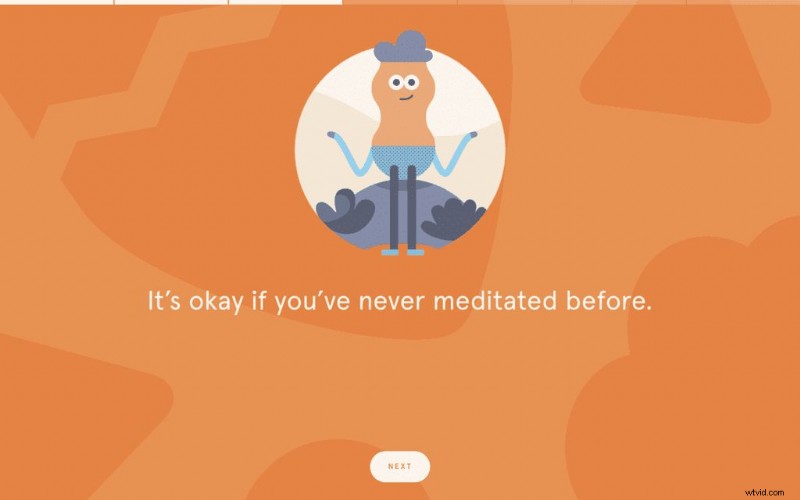
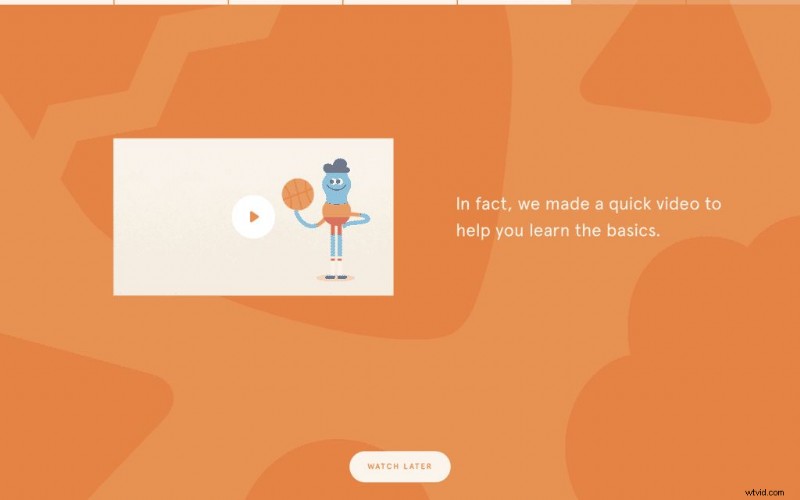
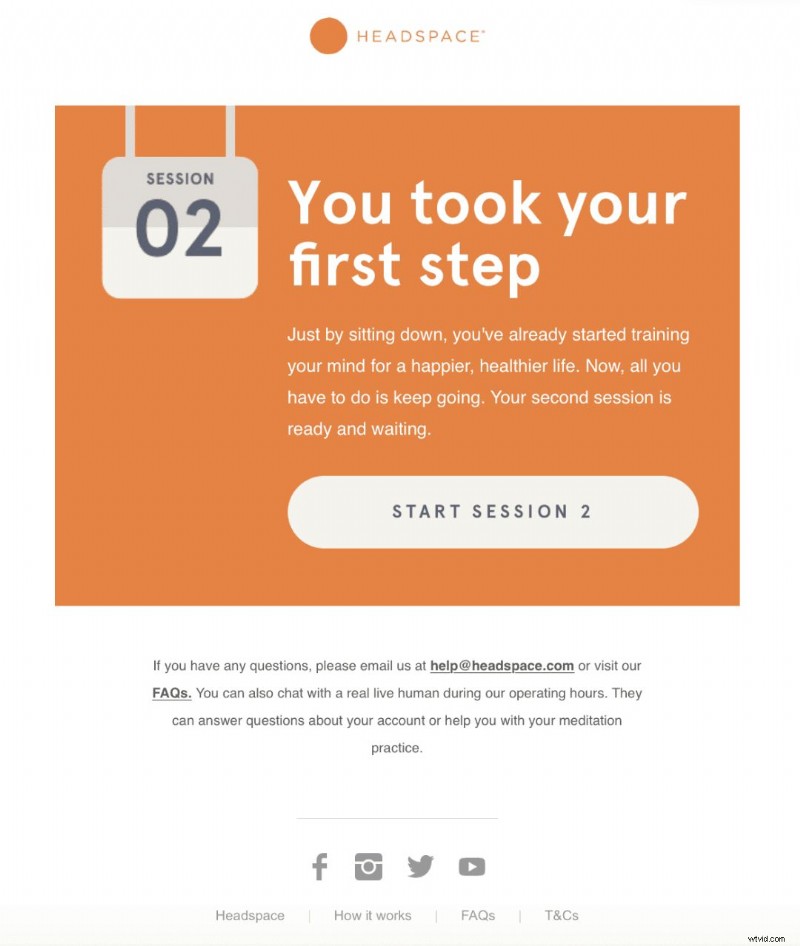
Two days after sign‑up, Headspace sends a gentle reminder email, reinforcing the habit and driving continued engagement.
3. Dropbox
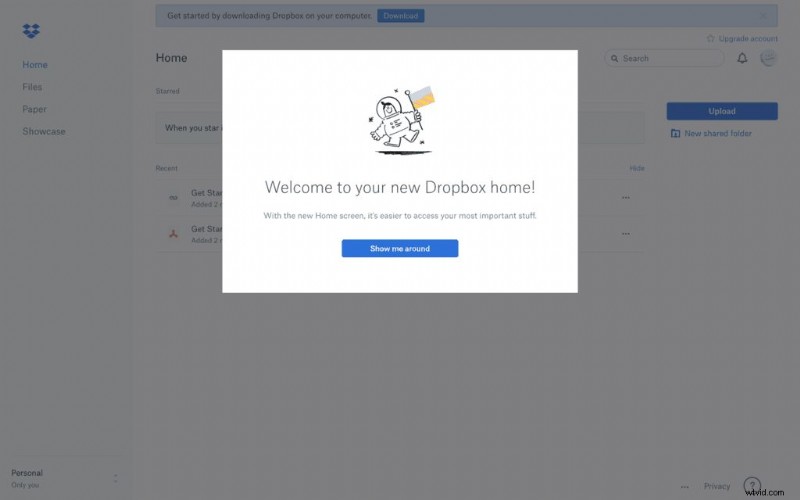
Dropbox’s onboarding has long been a benchmark for simplicity. A playful welcome illustration invites users to start a product tour. Coach marks and modals walk users through key actions, and the tour can be skipped at any time to accommodate experienced users.
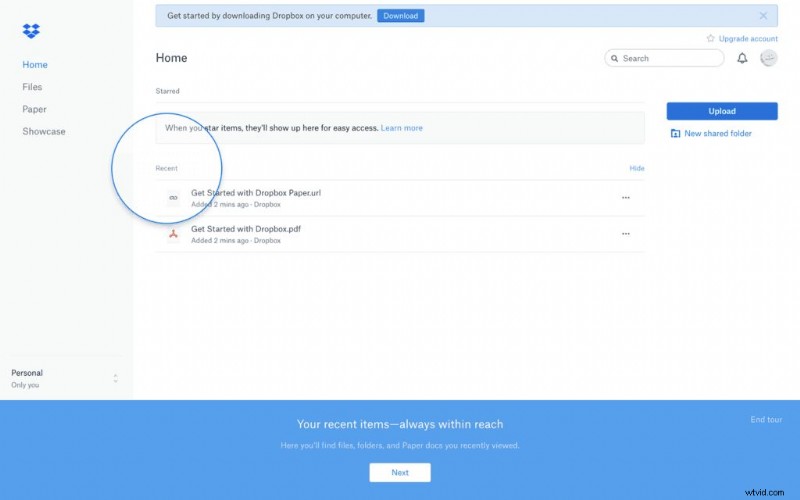
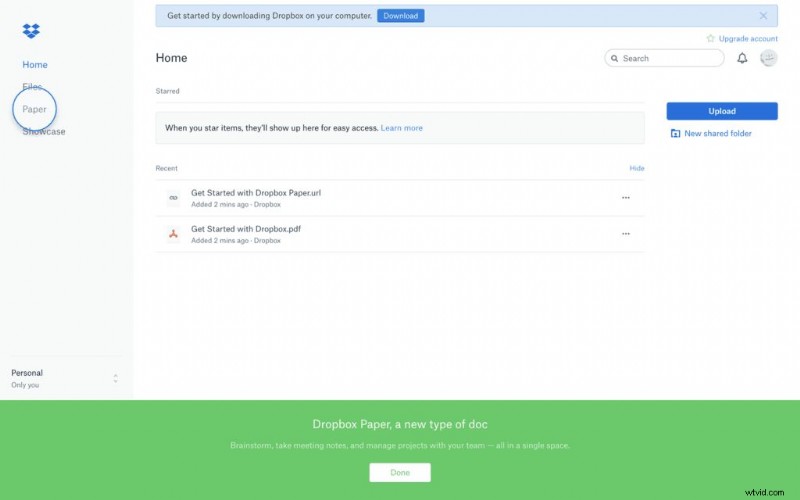
In under a minute, users understand how to use Dropbox—an achievement that merits an A‑grade from our team.
4. Duolingo
Duolingo’s onboarding is bright and approachable. It begins with a powerful headline that communicates the value of learning a new language. A clear chart lets users pick their language, followed by a brief preference survey and a quick assessment test. The final step encourages account creation with a minimal form, offering Facebook or Google sign‑up options.
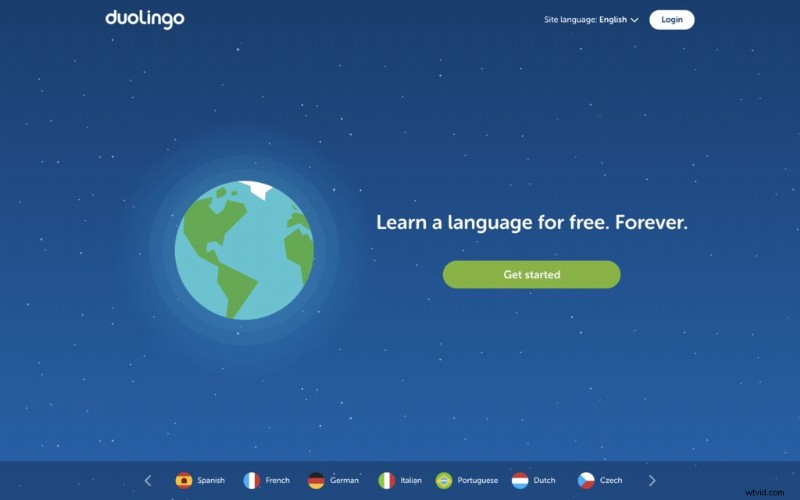
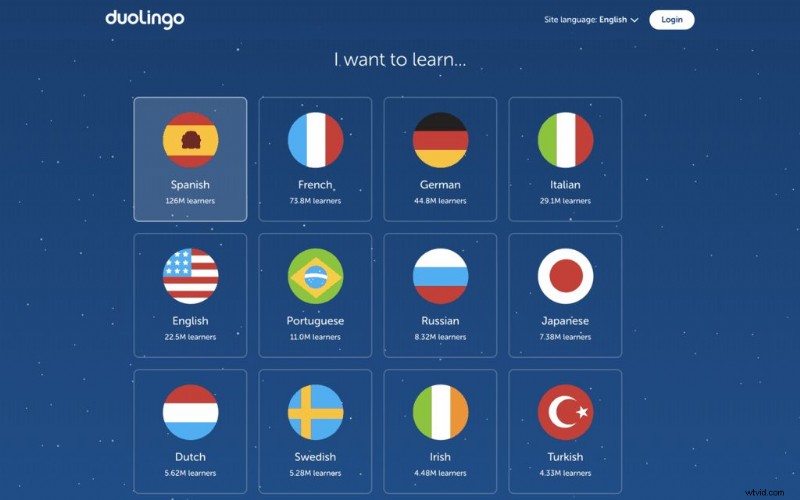
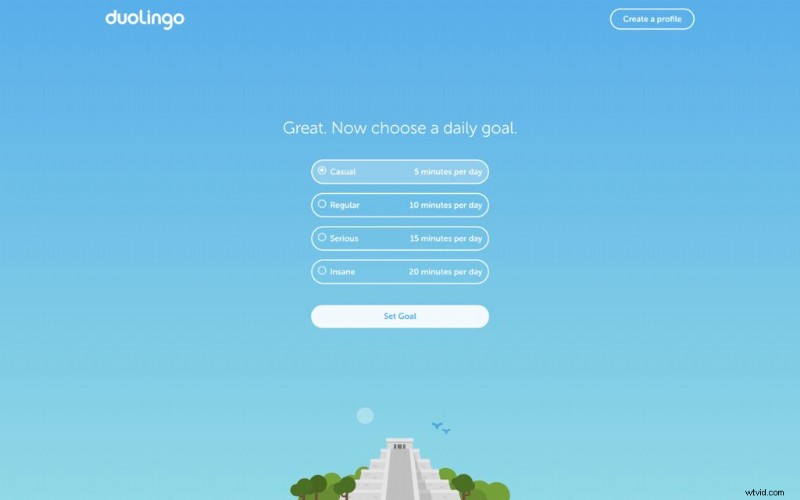
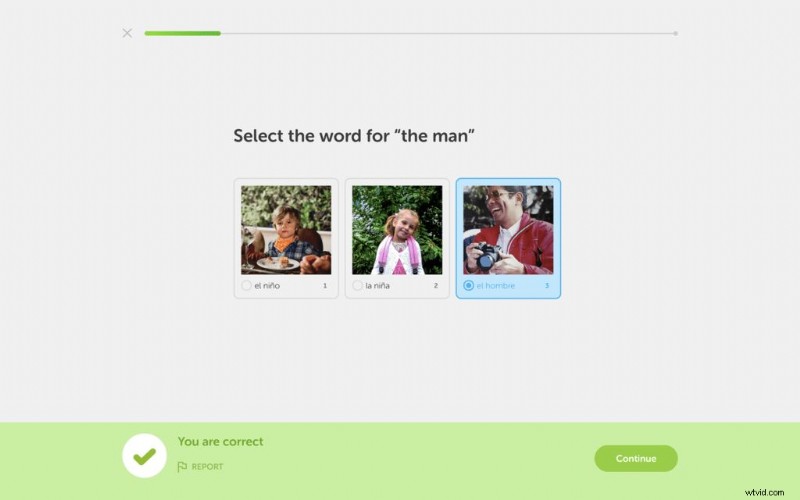
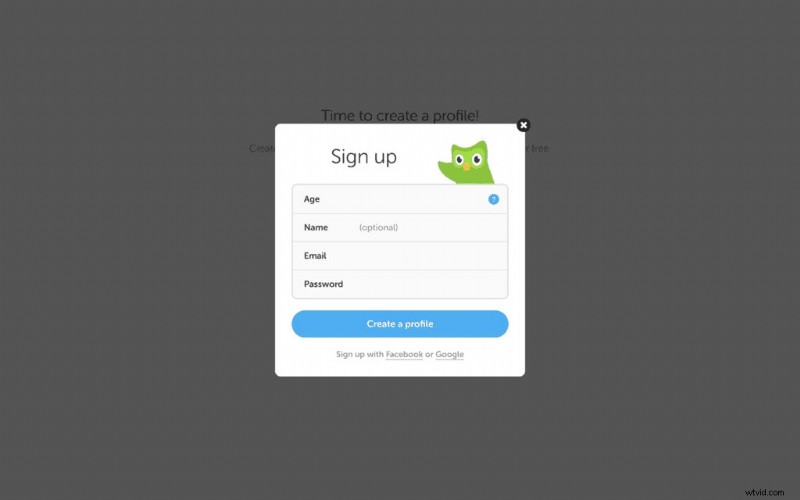
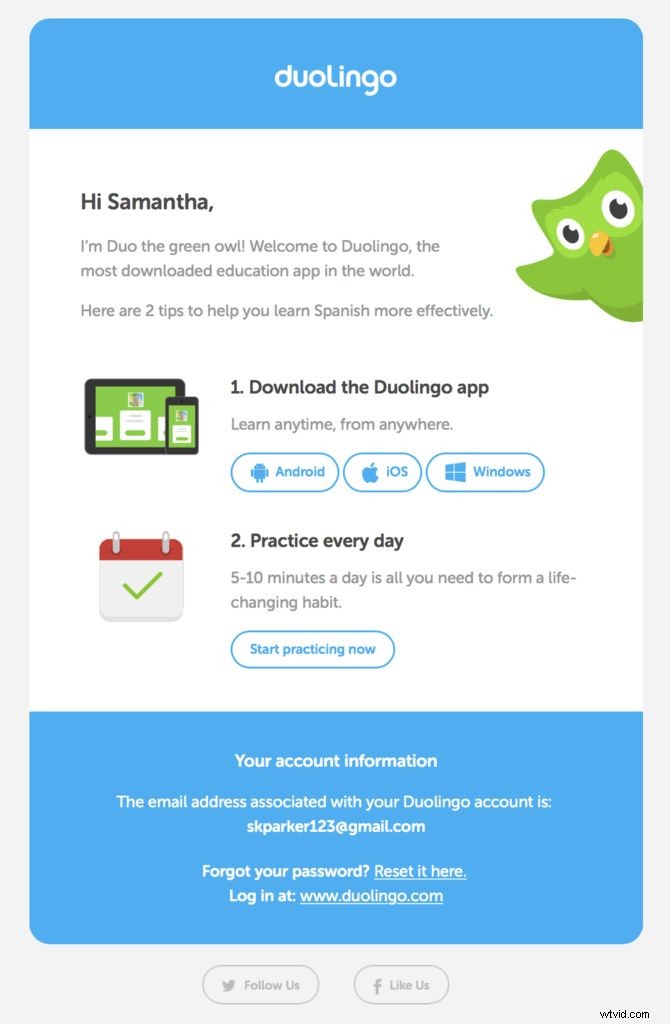
Duolingo’s onboarding is concise, engaging, and full of brand personality—earning a five‑star rating.
Five Steps to Crafting Your Own Onboarding Experience
1. Define Your Objectives
Start with a cross‑functional workshop. Identify the first actions that new users must master (e.g., creating a channel in Slack). Leverage analytics to see where users drop off and align your objectives accordingly.
2. Map the User Journey
Translate goals into a step‑by‑step experience map. Decide which tactics—UI cues, emails, videos—will deliver each touchpoint. Ensure the journey is intuitive and aligns with your objectives.
3. Design the Content
Bring designers and copywriters together to craft the actual UI elements, email copy, and video scripts. Focus on clarity, brevity, and brand voice.
4. Develop and Deploy
Collaborate with developers to implement in‑product onboarding. If needed, partner with a video production agency to produce high‑quality explainer videos.
5. Analyze and Iterate
Track engagement metrics—time to first action, feature adoption, churn rates—and refine your process continuously. Onboarding is an ongoing investment, not a one‑time launch.
Three Tools to Accelerate Your Onboarding
1. Email Automation Platforms
Automation handles the repetitive but essential task of sending triggered emails. Three popular choices:
Mailchimp
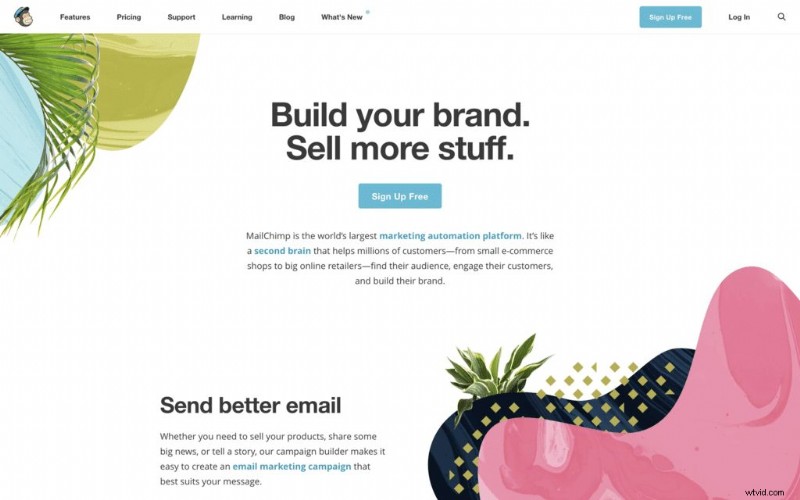
Mailchimp offers robust automation, retargeting, and landing page creation. Its free tier covers up to 2,000 subscribers, making it ideal for testing.
Campaign Monitor
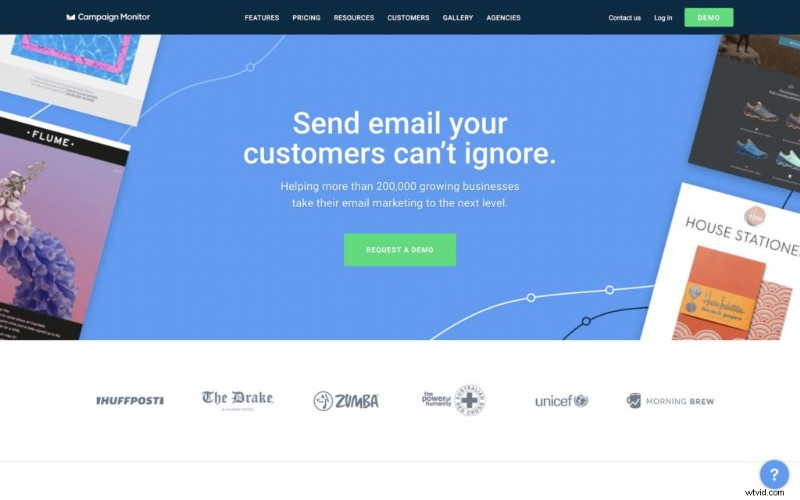
Campaign Monitor excels with its personalized journey builder and drag‑and‑drop editor, enabling you to deliver tailored content based on user actions.
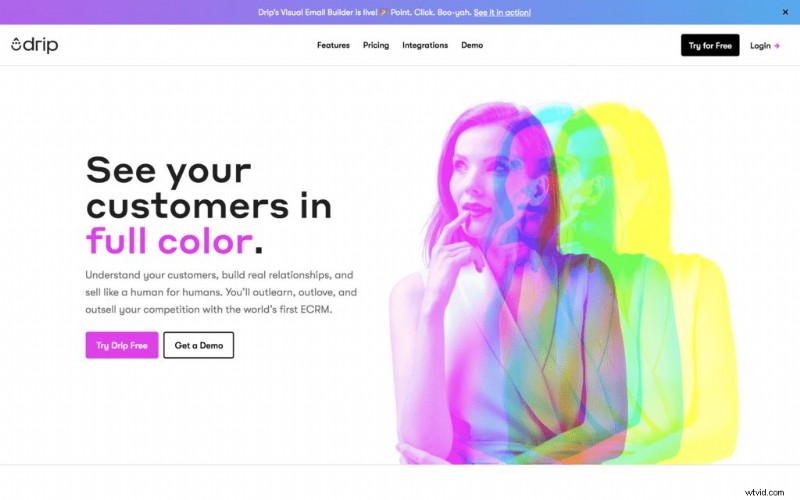
Drip
Drip blends email automation, CRM, and analytics. Its high deliverability rates and conversion tracking help you fine‑tune onboarding flows.
2. In‑App Messaging Solutions
Deliver context‑sensitive messages directly inside your product:
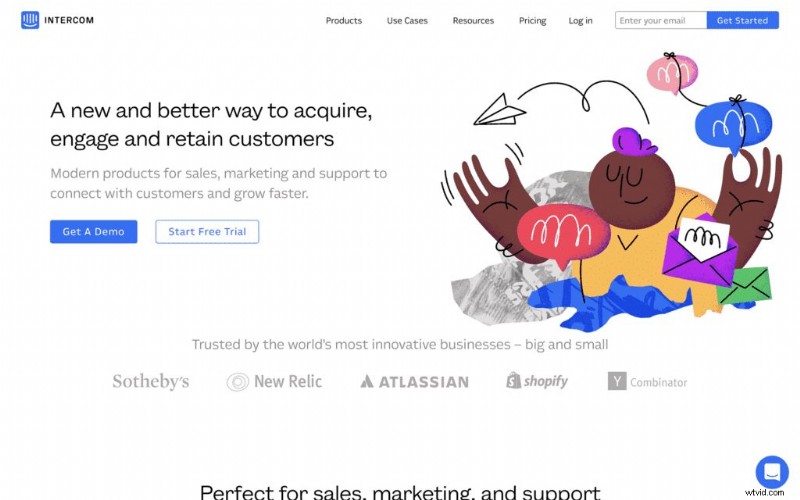
Intercom
Intercom’s rich media messaging supports text, images, buttons, and video, enabling dynamic, on‑the‑spot guidance.
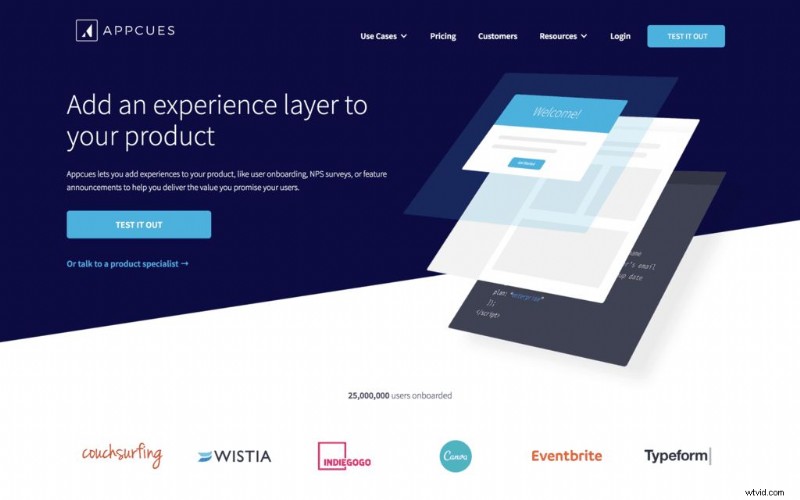
Appcues
Appcues offers code‑free onboarding flows with built‑in analytics and A/B testing, making iteration straightforward.
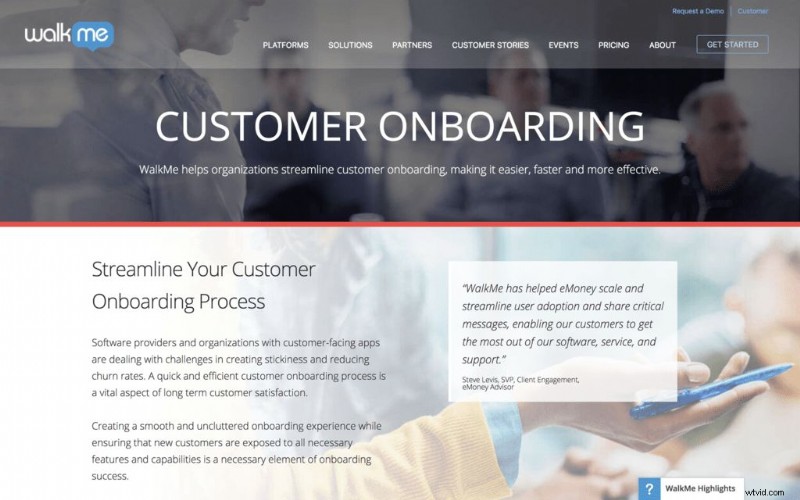
WalkMe
WalkMe provides a comprehensive digital adoption platform, including walkthroughs, live chat, and surveys—all within a single solution.
3. AI‑Powered Chatbots
Chatbots offer instant, 24/7 support and can pre‑qualify leads:
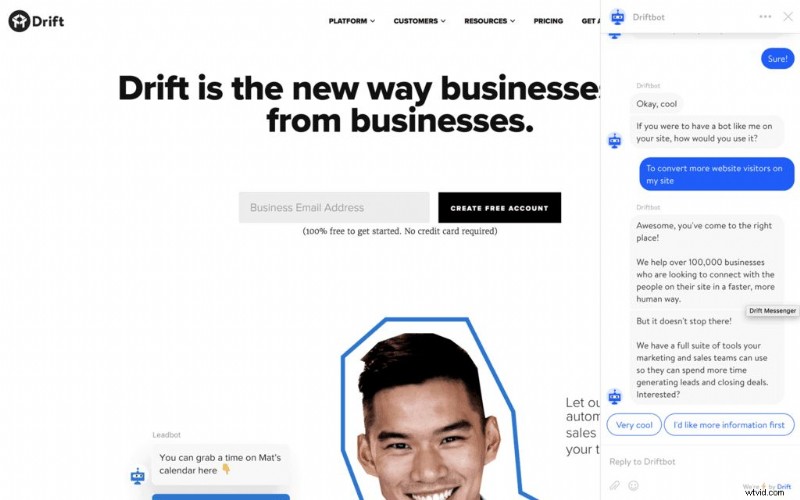
Drift
Driftbot engages visitors with qualifying questions and can schedule demos via calendar sync.
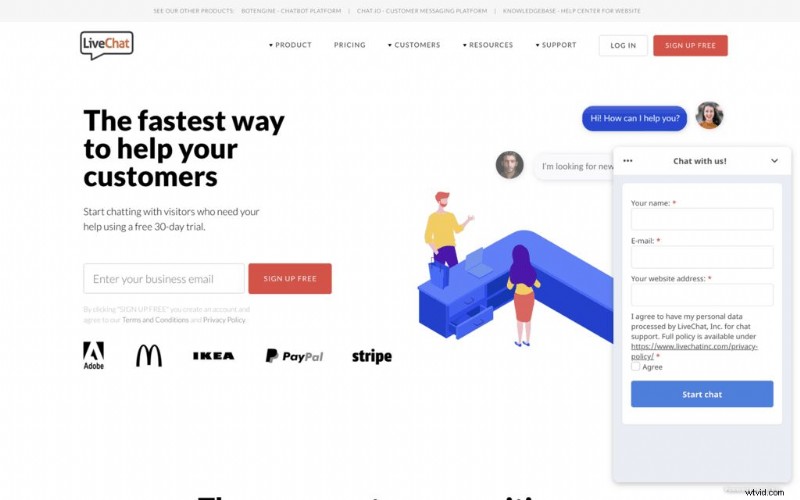
LiveChat
LiveChat solves 80% of inquiries on the spot. Its customizability and real‑time rating system enable continuous improvement.
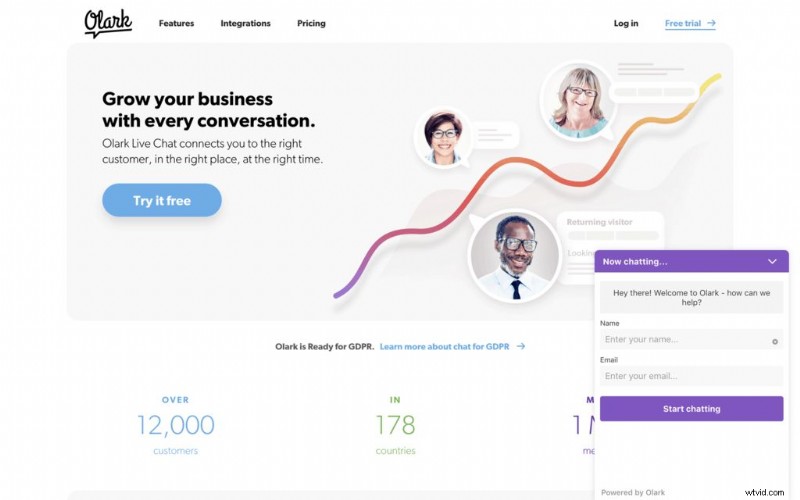
Olark
Olark bridges bots and live agents, offering canned responses for quick answers while keeping human support for complex queries.
Deepen Your Knowledge
For a more exhaustive guide, explore “The Ultimate Guide to Onboarding Users with Video,” which shares additional tactics and dozens of creative examples to spark your strategy.