
A standout software demo video serves as a dynamic how‑to guide, showcasing your product’s capabilities in a way that written instructions simply can’t match.
While all demos aim to inform, only a few combine clarity, engagement, and authority to truly convert viewers into users. Below are the seven core ingredients that elevate a demo from good to great.
What Exactly Is a Software Demo Video?
In essence, a software demo is a visual walkthrough of your application. It brings the product to life, illustrating how it solves real problems for real users.
Beyond being a marketing asset, a demo can:
- Attract new prospects by offering an honest, hands‑on preview.
- Set realistic expectations, reducing surprise‑factor churn.
- Cut support tickets for existing customers by showing step‑by‑step workflows.
Demo styles vary. You might record a live screen session for full authenticity, or craft an animated version that mirrors the interface without tying the video to a particular software version.
Animated demos protect against future UI changes while still delivering the same core message.
Statistics:
• 80% of users have downloaded or purchased an app after watching a demo video.
• 93% of video marketers report improved user understanding of their product.
The 7 Essential Ingredients of a Stellar Demo
Below, we break down each element and explain how to execute it with authority.
1. Identify the Audience’s Pain Point
Before filming, clarify the demo’s purpose: What problem does it solve? Think of the recurring support calls your team receives—those signals often point to the biggest pain.
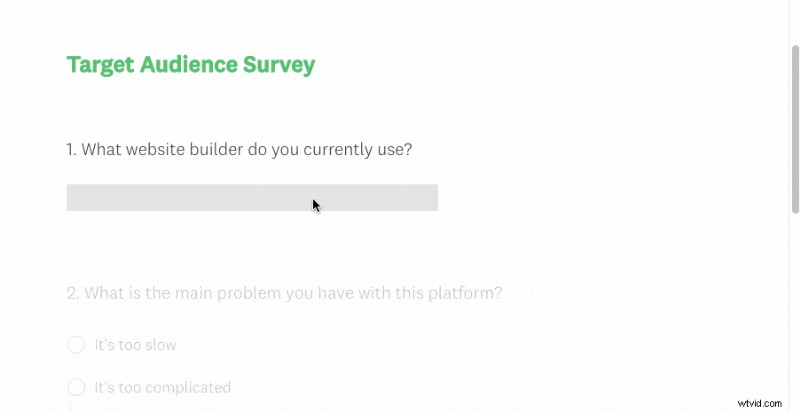
If the problem isn’t obvious, gather data. A concise survey via email or a platform like SurveyMonkey can reveal the most pressing user challenges. Even a brief questionnaire like the one we used for a website builder can yield actionable insights.
2. Show How Your Software Resolves That Problem
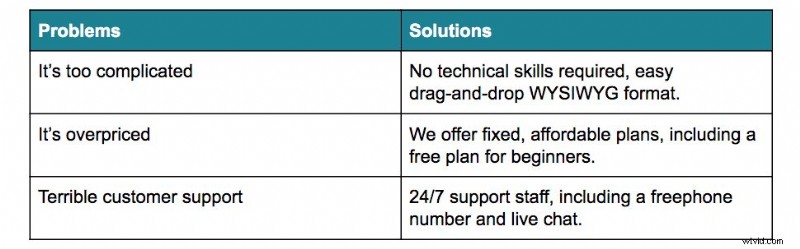
With user pain points in hand, map each one to a concrete feature. A quick table—problem on one side, solution on the other—serves as a solid foundation for your script.
3. Craft a Concise, Story‑Driven Script
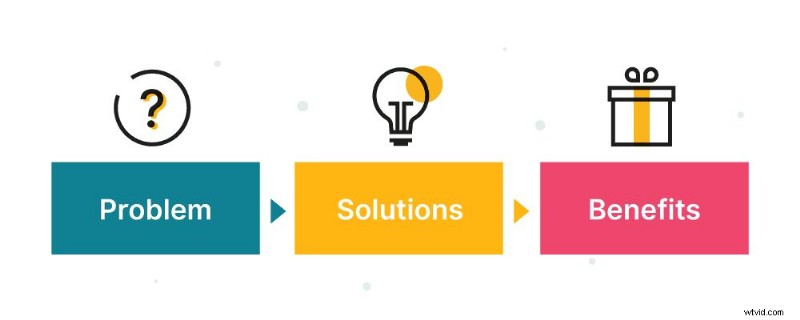
Storytelling beats technical jargon. Adopt a problem‑solution‑benefit structure: hook the viewer with a relatable challenge, demonstrate the solution, and finish with a clear value proposition.
Our team has produced thousands of scripts; the key is to keep language simple, benefit‑centric, and action‑oriented.
4. Demonstrate the Software Live
Show the actual workflow. Use screen‑recording tools like Camtasia or ScreenFlow, then polish the footage with After Effects—adding voice‑over, music, and callouts to guide the viewer.
5. Incorporate Engaging Visuals
Visual flair retains attention. Slick transitions, dynamic title screens, and iconography can make complex processes feel approachable.
Slick Editing: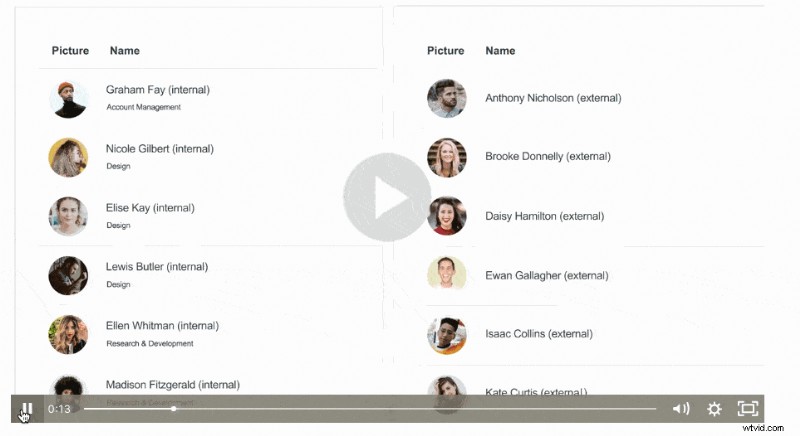
Title Screens: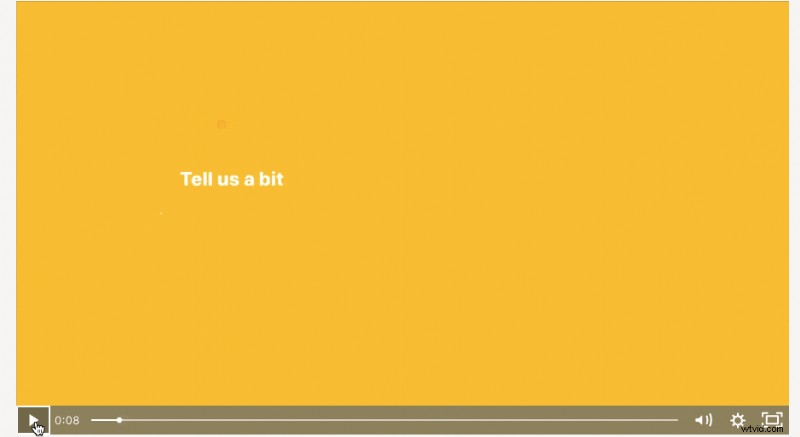
6. Focus on Solutions, Not Features
Features are the means; solutions are the end. Whenever you spotlight a feature, immediately tie it back to a user benefit. For example: "Our drag‑and‑drop editor saves you hours, letting you launch faster."
In practice, watch the demo and count every instance where a feature is paired with a clear benefit.
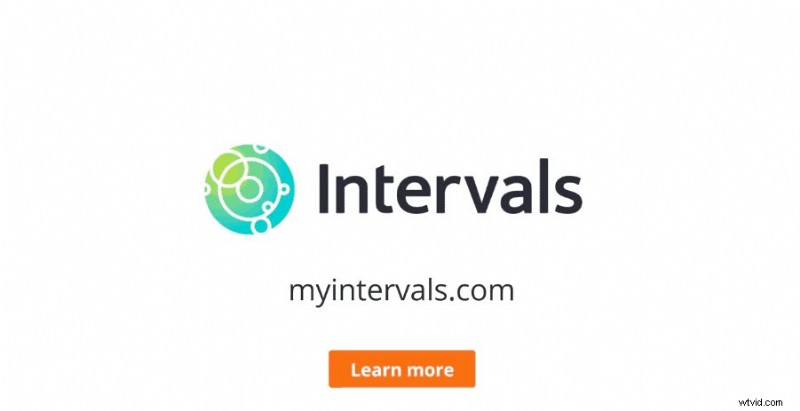
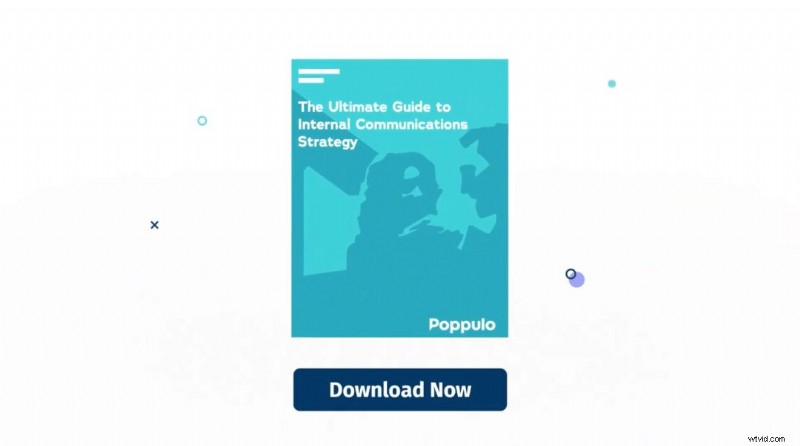
7. End With a Strong Call‑to‑Action
The final minutes are critical. Tell viewers exactly what you want them to do—download, sign up for a trial, or contact sales—and reinforce it both visually and verbally.
Examples:

Final Thoughts
Your software deserves a demo that not only shows what it does but also convinces viewers it’s the solution they need. By applying these seven elements, you’ll boost conversions, reduce support friction, and build lasting trust.
Need more inspiration? Explore 20 Outstanding Examples of Software Demos or visit our software video production page for professional help.