
Last updated on 6th June 2024
AI tools are now a staple in marketing workflows. In fact, the AI in Marketing Statistics 2024 report shows that 80% of marketers have either used or are currently using AI to craft content.
However, not every AI platform lives up to the hype. Our team evaluated 13 video‑generation tools, focusing on output quality, load time, cost, and overall user experience, to help you choose the best investment for your needs.
While each platform offers impressive demo videos, we went beyond the surface to test every feature, ensuring that the final product truly meets professional standards.
Read on to discover which AI video generators deserve your time and budget in 2024.
Why Use AI Video Generators?
AI video tools can drastically reduce production time and cost, enabling higher output volumes. They should, however, complement—not replace—human‑crafted video production. Current AI output still falls short of the polish expected by today's savvy viewers, who average 17 hours of online video per week. A clear, high‑quality video is far more likely to keep viewers engaged than a generic AI‑generated clip.
Our recommendation: use AI generators for quick social clips or content repurposing, but reserve professional‑grade production for brand‑defining videos.
The 13 AI Video Generators We Tested
1. Pictory
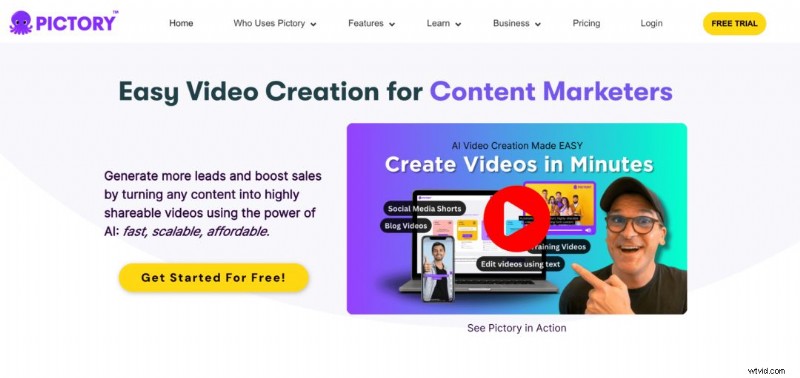
Pictory turns existing content—blog posts, podcasts, or text—into shareable videos. It offers intuitive guides and a user‑friendly workflow. The resulting videos are competent, but heavy reliance on stock footage and simple transitions can make them feel generic. Additionally, the default watermark remains visible for a prolonged period.
Pros:
- Intuitive interface
- Fast rendering
- Natural‑sounding voiceovers
Cons:
- Many premium assets locked behind paywall, limiting free trial experience
Pricing: Starter $23/month, Professional $47/month, Teams $119/month

2. Synthesys
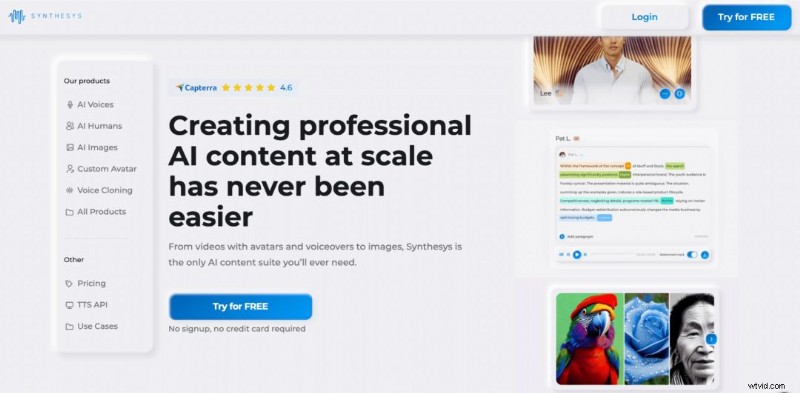
Synthesys offers large template libraries for text‑to‑video, voiceover, and image generation. While the templates accelerate creation, they can also produce homogenous output. Our test of a vertical social clip revealed a sluggish interface and an occasional mispronunciation of the platform’s own name.
Pros:
- Easy onboarding
- Extensive templates
- Free tier available
Cons:
- Performance lag and clunky navigation
Pricing: Free, Creator $59/month, Business $99/month
3. Synthesia
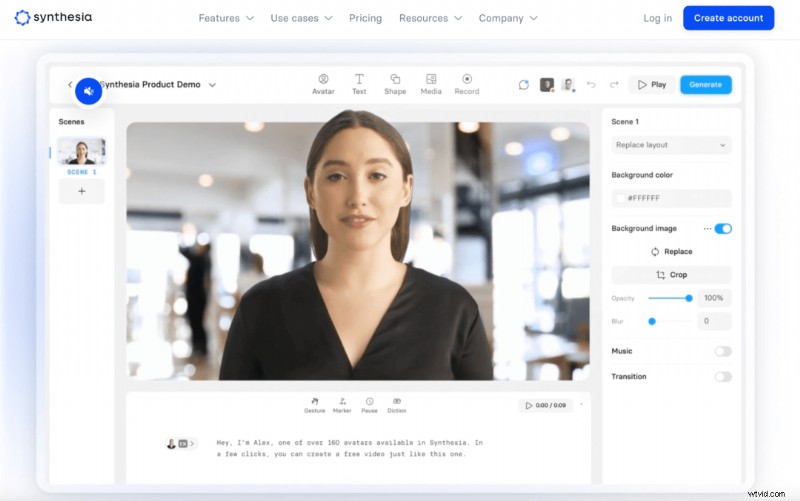
Synthesia turns scripts into videos featuring over 160 avatars and 130+ languages. It allows granular control over gestures, pauses, and diction, and supports brand customisation. While the output is polished, lip‑sync precision can be improved.
Pros:
- Detailed micro‑gestures enhance realism
- Rapid production
- Vast avatar library
Cons:
- Lip‑sync could be tighter
Pricing: Free, Starter £23/month, Creator £69/month, Enterprise (by inquiry)

4. Deepbrain
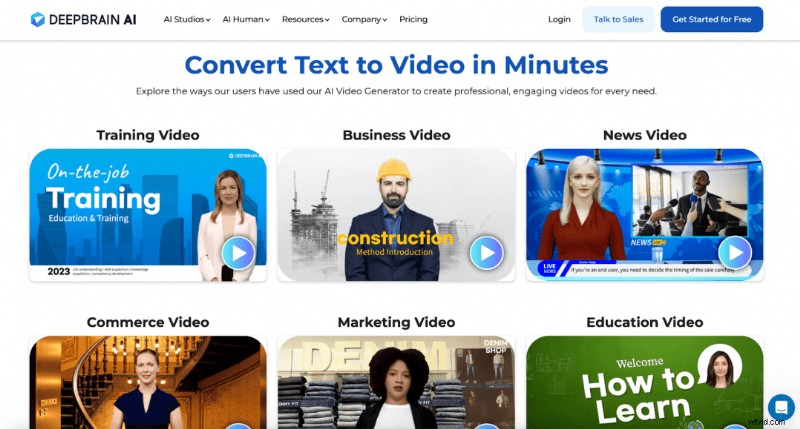
Deepbrain focuses on realistic avatars. Its script editor integrates ChatGPT for content ideation, and supports 80+ languages. The tool is user‑friendly but output can appear somewhat artificial.
Pros:
- ChatGPT integration for ideation
- Wide language and avatar selection
- Simple workflow
Cons:
- Unnatural avatar appearance in final renders
Pricing: Starter $30/month, Pro $225/month, Enterprise (by inquiry)
5. InVideo
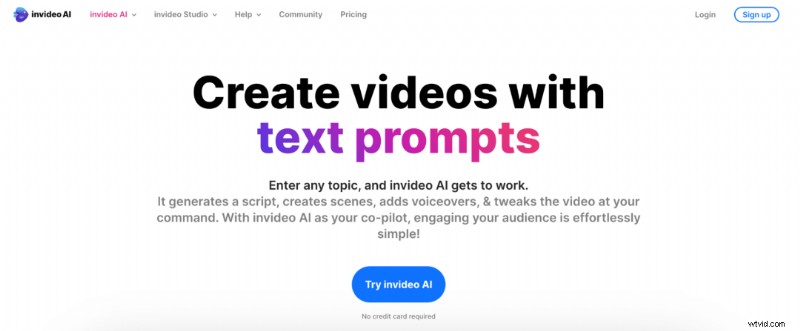
InVideo blends AI‑generated visuals with script‑based voiceovers. While it offers industry‑specific templates, the initial user experience can feel forced and the suggested assets may seem random.
Pros:
- AI‑assisted concept generation
- Vertical video support
Cons:
- No free tier
- Workflow feels clunky
Pricing: Business $30/month, Unlimited $60/month

6. HeyGen

HeyGen excels at studio‑quality videos with realistic avatars and voiceovers. Its editor is straightforward, though locating stock assets requires navigating to the Elements panel. Lip‑sync accuracy is among the best in the industry, avoiding the uncanny valley.
Pros:
- Free trial available
- High‑quality avatars and voices
- Intuitive editor
Cons:
- Higher price point relative to competitors
Pricing: Free, Creator $59/month, Business $179/month, Enterprise (by inquiry)
7. Veed
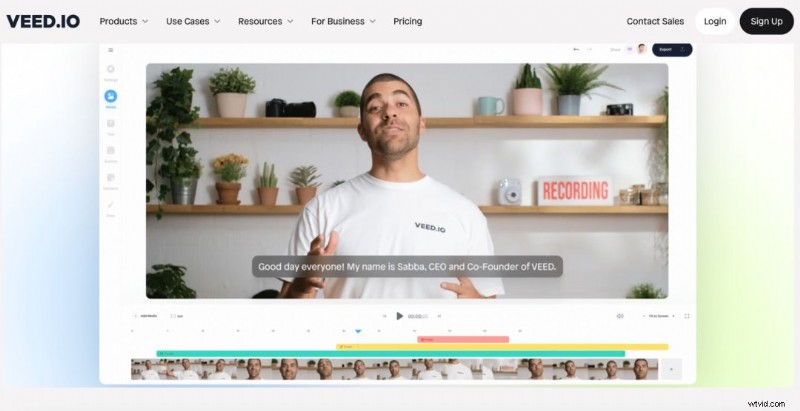
Veed offers a robust AI suite within a broader video‑editing platform. Its AI voiceovers and avatars are realistic, and the built‑in transcription and subtitles auto‑generate accurately.
Pros:
- Free starter tier
- Highly usable interface
- Auto‑generated subtitles
Cons:
- Limited customization options
Pricing: Free, Basic £10/month, Pro £18/month, Business £49/month
8. Fliki
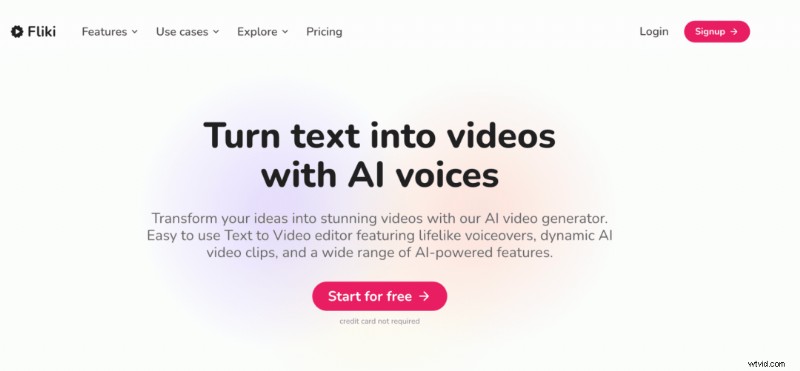
Fliki allows creators to build videos from simple prompts, with AI‑generated voiceovers and subtitles. The free plan is limited, but the paid tiers unlock an expansive stock library and avatar selection.
Pros:
- Rapid, intuitive creation
- Realistic voiceovers
- Automatic subtitling
Cons:
- Full feature set requires paid subscription
Pricing: Free, Standard $21/month, Premium $66/month

9. Colossyan
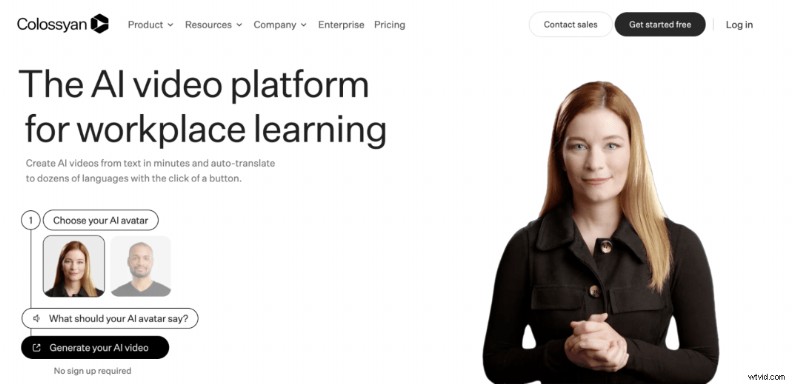
Targeted at corporate training, Colossyan offers simple editors, avatars, and a rich stock library. Rendering times are longer than competitors, and we noted some mispronunciations during playback.
Pros:
- User‑friendly interface
- Natural‑looking avatars
- Generous asset library
Cons:
- Slow rendering
- Pronunciation errors in some examples
Pricing: Starter $27/month, Pro $87/month, Enterprise (by inquiry)

10. Elai
Elai stands out with its AI storyboard feature, allowing users to generate a video outline from a single topic prompt. After editing, the platform supports 4K rendering and offers a broad feature set.
Pros:
- Easy onboarding
- Intuitive editing
- Rich feature set
Cons:
- Free tier is limited
Pricing: Free, Basic $23/month, Advanced $100/month, Enterprise (by inquiry)

11. Runway
Runway differentiates itself by animating uploaded images based on text prompts. While it can produce quick results, the motion options are limited, and human‑centric prompts often yield unsettling outputs.
Pros:
- Free trial available
- Fast content generation
Cons:
- Less mature technology
- Creepy human animations
- Limited customization
Pricing: Free, Standard $15/month, Pro $35/month, Unlimited $95/month, Enterprise (by inquiry)

12. Visla
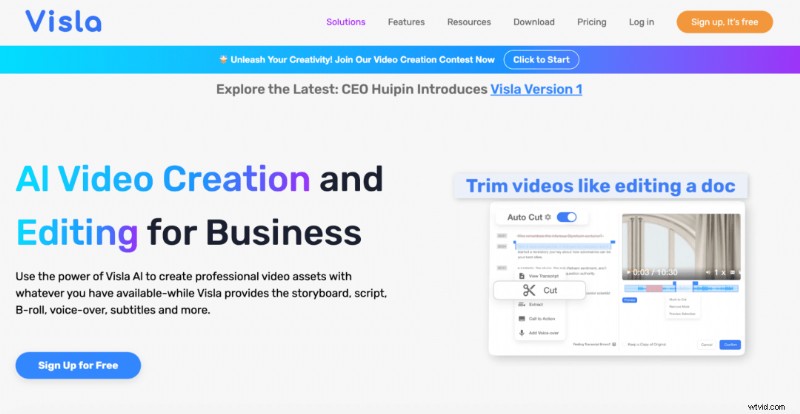
Visla generates videos from articles, scripts, or raw ideas, leveraging high‑quality stock footage. The free plan is generous but highlights premium assets, making it harder to locate truly free content. It also leaves a short watermark at the end.
Pros:
- Free starter plan
- Fast rendering
- Multilingual support (German, Italian, Spanish, etc.)
Cons:
- Animated watermark adds time
- Finding free features can be challenging
Pricing: Free, Premium $24/month

13. Hour One
Hour One offers cinematic AI avatar videos and voice cloning. While rendering can be slow, the platform is polished and provides impressive lip‑sync. However, downloads are gated behind a paid plan.
Pros:
- Free starter access
- Accurate lip‑sync
- Sleek, user‑friendly interface
Cons:
- Free tier does not allow video downloads
Pricing: Free, Lite $30/month, Business $112/month, Enterprise (by inquiry)
The 4 Best AI Video Generators
- Elai – Intuitive, feature‑rich, and offers a solid free tier.
- HeyGen – Exceptional avatar realism and voice quality.
- Veed – Zero‑cost entry, fast production, and excellent auto‑subtitles.
- Synthesia – Easy workflow with a vast library of realistic avatars.
Final Thoughts
Choosing the right AI video generator hinges on your budget, project scope, and desired output quality. Each platform has distinct strengths and trade‑offs. For a deeper dive, read our Synthesia Review 2024.