
Virtual meetings are reshaping the modern workplace, with 83% of employees dedicating up to a third of their work week to online calls. Choosing the right platform not only streamlines communication but also captures high‑quality recordings, boosts collaboration, and maximizes productivity.
Below is a curated list of the top ten online meeting applications for 2026, organized by key use‑cases: recording, remote collaboration, and large‑scale conferences.
What Is an Online Meeting App?
An online meeting app is software that enables real‑time video, audio, and screen sharing between participants regardless of location. Emerging from the post‑COVID shift to remote and hybrid work, these tools now offer advanced features such as whiteboards, transcription, and integrated chat.
Why Use an Online Meeting App?
Adopting a professional meeting platform delivers tangible benefits for individuals and organizations alike:
- Streamlined Communication: Reduce misunderstandings and keep conversations focused.
- Enhanced Productivity: Quick collaboration saves time and leads to higher quality outcomes.
- Connected Remote Teams: Mitigate isolation while eliminating commuting stress.
10 Best Online Meeting Apps for Remote Teams (Free & Paid)
Here are our top picks, each chosen for reliability, feature set, and value.
Best Apps for Recording
Capture crystal‑clear audio and video for training, marketing, or internal archives.
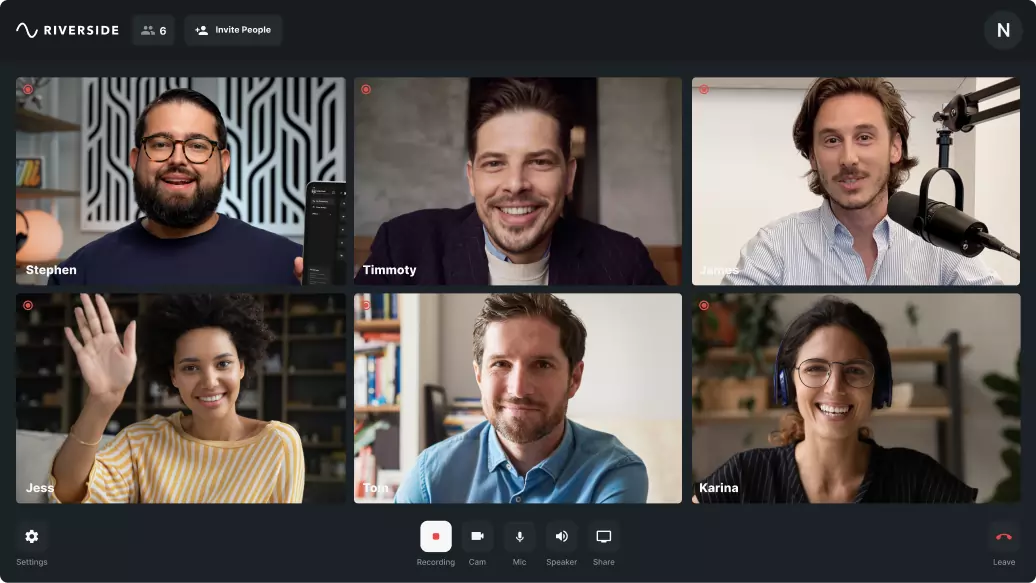
Riverside
- Price: Free; paid plans start at $15/mo.
- Compatibility: Browser‑based.
- Intuitive interface supports up to 10 participants and 1,000 audience members.
- Records locally in separate audio, video, and screen tracks for flawless post‑production.
- Includes a built‑in video teleprompter and AI‑powered transcripts in 100+ languages.
- Customizable branding, live streaming, and producer mode for seamless control.
Pros: Studio‑grade 4K video, 48kHz audio, easy editing, Magic Clips, and auto‑noise reduction.
Cons: Editor available only on the desktop app.
Best For: Users demanding professional‑level recordings with robust editing tools.
BlueJeans

- Price: Free to $13.99/mo.
- Compatibility: Browser‑based.
- Captures long‑form sessions in 2‑hour “chapter” segments, downloadable as MP4.
Pros: Simple recording workflow, beginner‑friendly interface, suitable for extended sessions.
Cons: Limited advanced features for power users; best for standard professional use.
Best For: Team leaders who need straightforward, reliable recordings.
GoToMeeting

- Price: $17.33–$23.08/mo.
- Compatibility: Browser‑based.
- Enterprise‑grade security with background noise suppression, breakout rooms, and chat.
Pros: Secure data handling, built‑in collaboration tools, no downloads required.
Cons: Requires paid subscription for full feature set; not ideal for non‑business recordings.
Best For: Professionals seeking a secure, all‑in‑one collaboration solution.
Webex Meetings

- Price: Free to $29/mo.
- Compatibility: Browser‑based.
- Integrates with Salesforce, offers AI‑driven productivity tools, and supports mobile and desktop.
Pros: Interactive polls, Q&A, cross‑platform support, strong integrations.
Cons: Learning curve for beginners; best for larger teams.
Best For: Users needing a polished, feature‑rich platform for presentations and recordings.
Best Apps for Collaborative Remote Work
Keep your team connected and productive with these collaboration‑centric solutions.
Google Meet
- Price: Free.
- Compatibility: Browser‑based.
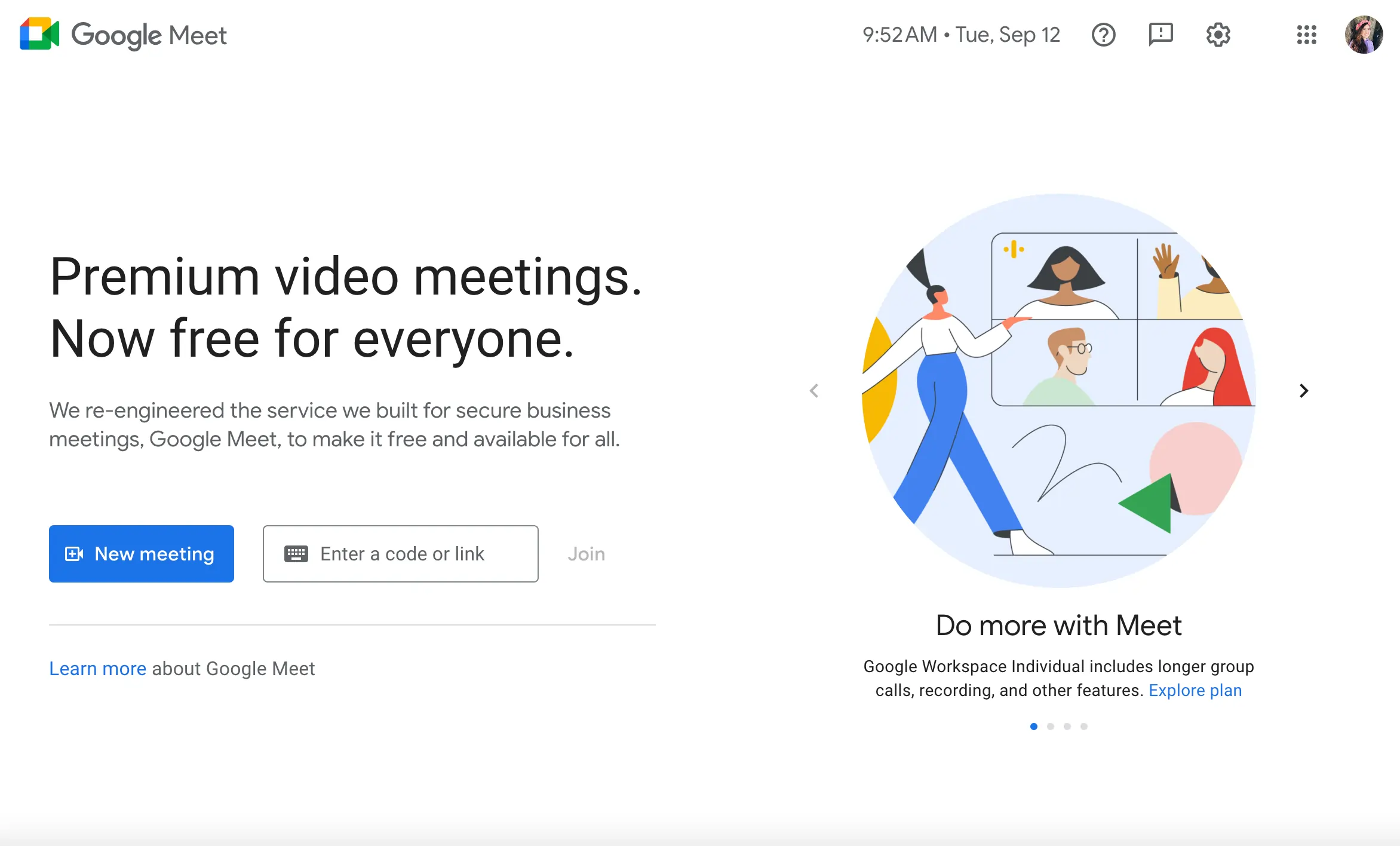
- Seamless integration with Google Workspace, automatic calendar scheduling, and Drive storage.
Pros: Accessible to all Google users, robust chat, screen sharing, and recording.
Cons: Requires a Google account; basic features may not satisfy advanced needs.
Best For: Teams that already use Google Workspace and value ease of use.
Microsoft Teams
- Price: $6–$18.70/mo.
- Compatibility: Browser‑based.
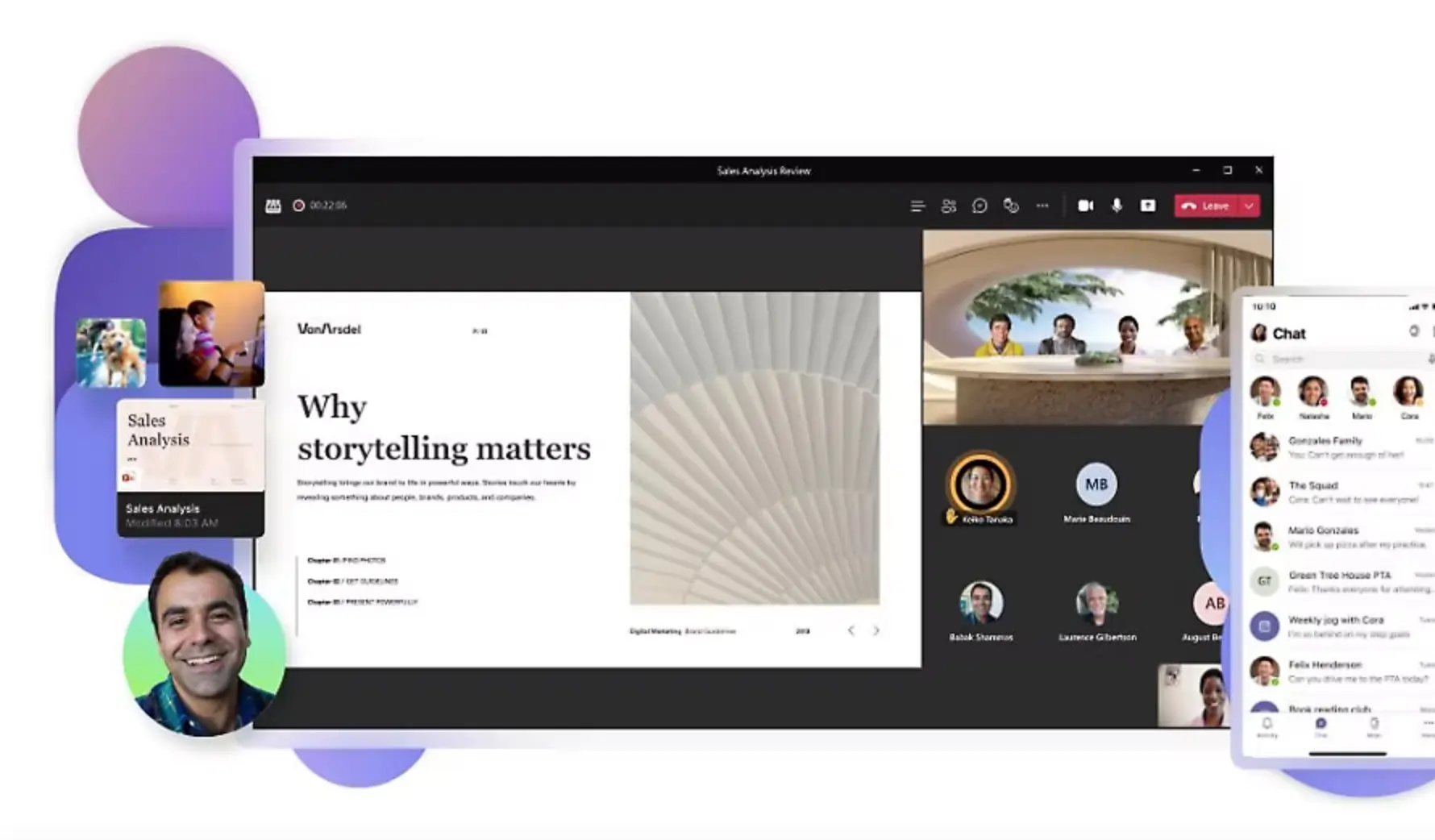
- Deep integration with Office apps, real‑time file collaboration, and robust calling features.
Pros: Native collaboration, cross‑platform app availability, strong Microsoft ecosystem.
Cons: Paid plan required for large group calls; initial learning curve.
Best For: Organizations invested in the Microsoft ecosystem seeking a unified communication hub.
Slack Video Calls (Huddles)

- Price: $7.25–$12.50/person/mo.
- Compatibility: Browser‑based.
- Instant video within Slack’s chat interface, with 43% reported productivity boost.
Pros: Automatic call logs, integrated chat, single workspace experience.
Cons: Limited advanced call features; requires all participants to be in the same Slack workspace.
Best For: Teams that already use Slack for day‑to‑day communication.
Best Apps for Conferences
Scale up to large audiences with these event‑focused platforms.
Zoom

- Price: Free to $347.50/yr.
- Compatibility: Browser‑based.
- Widely adopted for large‑group video, screen sharing, and robust chat.
Pros: Familiar interface, built‑in collaboration tools, calendar integrations.
Cons: Some advanced features limited; recording quality may not match studio‑grade options.
Best For: Broad audience reach with straightforward use.
Conf.app

- Price: Free to $299/event.
- Compatibility: Browser‑based or mobile app.
- Custom no‑code mobile app builder, advanced scheduling, and branded event experience.
Pros: Branding flexibility, integration with surveys and presentations.
Cons: Learning curve for app creation; higher cost for premium features.
Best For: Leaders needing a fully branded, event‑ready platform.
TrueConf Online
- Price: Free (quote for premium).
- Compatibility: Browser‑based.
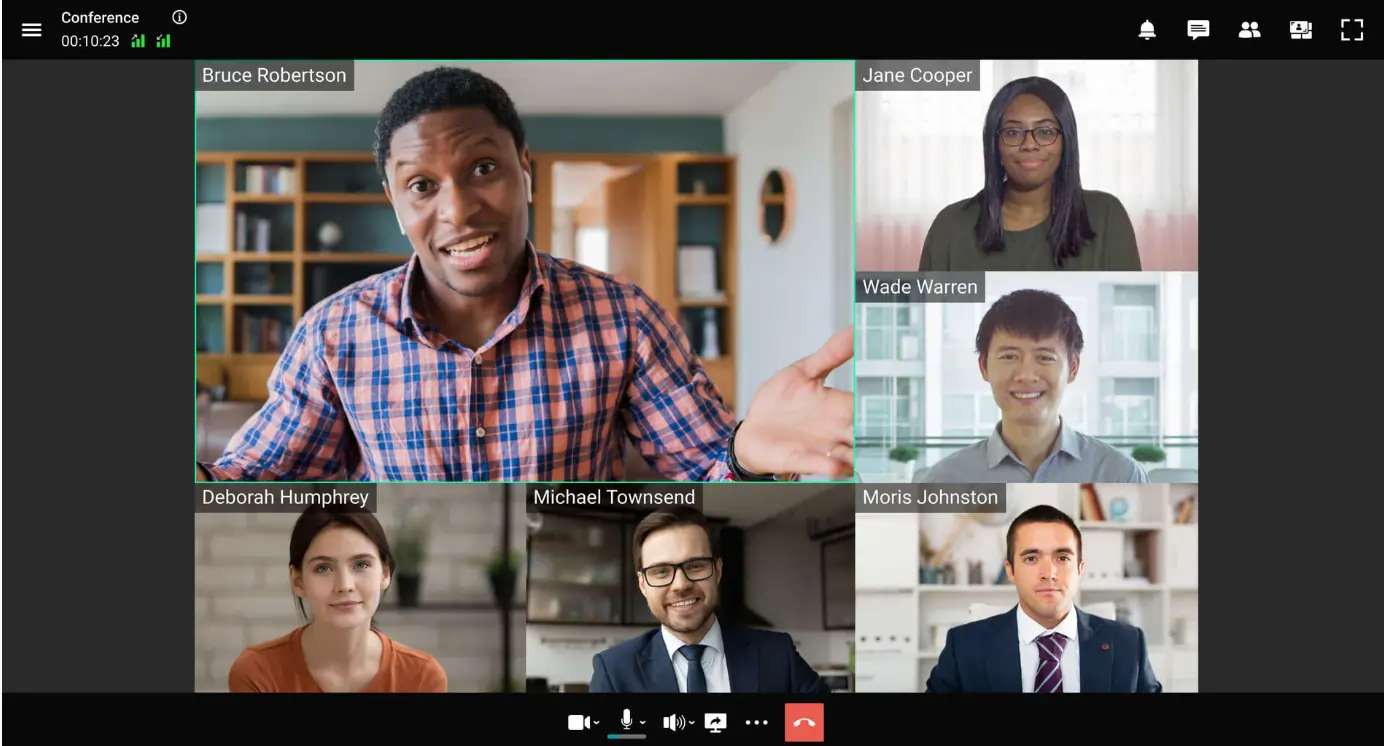
- Self‑hosted, secure, 4K video, co‑editing, and remote controls.
Pros: Advanced collaboration tools, excellent audio/video quality.
Cons: Some control nuances may be unfamiliar; paid plans for advanced features.
Best For: Businesses seeking secure, feature‑rich online collaboration.
Choosing the Right Online Meeting App
Selecting a platform hinges on clear objectives, technical comfort, and budget alignment.
Define Your Goals
Ask: Are you recording for social media, internal training, or client presentations? Consider:
- Recording quality (resolution, audio).
- Participant limits.
- Collaboration and editing needs.
- Teleprompter and live‑streaming options.
Assess Your Technical Skill
Choose software that matches your comfort level; a steep learning curve can offset productivity gains.
Budget Planning
Factor in both upfront costs and future scalability. A tool that grows with your team can save on migration expenses later.
FAQs on Online Meeting Apps
Which application is best for online meetings?
Riverside stands out for its studio‑grade recording quality and user‑friendly workflow.
What is the best free app for online meetings?
Google Meet offers a solid free tier with deep Workspace integration.
Is there a free alternative to Zoom?
Yes—Riverside, Google Meet, BlueJeans, and other platforms provide robust free options.
How can I meet virtually for free?
Opt for a free plan from the above list or start with a zero‑cost trial to assess fit.
Final Thoughts
Adopting the right online meeting tool transforms how teams collaborate, record, and innovate—regardless of location. For a next‑level recording experience, try Riverside’s studio‑grade features today.