
Have you ever troubled by this issue - some dance and how-to tutorial videos play too fast, while some long movies don’t contain much important information? How to solve it? Actually, you can change video speed by a useful video speed controller.
For helping those people who are looking for the tool to change video speed, this post collects 4 reliable video speed controllers from a huge number of video editors. Check them out and pick the suitable one. However, if you need more video-editing options, try MiniTool MovieMaker released by MiniTool.
Apowersoft Online Video Speed Changer
Apowersoft Online Video Speed Changer can help you speed up videos to show more content in less time, or slow down videos to see the details of fast scenes. It offers a variety of video rates to choose from, all of which can synchronize audio and video speeds. Besides, you can preview the final effect of the video. It is compatible with most systems and browsers. Whether you are running Windows, Mac, Android, iOS or Chrome OS on your device, you can always use it to edit videos.
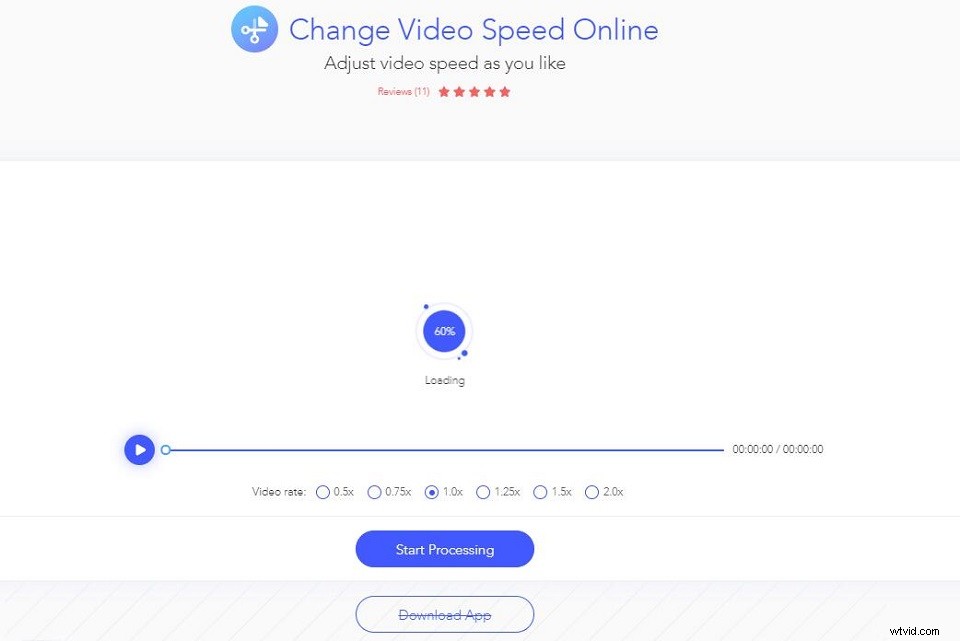
- Navigate to Apowersoft Online Video Speed Changer.
- Import the video from your computer or mobile device.
- Choose a video rate from the 6 options to adjust video speed and click Start Processing.
- Preview the effect and click Download to save it.
Kapwing Video Speed Changer
Another video speed editor that you can use is Kapwing Video Speed Changer. It lets you change video speed quickly and easily by providing 7 commonly-used video rates. It also offers many excellent features, such as resize, crop, trim video, manually or automatically transcribe your video and add captions directly, and convert video to audio, etc. However, your video will be watermarked with the logo of Kapwing at the bottom right corner. If you want to remove the watermark, you have to create an account.
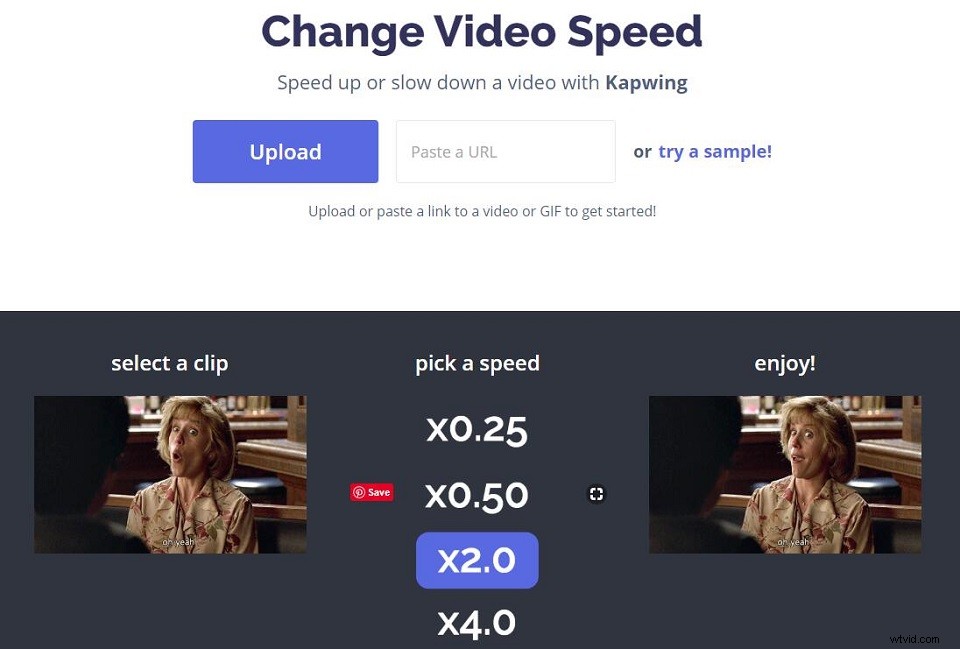
- Go to the online page of Kapwing Video Speed Changer.
- Upload your video or paste the video URL to import the video to the program.
- Select a video speed starting from 0.25x to 4x depending on your needs.
- Click Create after you set the new speed.
- Download the video to your computer or share it to social platforms like YouTube, Instagram, Facebook, and Twitter.
Clideo Online Video Speed Changer
Clideo, a free, online and secure video speed editor that allows you to change video speed without downloading any heavy plugin or app in your system. The tool is so easy-to-use that you will not encounter any problems even if you do not have any experience in video editing. In addition, it equips many advanced tools including video maker, video compressor, video cutter and video merger, etc.
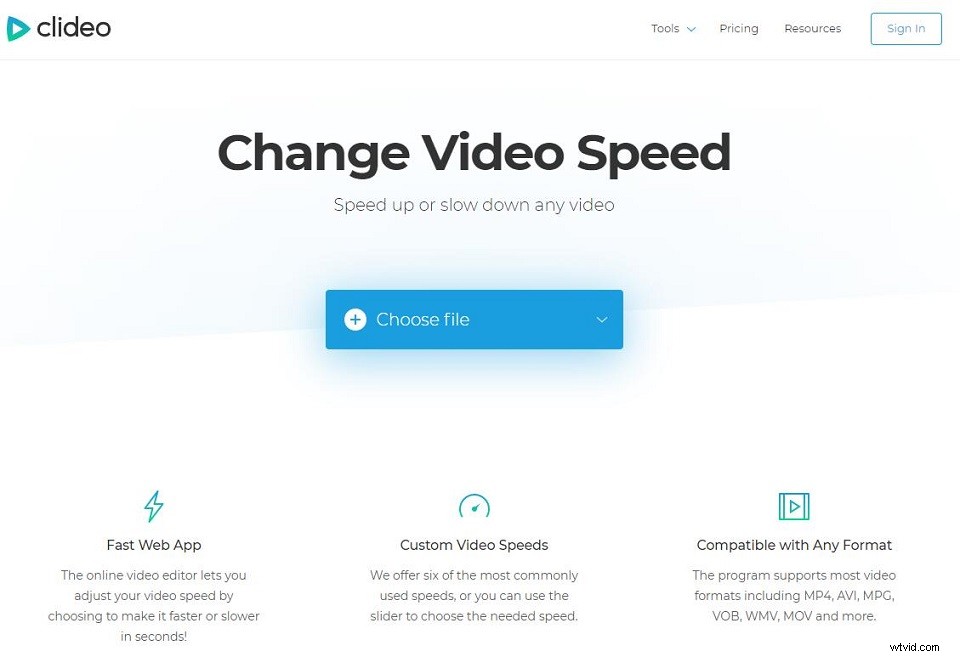
- Visit the Clideo site in your browser, click More tools > Speed Video.
- Upload a clip from your computer, mobile device, Google Drive or Dropbox. Or you can simply paste the video URL.
- Choose to speed up the video or slow it down. Then you can mute its sound and change the output format if needed.
- Preview the video right in your browser and click Download to save it.
EZgif Video Speed Changer
Ezgif is a simple online GIF maker for basic animated GIF editing. Meanwhile, it is an online video speed controller. This tool works on your web browser, so you don’t have to install any software to change the video playback speed. With it, you can speed up or slow down any video file. You can choose to keep the audio track at the original pace, change the speed together with video or mute the audio altogether.
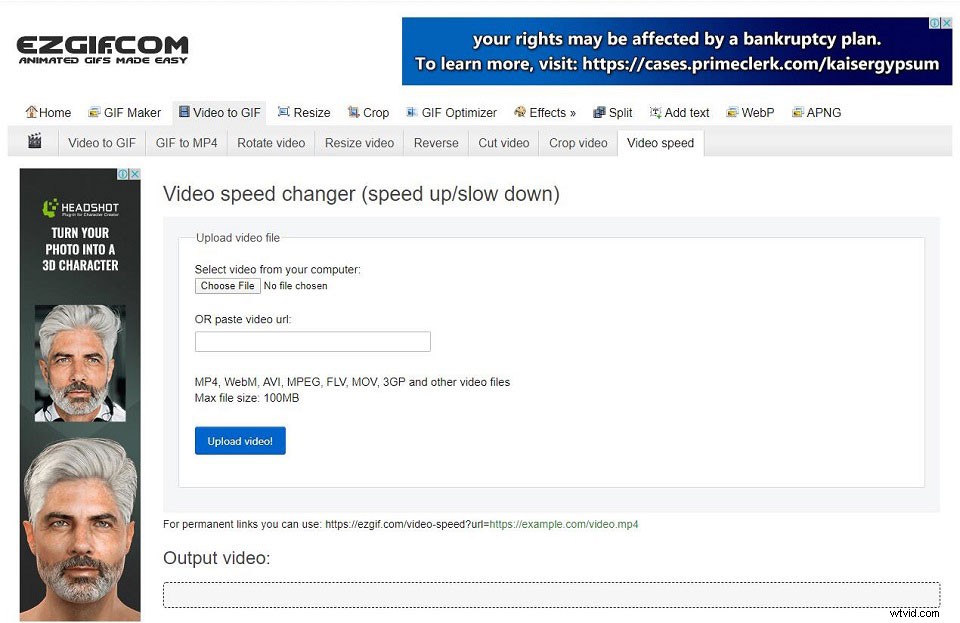
- Navigate to the EZgif Video speed page.
- Select the video from your computer or paste the video URL, and then click Upload Video.
- Type in the video speed (larger number gives faster video playback). You can also check the sound options if necessary.
- Tap on Change video speed and wait patiently.
Related article: How to Make GIF Video
Bottom Line
4 excellent video speed controllers have been introduced above. Why not have a try now? If you have any other easy-to-use video speed controllers want to recommend, please let us know via admin@wtvid.com or share them in the comments section below.