
Digital art is much easier than traditional drawing. It doesn’t require as many techniques as traditional drawing and can be created using computers. However, choosing excellent drawing software is vital to digital art. In this post, you will know the 7 best free drawing software.
You want to draw digital art on your computer but Photoshop is too expensive and Procreate is only available for iOS. Is there any free drawing software for Windows and macOS? This post lists the 7 best free drawing software to help you create digital artworks (Try MiniTool MovieMaker to make a painting video).
7 Best Free Drawing Software
- Paint 3D
- SketchBook
- Krita
- Inkscape
- MyPaint
- Artweaver
- GIMP
#1. Paint 3D
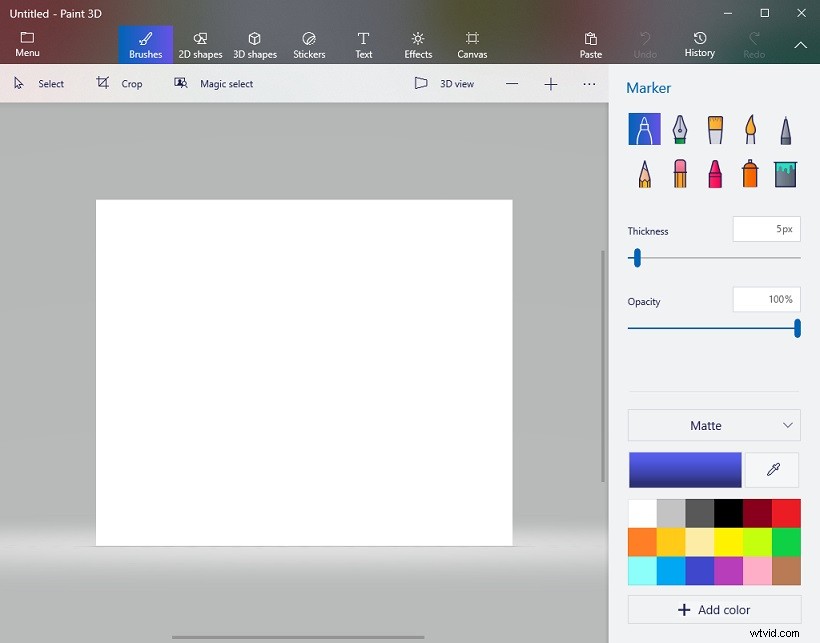
Paint 3D is one of the best free drawing software for Windows. Offering a lot of 2D and 3D tools, Paint 3D allows you to create and modify 3D models, and draw some doodles. It also lets you add text, apply effects and add stickers to your painting. The 3D library has various already-made 3D models that you can insert into your design.
Related article: How To Fix Windows 10 Paint 3D Not Working
#2. SketchBook
SketchBook is a powerful drawing software for artists. It’s available for macOS, Windows, Android, and iOS. In 2018, SketchBook was made free to all users. It has a beautiful interface and comes with professional drawing tools like brushes, pencils, and markers. This free drawing software can import PSD files and export your artwork to PSD format.
#3. Krita
Speaking of the best free drawing software, it’s hard to overlook Krita, a free and open-source drawing software for Windows, macOS, Linux, Android, and Chrome OS. It can be used to create illustrations, comics, concept art, and vectors. It’s a full-featured painting program. It supports a brush stabilizer that can stabilize your brush strokes.
#4. Inkscape
Inkscape is another best free drawing software for macOS and Windows. It’s free, open-source, and cross-platform. Inkscape is designed to render vector shapes and design logos. It supports importing AI, CDR, VSD, PDF, JPEG, PNG, GIF, BMP and exporting to PDF, EPS, FXG, XAML, and more.
#5. MyPaint
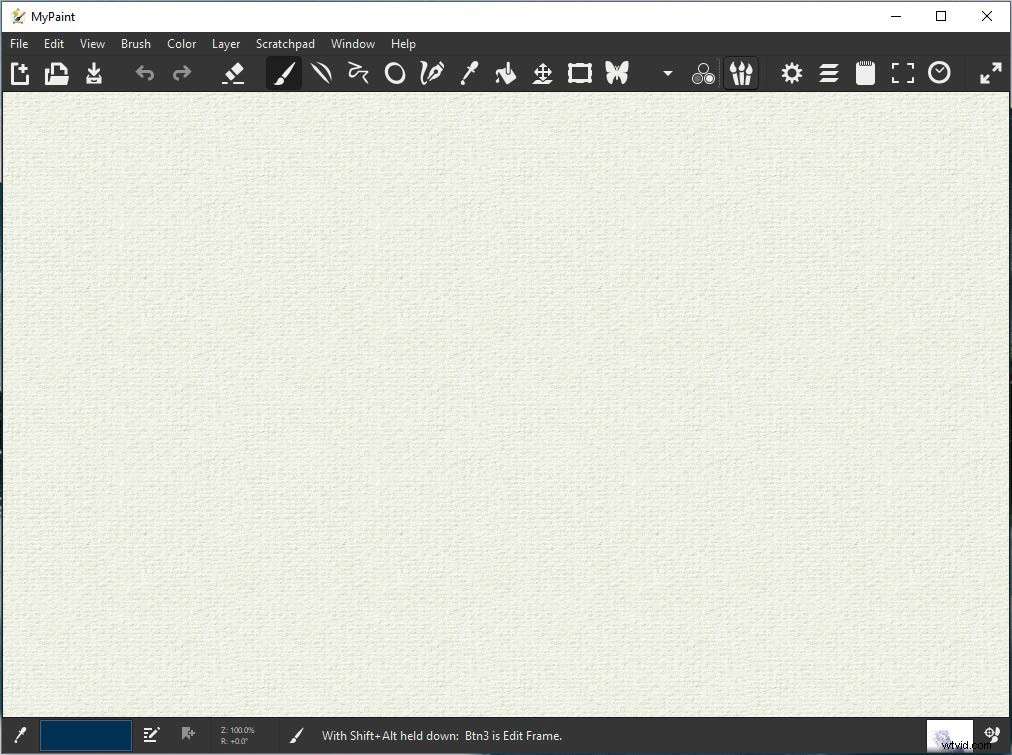
MyPaint is a free and open-source raster graphics editor for digital painters, which works on Windows, macOS, and other operating systems. It’s lightweight and simple to use. This drawing software supports pressure-sensitive graphics tablets, symmetry modes, Gamut masking color wheel, etc.
#6. Artweaver
Artweaver, the best free drawing software for Windows, has a wide range of brushes such as pencils, airbrushes, pastels, acrylics, and many more. It’s an amazing application for image manipulation and digital drawing.
#7. GIMP
GIMP (short for GNU Image Manipulation Program) is a free and open-source raster graphics editor developed by Spencer Kimball and Peter Mattis. Similar to Photoshop, GIMP is perfect for drawing, image editing, and image conversion.
Conclusion
These drawing apps are very user-friendly for beginners and those who have a tight budget. Now, try the above 7 best free drawing software and create creative artworks!