
Stop motion animation is becoming more and more popular by the year, and it’s not surprising. This style of making animated films is done by taking objects, either dolls with joints or soft clay items, and manipulating them. The physical manipulations and changes are then photographed. Each photograph acts as a frame, and when you play the frames together quickly, it looks like the objects have been animated.
If you want to make this type of animation, then you want to find the best stop motion animation software that you can find. Some options out there are even free! In this article, we’re going to share the 8 best options for stop motion animation software, separating them by whether they are for Macs or PC.
- Wondershare FilmoraPro
- Dragonframe
- Stop Motion Studio
- Boinx iStopMotion
- Stop Motion Pro
- Frames
- iKITMovie
- MonkeyJam
The Best Stop Motion Animation Software for Mac
1. FilmoraPro
FilmoraPro is one of the most well-known options for stop motion animation and other types of filmmaking. This video-making software has easy-to-use tools for any type of animation project that you may be sorting out. It also offers an option called keyframing, which helps your stop-motion animation to look a lot smoother. You can use this for free if you are okay with Filmora’s watermark. They have lifetime and yearly packages, too.
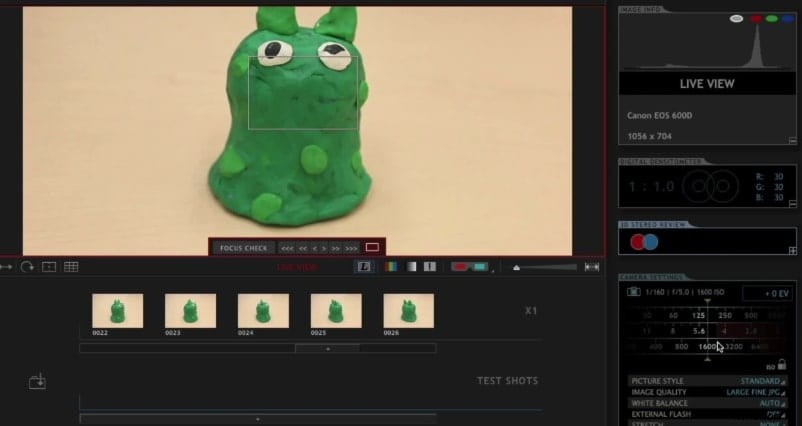
2. Dragonframe
Dragonframe has been built especially for stop-motion animation, so it’s handy if that’s all that you plan on doing. If you’re looking to do any other type of filmmaking, you may want to consider some of the other options on this list. Dragonframe has a number of simple-to-use tools and has been used for top stop motion animation features like Kubo & The Two Strings and Isle of Dogs.
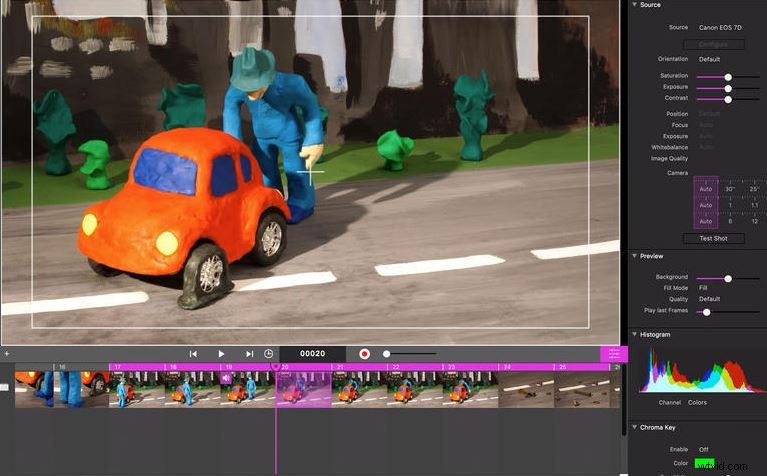
3. Stop Motion Studio
Stop Motion Studio is, perhaps, the most versatile of all of these selections. It’s not just for Mac – you can also use it on your smartphone or your tablet if you’re editing on the go. The Stop Motion Studio does everything from helping you to take great pictures to making a live green screen while you’re out and about. There’s a free trial, and the prices are reasonable.
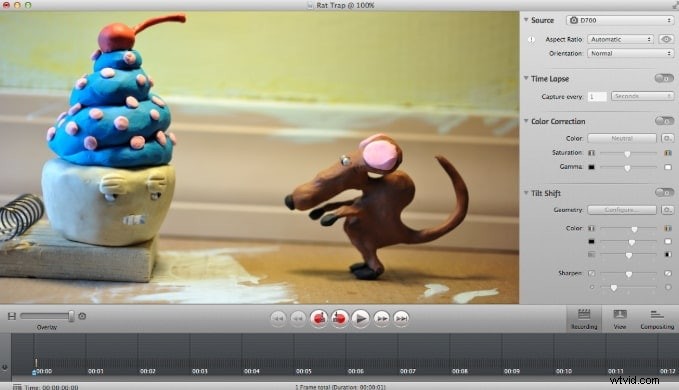
4. Boinx iStopMotion
iStopMotion from Boinx has everything that you need in order to learn how to do stop motion animation on your own. They have easy-to-use settings and many schools are using iStopMotion to teach their students about video editing because of its simple, yet complete, system. It’s got the most affordable licensing cost out of all of these choices, and they can work with you if you need to get multiple licenses for classrooms.
Best Stop Motion Animation Software for Windows
5. Eclipse - Stop Motion Pro
Stop Motion Pro has some of the top software in the world for making animated films of all types, and it’s easy to connect it to your webcam or digital camera. Not only can it make and edit videos, but, when you connect it to your camera, you can control angles, zoom, and more. It even has lip-syncing capabilities and a multi-track editor, which makes it easy to add music and voices.
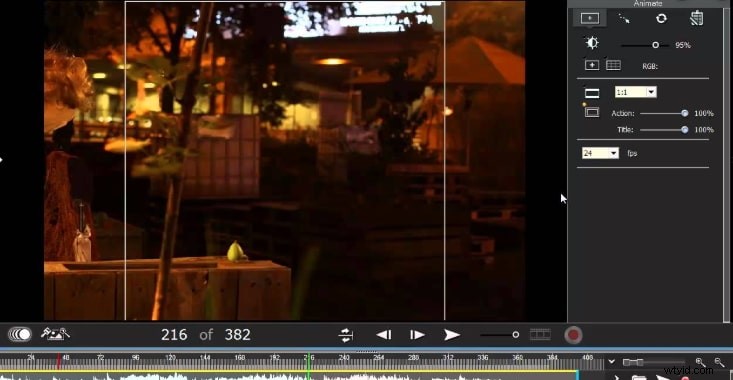
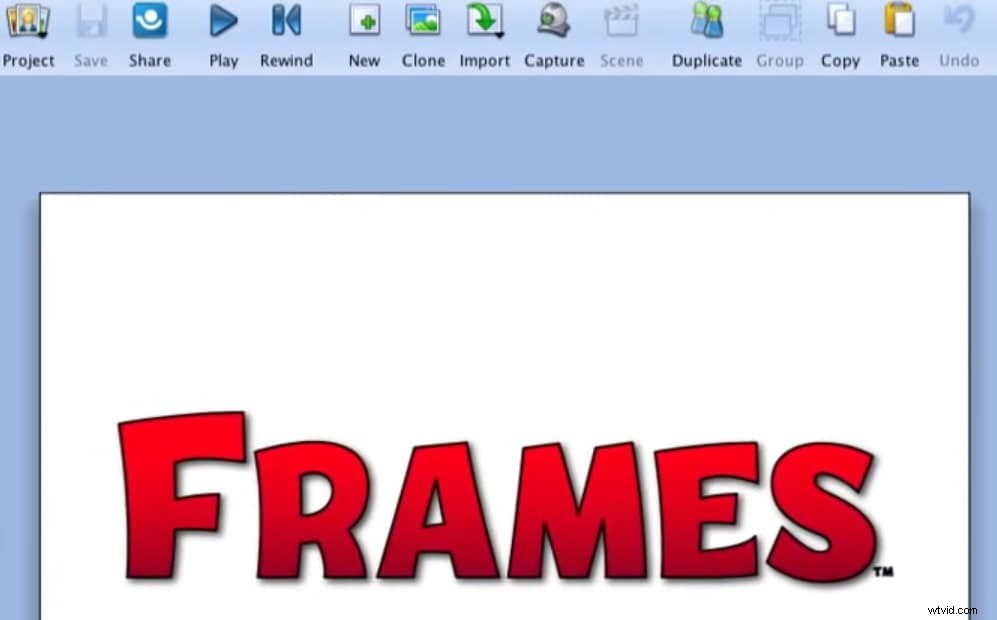
6. Frames
Frames is an animation powerhouse when it comes to offering the necessary tools for every sort of animation. From traditional cartoons to stop-motion animation options, Frames has it all and it’s really easy to navigate and learn the software quickly. Frames have won a number of awards and are available in multiple languages. It does have a one-time licensing fee (which is fairly reasonable for what is included), so keep that in mind when you’re considering it as an option.
7. iKITMovie
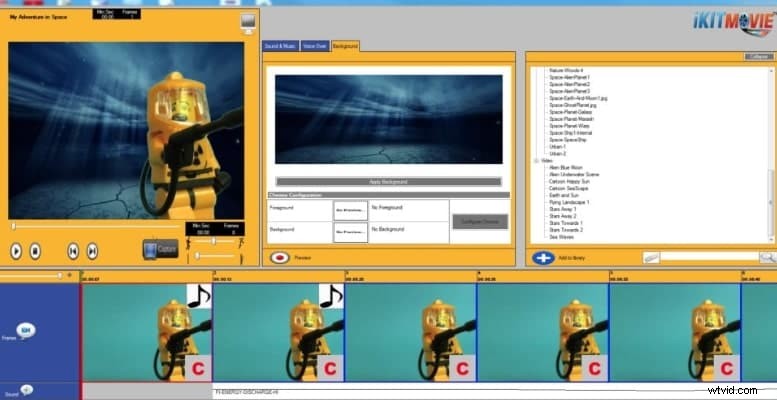
iKITMovie runs pretty well on Windows 7/8/10. It has more than 2000 music effects to use. You can use HD-quality images to start making stop motion videos. You can also use green-screen effects to unleash more imagination if you are an advanced user. The system requirement is low with only 2GB RAM. After making the stop motion animation, directly upload it to YouTube.
8. MonkeyJam
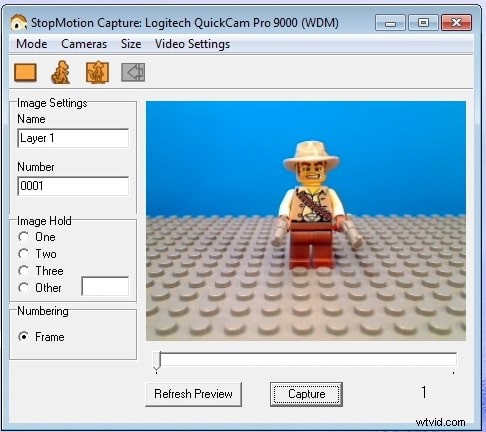
MonkeyJam is an open-source, free option for people who are looking to dip their toes into stop-motion animation for the first time. While it doesn’t have quite as many features as what you may find in the other options we have in this article, you’ll find that it can be a great start for people that aren’t completely sure as to whether or not they want to dive head-first into it. It’s really easy to navigate and it takes next to no time to go from taking your pictures to putting together that first glance at your new and unique stop-motion animation.
Conclusion
Stop-motion animation is an art, and with all of the access we have to such technology via our computers, it really is a big deal to get started with all of it. That’s why you want to be sure that you look at everything in depth and see what you like. Determine which products are going to be best for your purposes and see why it makes such a big difference for you and everything that you want to accomplish in the long run.
You may be also interested in Creative Ideas for Stop Motion Lighting Tips.