
With the development of modern image editors, people can more easily meet their various needs for editing images. However, there are plenty of image editors on the market we don’t know whether they are easy to use. Luckily, I compile the four best transparent image editors for you.
Read this post to learn about the following best transparent image editors.
You can try MiniTool MovieMaker to make your images compose a video.
Photoshop
It can be said that Photoshop is a professional transparent maker compatible with iOS, Android, macOS and Windows operating systems.
Once you have mastered how to use Photoshop, you can easily edit all the photos. It couldn’t be easier for Photoshop to make the background of an image transparent. Photoshop provides users with a variety of reliable solutions to remove background.
To make the image background transparent, you only need to upload the desired image on the main screen of Photoshop and get the transparency element from the background option.
In addition, Photoshop can help you retouch and repair your old photos, add artistic elements to your photos, process the brightness, color, additional effects of the picture.
Online PNG Tools
Online PNG Tools is a great tool to make image transparent online.
Online PNG Tools has a simple user interface and artificial intelligence algorithms that allow you to easily change the image background to a transparent form.
You just need to open the Online PNG Tools official website to upload your images and adjust the background transparency. Once you get the desired images, you can quickly output them to your devices.
Magic Eraser Background Editor
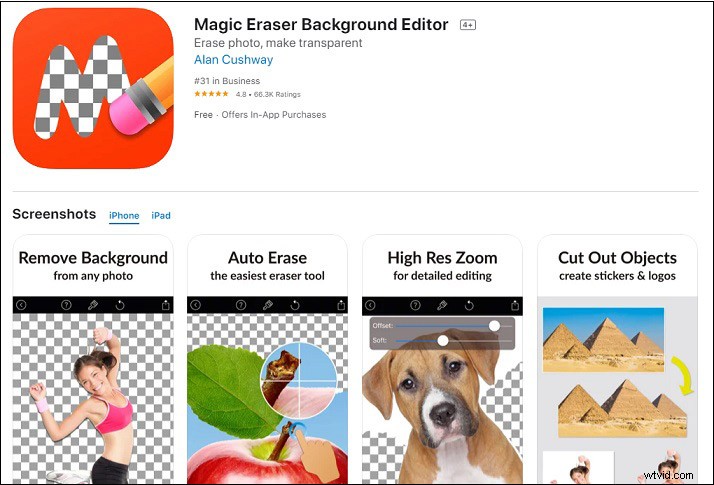
Magic Eraser Background Editor is a simple, reliable, efficient and free app to make a transparent background for iOS.
The most attractive feature of Magic Eraser Background Editor is its automatic background area removal function. You only need to touch the place you want to remove and the function will automatically remove areas of similar colors.
Magic Eraser Background Editor provides video tutorials for beginners with the help. In addition, it provides you with full resolution editing to enlarge the image to obtain fine pixel-level accuracy. You can remove the background from any image in a few seconds and export it in PNG or JPG format without a watermark.
PhotoWorks
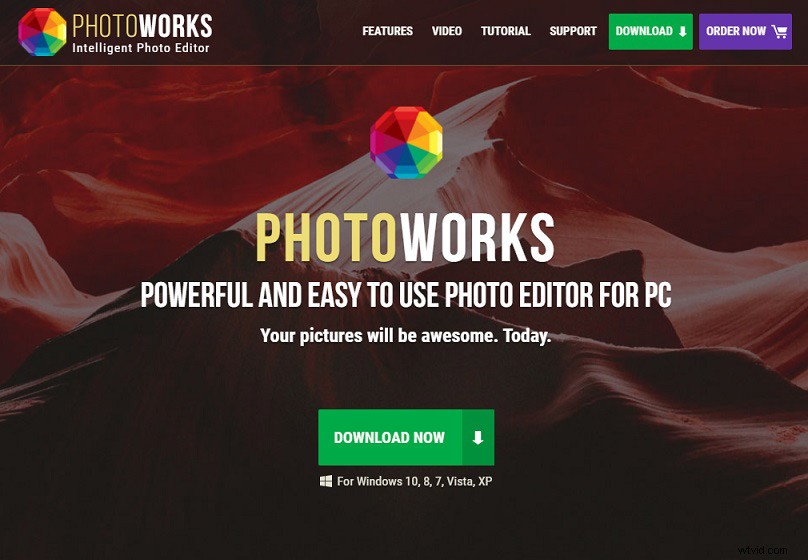
Compared to Photoshop, PhotoWorks is a simpler transparent image editor, even beginners can get started quickly.
Open the recolor option on the main screen and select the transparent color, you can make your image background transparent. At the same time, you can also replace the background on the image you like when needed.
In general, PhotoWorks is a free tool with an easy-to-use interface and can effectively output the results you want. PhotoWorks has powerful features to help you personalize your images and you don’t even need an Internet connection to use it.
Conclusion
Each of the best transparent image editors has its own advantages and disadvantages. Some of them are used online and some need to be download to use.
All of these transparent makers have intuitive and easy-to-use interfaces to help you achieve the results you want. You can choose the transparent image editors that suit you according to your needs.