
Have you ever tried to create stunning posters? If the complex process of making on PC hinders you, you can try these poster maker apps on your phone. With them, you can make gorgeous posters easily. You can try MiniTool MovieMaker to make videos from pictures.
An idea expressed by a poster can convey more information and evoke more emotion than lines of words. How to make a stunning poster? With these poster maker apps, it is much easier than you thought. Let’s move on to these handpicked poster maker apps. Each one is compatible with Android and iOS.
Desygner
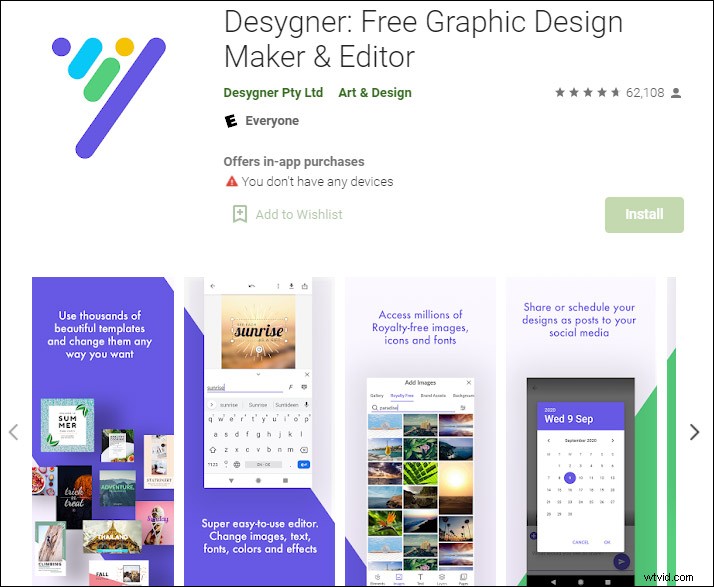
Desygner is one of the best poster maker apps that allows you to create awesome professional posters and banners for free. It will meet all your needs to create exclusive posters with stunning features.
It enables you to create posters, headers, logos, banners, flyers, business cards, and many other things. It also provides you with diverse templates for any purpose, from advertisements to music album covers. You can choose a background, template, font, and color for the poster and modify the size of the frame depending on your needs.
Once you finished your masterpiece, you can either download the poster or directly share it to social networks.
Poster Maker & Poster Designer
Poster Maker & Poster Designer is a free poster maker app that offers almost everything that you need to create a poster. Whether you like creating posters from scratch or using the ready-designed poster templates, you will be pleased by its huge collection of features.
It lets you add text on your posters, use filters to enhance pictures, and offers zooming options that help you make the best and correct size of your poster. You can edit the text alignment, font, color, or effects in this app.
VanillaPen
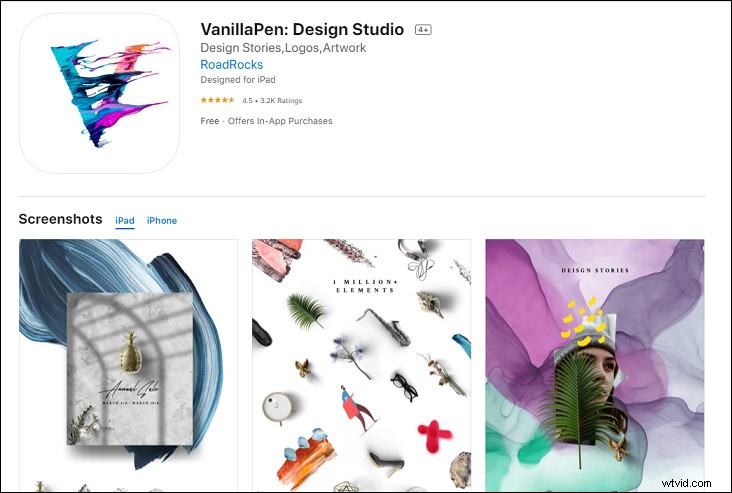
If you are looking for a free poster maker app for designing, VanillaPen would be optional for you. It is a preferred poster maker app with excellent features and functions.
It allows you to create posters and business cards with beautiful backgrounds and gradients by using custom tools. You can make appealing posters without the need of prior design experience.
It offers selected layering and different decorative elements like borders, badges, sketches, and other beautiful features. You can find a wide range of templates in different categories using for your designing needs.
PosterLabs
PosterLabs is also among the best poster maker apps that allow you to create professional posters and banners. It offers customizable templates like classic, stylish, and minimal. You can choose any template from these categories and customize the poster as you wish.
Using its professional templates, you will find it no longer complicated to make movie posters, magazine covers, advertisements, and travel documentary.
You will find the process of making a poster is very simple. You can start by choosing the layout and then insert the pictures, or you can go with the pictures first. The frame added to the template is zooming, rotating, and using color filters.
Conclusion
With the above poster maker apps, you can create gorgeous posters without spending a long time. What is your favorite one? If you have any supplements, welcome to leave your comments below!