
With these music composing apps, you can create music masterpieces like a pro. In this post, I will introduce the top 5 music composing apps that help you create music masterpieces in an easy way.
Have you ever tried to create music, but the expensive hardware synthesizers or equipment get in the way? With music composing apps, you can create music without spending too much. Here are some of the best music composing apps to create music on the go.
If you want to make short movies with your music, you can try this free video editor - MiniTool MovieMaker.
BandLab
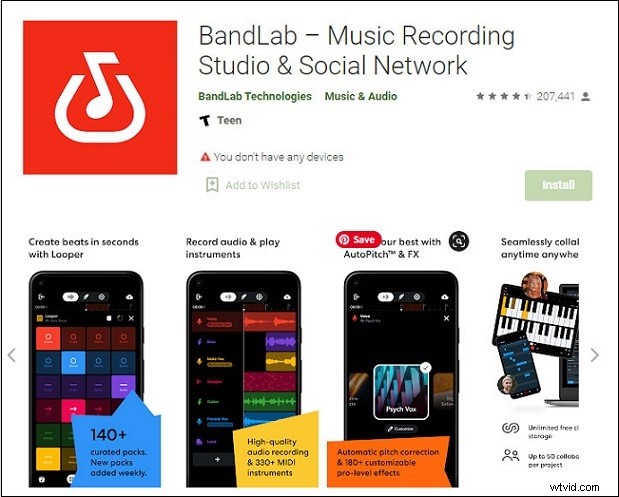
BandLab is one of the best music composing apps for Android and iOS that can help you compose music from scratch. It allows you to record, edit, and create multi-track music. You can make beats, use loops and samples from the free sound packs. It offers music genres like EDM, dubstep, hip hop, rock, rap, etc.
It also offers a powerful social networking community where you can find new friends, publish your tracks, connect with fellow collaborators, or share your music tastes and inspirations with others.
It is not only a music maker but also a beatmaker or voice recorder. You can enjoy many tracks made by creative artists, create personalized playlists and even watch live streams of music performances.
Figure
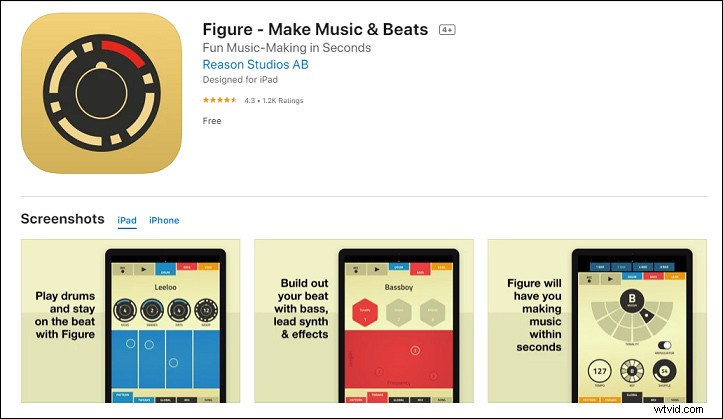
Figure is a functional music composing software program for iOS users. With the simple and stylish interface, you can produce catchy music with drums, bass, and lead melodies like a pro. It comes with different kinds of music sample projects for you to choose from.
If you have already recorded your music and just want to make the final adjustment, you can import it into the app and start editing. It provides you with sound effects like chorus and distorter. There are also available features like beatmaker, loop sequencer, mixer, soundboards, and more.
GroovePad
GroovePad is one of the best music composing app for creating and mixing beats on Android and iOS. It offers a wide range of sound effects and editing tools for composing. You can record your voice, add the track to music, and develop raw music by using beats and rhythms.
It also offers a music library where you can get bass, hip hop, metal, drums, and DJ beats.
Music Maker JAM
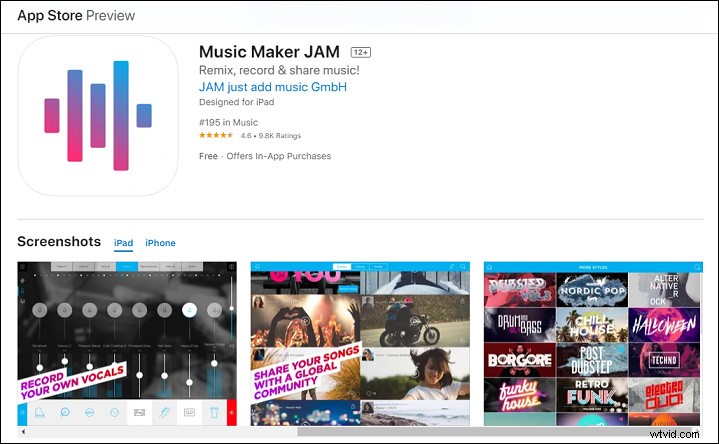
Music Maker JAM is a simple yet powerful music composing app for Android and iOS. Whether you are an experienced music creator or just exploring for the first time, you can make great-sounding music within this app easily.
It allows you to make beats, mix tracks, create beats, combine musical chunks, and more. You can also use more than 300 mix packs and thousands of loops to unleash your creativity. As for the music genre, it supports Trap, Hip Hop, House, Pop, Rock, Jazz, and more.
Walk Band
Walk Band is also an amazing expert music composing app for Android. It brings almost all the music features like musical instruments, synthesizers, high-quality recording, and more.
You can choose up to 50 musical instruments like piano, guitar, drum, and keyboard that work in both solo and chord mode. In addition, you can connect USB MIDI devices to your phone. It also allows you to record your voice, edit the music tracks, mix them, and more.
Conclusion
In conclusion, we’ve learned the 5 excellent music composing apps. Just pick your favorite one to unleash your creativity. Hope you have fun in music journey.