
Judging by the name of the font viewers alone, you might think that their function is only to view fonts. However, their function is much more than this. They also have a series of specialized font checking and editing tools.
Read the following to find out what features these font viewers have related to fonts.
If you want to insert various fonts in your videos, you can try MiniTool MovieMaker.
Moo0 Font Viewer
Are you struggling with which font to use in your text every time? Moo0 Font Viewer must be your dream tool to quickly find the font you want.
Its main function is to help you detect the fonts installed on your system and allow you to use any of your sample texts to view and test all the fonts installed on your computer at once.
It supports entering sample text for testing each font, viewing font names, applying italics or bold, changing the font size, and setting special parameters.
All in all, it has a clean and simple layout and executes tasks very quickly without any errors. Moreover, its occupancy of system resources is so small that it does not affect the overall performance of the computer.
Font Viewer
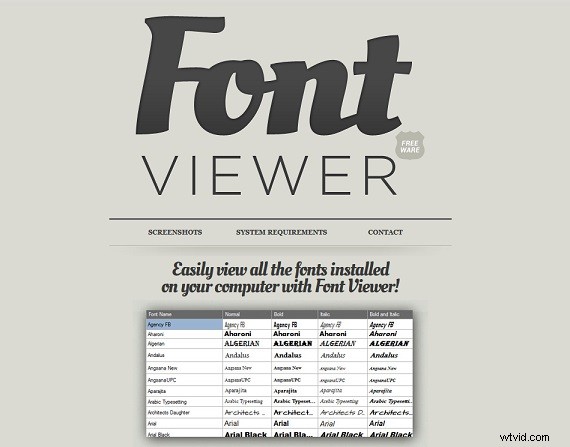
Font Viewer is the best free font viewer that allows you to easily view and try all font types installed on your computer.
You can use it to arrange and view a large number of fonts installed on your computer, and apply various styles of fonts to your texts. It presents all installed font types in a grid view, and you can perform a series of operations on them, including changing the size, color, background color of the font.
You can also select fonts and store them in readable and easily accessible TXT and FV file formats or export the font list to a PDF file and apply all styles and settings.
FontBase
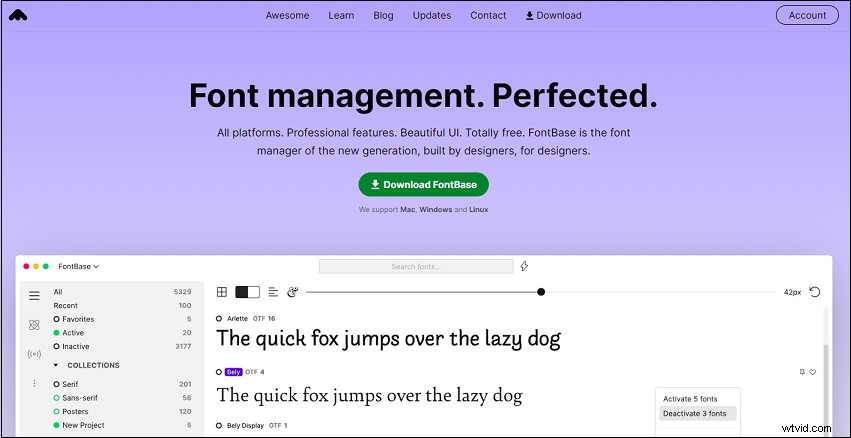
FontBase is a completely free font viewer with many excellent features and is suitable for macOS, Windows, and Linux operating systems.
It has a powerful OpenType function and supports all fonts. You can view and copy the graphs of any language and any font in your collection. At the same time, adjustments of font color, background, size, line height, and text alignment are also supported.
It supports one-click fast font search and searches for ant font in the Google library. You can use the Preview option or Specimen Page to view all font styles and apply them to various page elements. It also provides you with automatic updates, font activation, nested folders, and collections.
NexusFont
NexusFont is a free font viewer for windows 10. If you want to use multiple fonts, NexusFont must be your necessary app.
It supplies you with a lot of simple but practical functions, allowing you to easily manage, compare and select any font you need.
Its most outstanding and convenient point is that when you use it, you don’t need to install all the fonts at all, but just load the fonts you want to use. To a certain extent, it greatly reduces the burden on your computer.
Conclusion
After reading this article, I believe you have learned about the features of these font viewers that you have never heard of before. If you happen to need it, you might as well try them.