
If you want to find a simple and effective tool to remove a vocal track from songs, you can check out this post. Some of the best vocal remover software and online tools are introduced in this post.
The content below covers some of the best vocal remover software for computer and mobile devices, as well as online tools. These vocal removers can help you remove vocals from a song easily.
If you are also looking for a free video editor to add music to your videos, MiniTool MovieMaker is the top recommendation.
Best Online Vocal Removers
Vocalremover.org
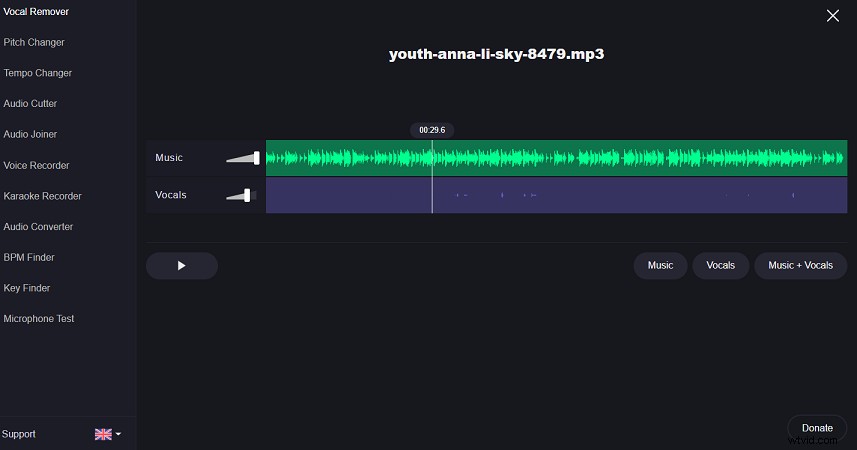
Vocalremover.org is one of the best vocal removers online with an AI algorithm to remove vocals from a song completely for free. It offers two tracks selection options: a karaoke version for no voice and an acapella version for isolated vocals.
Apart from being a vocal remover, it also provides other tools like pitch changer, BPM finder, audio cutter, audio converter, voice recorder, karaoke recorder, microphone test, and more.
AI Vocal Remover
AI Vocal Remover is also one of the best vocal removers that support extracting vocals from songs or removing instrumentals for free. With AI technology, you can separate instrumentals to make karaoke or acapella easily and quickly. When you select a song and upload it, it takes just 15 seconds to finish processing and then you can get your tracks in the form of karaoke, acapella, bass, piano, and other instruments.
Lalal.ai
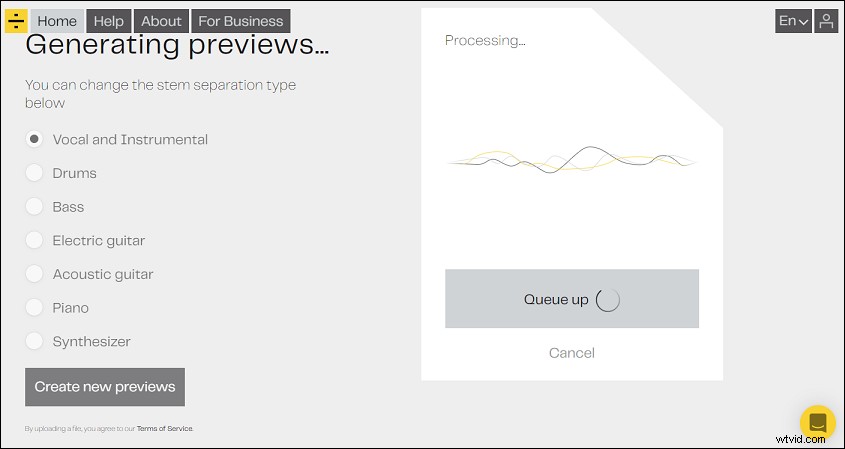
Lalal.ai, as the name suggests, is an AI-based tool that lets you extract vocals. It also supports extract accompaniments tracks like drums, piano, bass, guitar, and synthesizer without losing quality.
If you are looking for apps that can improve your singing, you can check Top 4 Amazing Apps That Make Your Singing Sound Better.
Best Vocal Removers for Computer
Audacity (Windows, macOS, Linux)
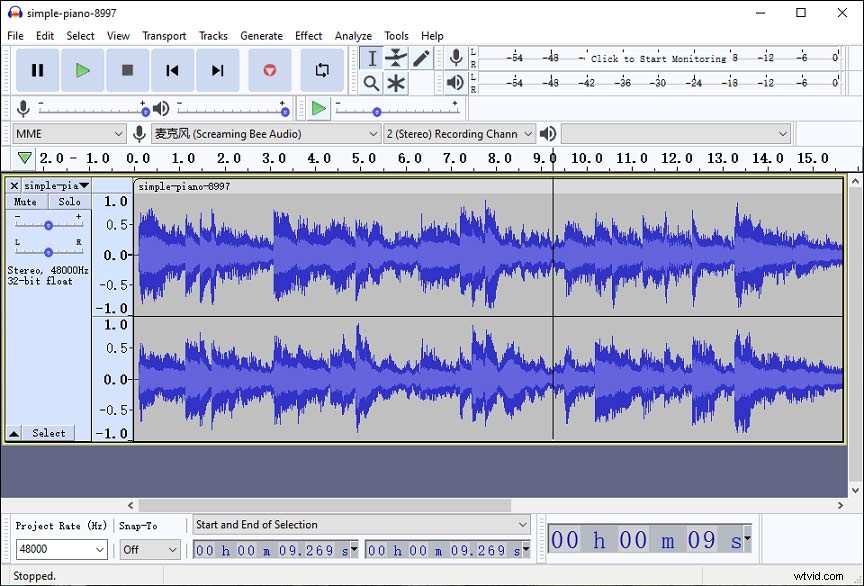
Not just an open-source audio editor, Audacity is also one of the best vocal remover software. It offers many useful features for basic audio editing like extracting vocals, cutting, copying, and pasting music, applying effects, removing background noises, mixing music tracks, and much more.
Wavosaur (Windows)
Wavosaur is also a popular audio editing tool for removing vocals for songs. With an easy-to-use interface, you can isolate the vocal from a song with ease.
It also supports audio editing. The editing features offered by the software include copy, paste, replace, trim, mute, fade in or out, and much more. It also offers advanced audio editing features include pitch shift, channel convert, insert silence, normalize level, and so on.
Best Vocal Removers for Mobile
Vocal Extractor -Karaoke maker (iOS)
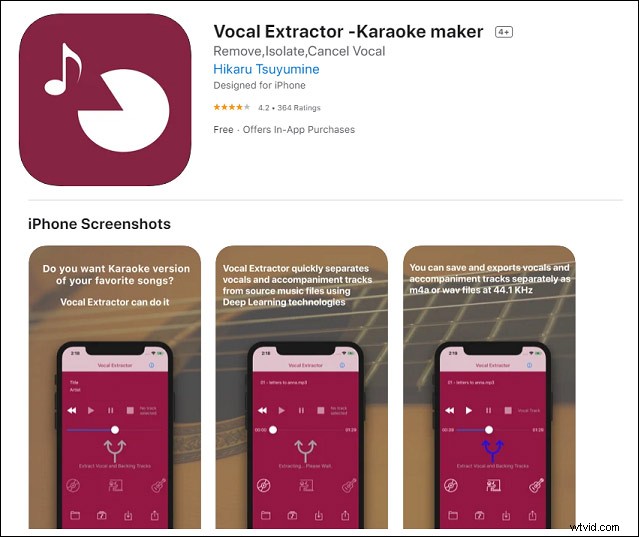
Vocal Extractor is one of the best vocal remover apps for the iPhone. With it, you can separate songs in your music library into vocal and accompaniment by just tapping a button. It will make karaoke and a cappella track instantaneously.
You can even import your live recording files recorded by other applications to remove or extract vocals. The generated vocal and backing tracks will be saved to files or exported to iCloud, Dropbox, Google Drive, and more.
SonicMelody: AI Vocal/Instrument Karaoke Remover (Android)
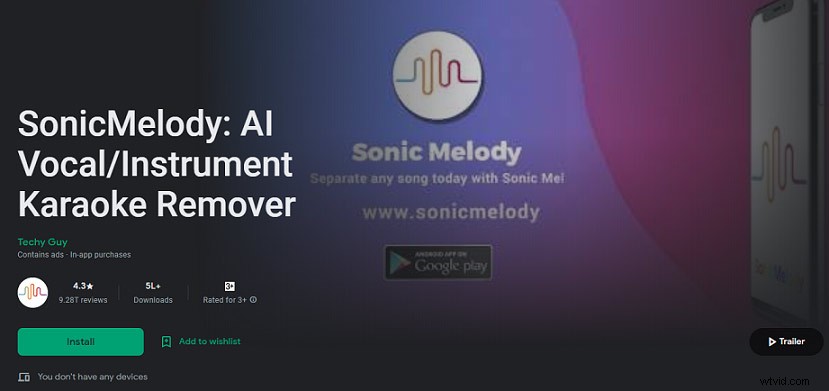
Designed for Android devices, SonicMelody is also among the best vocal remover apps. With it, you can transform songs into karaoke styles instantly. It will separate vocals from songs using AI technology.
Additionally, it also enables you to join audio, change tempo, and record karaoke. You can find other features on it like pitch detection, pitch changing, audio cutting, equalizer, audio reversing, autotuning effects, and more.
Conclusion
To sum up, we’ve learned the 7 best vocal removers that can help you extract vocals on different devices. You can pick some of them according to your needs and devices or the features they have.