
These converters can not only convert CBR to PDF but also support the mutual conversion of other file formats. In addition to single conversion, some of them can also convert files in batches. Meanwhile, during conversion, you can set the options, metadata, and page format of the CBR and PDF files.
Want to easily convert CBR to PDF? Then quickly read the following content to get the effective way.
If you want to export videos in multiple formats such as MP4, AVI, MOV, WMV, GIF, etc., MiniTool MovieMaker is highly recommended.
Calibre
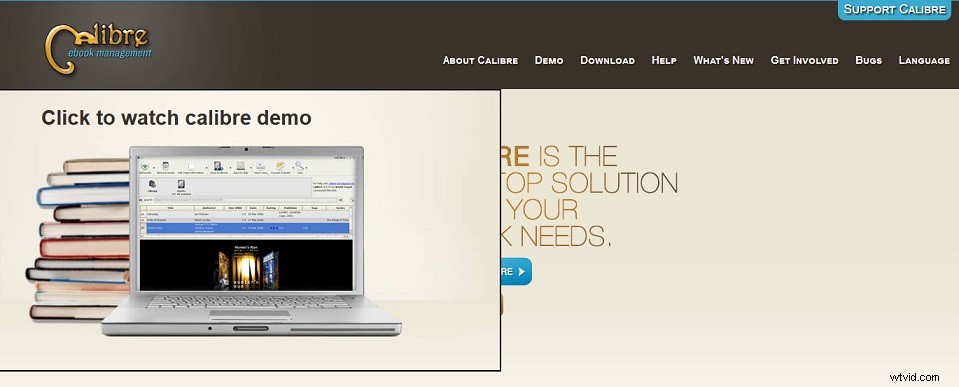
Calibre is a free CBR to PDF converter. Meanwhile, it is also a powerful and easy-to-use e-book manager. You can use it to read, edit, manage and convert e-book.
Its user interface is very simple, you only need to upload the CBR files that need to be converted to the software, and select individual or batch conversion. Before conversion, you can also modify various parameters, such as appearance, metadata, page settings, catalog, replace, search, debugging, PDF inputting, etc.
Not only can you use it anytime and anywhere, but it can also help you save time in managing e-books. It supports downloading news and magazines from the Internet, sharing and backing up your library, and editing books in your collection.
PDFRizator
PDFRizator is a tool for PDF presentations. You can use it to create PDF files and set the background music, page transition effects and page advance time of PDF files.
It can convert and visualize PDF and various formats of files, including JPG, PNG, GIF, CBR, CBZ, etc. Moreover, functions such as deleting, rotating, merging, rearranging, and setting PDF page sizes are also allowed.
It also supplies you with two powerful tools. One is the resource browser, which browses local files by using Internet services. The other is sound explorer, which has a built-in player to help you easily search for music files on local, Internet and SoundCloud sites.
FreeConvert
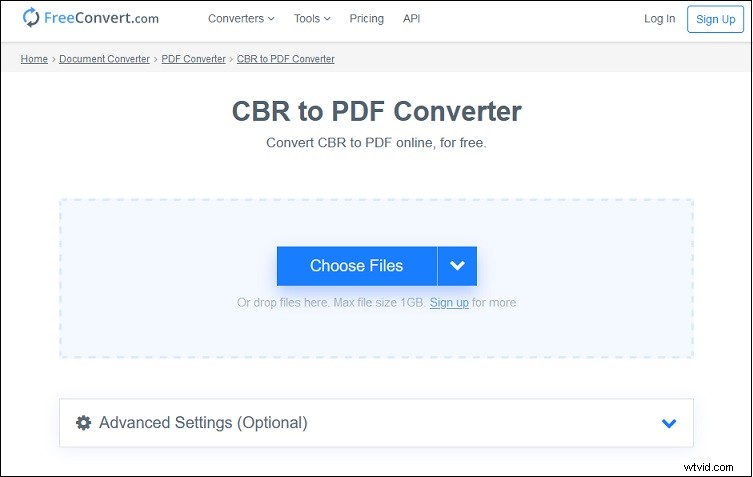
FreeConvert is a free and multifunctional online tool that contains a variety of converters, compressors and video tools.
Its converters are very complete, including image converter, video converter, audio converter, document converter, e-book converter, archive converter, vector converter, and unit converter.
You can choose four ways to import the file you want to convert, including Device, Dropbox, Google Drive, and URL. Furthermore, it gives you some advanced settings, you can choose PDF page size, orientation, margin, and image alignment.
In addition to converting CBR to PDF, you can convert CBR to SVG, ICO, PSD, ODD, TIFF, GIF, JPG, BMP. WEBP, PNG, and PS. In short, it not only supplies you with high-quality file conversion but also guarantees your file security and privacy.
CloudConvert
CloudConvert has many similarities with FreeConvert but has some more functions than FreeConvert.
It has more than ten kinds of converters, which are archive converter, audio converter, CAD converter, document converter, e-book converter, font converter, image converter, presentation converter, spreadsheet converter, vector converter, and video converter.
In addition to converting your e-books online, it also supports PDF, AZW, CBZ, and EPUB.
Moreover, it can also help you optimize files and compress PDF, JPG and PNG, create and extract files, merge files, capture websites, and more.
Conclusion
After reading this article, I believe you already know how much convenience the CBR to PDF converters provide for our life and work. If you happen to have a need in this area, use them as soon as possible.