
Professional photographers rely on tripods for sharp, blur-free shots. But even with a tripod, you add unwanted motion blur to your shots just by pressing the shutter button. In this article, you’ll discover when and how to use a remote shutter release to create stunning photos.
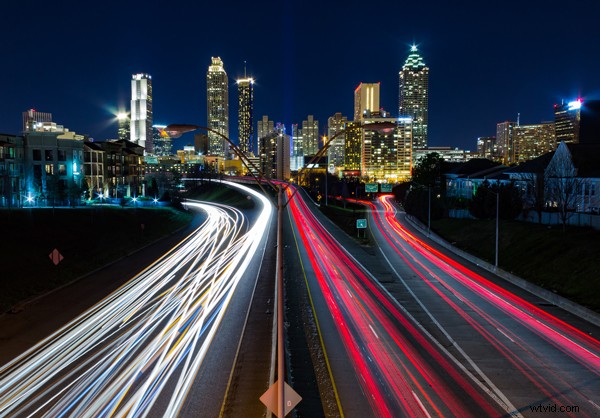
Before you read any further – using a remote shutter is pointless unless you can keep your camera completely still. So, a tripod is essential.
When Should You Use A Remote Shutter Release?
There are many times where a remote shutter release would be very useful, if not essential. Here are the most common:
Shooting with long, telephoto lenses, or macro lenses
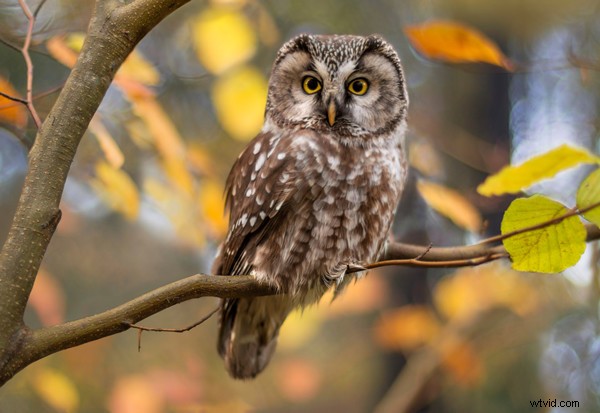
To state the obvious, telephoto lenses magnify the subject, making it larger on the camera’s sensor. A downside of this is that any movements of the camera and lens, however small, are also magnified, resulting in (camera) motion blur. The longer the lens, the greater the blur.
Using slow shutter speeds because of low light
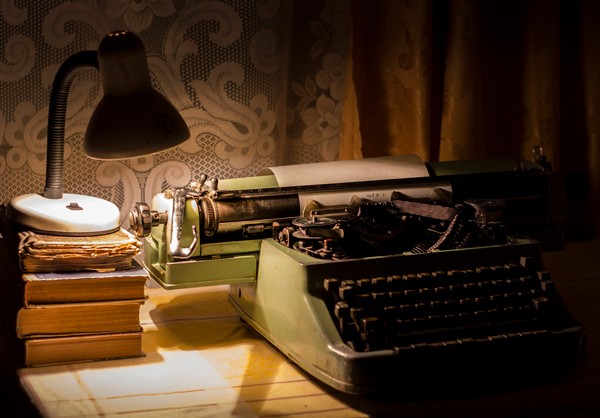
When shooting in very low light it’s important to use slow shutter speeds. Below a certain shutter speed, even steady hands will struggle to hand-hold a camera, resulting in unwanted motion blur.
Using slow shutter speeds to capture motion blur or light painting
Sometimes we want to capture the subject frozen still against a background of motion blur. This means using slow shutter speeds in order to capture the blur. But we don’t want the camera to move during the exposure, otherwise the subject will be blurry too.
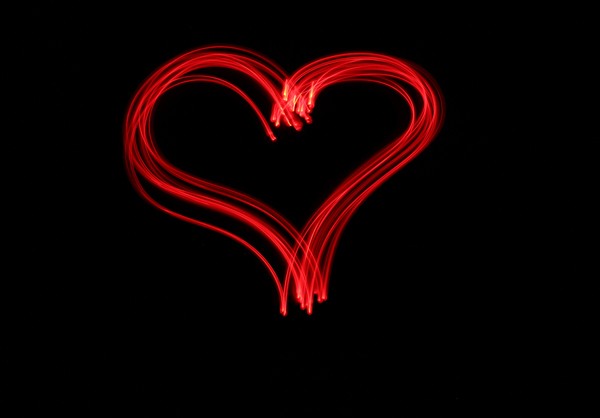
With light painting, the scene is painted with light so that the most important parts of the scene are highlighted.
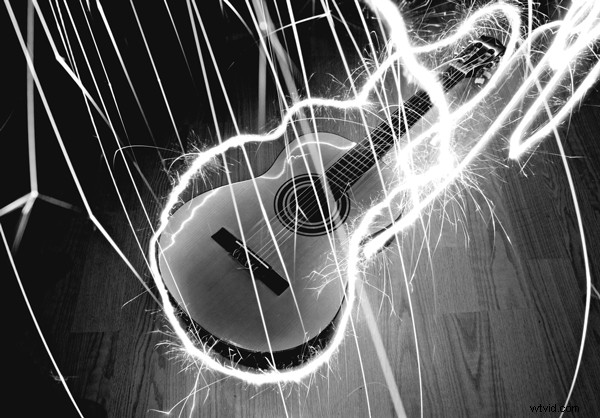
Shapes or words can be drawn in the air using a torch or other light source.
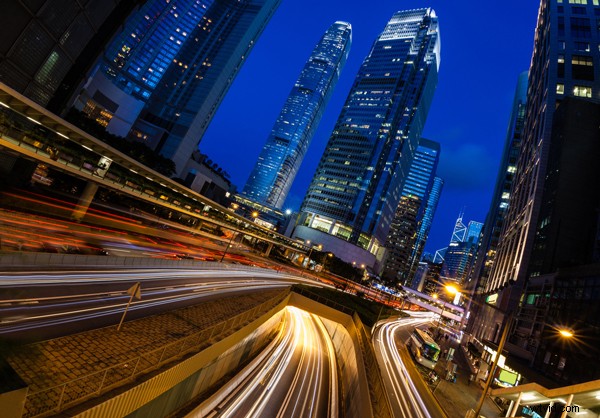
Another use of this effect is the capturing of vehicle tail-lights at nighttime.
Shooting multiple exposures
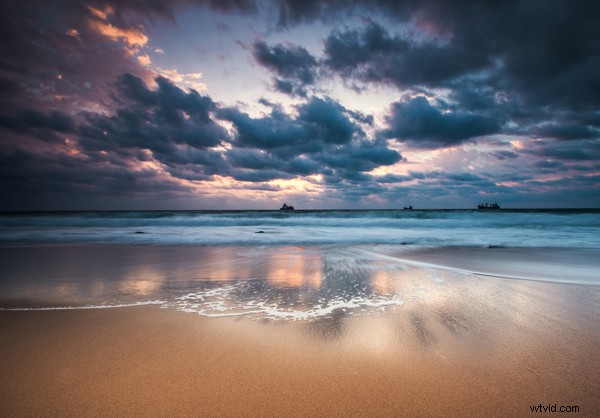
Some scenes include very dark and very light areas – such as landscapes. To cope with such scenes, photographers use exposure bracketing to capture different exposures of the same scene. Usually, as well as a correctly-exposed shot, the camera captures underexposed and overexposed shots of the same scene. The best-exposed regions of each shot are combined to create a single shot. This will be better exposed than the camera could manage in one shot.
This is how the HDR effect is created, but with more control. It’s vital the camera doesn’t move while the sequence of images is captured. This is because each of the shots is taken at slightly different times and they all need to align perfectly.
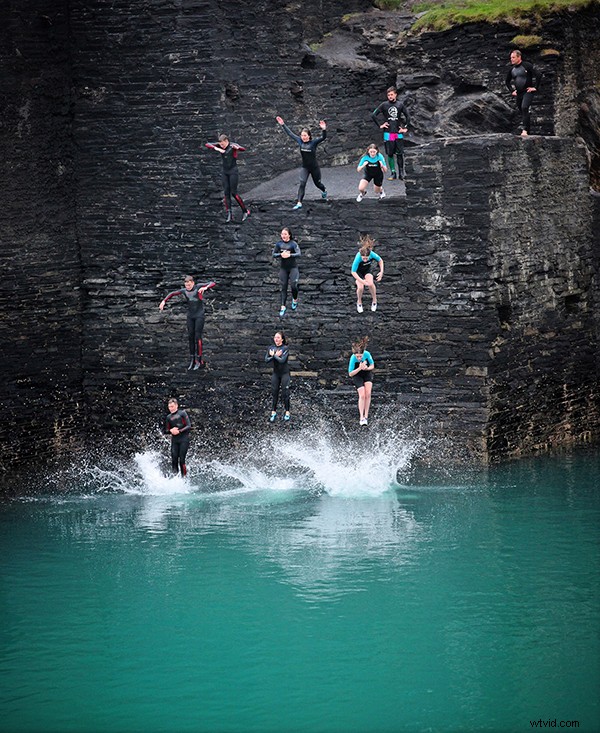
Multiple exposures are also essential for sequence photography. This is a dramatic technique used to capture a subject multiple times against a static background. With careful editing, an image containing the key points of the subject’s movement is created. The photo below shows this technique being used to capture the children jumping into an old quarry pool.
Photographing dangerous or timid subjects
Sometimes it’s not safe or practical to be close enough to the camera to trigger the shutter manually. Wildlife photographers often set up a camera on a tripod close to the site visited by the target subject. They then leave out some sort of bait, and retire to a safe distance and wait. This approach works for wildlife in our gardens, back-yards, and parks just as well as it does in the Serengeti!
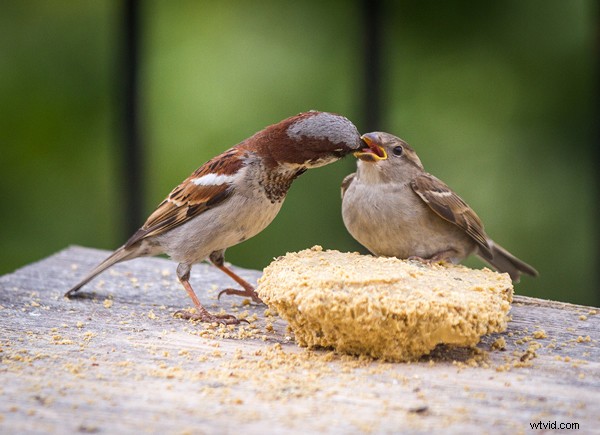
All the above scenarios can be ruined by motion blur caused by the camera moving. But it’s easy to prevent. Simply mount your camera on a tripod and fire the shutter with a remote shutter release.
Tethered Or Untethered?
A tethered remote shutter release connects to your camera via a cable. This restricts how far away from the camera you can be.
An untethered remote shutter release operates wirelessly. The simplest use infrared (IR) and rely on the camera’s inbuilt IR receiver. The more advanced come in two parts – a transmitter and a receiver. They communicate with each other using radio signals. The receiver attaches to the camera. You hold the transmitter and press a button when you want to take a photo. The transmitter communicates with the receiver, telling it to fire the camera’s shutter. This all happens almost at once.
Which Remote Shutter Release For Your Camera?
The good news is that there is definitely a remote shutter release that will work with your camera. The bad news is there are hundreds to choose from, and they don’t work with all cameras. So, consult your camera user manual in the first instance.
Simple remote shutter releases
Most camera manufacturers supply both wired and wireless remote shutter release. They’re usually relatively cheap with only the most basic functionality. As a minimum, they include a button for firing the camera shutter immediately. More advanced versions include a “BULB” mode setting so you can decide when the shutter opens and closes. Also, a “latch” mechanism keeps the shutter depressed for long periods without having to keep your finger on the button.
The most basic, wired (or tethered) remote shutter releases are very cheap and readily available. They rely on your camera having a suitable port. Consult your camera’s user manual to help you locate this.
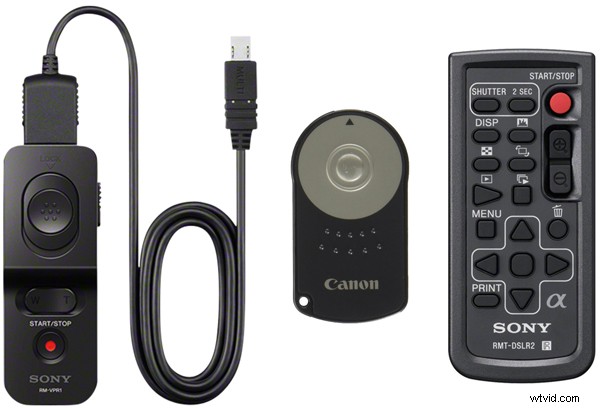
For cameras with a built in infrared (IR) receiver, wireless IR remote shutters are available. In order for the camera can “see” the IR signal sent by the transmitter, there must be line-of-sight between camera and transmitter. These are available for the Canon XT/XTi, XSi, T1i and T2i Digital SLR Cameras, Nikon D7100, D40, D40x, D60, D80 & D90, and Sony DSLR & NEX.
Fully-featured remote shutter releases
Advanced remote shutter releases make it possible to set:
- a delay after pressing the shutter button
- the number of shots required
- the intervals between shots
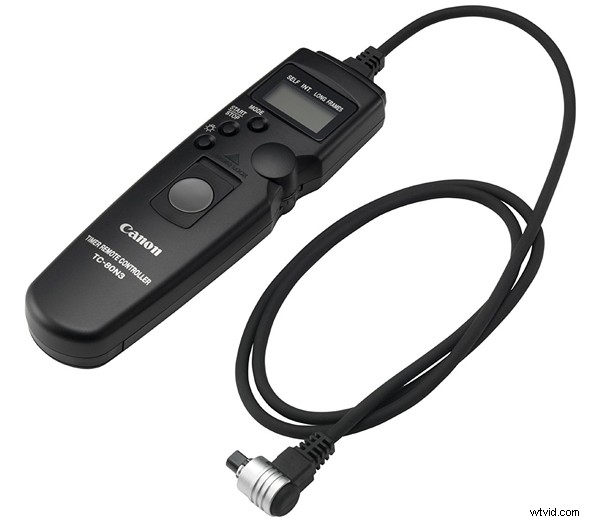
The most advanced models provide “ramping” where it’s possible to increase or decrease the interval over time. This produces very creative results.
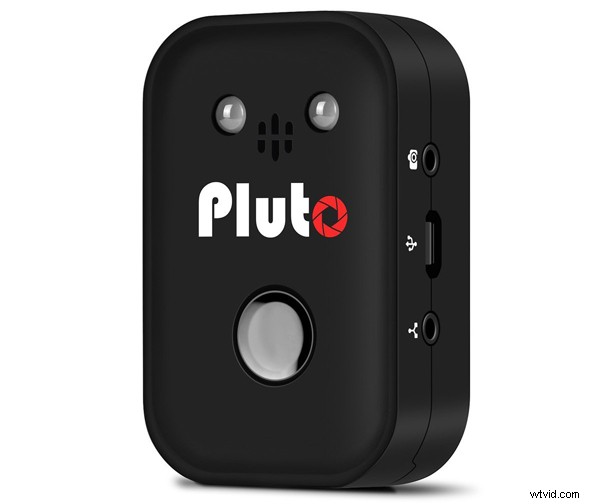
It’s even possible now to trigger your camera remotely from your smartphone! Many cameras include this ability by default, without the need for extra accessories. However, a company called Pluto have developed a really advanced device. It attaches to your camera’s flash hot-shoe and interacts with a free app running on your smartphone.
Whether you choose a simple or more advanced remote shutter release, you’ll find the right one for your Canon, Nikon, Fuji, Sony, Panasonic, Olympus, or Pentax camera on Amazon.
Remote Shutter Release: Conclusion
In this article, you’ve discovered the remote shutter release is a solution for a problem common to many different photography situations. When used with a tripod, a remote shutter release is the final piece in the puzzle for shake-free shots. Sure, it’s a little more trouble than simply pressing the camera’s built-in shutter button, but the results speak for themselves. The bottom line? If you’re using a tripod, trigger the camera’s shutter with a remote shutter release, for better results every time.