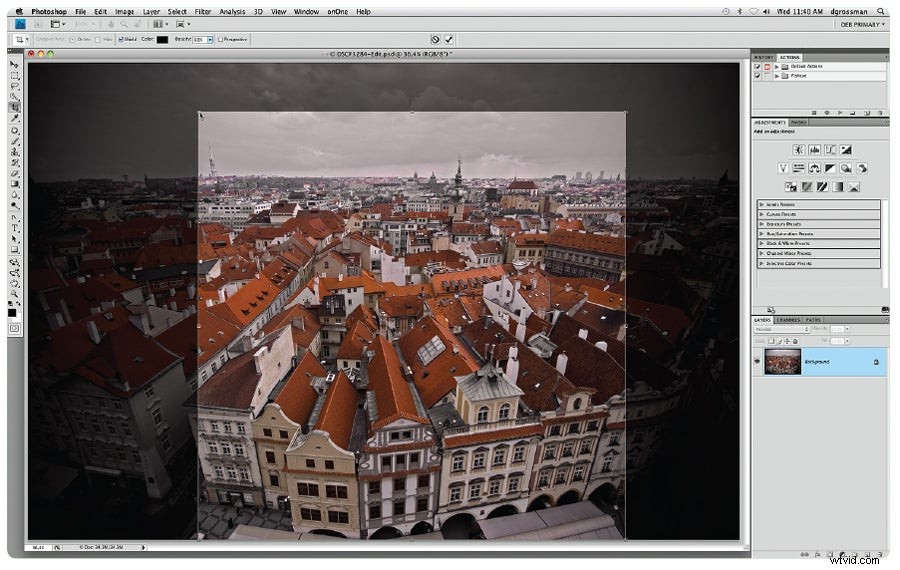
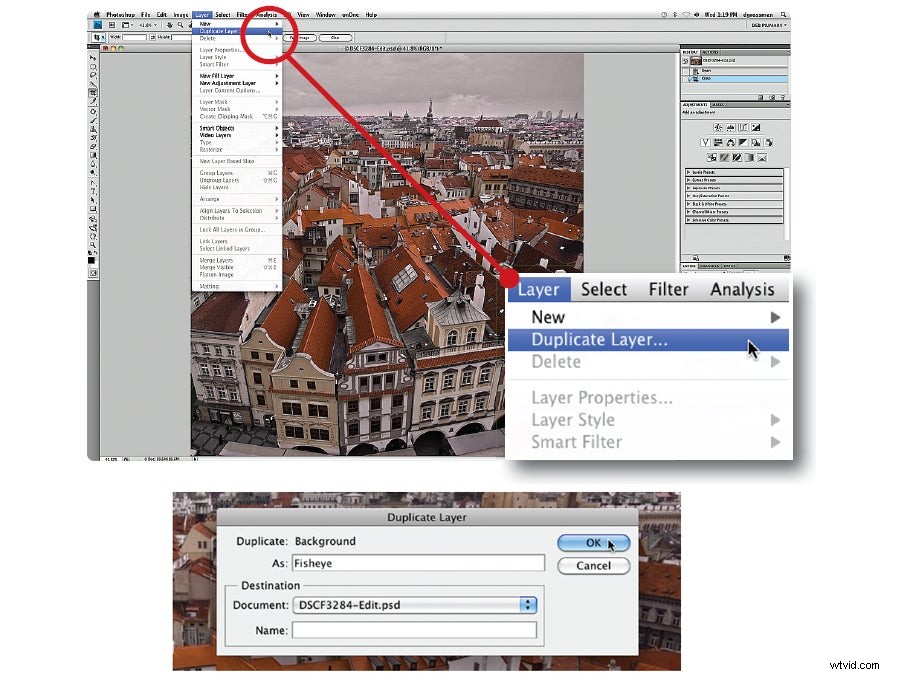
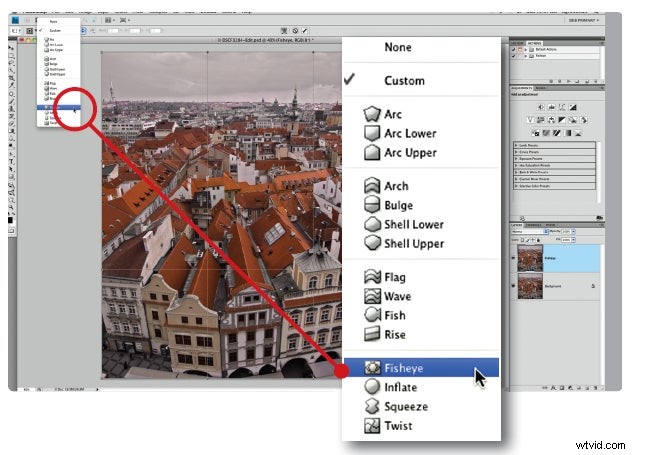
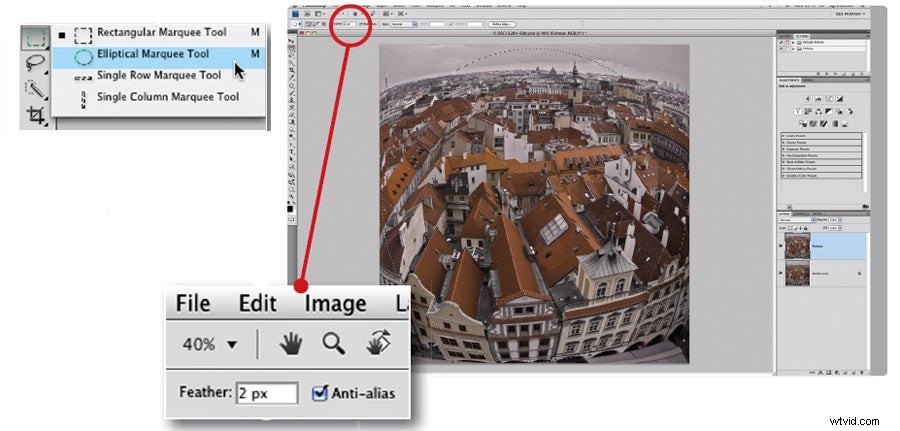
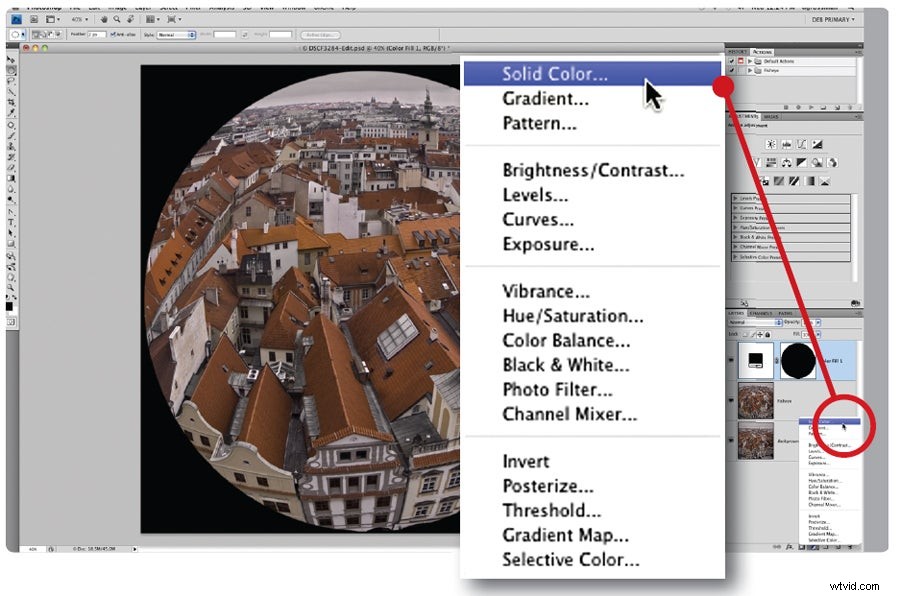
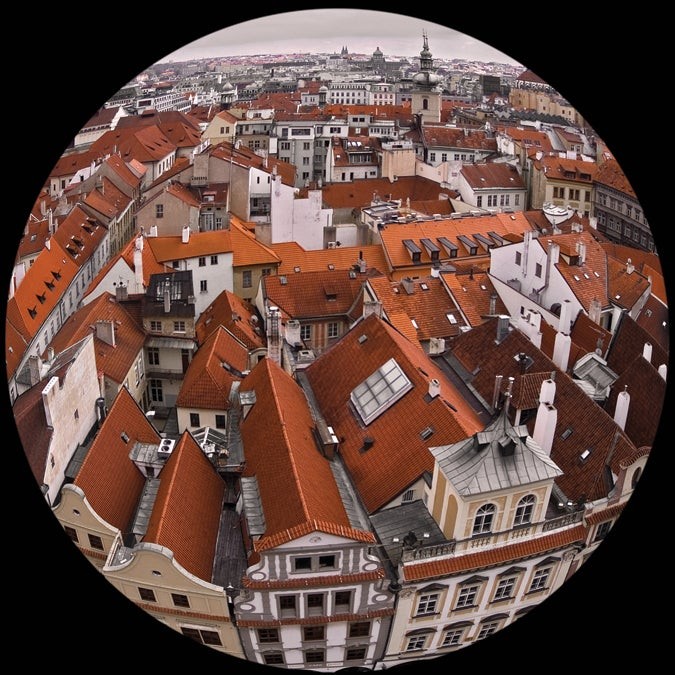
So often, we use Adobe Photoshop just to fix pictures—to correct white balance, add contrast, or remove elements that don’t belong. But sometimes it’s fun to do something wacky, taking an image to an entirely different place. One quick and easy trick: Make an ordinary photo look like it was shot with a circular fisheye lens, with its telltale shape and black background. To do it, use the Warp tool, introduced in version CS2. The technique works best on images that have lots of horizontal and vertical lines, so the distortion really stands out.