
Looking for some more creativity when working with audio tracks in your edit? With track stems, you can create a whole new sound for your project.
Something glorious has happened: PremiumBeat has recently introduced stems as a downloadable option for most of their music tracks. Now excuse me while I nerd out.
What Are Stems?
For those of you who are scratching your head asking, “What in the world are stems?” Here’s a quick answer:
Stems are individual audio tracks of a song that separate crucial instruments.
For example, if you download the song “Inspiring Victory,” it comes divided into seven isolated tracks: drums, bass, instrumental swells, piano, guitar, isolated swells, and shaker.
You can use each of these stems as an individual background track, or you can layer them on top of each other to create a unique version of the same song.
Old Song, New Tricks
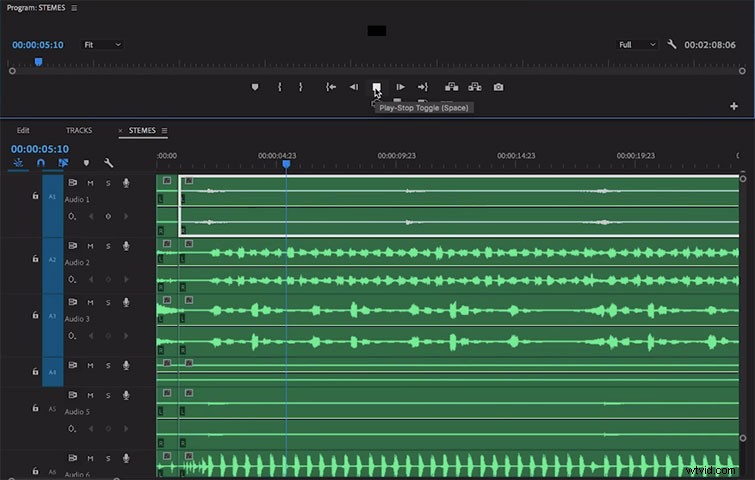
One of my favorite tricks when applying stems is using only one of the audio tracks to create a unique sound. This trick can make an overused song feel original and complement your video.
Same Song, New Genre
Individual tracks can also change the tone of your project. For instance, a drum stem might give you an upbeat, motivational tone, while a bass track gives you a dark and moody feeling.
Increasing Your Options
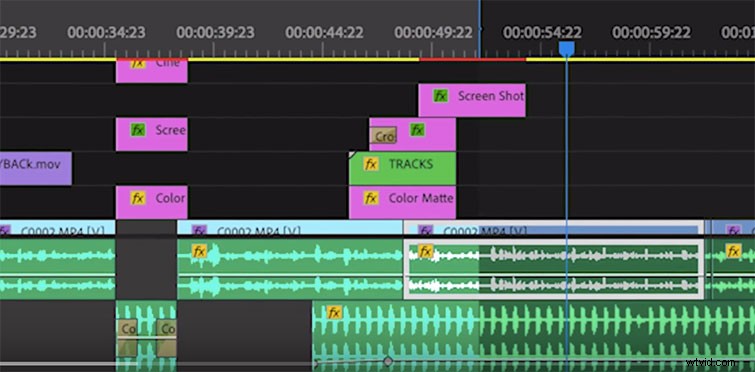
With stems, you’re increasing your sound options. For example, if you take the drum stem and put it into reverse, you’re developing a unique track that sits well on its own and might better fit your project.
Essentially, working with individual tracks makes audio manipulation a whole lot more fun.
Above All Else
Whatever project you layer these into, stems are a total game changer. Have fun, get creative, and explore all the options.
Interested in the tracks we used to make this video?
- “Laidback Summer Vibe” by Mattijs Muller
- “Inspiring Victory” by Cymatix