
When trivia goes viral, it’s rarely the question that matters— it’s the format. Image‑based quizzes capture attention, spark curiosity, and drive shares on social feeds like Instagram, TikTok, and LinkedIn.
In this guide we explain why the visual approach works, what makes a question stand out, provide 20 ready‑to‑post examples, and show how to turn any prompt into a short‑form video without a complex editor.
At a Glance
- Why Image Trivia Works
- What Makes a Good Image Question
- How to Create Image Trivia
- 20 Image Trivia Questions That Drive Comments, Shares, and Replays
- When to Use Which Format
- Common Mistakes That Kill Engagement
Why Image Trivia Works
Text quizzes demand a quick read, a decision, and a scroll—often under one second. They lack a hook and give no pause for interaction. An image, however, delivers an immediate visual cue that can trigger recognition before the viewer even starts reading the question.
- Visuals engage before language. A macro crop or unusual angle forces the brain to process imagery first, creating a brief moment where users can comment.
- Lower response barriers. Guessing “strawberry” is instant; one‑word answers on a visual prompt count as engagement in algorithms just like typed responses.
- Reveals fuel replays. A zoom‑out reveal encourages viewers to watch again— replays are one of the strongest engagement signals on Reels and TikTok.
- Shareable facts. A surprising fact on the reveal frame (“those 200 dots on a strawberry are all seeds”) turns the quiz into content people share, not just answer.
What Makes a Good Image Question
Two common pitfalls derail image trivia: the image is too obvious, or it’s too obscure. A good question balances uncertainty with recognizability.
✅ Good image trivia.
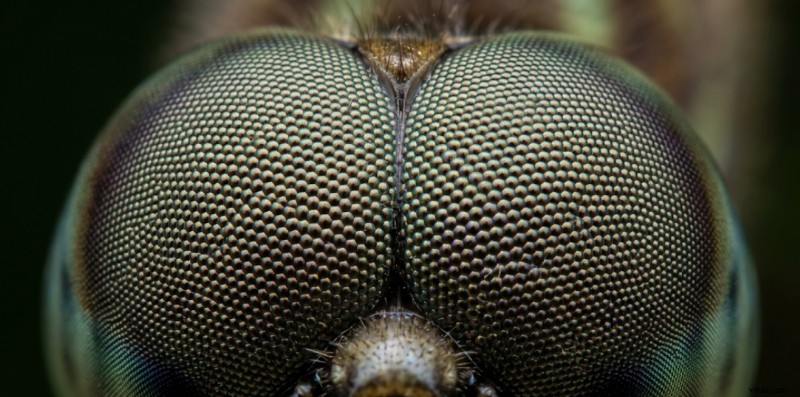
Why it works: The question crop hides the subject entirely, creating tension. The reveal—a full dragonfly shot—is instantly recognizable, delivering satisfaction and encouraging comments.
❌ Bad image trivia.
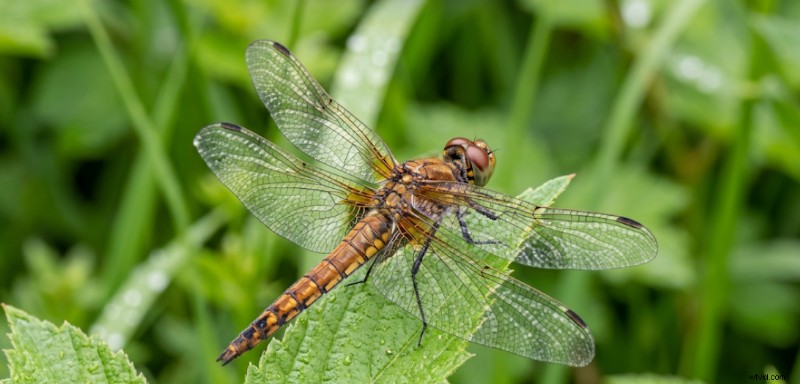
Why it fails: The entire subject is visible. There’s no mystery; viewers scroll past in a blink.
✅ Good close‑up crop.
Why it works: Only the arch and color are visible. Viewers know the shape but lack context, which drives guessing.

❌ Crop too loose.

Why it fails: The full logo appears, giving away the answer immediately.
✓ Image qualities that work
- High resolution and sharp detail
- Tight crop that removes context but keeps recognizability after reveal
- Familiar subject that becomes unrecognizable before reveal
- Clear, satisfying answer on reveal
- Visual payoff (zoom‑out, wipe, fade)
✗ Image qualities that fail
- Blurry or low‑res images that obscure detail
- Too much context— no challenge left
- Niche subjects that most viewers can’t guess
- Text‑only reveal without a visual cue
- Unbalanced crop and timer— viewers disengage before the reveal
How to Create Image Trivia
The process boils down to five key decisions:
- Select the format. Three proven structures:
- Identify (full crop, single guess)
- Match (pairs or groups of images)
- Close‑up Macro (extreme zoom, harder)
- Before & After (two states, one reveal)
- Choose the image. It must stop the scroll: a clean subject against a neutral background, an unexpected angle, or a busy shot that hides the answer.
- Set the timer. Match the difficulty: 5–8 s for Identify, 8–12 s for Close‑up, 10–15 s for Before & After.
- Plan the reveal. Combine a zoom‑out or wipe with a surprising fact. The visual payoff drives replays and shares.
- Write a CTA caption. Prompt viewers to comment: “Drop your answer below.” A clear call‑to‑action boosts engagement every time.
Tools like Trivia by Typito AI can assemble the full structure—frames, timer, reveal transition, captions, and voiceover—from a single prompt, eliminating the need for a complex editor.
🌍 Landmarks & Geography
Best format: Mix of Identify and Close‑up. Unusual angles keep the question ambiguous yet familiar.
Why it works: Visuals stop the scroll; a quick fact (“Deepest lake in the US”) gives even those who don’t know the name something to comment on.
Identify Q1: What is this place?
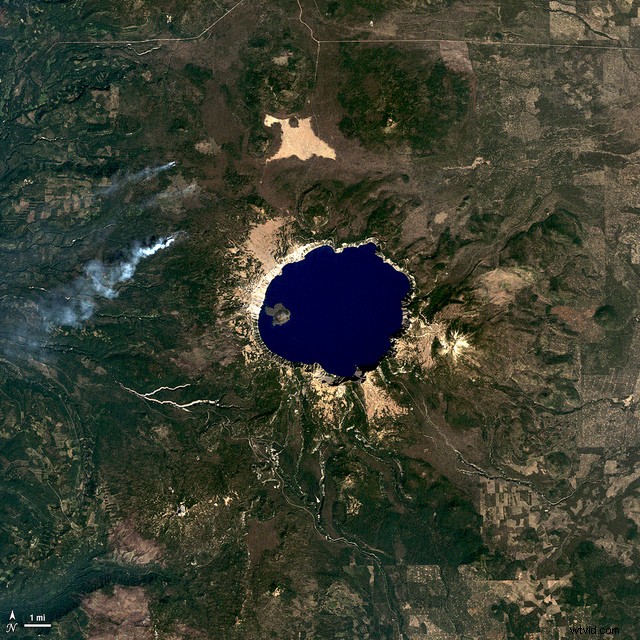
Answer: Crater Lake, Oregon
Close‑up Q2: What ancient site do these worn steps belong to?
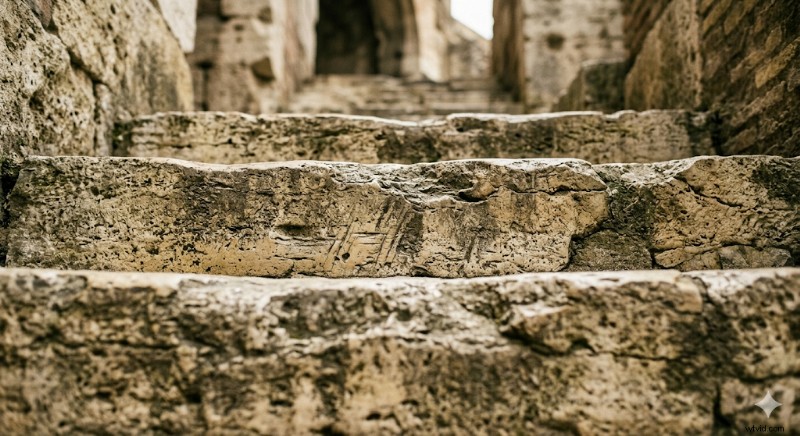
Answer: Roman Colosseum steps
Match Q3: Match each flag to its country.
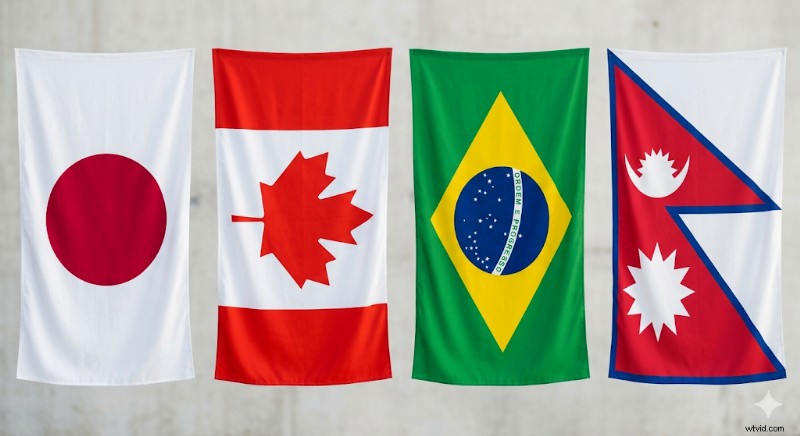
Answer: Japan / Canada / Brazil / Nepal
Before & After Q4: Same mountain. What happened between these two photos?
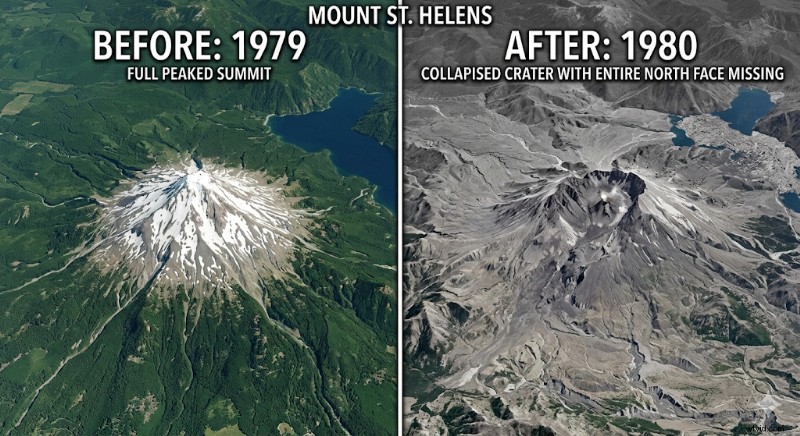
Answer: Mount St. Helens eruption – 1,300 ft of elevation lost in one event
🍽 Food & Ingredients
Best format: Close‑up and Before & After.
Close‑up Q1: What everyday food is this zoomed in 40×?
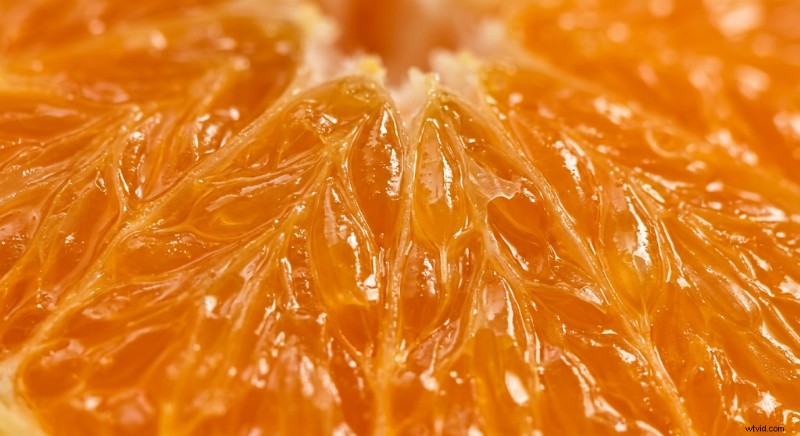
Answer: Orange juicy flesh.
Reveal fact: “There are 10 segments in the average orange.”
Match Q2: Match each bread type to its name.
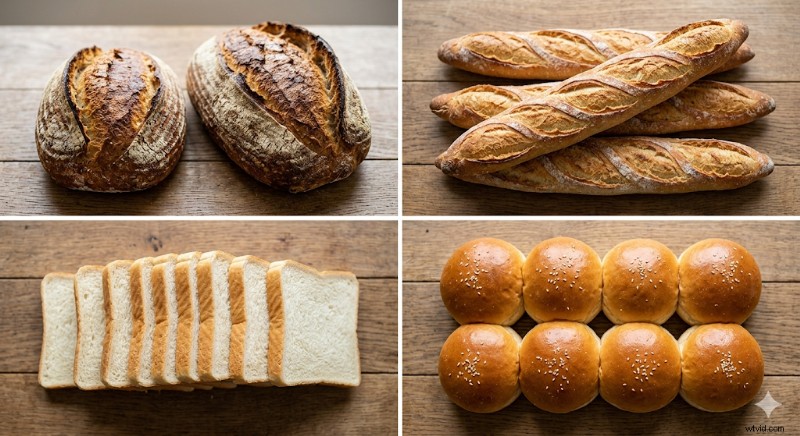
Answer: Rye, Baguette, Slices, Bun
Before & After Q3: One ingredient. Two stages. What connects these?
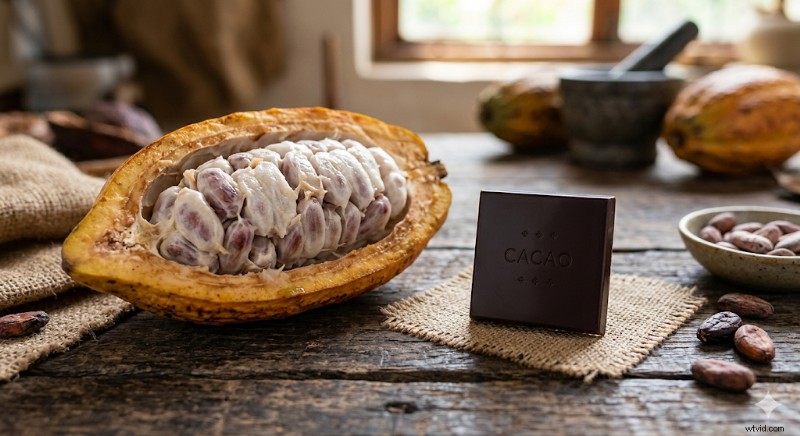
Answer: Cacao pod → chocolate bar
Identify Q4: Name this spice.
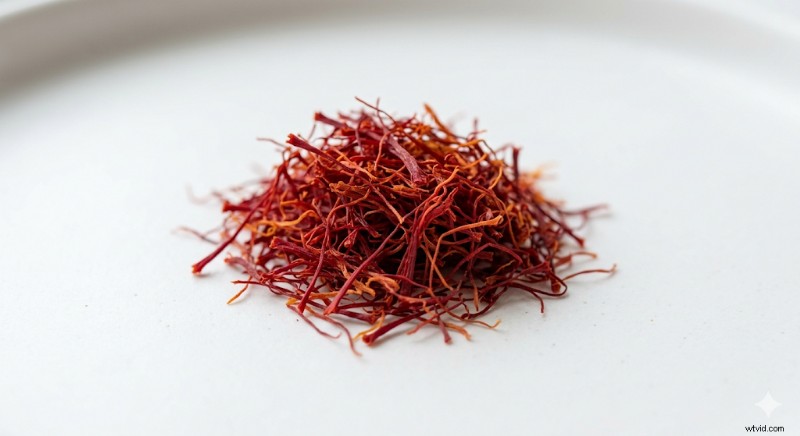
Answer: Saffron – the world's most expensive spice
🏷 Brand Logos & Products
Best format: Close‑up and Before & After.
Close‑up Q1: Whose logo is this?
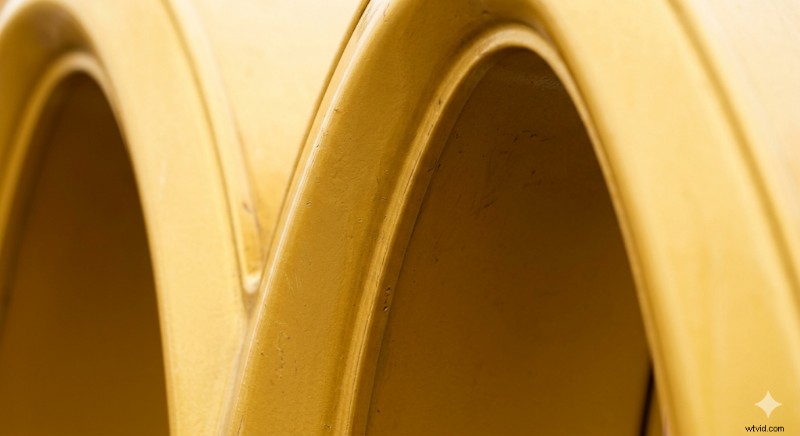
Answer: McDonald’s golden arches
Before & After Q2: Same brand, 99 years apart. Name it.

Answer: Shell plc
Match Q3: Match each mark to its brand.
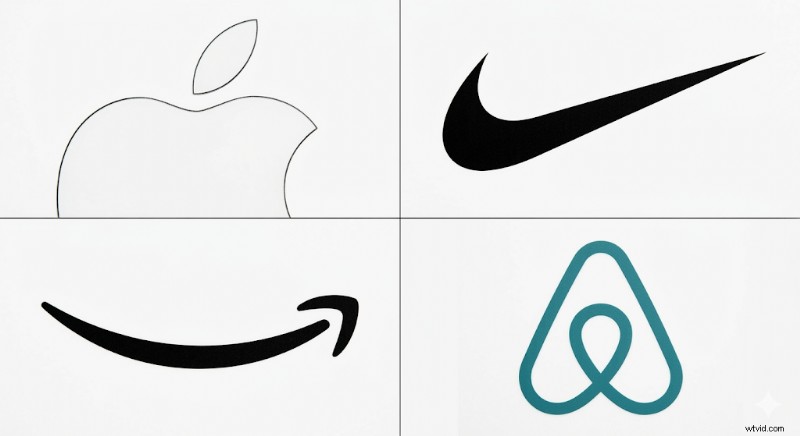
Answer: Apple / Nike / Amazon / Airbnb
Identify Q4: How much time passed between these two images?
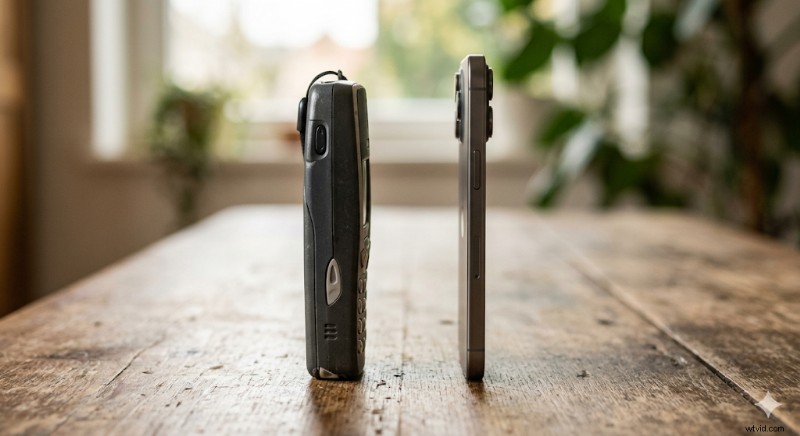
Answer: Mobile phone evolution – 50 years in two images
🔬 Science & Nature
Best format: Close‑up macro shots that make familiar organisms unrecognizable until the reveal.
Close‑up Q1: What animal does this surface belong to?
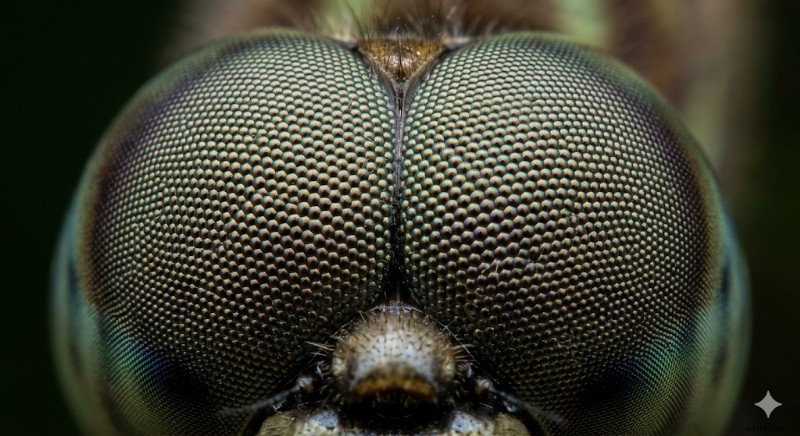
Answer: Dragonfly compound eye
Reveal fact: “A dragonfly’s compound eye covers almost its entire head and can detect motion up to 20 feet away.”
Match Q2: Match each cross‑section to its fruit.
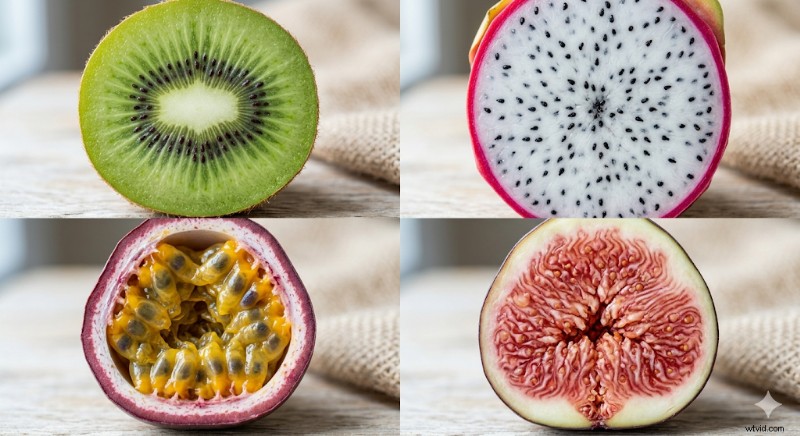
Answer: Kiwi / Dragon fruit / Passionfruit / Fig
Close‑up Q3: What is this surface?
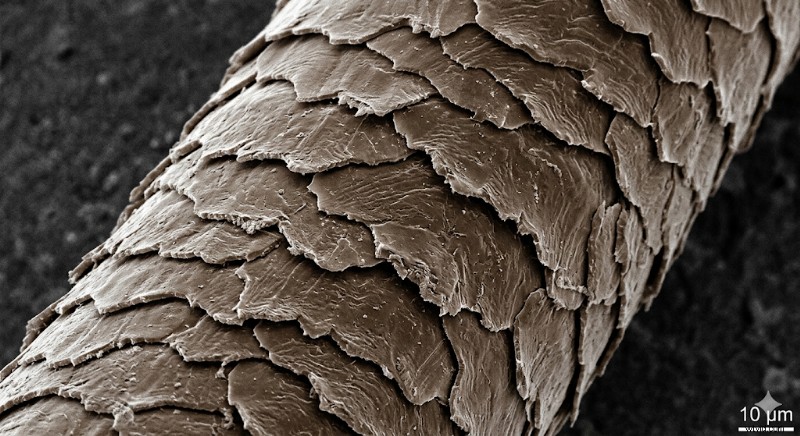
Answer: Human hair cuticle (under electron microscope)
Reveal fact: “Hair cuticle scales overlap like roof tiles, which is why hair tangles.”
Before & After Q4: Which fruit was this 7,000 years ago?
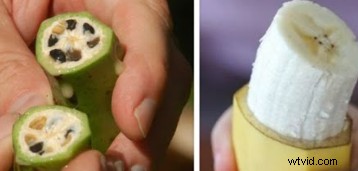
Answer: Banana
🎬 Pop Culture & Entertainment
Best format: Identify and Match. Props without characters and iconic album covers create the perfect tension for fans and casual viewers alike.
Identify Q1: What film is this car from?
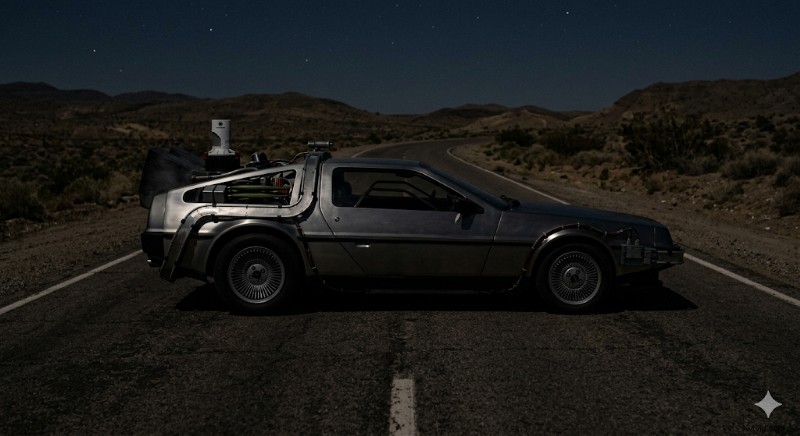
Answer: Back to the Future
Match Q2: Match each album cover to its artist.
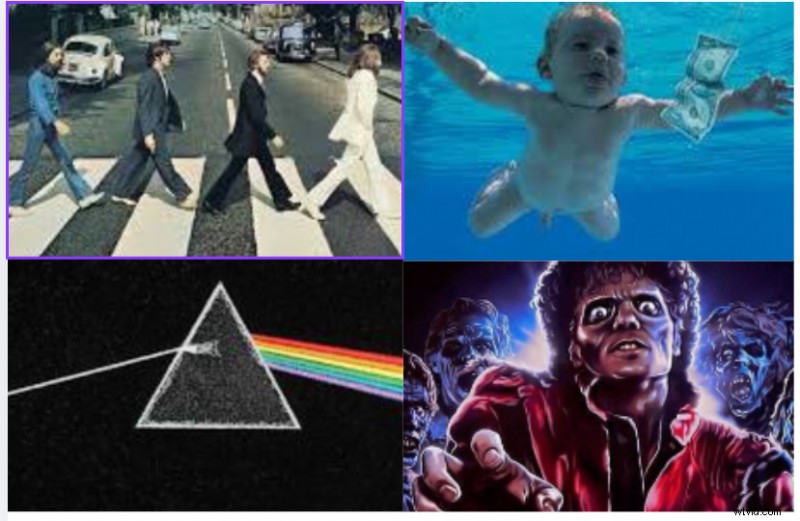
Answer: The Beatles / Nirvana / Pink Floyd / Michael Jackson
Close‑up Q3: Which superhero suit does this texture belong to?
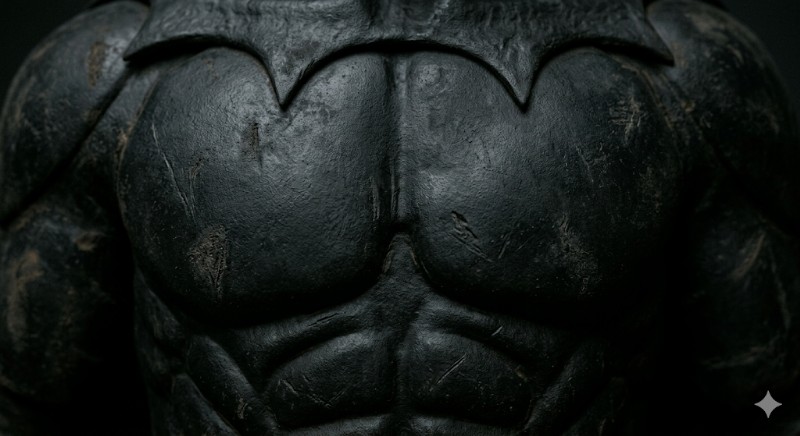
Answer: Batman suit, 1989 Tim Burton version
Before & After Q4: Guess who, drop your answer before the reveal.
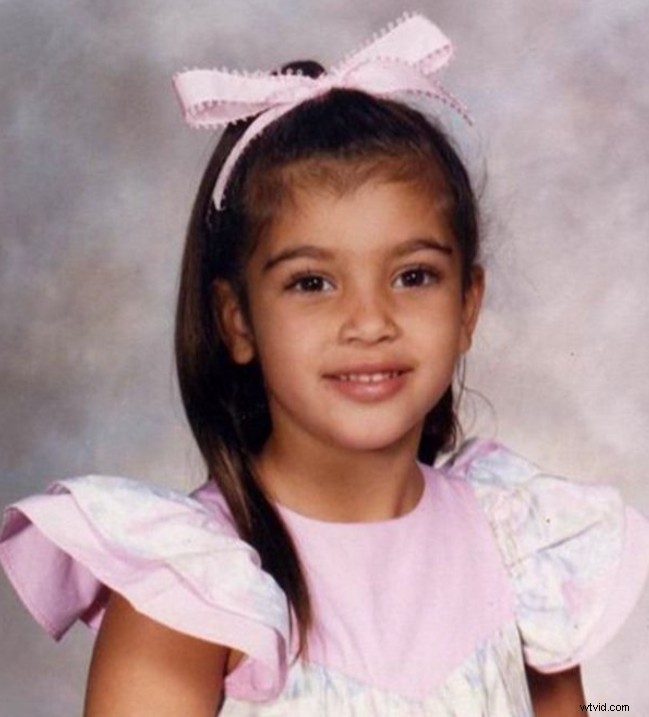
Answer: Kim Kardashian
💡 Next Steps
Pick a category, craft five questions in the same format, and post them over a week. The engagement data will tell you which style resonates with your audience.
When to Use Which Format
Choosing the right format depends on your audience, platform, and desired action. Use the table below as a quick filter.
Format | Best For | Difficulty | Best Platform
Identify | Broad audiences | Easy | Instagram
Close‑up | Replay + comments | Medium | TikTok/Reels
Match | Educational content | Medium | Carousel
Before & After | Shares + nostalgia | Harder | LinkedIn
Common Mistakes That Kill Engagement
- Answer visible in question frame. The full logo or landmark spoils the question; crop to a single texture or detail instead.
- Text‑only reveal. A reveal that shows only text (“It’s the Eiffel Tower!”) eliminates the visual payoff and drops replays.
- Mismatched crop and timer. An extreme crop with an 8‑second timer can frustrate viewers. Adjust the timer to match difficulty.
- Low‑resolution images. Blurry visuals signal low effort and discourage guessing.
- Too niche. An obscure subject that most viewers can’t guess will receive zero comments.
FAQs
Q1. What makes a good image for trivia?
Answer: High‑resolution, sharp detail, and a crop that removes context while keeping the subject recognizable after reveal.
Q2. How long should the countdown be?
Answer: 5–8 s for Identify, 8–12 s for Close‑up, 10–15 s for Before & After. Short timers on hard questions frustrate viewers.
Q3. Which format works best on TikTok and Reels?
Answer: Close‑up macro questions drive replays and are top performers on short‑form video.
Q4. Can I create image trivia without design experience?
Answer: Yes. Trivia by Typito AI generates the full video—frames, timer, reveal transition, captions, and voiceover—from a single prompt.
Your First Image Trivia Post Is One Crop Away
All you need is a compelling image, a tight crop, and a question that stops the scroll. Choose a category, set the timer, plan the reveal, and post. The comment thread will guide your next content strategy.
Start with Trivia by Typito AI
Skip the assembly; the tool handles the entire structure and exports a 9:16 MP4 ready for upload.