
Transitions & sound effects are secondary factors for a great video edit. Here, we'll try to cover 5 best free Premiere Pro transitions; also, we offer easy-peasy alternatives for people who are not specialized in Premiere but want to get similar free video transitions effortlessly.
Hope to level up a normal video and make it stand out? Adding video transitions can help you adjust the look of a video, and Premiere Pro transitions can get your video to the top shelf.
Premiere Pro transitions are stylish visual tricks to make video cuts natural and catch people's attention.
Part One - 5 Best Free Premiere Pro Transitions
#1.Pan Transitions
When video objects on 2 adjacent cuts are on the same horizontal line, Pan transitions are the most natural transitions to use.
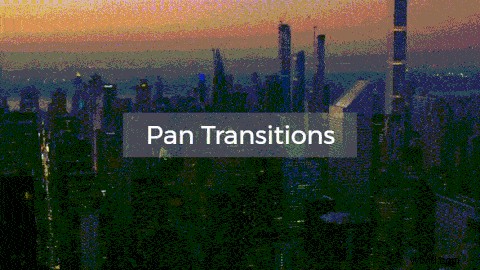
Image: Pan transition video effects.
Steps to add Pan transitions in Premiere Pro:
2
Click "CGC Premiere Pro Transitions" bin, which contains Premiere transitions.
3
Scroll to find "Pan Left" & "Pan Right". Click one of them and copy the adjustment layer.
4
Paste it over your video cuts.
#2.Tilt Transitions
"Tilt Up" or "Tilt Down" transitions are much suitable for the case when 2 shots are on (or placed on) the same vertical position. Tilting up/down tricks will help merge such video cuts seamlessly.
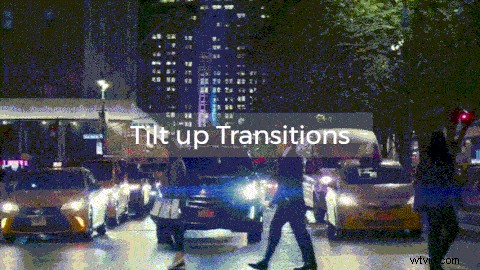
Image: Tilt transition video effects.
Steps to add Tilt transitions in Premiere Pro:
2
Open "CGC Premiere Pro Transitions" bin for transitions.
3
Browse to find "Tilt Down" & "Tilt Up" transitions. Click one to copy its adjustment layer.
4
Paste it right above your video cuts.
#3.Rotation Transitions
When 2 nearby video cuts are very different from each other, you can consider using Rotation transitions.
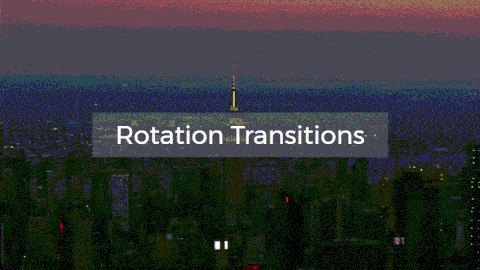
Image: Rotation transition video effects.
Steps to add Rotation transitions in Premiere Pro:
2
Expand "CGC Premiere Pro Transitions" bin for transitions.
3
Browse to find "Rotate Left" & "Rotate Right" transitions. Click one to copy its adjustment layer.
4
Paste it right above your video cuts.
#4.Zoom Transitions
Zoom transitions are another cool style to switch a scene to another. It's much proper for the videos with the last frames featuring borders or something similar to that (i.e., doors).
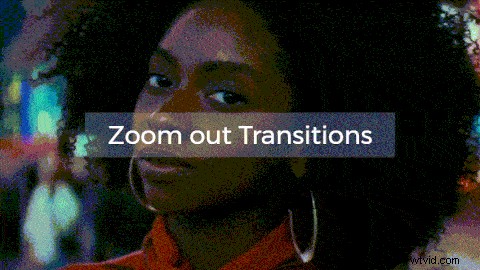
Image: Zoom out transition video effects.
Steps to add Zoom transitions in Premiere Pro:
1
Expand your video project.
2
Choose "CGC Premiere Pro Transitions" bin with transition effects.
3
Browse & find "Zoom In" & "Zoom Out" transitions. Pick one and copy its adjustment layer.
4
Paste it over your video cuts.
#5.Shake Transitions
If 2 videos have fewer common features but need to be put together, Shake transitions will help you take audiences to the next footage attractively. Shake transitions often make people feel that there exists a hand (maybe it's God's hand) that pulls down the first footage.
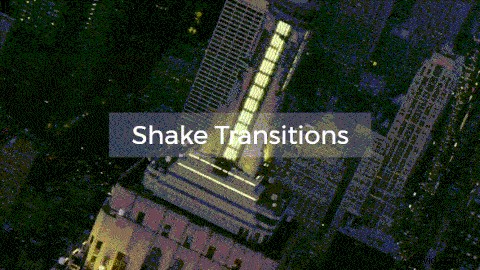
Image: Shake transition video effects.
Steps to add Shake transitions in Premiere Pro:
1
Find your video project.
2
Open transition bin - "CGC Premiere Pro Transitions".
4
Paste it over your video where you need to add Shake transition.
Putting these transitions together, you'll see an awesome video edit, just like what you see in the video.
YouTube: Use essential 5 Premiere Pro's transitions to render a video like a Pro.
Part Two - How to Make Easier Transitions? [Free Transition Maker Alternative to Premiere Pro]
Though Premiere Pro transitions are awesome, it's still complicated to use for most people. We've shared a much simpler way to help these people render natural transitions similar to Premiere Pro's. All you need is FlexClip video editor.
How to Make Easy Transitions Free Online in FlexClip?
2
Upload your videos to it.
You can either go "+" > [Add Local Media]. Or, go [Media] > [Local Files], and drag and drop loaded footage to storyboard to use.
3
Move your mouse to "Transitions" button between 2 storyboards, and click it.
Image: Add video transitions.
4
Choose a transition effect to add. There are altogether 65 transitions for you, which includes 5 alternatives to Premiere Pro's:
Image: Free transitions alternative to Premiere Pro's.
"Wipe Left" & "Wipe Right" - alternative to Premiere Pro's Pan transition.
"Wipe Up" & "Wipe Down" - alternative to Premiere Pro's Tilt transition.
"Rotate Scale Fade" - alternative to Premiere Pro's Rotation transition.
"Zoom"- alternative to Premiere Pro's Zoom transition.
"Glitch Memories"- alternative to Premiere Pro's Shake transition.
Part Three - Tips to Add The Most Natural Transitions(Nobody Tells You Before)
In most cases and for most people, they have this and that transitions to choose from, but only a few people know how to choose a transition and add it properly. Here, we'll give you an answer:
-"Let the subject in next video drop at a position close to previous subject's position."
What does it mean? Here's a simple way to explain it:
How to add a natural transition?
Let's say we have A & B videos in sequence that need a transition:
-"A" video tells the story of "A1" subject presented at "Position 1".
-"B video tells the story of "B1" subject.
When people watch "A" video, their attention and eyeball are at "Position 1".
If you want to add a natural transition, ensure "B1" subject is presented at "Position 1", too. So that, people won't have to move their eyeballs to find & watch the next footage - "B".
Q: Why you should follow above rules to add transitions? A: When you add a video transition and let audience's eyeballs move all of a sudden, they'll feel fatigued somehow. And that makes a bad transition edit.
Next time when you need a transition, you know how to add a comfortable one.

FlexClip Editor
/

Professional in video editing and video marketing, we’d love to give some constructive tips and tricks to help our users make fantastic videos.